WhatsApp API Providers: Complete 2026 Guide, Pricing, Features & Comparison
Choosing the right WhatsApp API provider is becoming increasingly important for businesses that use WhatsApp for marketing, sales, customer communication, and support. A WhatsApp API provider gives businesses the infrastructure and software needed to use WhatsApp at scale, but providers differ significantly in pricing, onboarding, automation, integrations, customer support, analytics, and team features.
Some WhatsApp API providers are built primarily for marketing and broadcasts. Others focus on ecommerce, sales automation, developer APIs, or enterprise messaging infrastructure. The right choice depends on how your business plans to use WhatsApp and how much of your customer workflow you want to manage through the platform.
In this guide, we compare major WhatsApp API providers including Axodesk, Wati, Interakt, AiSensy, Gallabox, Zoko, DoubleTick, Gupshup, Twilio, and 360dialog. We look at their features, pricing structure, onboarding, automation, integrations, customer support, and other factors that can affect the real cost and usability of a WhatsApp API provider.
Before comparing providers, it is important to understand that a WhatsApp API provider's subscription is usually only one part of the total cost. WhatsApp messaging charges, provider fees or markups, agent seats, AI usage, automation, additional numbers, and integrations can all affect the final price.
What Is a WhatsApp API Provider?
A WhatsApp API provider helps businesses connect their systems and teams to the WhatsApp Business Platform. Depending on the provider, the platform may include a shared workspace, WhatsApp campaigns, approved message templates, automation, chatbots, customer data, analytics, CRM integrations, ecommerce integrations, APIs, and webhooks.
Meta provides the underlying WhatsApp Business Platform. The WhatsApp API provider adds the software or infrastructure layer that makes WhatsApp practical for businesses and teams.
| Layer | Purpose |
|---|---|
| Meta WhatsApp Business Platform | Underlying WhatsApp business messaging infrastructure |
| WhatsApp API provider | Software, API infrastructure, onboarding, inbox, automation, analytics and integrations |
| Business systems | CRM, ecommerce, website, ads, support systems and internal tools |
| Business team | Uses conversations and customer information for marketing, sales and customer support |
How WhatsApp API Pricing Works
WhatsApp API pricing can be confusing because a business may have several separate costs. The provider may charge a monthly platform fee while Meta charges WhatsApp messaging fees based on the applicable pricing model. Some providers also add their own messaging markup or usage fees.
- Platform subscription
- WhatsApp messaging charges
- Provider markup or message fees
- Additional agent or user seats
- AI and chatbot usage
- Automation and workflow usage
- Additional WhatsApp numbers
- Premium onboarding or support
- API and integration costs
Why Compare More Than the Monthly Subscription?
A provider advertising a low monthly price can become considerably more expensive once message usage, extra agents, AI, automation, and other usage-based costs are included. A useful comparison should therefore calculate the expected annual cost at your actual WhatsApp message volume.
WhatsApp API Providers Covered in This Guide
- Axodesk
- Wati
- Interakt
- AiSensy
- Gallabox
- Zoko
- DoubleTick
- Gupshup
- Twilio
- 360dialog
Axodesk
Axodesk is a customer engagement platform designed to bring WhatsApp conversations into a broader workspace for managing customer interactions, customer context, sales activity, support workflows, and automation. Rather than treating WhatsApp as an isolated messaging channel, Axodesk focuses on keeping customer conversations and business context connected.
Axodesk Features
- WhatsApp customer conversations
- Shared team communication
- Customer records and conversation history
- Customer context across interactions
- Sales and lead workflows
- Customer support workflows
- Automation and routing
- Team collaboration
- Customer follow-up
- Integrations and API capabilities
- Reporting and conversation analytics
Axodesk Pricing
| Plan / Cost | Published / Indicative Price | Important Details |
|---|---|---|
| Platform pricing | Starts at $29/month | Includes shared team inbox, CRM context, workflows, and core integrations. |
| WhatsApp messaging | Direct Meta charges apply | No markup fees. Pay only the official Meta conversation charges directly. |
| Additional usage | Transparent add-ons | Add extra agent seats, custom integrations, or AI capabilities as your team scales. |
Understanding Axodesk Pricing
Axodesk keeps its pricing model simple and transparent, starting at $29 per month. In contrast to other providers that add extra markup costs or software fees per message, Axodesk charges zero message markups. You pay the direct Meta API conversation charges along with your base platform subscription, making it a highly cost-effective solution for growing businesses.
Axodesk Frequently Asked Questions
Is Axodesk a WhatsApp API provider?
Axodesk can be evaluated as the customer engagement layer around WhatsApp Business communication, with WhatsApp conversations connected to customer context, sales, support and automation.
What is the main difference between Axodesk and a WhatsApp-only platform?
The focus is broader customer engagement rather than treating WhatsApp as only a broadcasting or messaging tool.
Axodesk Resources
For more information on features, pricing, and platform capabilities, visit the official Axodesk Website.
Wati
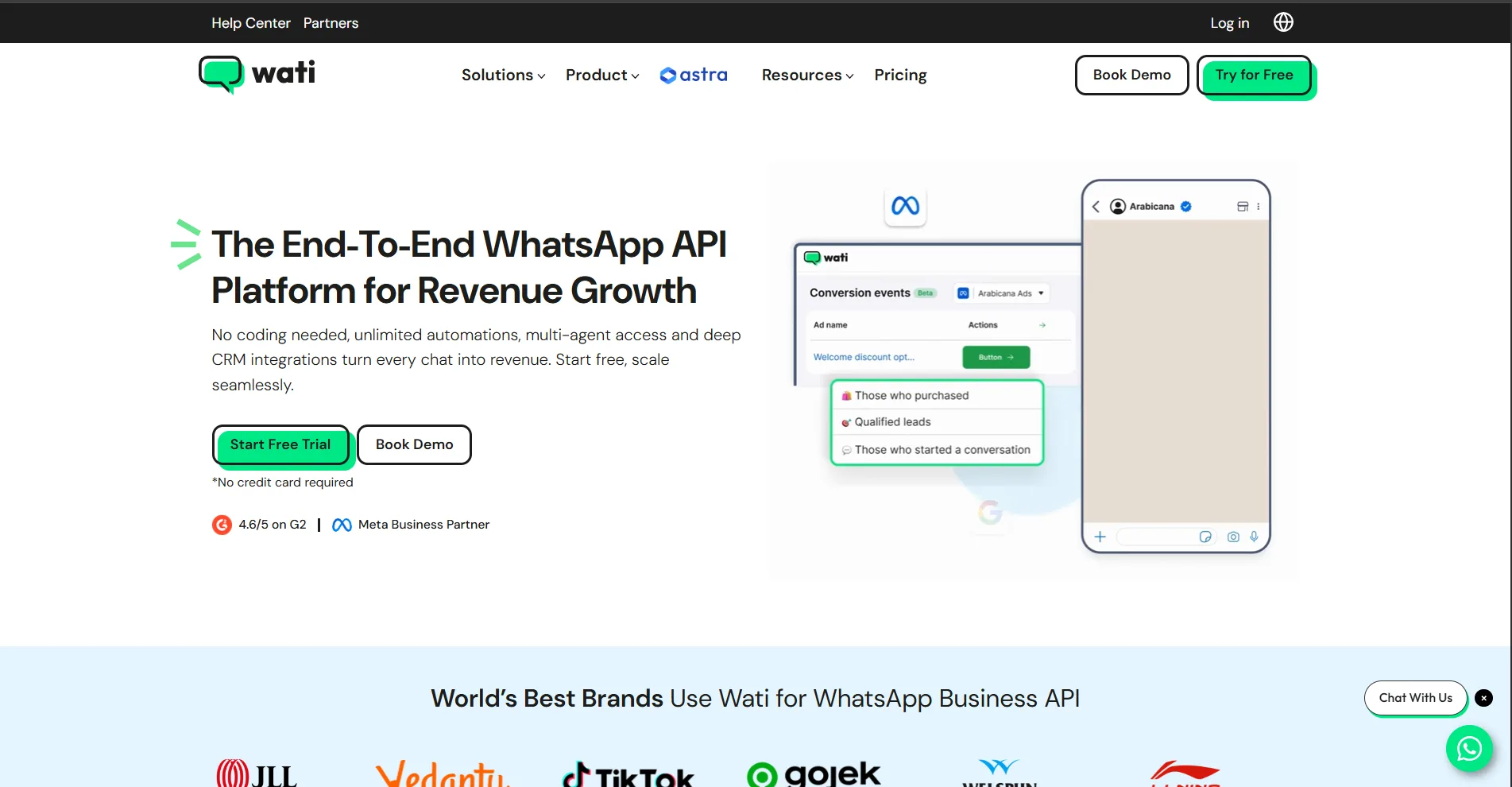
Wati is a WhatsApp-focused business communication platform that provides WhatsApp API access together with campaigns, shared team communication, chatbots, automation, integrations, analytics, and ecommerce-related features. It is one of the better-known WhatsApp API providers for businesses that want a ready-made WhatsApp operating environment.
Wati Features
- Official WhatsApp Business Platform access
- Shared team inbox
- WhatsApp campaigns and broadcasts
- Chatbots
- Automation workflows
- Customer segmentation
- Click-to-WhatsApp advertising workflows
- CRM integrations
- Shopify and ecommerce integrations
- Analytics and campaign reporting
- APIs and webhooks
- Optional AI capabilities
Wati Pricing
| Plan / Cost | Published / Indicative Price | Important Details |
|---|---|---|
| PAYG India | ₹999 one-time sign-up fee listed by Wati | Fee is credited back as conversation credits under the applicable offer |
| Growth | $49/month listed monthly | 5 users included; additional users and usage may be charged separately |
| Pro | $99/month listed monthly | 5 users included; advanced automation, integrations and analytics |
| Business | Contact sales | Designed for higher-scale requirements |
| WhatsApp messaging | Additional | WhatsApp messaging charges are separate from the software subscription |
| Add-ons | Additional | AI, users, automation and other optional capabilities can affect total cost |
Understanding Wati Pricing
Wati's total cost should be calculated using both the software subscription and WhatsApp messaging costs. Businesses should also check included users, additional seat pricing, automation allowances and optional add-ons.
Wati Frequently Asked Questions
Is Wati a WhatsApp API provider?
Yes. Wati provides WhatsApp Business Platform capabilities together with software for campaigns, team communication, automation and customer engagement.
How much does Wati cost?
Wati publishes multiple plans and pricing structures. The software subscription is separate from applicable WhatsApp messaging charges and optional add-ons.
Wati Reviews
To read verified user feedback and ratings, visit the official Wati Reviews on Capterra.
Interakt
Interakt is a WhatsApp API provider focused on business messaging, sales, ecommerce, campaigns, shared team communication, automation, and customer engagement. It is particularly relevant for businesses in India that want to use WhatsApp as a sales and commerce channel.
Interakt Features
- WhatsApp Business API
- Shared team inbox
- WhatsApp campaigns
- Sales pipeline features
- Click-to-WhatsApp advertising
- Chat automation
- WhatsApp forms
- Catalog and commerce workflows
- Ecommerce integrations
- Payments and commerce features
- APIs and webhooks
- Customer communication tools
Interakt Pricing
| Plan / Cost | Published / Indicative Price | Important Details |
|---|---|---|
| Starter | ₹3,499/quarter listed | Approximately ₹1,166/month equivalent when averaged over the listed quarterly price |
| Growth | ₹7,699/quarter listed | Approximately ₹2,566/month equivalent |
| Advanced | ₹10,499/quarter listed | Approximately ₹3,500/month equivalent |
| Enterprise | Custom | For larger or specialized requirements |
| WhatsApp messaging | Additional | Applicable WhatsApp messaging charges are separate |
| Premium services | May be additional | Confirm current onboarding, support and service terms |
Understanding Interakt Pricing
Interakt's published pricing can change by billing period, promotion and product packaging. Confirm the live plan, taxes, included users, WhatsApp message charges and limits before purchase.
Interakt Frequently Asked Questions
Is Interakt a WhatsApp API provider?
Yes. Interakt provides WhatsApp Business API functionality together with business communication, campaign, sales and ecommerce features.
What is Interakt mainly used for?
Interakt is commonly used for WhatsApp marketing, sales communication, ecommerce workflows and team-based customer conversations.
Interakt Reviews
To read verified user feedback and ratings, visit the official Interakt Reviews on Capterra.
AiSensy
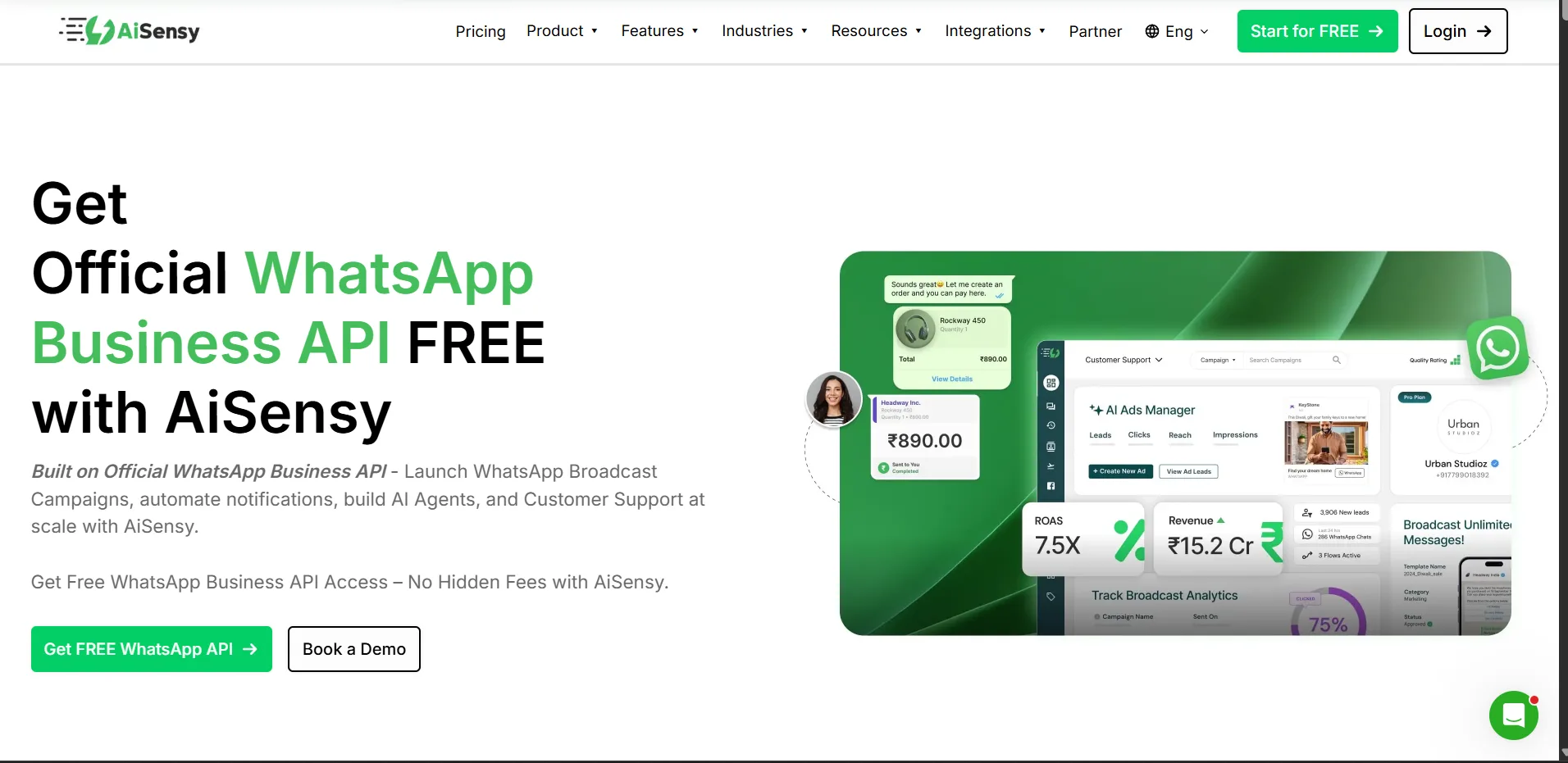
AiSensy is a WhatsApp API provider with a strong focus on WhatsApp marketing, broadcasts, retargeting, shared live chat, campaign management, Click-to-WhatsApp advertising, integrations, chatbots, and AI-based customer communication.
AiSensy Features
- WhatsApp Business API
- Shared live chat
- Broadcast campaigns
- Retargeting
- Audience segmentation
- Click-to-WhatsApp Ads Manager
- Campaign scheduling
- Campaign analytics
- Shopify and WooCommerce integrations
- Template message APIs
- Chatbot add-on
- AI agent add-on
AiSensy Pricing
| Plan / Cost | Published / Indicative Price | Important Details |
|---|---|---|
| Free Forever | ₹0 | Limited capabilities and free credits; broadcasting limitations apply |
| Basic | ₹1,500/month | Entry paid plan with live chat, broadcasting and integrations |
| Pro | ₹3,200/month | More segmentation, scheduling, tracking and analytics |
| Premium | ₹9,100/month | Higher usage and reporting capabilities |
| Unlimited | ₹45,000/month | Higher agent and scale allowance |
| Enterprise | Custom | For larger deployments |
| Chatbot add-on | ₹2,500/month | Optional chatbot capability |
| AI Agent add-on | ₹3,500/month | Optional AI agent capability |
| Extra agent | ₹750/month | Additional agent pricing listed separately |
| WhatsApp messaging | Additional | Applicable WhatsApp message charges are separate |
Understanding AiSensy Pricing
AiSensy's low entry subscription does not represent the complete cost of running WhatsApp campaigns. Messaging charges, extra agents, chatbot features and AI can increase the final monthly cost.
AiSensy Frequently Asked Questions
Is AiSensy a WhatsApp API provider?
Yes. AiSensy provides WhatsApp Business API capabilities together with campaign, broadcast, live chat and automation features.
Is AiSensy free?
AiSensy has listed a Free Forever tier, but the free tier has limitations and WhatsApp messaging costs or paid capabilities can still apply.
AiSensy Reviews
To read verified user feedback and ratings, visit the official AiSensy Reviews on Capterra.
Gallabox
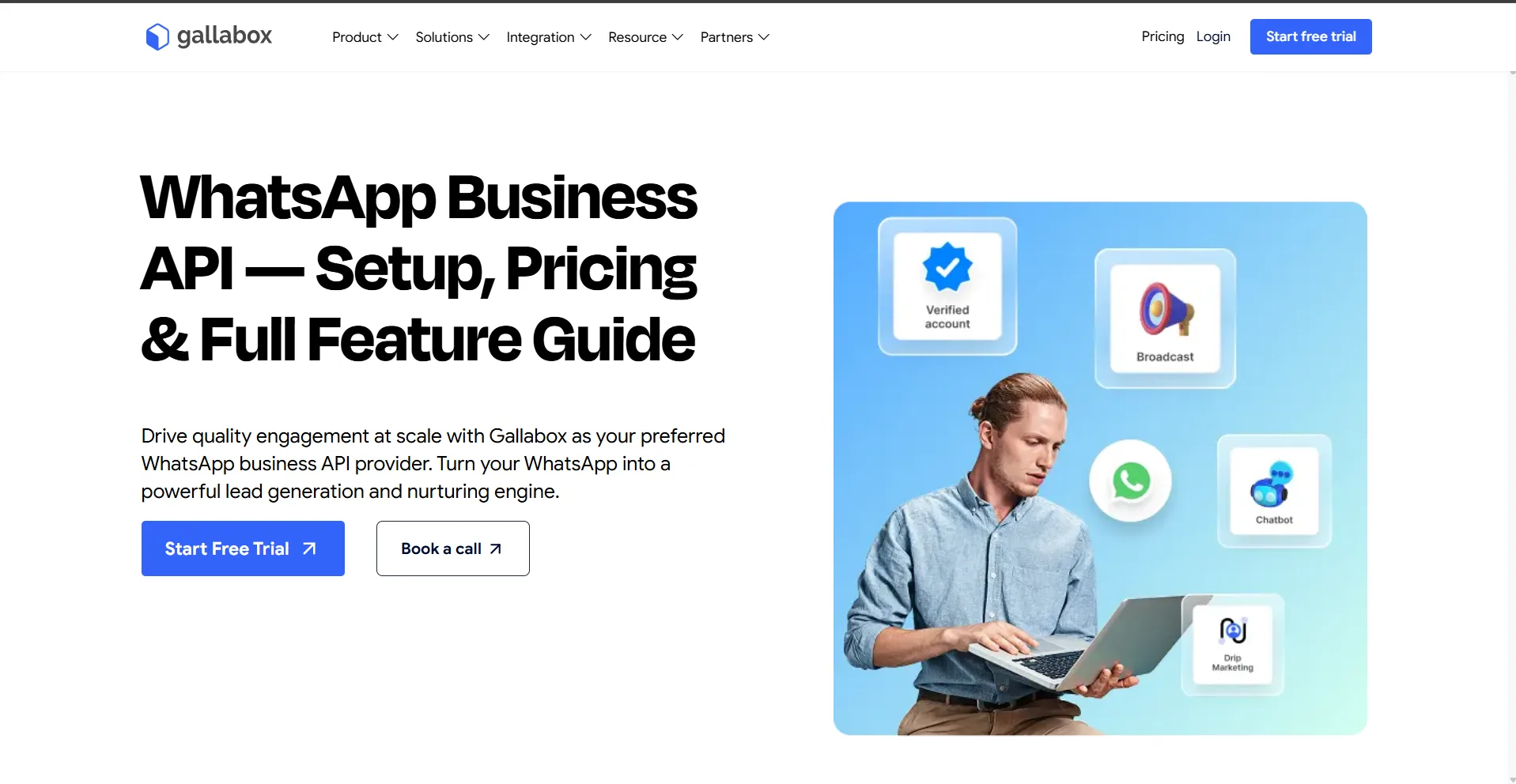
Gallabox is a WhatsApp API provider focused on automation, chatbots, AI, shared team communication, WhatsApp Flows, campaigns, integrations, and customer engagement workflows. It is positioned toward businesses that want to automate WhatsApp interactions rather than only send broadcasts.
Gallabox Features
- WhatsApp Business API
- Shared team inbox
- Chatbot builder
- No-code automation
- AI customer communication
- WhatsApp Flows
- Click-to-WhatsApp advertising
- WhatsApp payments
- CRM integrations
- Ecommerce integrations
- Campaign management
- Customer engagement workflows
Gallabox Pricing
| Plan / Cost | Published / Indicative Price | Important Details |
|---|---|---|
| Free | Check current pricing page | Entry/testing tier; confirm current limits |
| Growth | Approximately ₹3,599/month in current published comparisons | Confirm current included limits and billing cycle |
| Scale | Approximately ₹7,799/month in current published comparisons | Higher automation and team requirements |
| Pro | Approximately ₹14,999/month in current published comparisons | Advanced requirements |
| WhatsApp messaging | Additional | Applicable WhatsApp messaging charges are separate |
| AI and usage | Plan dependent | Confirm included AI, automation and usage allowances |
Understanding Gallabox Pricing
Gallabox pricing and plan packaging can change, so businesses should verify current pricing, included automation, AI allowances, seats and WhatsApp message costs before comparing total cost.
Gallabox Frequently Asked Questions
Is Gallabox a WhatsApp API provider?
Yes. Gallabox provides WhatsApp Business API capabilities with automation, chatbot, AI, campaign and team features.
What is Gallabox known for?
Gallabox is particularly focused on WhatsApp automation, chatbots, AI workflows and customer engagement.
Gallabox Reviews
To read verified user feedback and ratings, visit the official Gallabox Reviews on Capterra.
Zoko
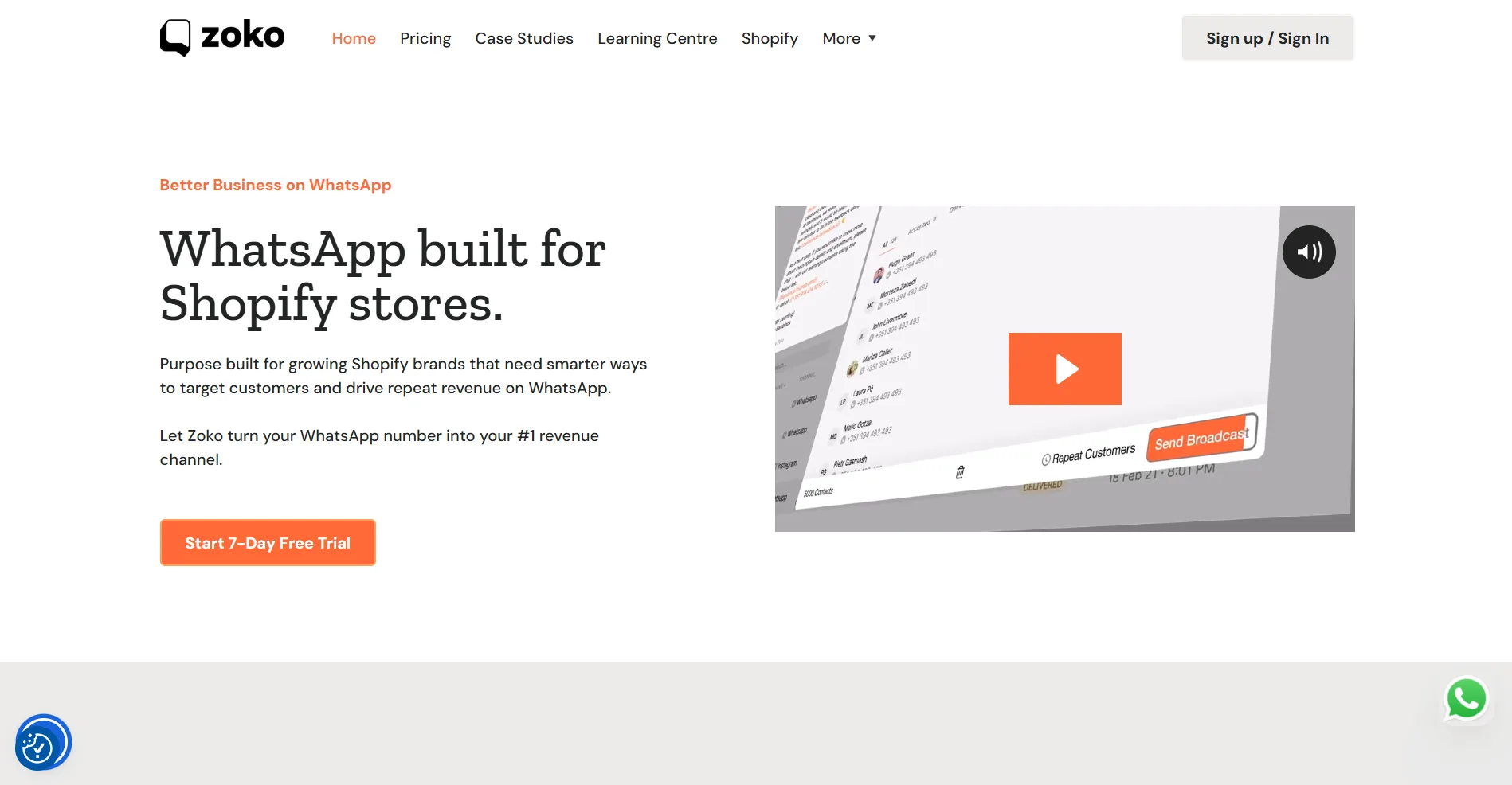
Zoko is a WhatsApp commerce platform focused heavily on ecommerce and Shopify workflows. It combines WhatsApp messaging with catalogs, campaigns, customer segmentation, order workflows, APIs, automation and ecommerce-oriented customer communication.
Zoko Features
- WhatsApp commerce
- Shopify integration
- WhatsApp catalog
- Bulk broadcasts
- Customer tags and segments
- Click-to-WhatsApp advertising
- Team chat assignment
- Analytics
- API and webhooks
- Ecommerce automation
- Order-related workflows
- Optional AI agents
Zoko Pricing
| Plan / Cost | Published / Indicative Price | Important Details |
|---|---|---|
| Starter | $49.99/month | Entry plan with unlimited agents; provider terms and messaging charges apply |
| Plus | $79.99/month | Listed conversation allowance and included agents |
| Elite | $139.99/month | Higher conversation allowance and included agents |
| Max | $499.99/month | High-scale conversation allowance and included agents |
| Additional agents | Plan dependent | Current listed pricing varies by plan |
| Custom flows | $5.99/month per custom flow listed | Check current flow limits and included usage |
| AI agents | From $24.99/month + usage listed | Optional AI capability |
| WhatsApp charges | Additional | Meta WhatsApp messaging charges apply |
Understanding Zoko Pricing
Zoko's pricing has multiple components, including plan limits, agents, flows, optional AI and WhatsApp messaging. Ecommerce businesses should calculate the total based on actual conversation volume.
Zoko Frequently Asked Questions
Is Zoko a WhatsApp API provider?
Zoko provides WhatsApp business communication and commerce capabilities with strong ecommerce and Shopify integration.
What is Zoko mainly used for?
Zoko is particularly focused on WhatsApp commerce, Shopify businesses, campaigns and customer/order workflows.
Zoko Reviews
To read verified user feedback and ratings, visit the official Zoko Reviews on G2.
DoubleTick
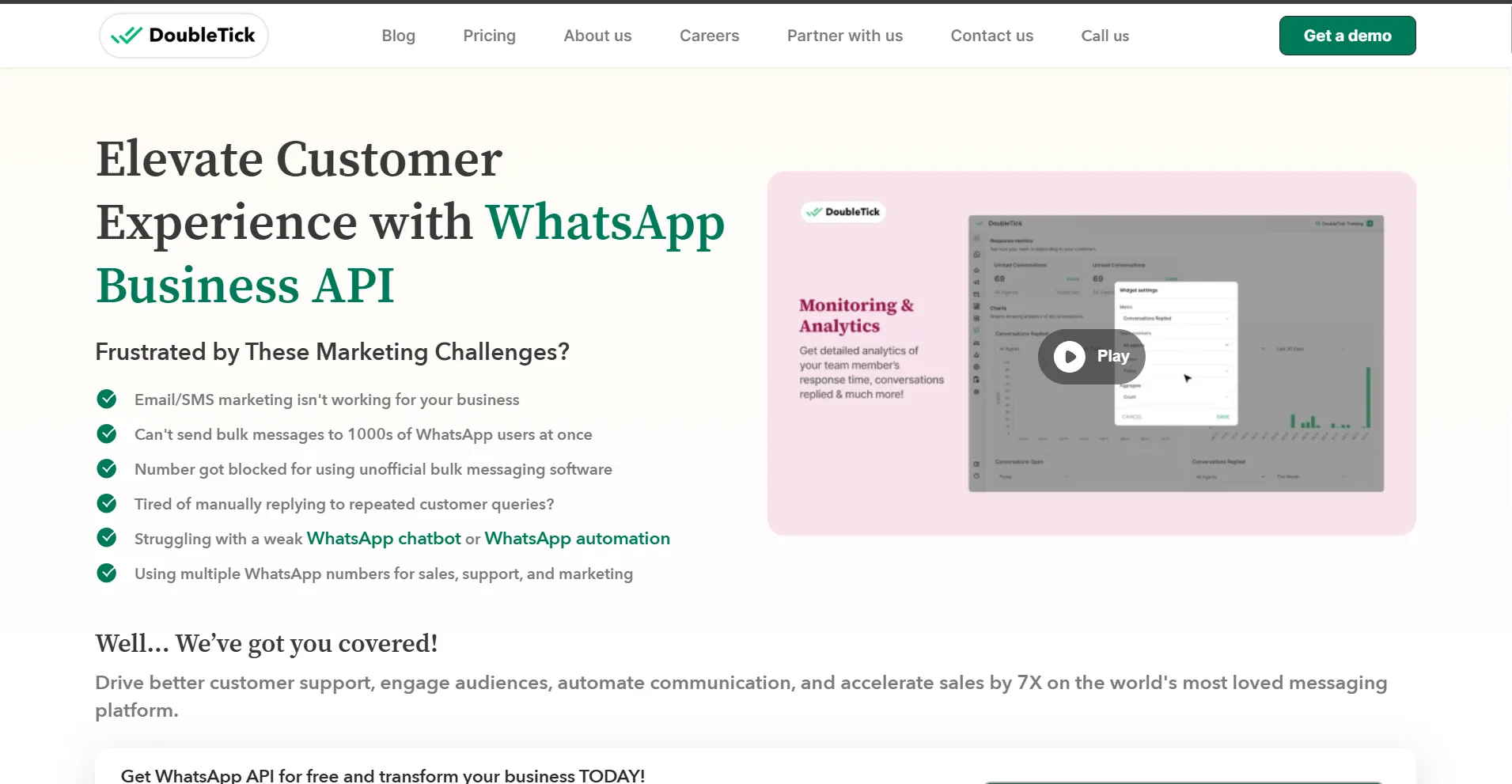
DoubleTick is a WhatsApp-focused platform designed around sales teams, broadcasts, team communication, customer segmentation, catalogs, bots, analytics and sales automation. It is particularly relevant to businesses that use WhatsApp heavily for sales outreach.
DoubleTick Features
- WhatsApp team inbox
- Bulk broadcasts
- Customer segmentation
- Catalog sharing
- Sales bots
- Customer journeys
- Order automation
- Agent analytics
- Reports
- Developer API
- Third-party integrations
DoubleTick Pricing
| Plan / Cost | Published / Indicative Price | Important Details |
|---|---|---|
| Starter | $169.90/month billed yearly listed | 5 agents included under the listed plan |
| Pro | $217.80/month billed yearly listed | 10 agents included under the listed plan |
| Enterprise | Custom | Advanced AI, complex journeys and custom integration requirements |
| WhatsApp charges | Additional | Applicable Meta/WhatsApp messaging charges are separate |
Understanding DoubleTick Pricing
DoubleTick's subscription should be evaluated alongside WhatsApp message charges and the number of agents required. Businesses should also verify current annual versus monthly billing and enterprise terms.
DoubleTick Frequently Asked Questions
Is DoubleTick a WhatsApp API provider?
Yes. DoubleTick provides WhatsApp business communication capabilities with sales-focused automation, broadcasts and team features.
What is DoubleTick mainly used for?
DoubleTick is mainly oriented toward WhatsApp sales teams, broadcasts, customer journeys and sales automation.
DoubleTick Reviews
To read verified user feedback and ratings, visit the official DoubleTick Reviews on Capterra.
Gupshup
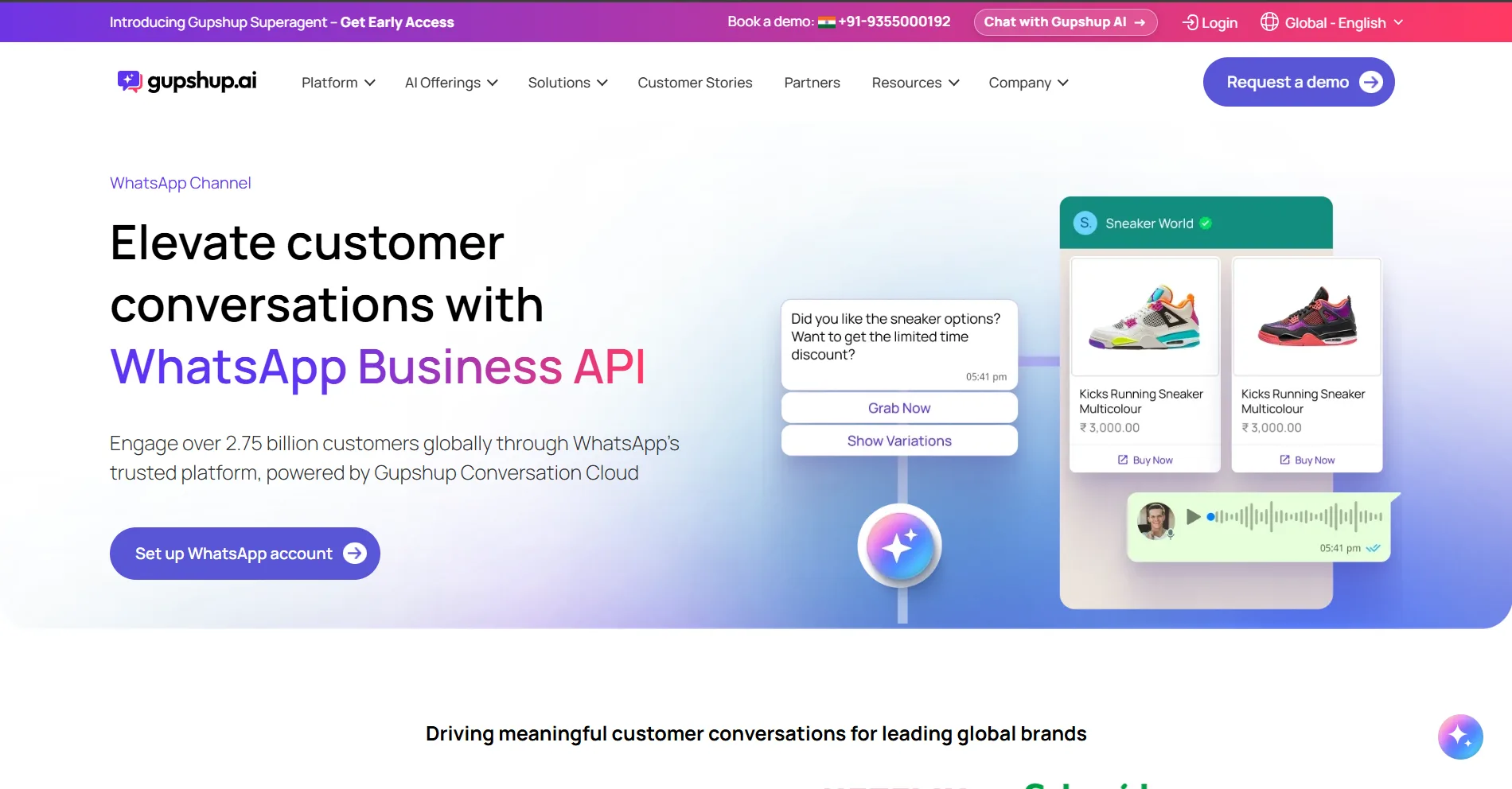
Gupshup is a developer and enterprise-oriented messaging platform that provides APIs and infrastructure for building conversational applications. Compared with ready-made WhatsApp business software, Gupshup is more focused on programmable messaging and custom implementations.
Gupshup Features
- WhatsApp API infrastructure
- Developer APIs
- Conversational messaging
- Enterprise integrations
- High-volume messaging
- Custom application workflows
- Webhooks and APIs
- Conversational application development
Gupshup Pricing
| Plan / Cost | Published / Indicative Price | Important Details |
|---|---|---|
| Platform | Usage/custom pricing | Commercial terms depend on messaging volume and solution requirements |
| WhatsApp messaging | Additional | Applicable WhatsApp/Meta messaging charges apply |
| Enterprise services | Custom | Implementation, support and high-volume requirements may require a quote |
Understanding Gupshup Pricing
Gupshup is an API and infrastructure-oriented option. Businesses should account for development, integration, hosting and maintenance costs when comparing it with a ready-made customer communication platform.
Gupshup Frequently Asked Questions
Is Gupshup a WhatsApp API provider?
Yes. Gupshup provides WhatsApp messaging APIs and enterprise conversational infrastructure.
Who typically uses Gupshup?
It is particularly relevant for developers, SaaS companies and enterprises building custom messaging applications.
Gupshup Reviews
To read verified user feedback and ratings, visit the official Gupshup Reviews on Capterra.
Twilio
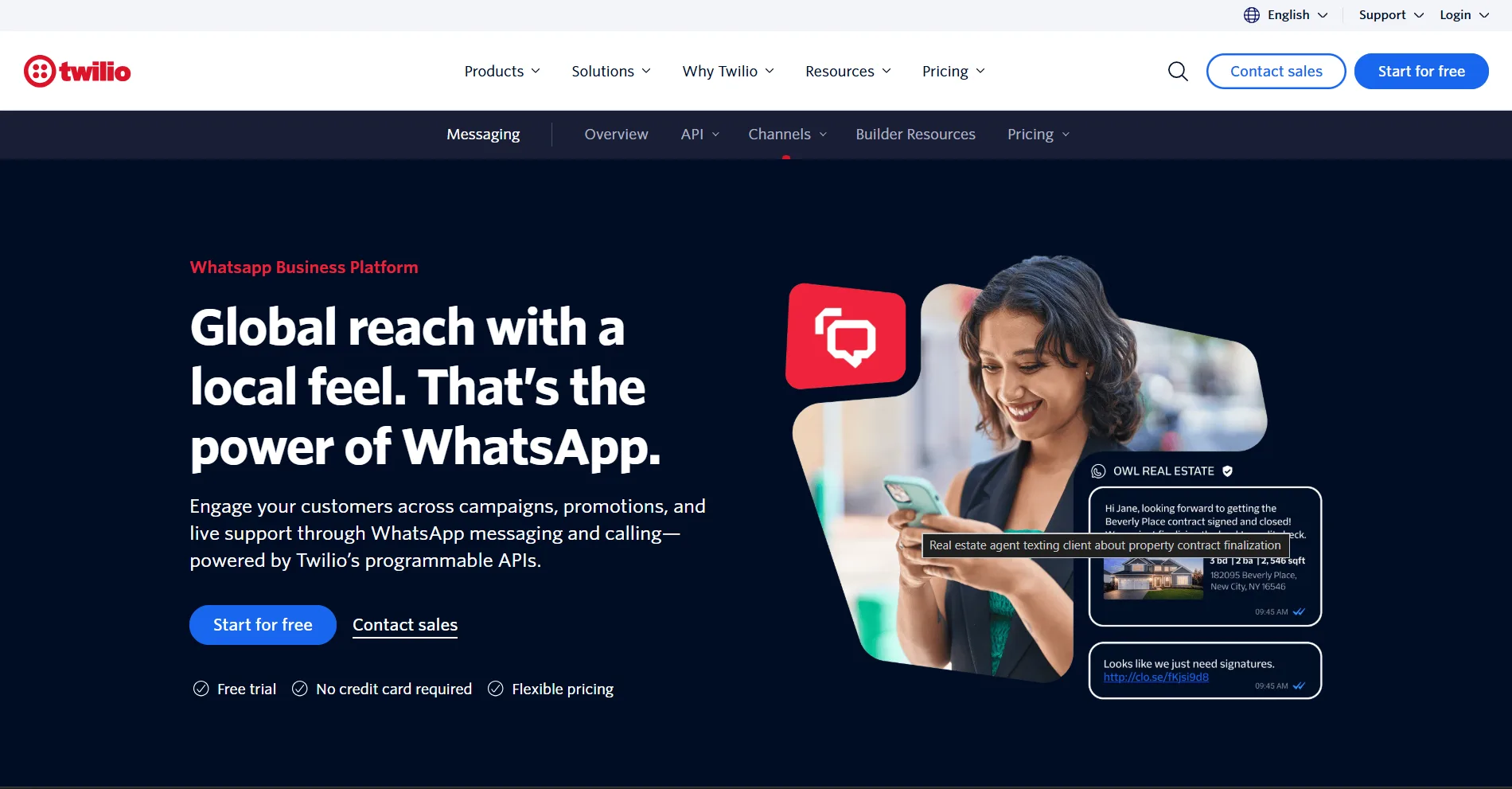
Twilio is a developer-first communications platform that allows businesses to integrate WhatsApp messaging into applications and communication systems through APIs. It is useful for engineering teams that want control over the application and communication experience.
Twilio Features
- Programmable WhatsApp messaging
- Developer APIs
- Webhooks
- Custom application integration
- Communication APIs
- Enterprise developer infrastructure
- Programmable messaging workflows
Twilio Pricing
| Plan / Cost | Published / Indicative Price | Important Details |
|---|---|---|
| Twilio WhatsApp fee | $0.005/message listed by Twilio | Twilio's own WhatsApp messaging fee |
| Meta WhatsApp fee | Additional | Applicable WhatsApp messaging charges are separate |
| Other Twilio products | Usage based | Additional communication products are billed separately |
Understanding Twilio Pricing
Twilio's API pricing should not be compared directly with an all-in-one software subscription. Businesses also need to account for development, application hosting, inbox design, customer data, automation and maintenance.
Twilio Frequently Asked Questions
Is Twilio a WhatsApp API provider?
Yes. Twilio provides programmable WhatsApp messaging through its communications APIs.
Who should use Twilio for WhatsApp?
Twilio is generally suited to businesses with engineering resources that want to build their own WhatsApp experience.
Twilio Reviews
To read verified user feedback and ratings, visit the official Twilio Reviews on Capterra.
360dialog
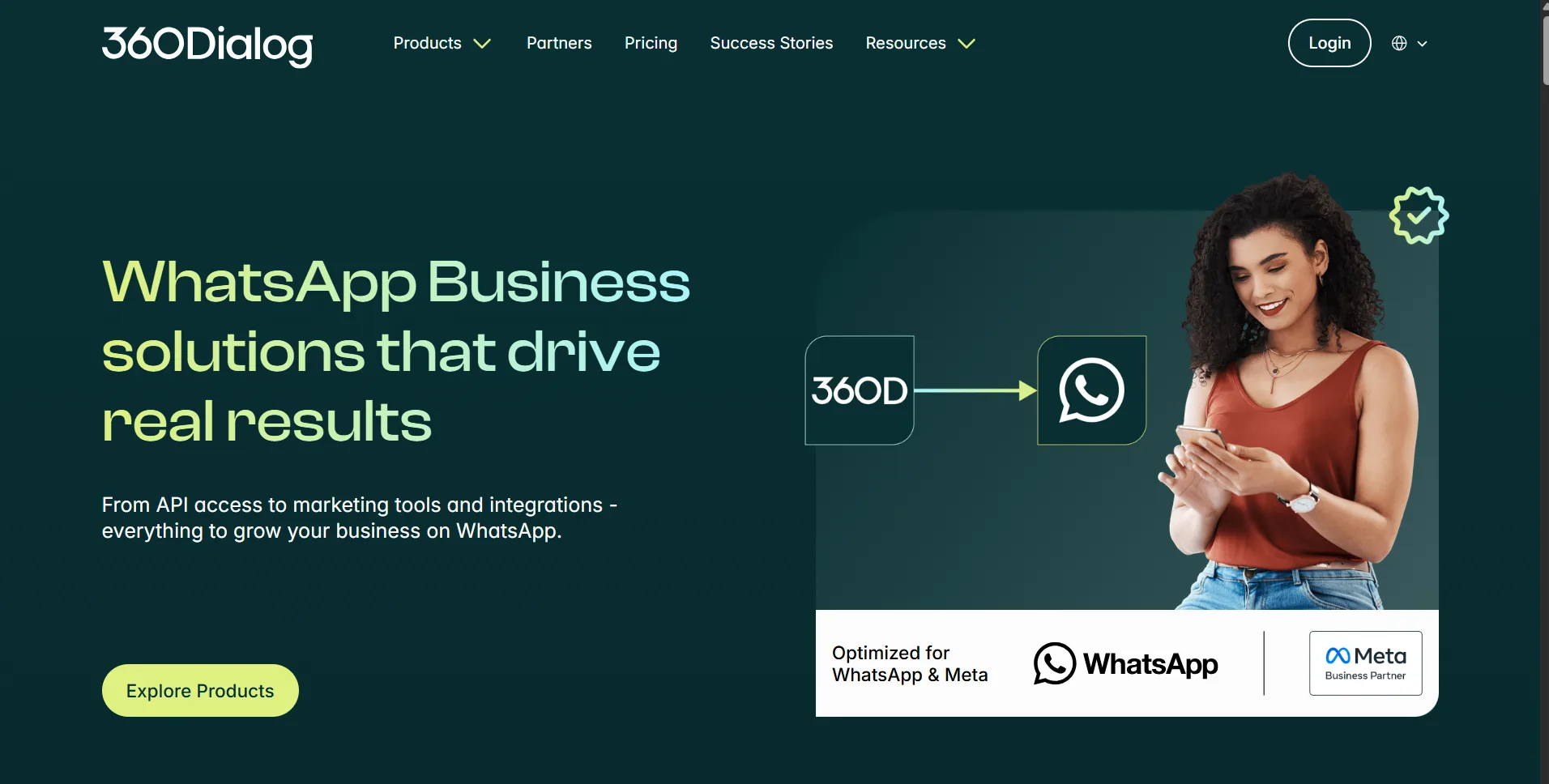
360dialog is an API-focused WhatsApp provider used by developers, SaaS platforms and businesses that want direct WhatsApp API infrastructure. The provider focuses more on API connectivity than on providing a complete customer-facing CRM or support application.
360dialog Features
- WhatsApp API access
- Developer integration
- API infrastructure
- SaaS integrations
- High-volume messaging
- Developer-focused tooling
- Enterprise API options
360dialog Pricing
| Plan / Cost | Published / Indicative Price | Important Details |
|---|---|---|
| Regular API | €49/number/month listed | Standard API access |
| Premium API | €99/number/month listed | Higher support/onboarding level |
| High Throughput | €249/number/month listed | Higher throughput requirements |
| Marketplace | €99/number/month listed | API plus connected solution |
| WhatsApp messaging | Additional | Applicable Meta WhatsApp messaging charges are separate |
Understanding 360dialog Pricing
360dialog is best evaluated as WhatsApp API infrastructure. Businesses should include the cost of the customer-facing application, inbox, CRM, automation and integrations if those are not supplied by another system.
360dialog Frequently Asked Questions
Is 360dialog a WhatsApp API provider?
Yes. 360dialog provides WhatsApp API infrastructure for developers, SaaS platforms and businesses.
Does 360dialog provide a complete CRM?
Its core proposition is API infrastructure, so businesses may need another application for CRM, inbox, automation and customer operations.
360dialog Reviews
To read verified user feedback and ratings, visit the official 360dialog Reviews on Capterra.
What to Consider Before Choosing a WhatsApp API Provider
Comparing WhatsApp API providers only by monthly price can lead to the wrong decision. Before selecting a provider, evaluate the complete experience: onboarding, WhatsApp account setup, messaging costs, customer support, automation, integrations, security, reliability and the ability to scale.
1. Official WhatsApp Business Platform Access
Confirm that the provider uses the official WhatsApp Business Platform and clearly explains how your WhatsApp Business Account, phone number and business verification are handled. Avoid choosing a platform simply because it promises unlimited or unrestricted messaging.
2. WhatsApp API Onboarding
Good onboarding can significantly reduce the time required to start using WhatsApp API. Check whether the provider helps with business verification, WhatsApp Business Account setup, phone number registration, display name configuration, template setup and initial campaign readiness.
3. WhatsApp Number Setup and Migration
If you already have a WhatsApp Business number, ask how number migration works. Check whether the provider supports existing numbers, what happens to existing WhatsApp history, whether a number can be moved later, and whether there are restrictions around phone number ownership.
4. Complete Pricing and Hidden Costs
Do not stop at the advertised subscription. Ask for the complete cost structure including platform fees, Meta messaging charges, provider markups, additional users, additional numbers, AI, chatbot usage, automation, integrations, onboarding and premium support.
- Monthly or annual platform fee
- WhatsApp messaging charges
- Provider message markup
- Additional agent seats
- Additional WhatsApp numbers
- AI usage
- Chatbot usage
- Automation usage
- Integration fees
- Premium onboarding
- Premium customer support
5. Customer Support From the Provider
Customer support matters because WhatsApp API issues can directly affect leads, campaigns and customer conversations. Check whether support is available by email, chat, ticket or phone, what the response expectations are, and whether higher plans receive priority support.
6. Onboarding and Technical Assistance
Some businesses can complete setup independently, while others need help with Meta verification, APIs, webhooks, templates and integrations. Check whether technical onboarding is included or charged separately.
7. Message Template Management
A WhatsApp API provider should make it easy to create, submit, organize and manage approved message templates. Check template creation, variables, categories, approval status, rejection visibility and template quality guidance.
8. Message Approval and Compliance Guidance
WhatsApp messaging follows platform rules. Check whether the provider provides useful compliance guidance and helps your team understand template requirements, opt-in expectations, quality ratings and restrictions.
9. Message Delivery and Reliability
For customer communication, reliability matters more than a long feature list. Check provider uptime, delivery monitoring, webhook reliability, status reporting, error handling and how quickly problems are communicated.
10. Customer Support Workflows
If WhatsApp is used for customer support, check whether the provider supports assignment, customer history, internal notes, tags, escalation, follow-ups, ticket workflows, status tracking and other support processes. A WhatsApp API provider should not force support teams to rebuild the same information in another system.
11. Customer Data and Customer Context
A conversation is more useful when the team can understand the customer behind it. Check whether the platform stores customer information, conversation history, tags, attributes, order information or other business context and how that information can be used in workflows.
12. Automation and Workflow Flexibility
Check whether automation can handle more than simple auto-replies. Look for triggers, conditions, routing, forms, customer attributes, API events, order events, agent actions, scheduled follow-ups and escalation rules.
13. CRM and Ecommerce Integrations
If your business already uses a CRM, ecommerce platform or support system, verify whether the WhatsApp API provider integrates with it. Also check whether the integration is native, through middleware, or requires custom development.
14. API, Webhooks and Developer Access
Businesses with custom systems should inspect API documentation, webhooks, authentication, rate limits, event coverage, sandbox availability and developer support before committing.
15. Team Management and Permissions
Check agent limits, roles, permissions, team assignment, multiple departments, approval controls, audit visibility and the cost of adding new users. Seat pricing can become a significant cost as the team grows.
16. Analytics and Reporting
Good reporting should show more than message counts. Check campaign performance, delivery, response rates, agent activity, conversation volume, automation performance, customer outcomes and export capabilities.
17. AI and AI Pricing
AI features are increasingly common among WhatsApp API providers. Check exactly what is included, whether AI is charged by message, conversation, credit or subscription, and what happens after the included allowance is exhausted.
18. Security and Privacy
Check how customer data is stored, who can access it, how permissions work, what security controls are available, and whether the provider offers the documentation your business needs for privacy and compliance reviews.
19. Multiple Numbers and Business Accounts
Growing businesses may need separate WhatsApp numbers for departments, brands, countries or support teams. Check how many numbers are supported and whether each number requires a separate subscription or fee.
20. Scalability and Future Pricing
Estimate the cost at your current volume and at 2x, 5x and 10x your current volume. A provider that is inexpensive at low volume may become expensive when the team, message count and automation requirements increase.
21. Data Export and Migration
Before committing, ask what customer information, contacts, templates and conversation data can be exported. Also confirm whether your WhatsApp number can be migrated to another provider if you change platforms.
22. Documentation and Product Transparency
Good documentation reduces dependency on support. Review API documentation, pricing documentation, onboarding guides, message policies, release notes and help-center content before selecting a provider.
23. Product Roadmap and Long-Term Fit
Consider whether the provider is solving your current problem only or whether it can support your next stage of growth. Your WhatsApp API provider may eventually become a core part of customer communication, so long-term product direction matters.
How to Compare WhatsApp API Providers Fairly
The fairest comparison is based on the actual business workflow and total cost rather than the lowest advertised subscription. Use the same assumptions for every provider.
- Expected monthly WhatsApp marketing messages
- Expected customer support conversations
- Expected transactional messages
- Number of agents
- Number of WhatsApp numbers
- Required integrations
- Required automation
- AI usage
- Required onboarding support
- Expected growth over the next 12 months
WhatsApp API Provider Comparison Table
| WhatsApp API Provider | Primary Focus | Published Starting / Example Price | Shared Workspace | Automation | API / Developer | AI | Strongest Use Case |
|---|---|---|---|---|---|---|---|
| Axodesk | sales, support and marketing all in one | $29/month Starter plan | Yes | Yes | Yes | Product dependent | Customer context, conversations, sales and support |
| Wati | WhatsApp business platform | $49/month Growth listed | Yes | Yes | Yes | Available | WhatsApp campaigns and automation |
| Interakt | WhatsApp sales and ecommerce | ₹3,499/quarter Starter listed | Yes | Yes | Yes | Available | Sales and commerce |
| AiSensy | WhatsApp marketing | ₹0 Free / ₹1,500 Basic listed | Yes | Yes | Yes | Add-on | Broadcasting and campaigns |
| Gallabox | Automation and AI | ~₹3,599/month Growth in published comparisons | Yes | Yes | Yes | Strong | Automation and AI |
| Zoko | WhatsApp commerce | $49.99/month Starter listed | Yes | Yes | Yes | Add-on | Shopify and ecommerce |
| DoubleTick | WhatsApp sales | $169.90/month annual Starter listed | Yes | Yes | Yes | Advanced/Enterprise | Sales teams and broadcasts |
| Gupshup | API infrastructure | Usage/custom | Build/integrate | API | Yes | Build/integrate | Enterprise developer infrastructure |
| Twilio | Developer communications | $0.005/message Twilio fee listed | Build/integrate | API | Yes | Build/integrate | Custom applications |
| 360dialog | WhatsApp API infrastructure | €49/number/month listed | Build/integrate | External | Yes | External | Direct API connectivity |
WhatsApp API Provider Pricing: What Should You Actually Calculate?
To compare providers accurately, calculate the total annual cost rather than comparing only monthly plan names. You can use the official Axodesk WhatsApp Pricing Calculator to estimate your exact conversation charges based on message category and destination.
- Calculate your expected monthly WhatsApp messages by category.
- Calculate applicable Meta WhatsApp messaging charges.
- Add the provider subscription.
- Add provider messaging markup if applicable.
- Add agent seats.
- Add extra WhatsApp numbers.
- Add AI and chatbot usage.
- Add automation or workflow usage.
- Add integrations and implementation.
- Add premium support or onboarding.
- Repeat the calculation for higher future message volume.
Final Thoughts on Choosing a WhatsApp API Provider
The best WhatsApp API provider is not necessarily the one with the lowest monthly price or the longest feature list. The right provider should match the way your business communicates with customers today and the way you expect that communication to evolve.
For marketing-heavy businesses, campaign and broadcast capabilities may be the most important factors. For ecommerce businesses, catalog and order workflows may matter more. For engineering teams, API flexibility may be the priority. For customer-facing teams, onboarding, customer support, customer context, automation, analytics and reliable team workflows can matter much more than the headline subscription price.
The most useful way to select a WhatsApp API provider is to compare the complete cost, onboarding experience, customer support, technical capabilities, customer workflows and long-term scalability together.
Frequently Asked Questions About WhatsApp API Providers
What is the best WhatsApp API provider?
There is no single best WhatsApp API provider for every business. The right choice depends on whether your priority is marketing, ecommerce, sales, customer support, automation, API infrastructure or broader customer engagement.
How much does a WhatsApp API provider cost?
Pricing varies from free or low-cost entry plans to enterprise and usage-based pricing. In addition to the provider subscription, businesses may pay WhatsApp messaging charges, extra seats, AI, chatbot, automation, additional numbers and other fees.
Does a WhatsApp API provider charge for WhatsApp messages?
The WhatsApp messaging cost is separate from many providers' software subscription. Depending on the provider, the business may pay Meta's applicable WhatsApp messaging charges directly or through the provider, and some providers may add a markup.
Can I migrate my WhatsApp number between providers?
Migration can be possible, but the exact process depends on the WhatsApp Business Account, phone number, provider and current setup. Confirm migration requirements and data portability before signing a long-term contract.
What should I ask a WhatsApp API provider before buying?
- What is the complete monthly cost?
- What WhatsApp message charges apply?
- Is there provider markup?
- How does onboarding work?
- How quickly can the account be activated?
- What customer support channels are available?
- How are templates created and approved?
- What happens if a message or template is rejected?
- What integrations are included?
- What are the API and webhook limits?
- How much do extra agents cost?
- Can I export my customer data?
- Can I migrate my number later?
- How does pricing change as message volume grows?
Founder of Axora Infotech at AxoDesk
Writes about conversational commerce, AI automation, and customer communication strategy.