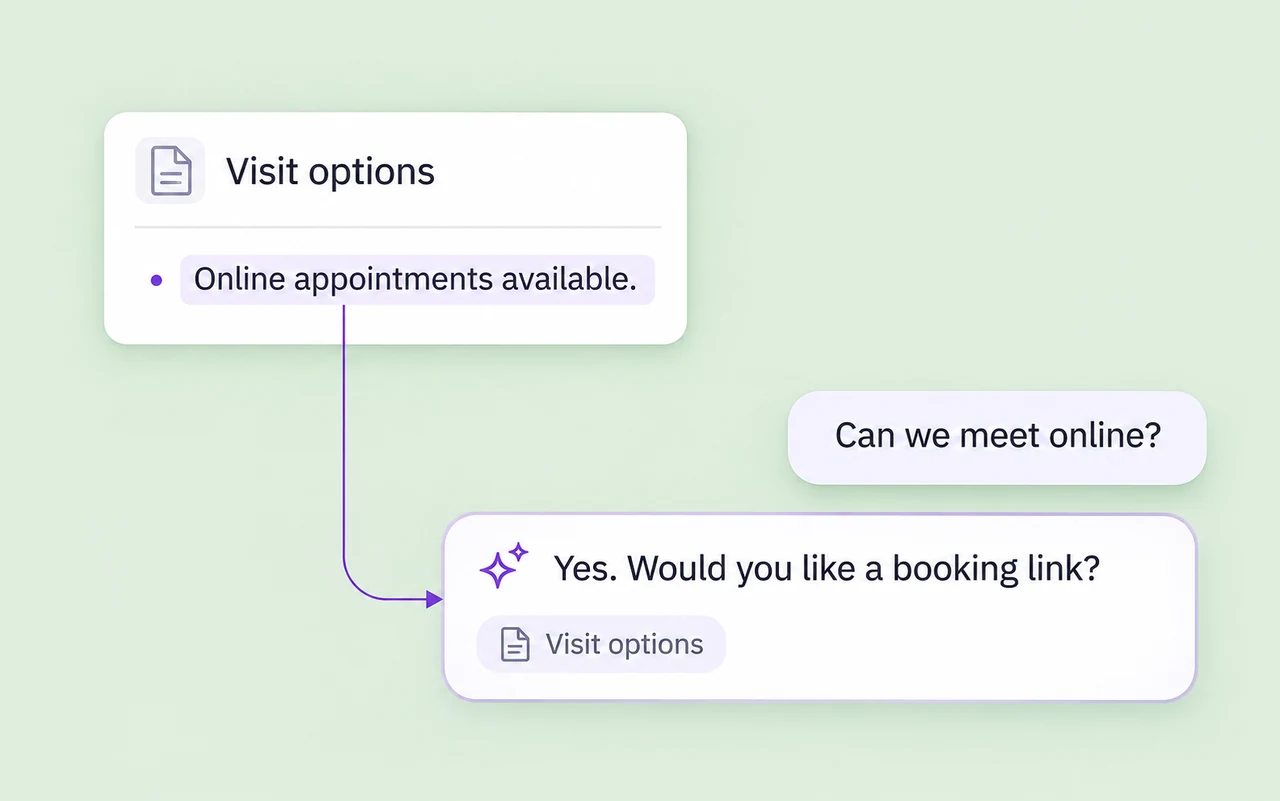
Answer recurring questions
Use your product information, FAQs, and policies to help customers with the questions your team answers most often.
AxoDesk AI Agents
Answer customer questions, qualify new enquiries, and bring in the right teammate. Give your AI agent the business knowledge and boundaries it needs to handle the first part of the conversation.
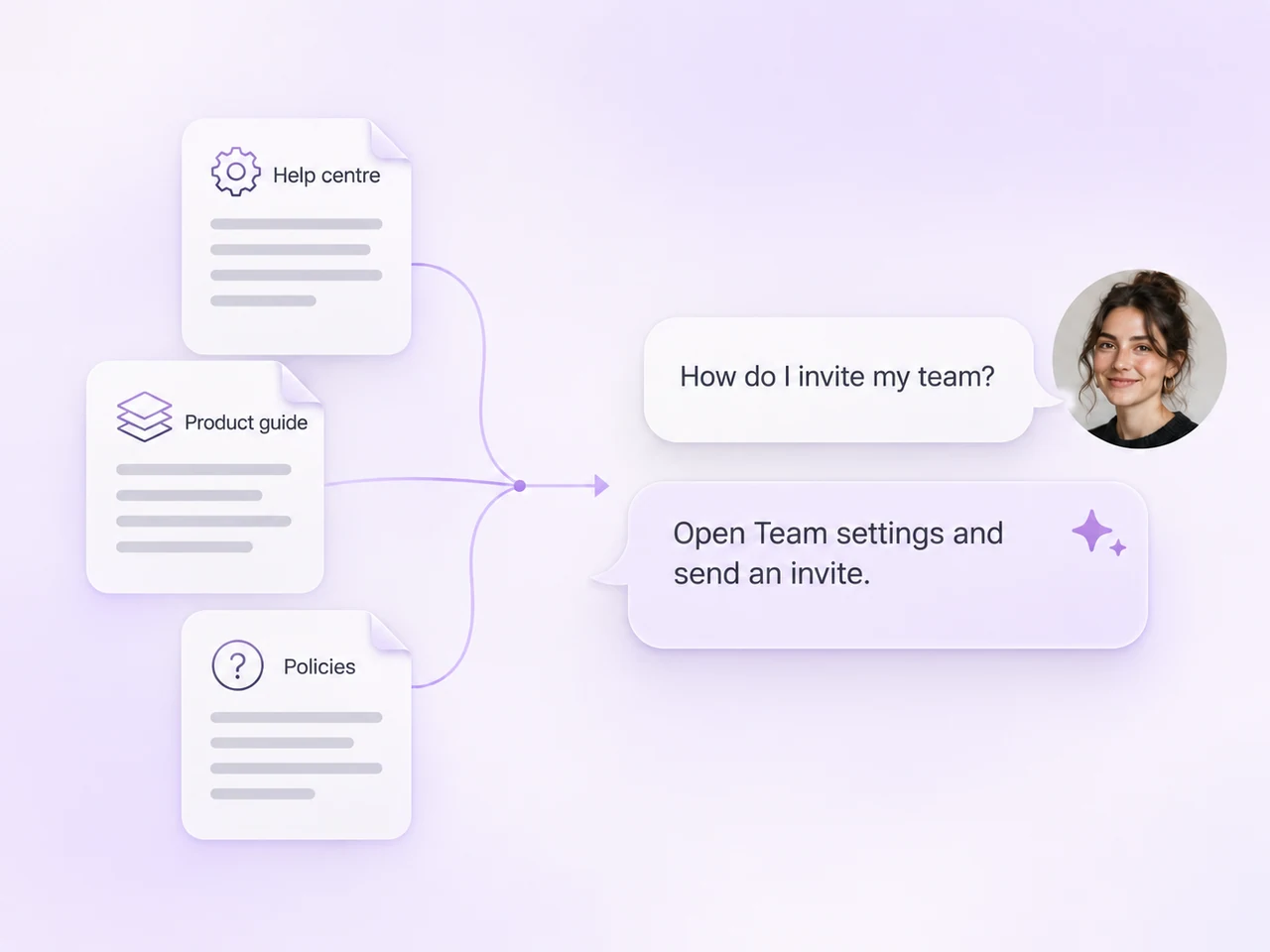
From first question to next step
Show customers a useful answer, collect the details behind an enquiry, and bring in a person when the conversation needs one.
Use your product information, FAQs, and policies to help customers with the questions your team answers most often.
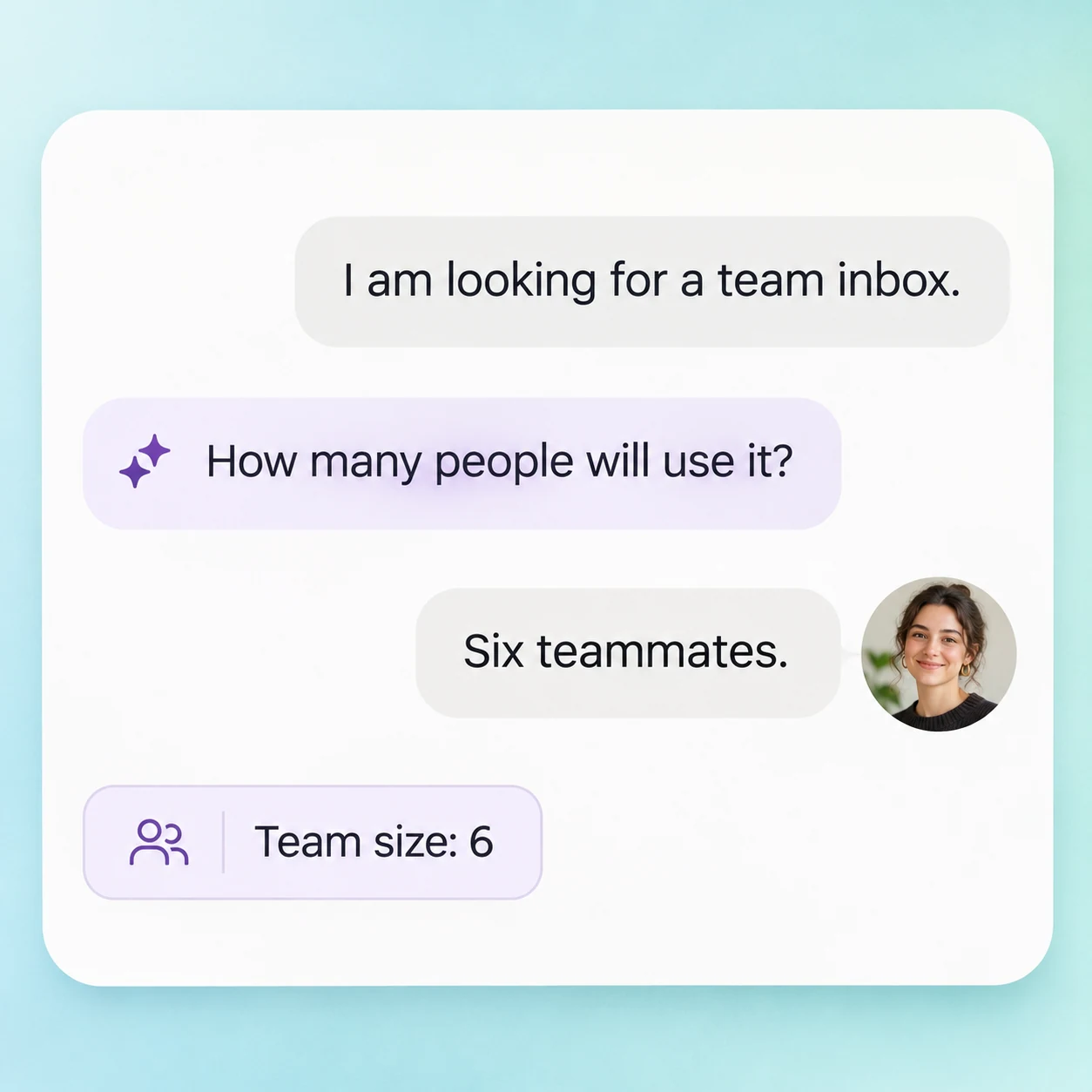
Ask the questions your team needs answered before discussing a plan, a service, or the next appointment.
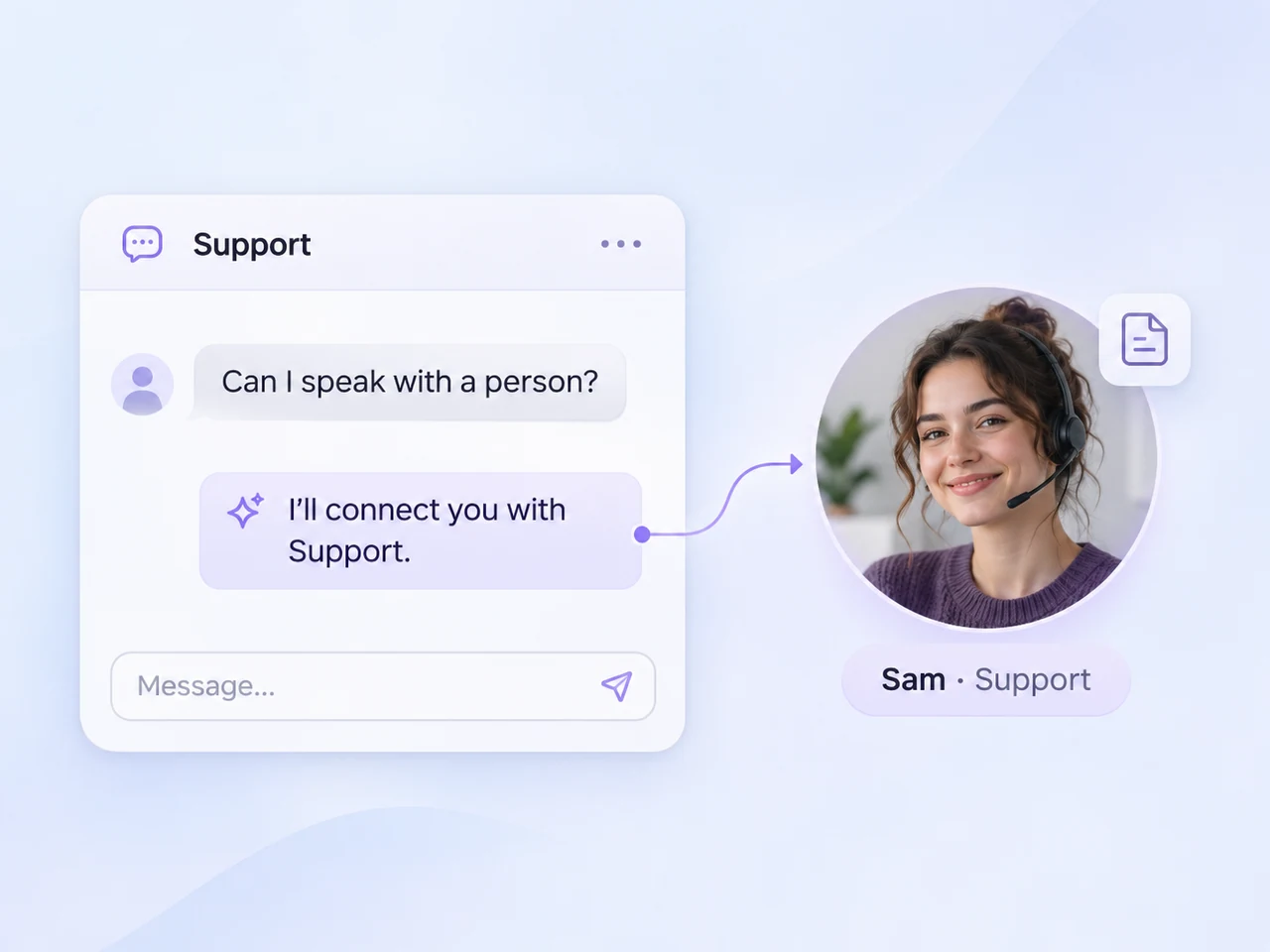
Move the conversation to your team when a customer asks for a person or the request reaches a boundary you define.
Built around your business
Choose its knowledge, conversation style, and operating rules. Keep each part of the setup focused on the work you want it to handle.
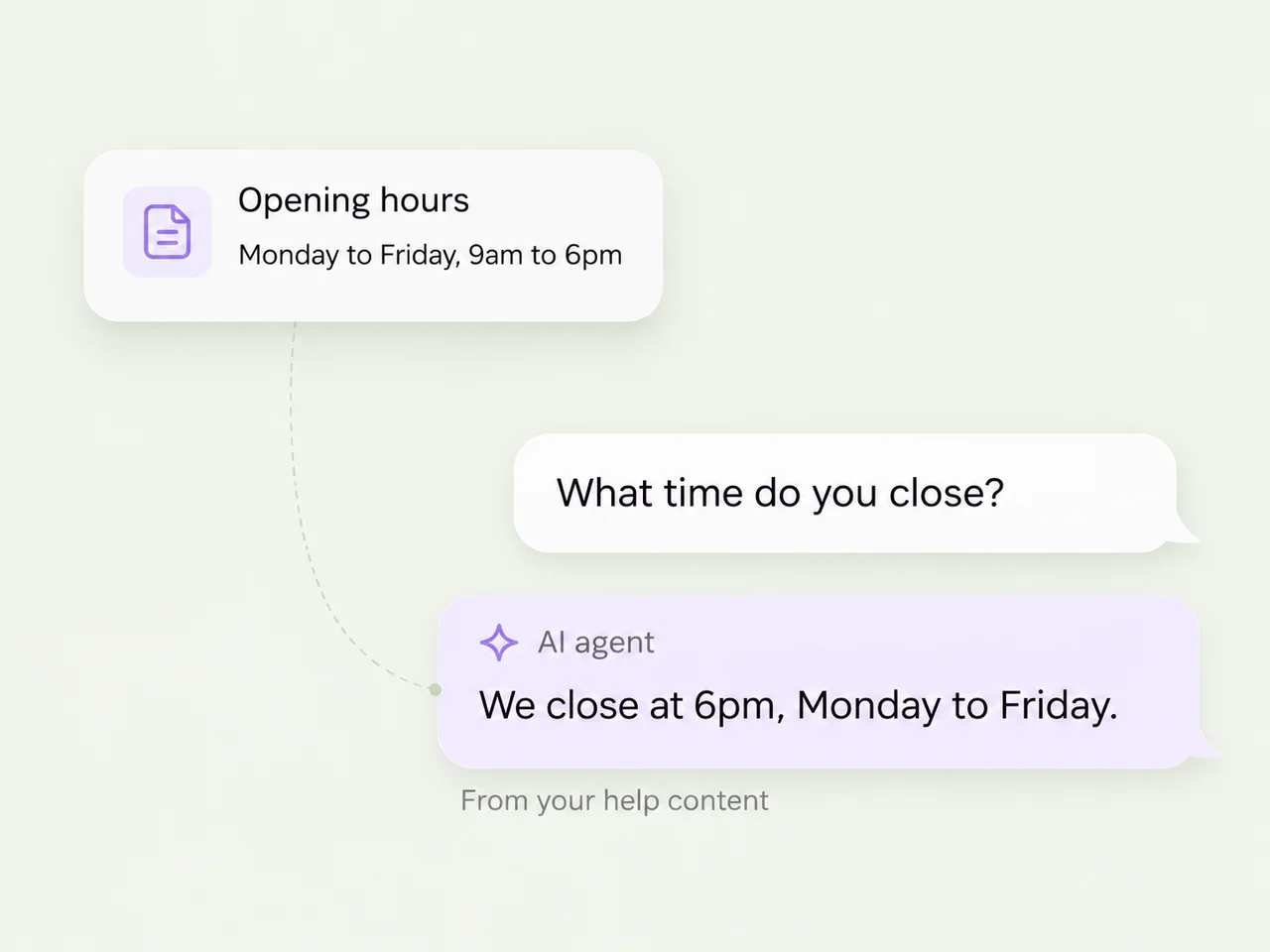
Add factual product information, FAQs, and policies through documents, text, or public URLs. Give the agent a useful source for the questions it should answer.
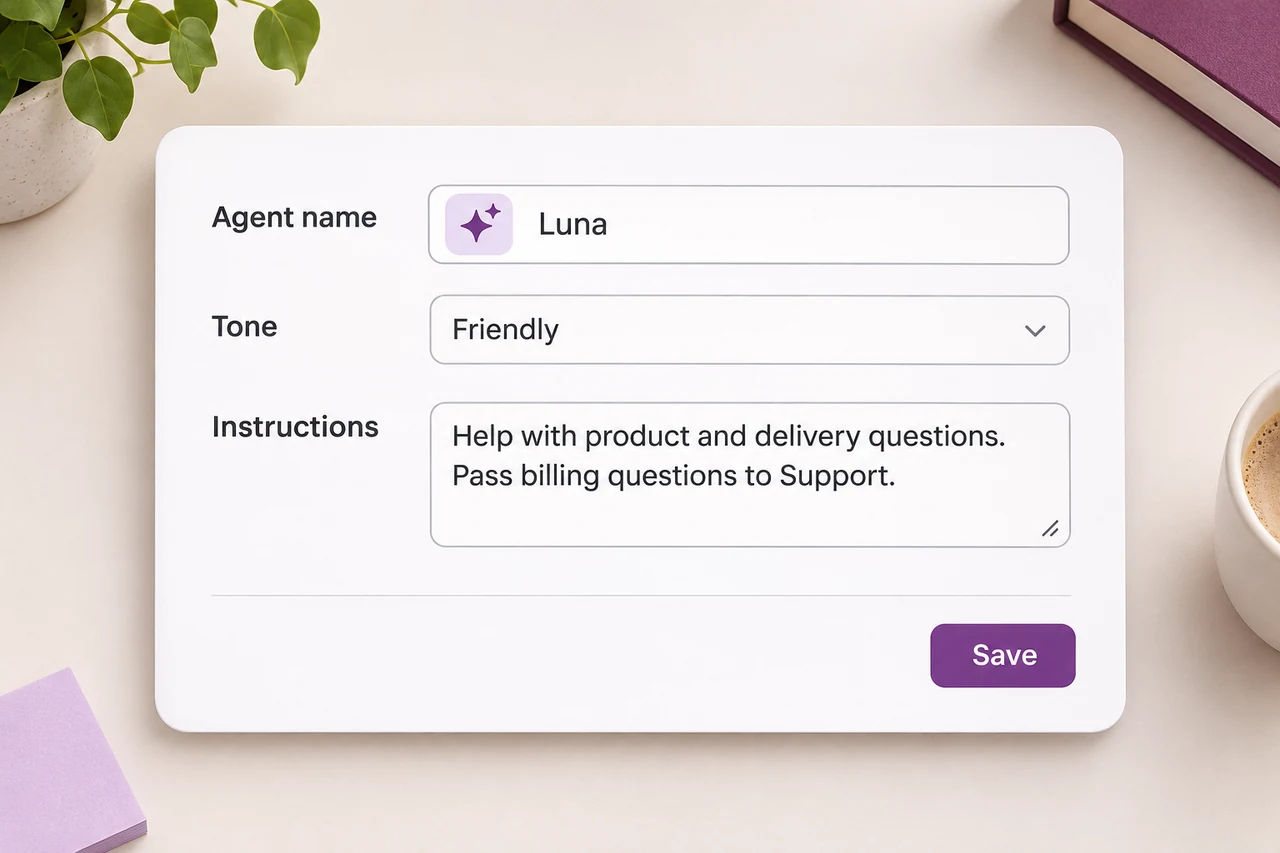
Give your agent a name and a tone that fits your business. Define the topics it should cover and the questions it should pass to a teammate.
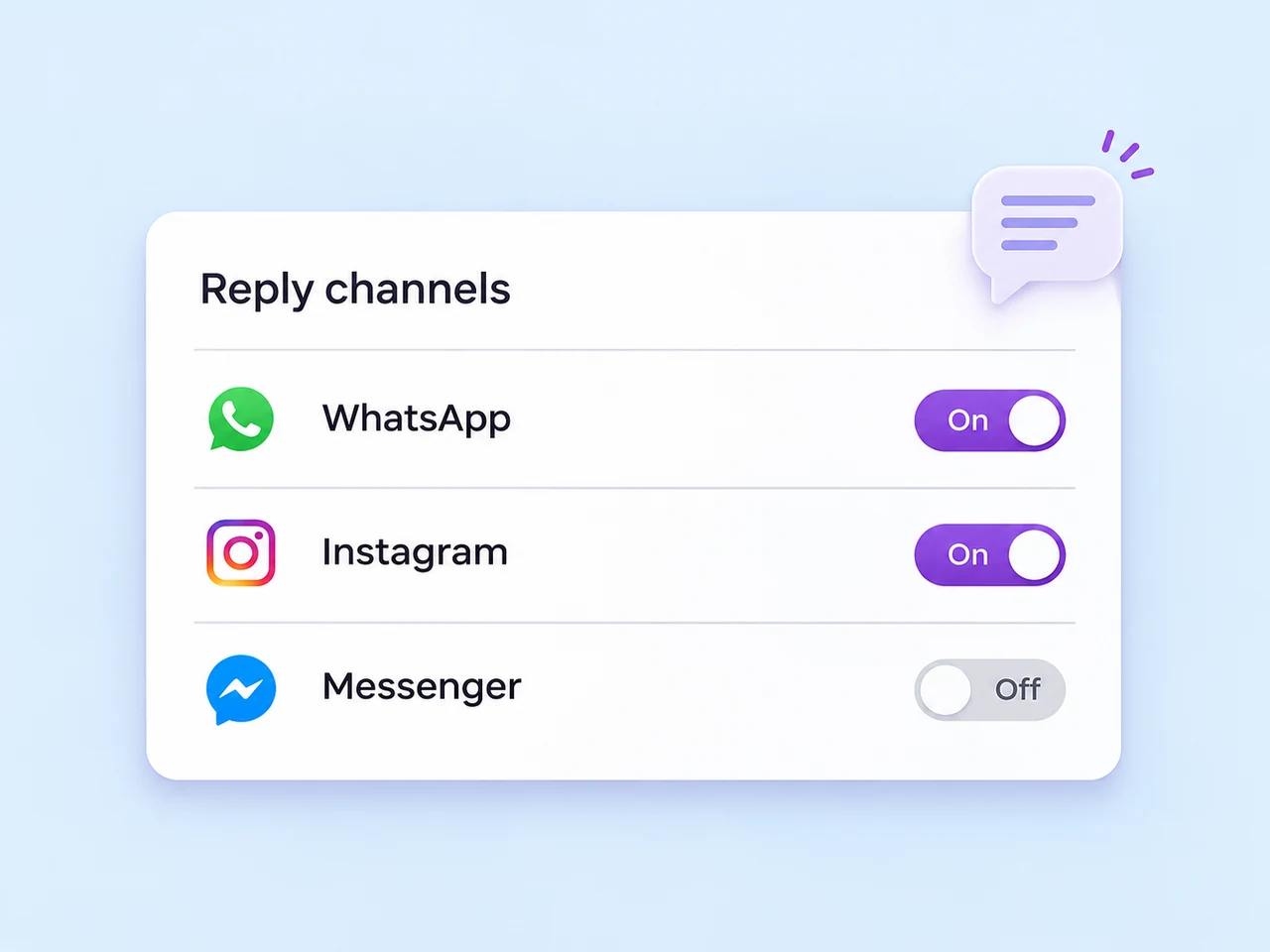
Select the connected channels your AI agent should monitor. Start with a channel and a task your team knows well, then expand the setup when you are ready.
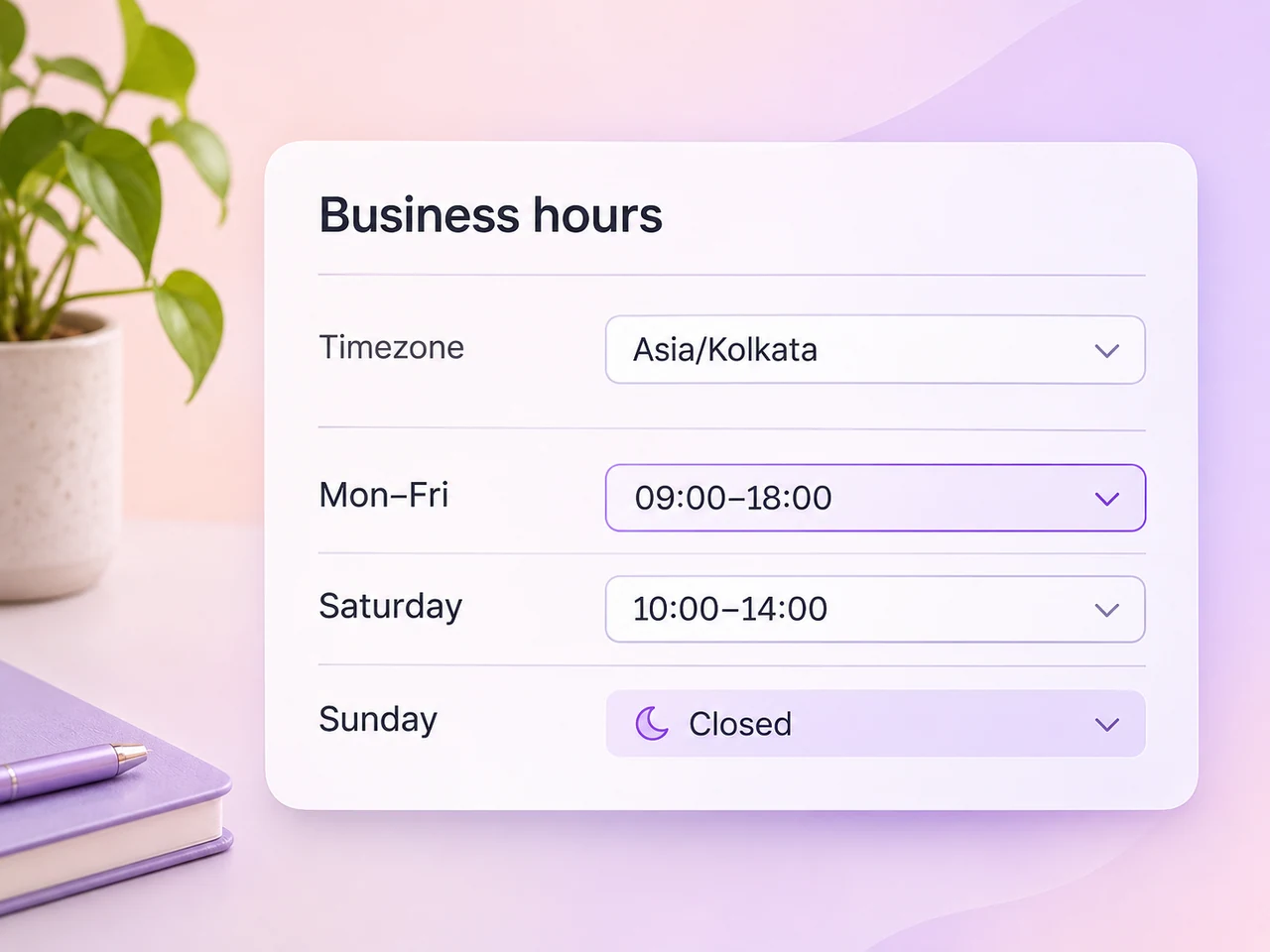
Let AI handle a chosen schedule, including after-hours enquiries. Decide how requests reach your team when a customer needs a personal response.
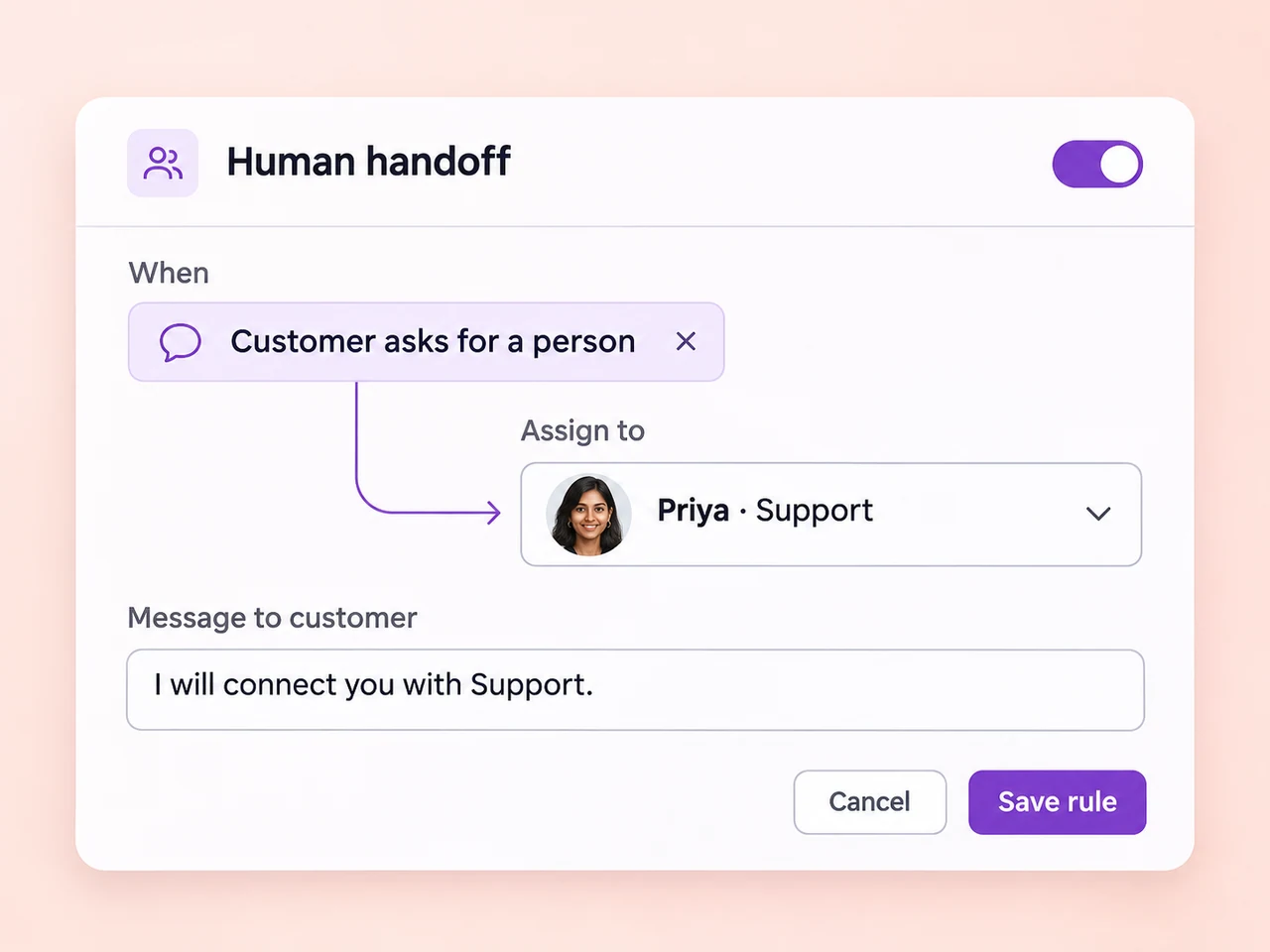
Configure escalation for specific phrases, unanswered questions, or a set number of AI replies. Choose a fallback message and an owner for the next response.
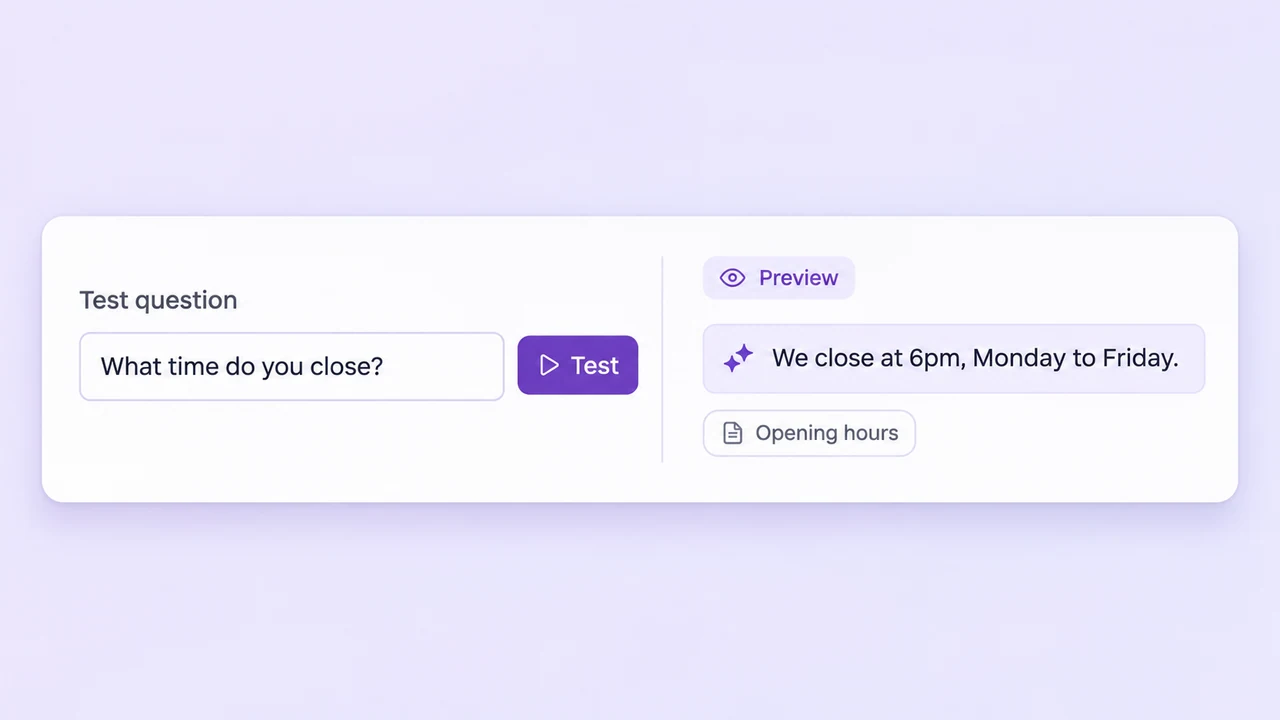
Test realistic customer questions in the simulator. Review the reply and the source material it used, then refine the knowledge and instructions before going live.
Two ways to use AI
Use an AI agent for the enquiries you want it to handle. Give your teammates AI Assist when they are writing the reply.
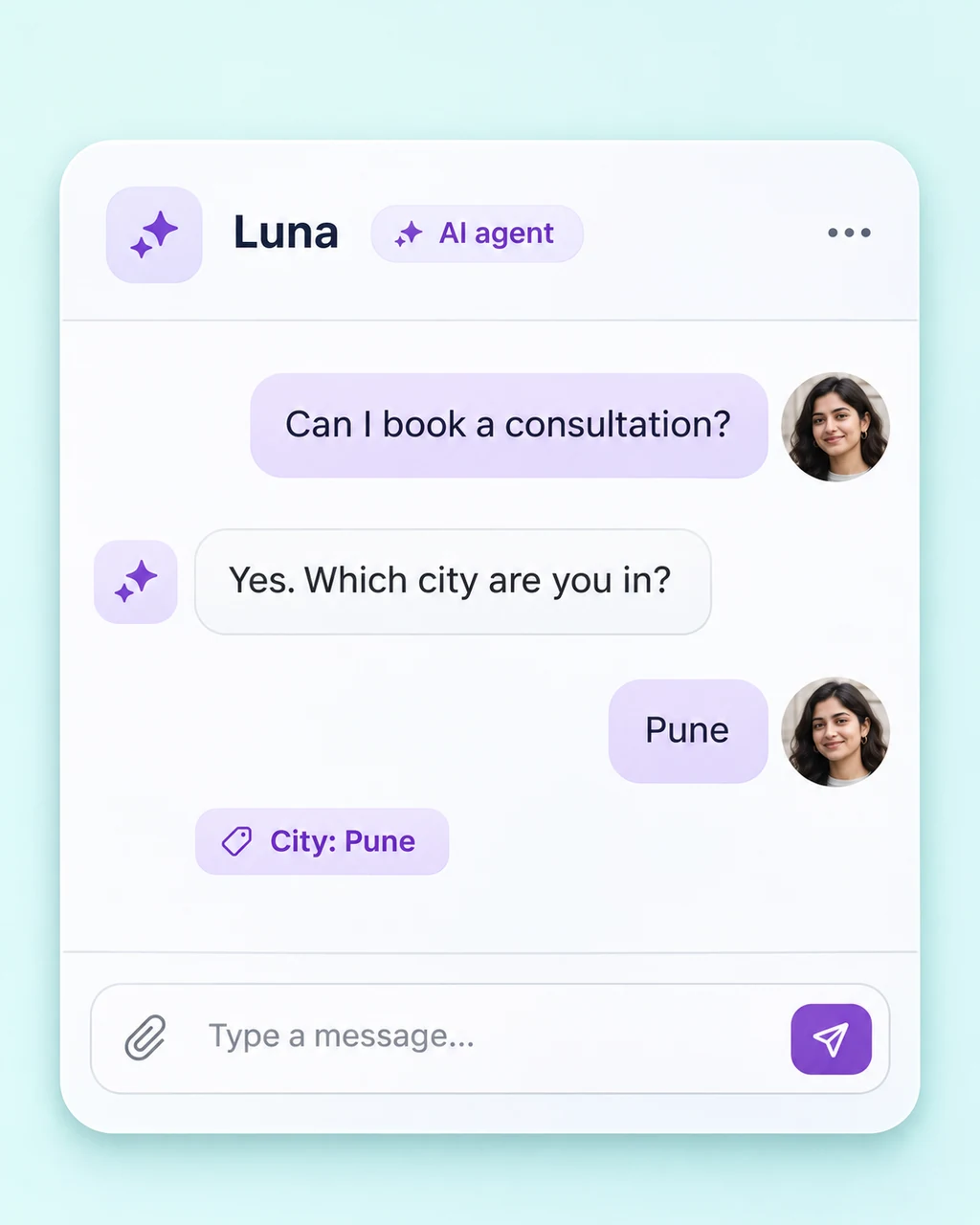
Handles the conversation
Let an AI agent answer common questions and gather useful details within the scope you define.
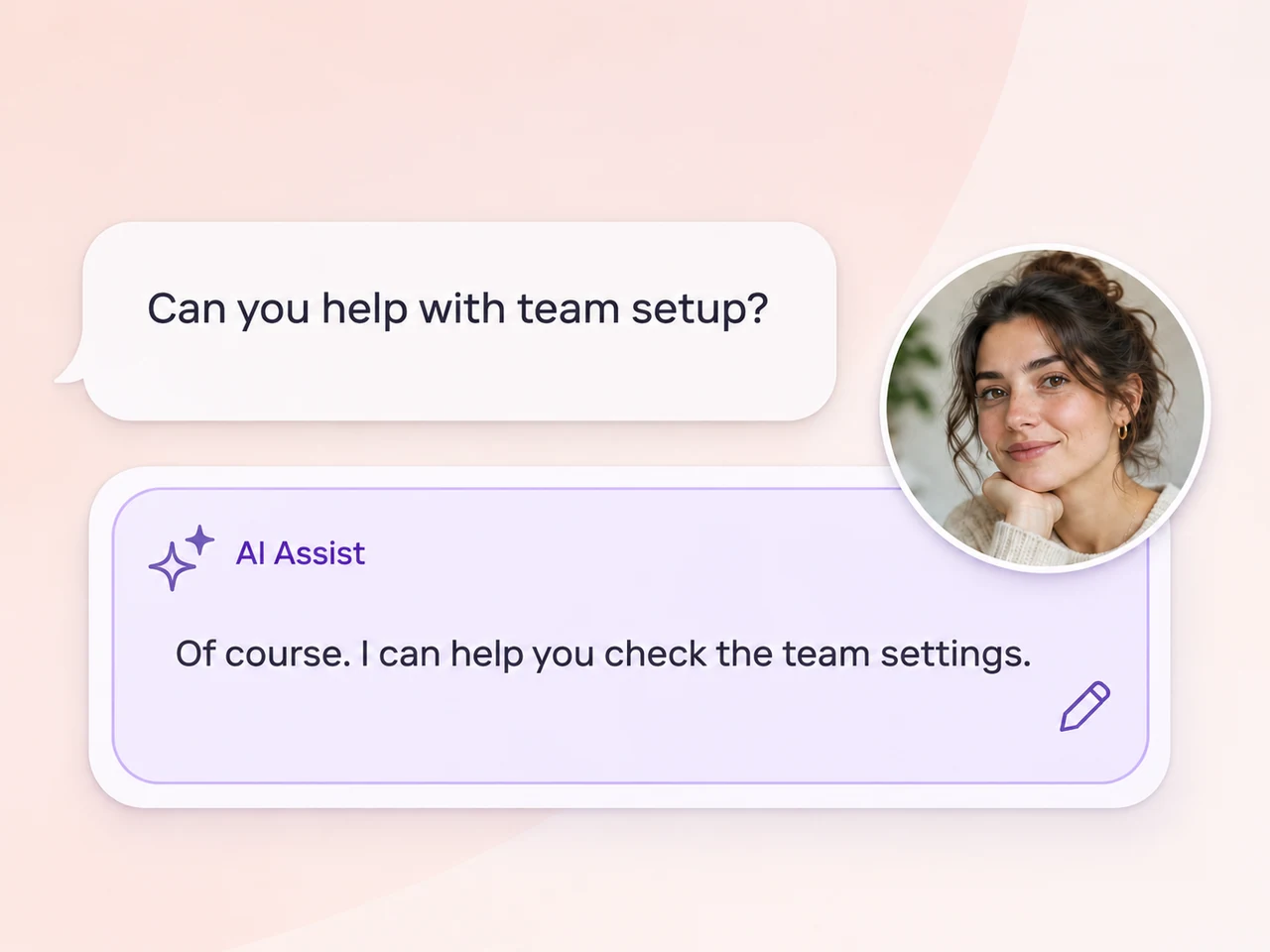
Helps a teammate reply
Keep a person in the conversation and give them tools to understand the thread and prepare a response.
Start with a focused task
Choose a familiar enquiry, prepare the source material, and test the path from the first message to a teammate.
Start with the guides and FAQs that answer your team's most common customer questions.
Set the tone, channels, hours, and situations that should move a conversation to your team.
Try short questions, follow-ups, and requests outside the agent's scope. Check the reply and source.
Turn on the chosen setup, review the conversations, and keep the business information current.
Choose where your agent replies and keep teammate handoffs in AxoDesk's shared inbox.
An AI agent can handle common customer questions using the business content you provide, ask questions to qualify an enquiry, and hand the conversation to a teammate. You choose the channels it monitors, the tone it uses, and the situations that should trigger a handoff. Start with a focused set of questions and test the responses before enabling it for customers.
Add your product guides, FAQs, policies, or other factual business documents. AxoDesk's setup supports PDF and DOCX uploads, plain text, and public URLs such as your help centre or product pages. Keep the source material current and specific. Use the test agent to review answers and inspect the knowledge content used for a response.
Yes. Configure escalation around the topics, phrases, unanswered questions, or conversation length that matter to your team. Set the message the customer receives before handoff and choose the teammate or team that should receive the conversation. Your team continues in the inbox with the conversation history available.
You can set the hours in which your AI agent handles conversations, including an after-hours schedule. Choose the connected channels it should monitor and define the handoff process for requests that need a teammate. During staffed hours, your team can handle the conversation and use AI Assist to help prepare replies.
AI Agent handles customer-facing replies within the scope you configure. AI Assist works alongside a teammate, offering reply suggestions, summaries, tone adjustments, and translation features that you enable. With AI Assist, the teammate can review and edit a suggested response before sending it. Choose the approach that fits each part of your customer workflow.
Review AxoDesk's pricing page for current plan details and discuss your expected channels, conversation volume, and AI usage with the sales team. Before rolling out AI across your workspace, decide which enquiries it should handle and which should go directly to a teammate. This gives you a useful starting point for choosing a plan and an initial setup.
Bring your business knowledge into AxoDesk and build an AI agent with a clear task, useful answers, and a path to your team.
 WhatsApp
 Instagram
 Messenger
 Email
 TikTok
 Telegram