Keep ownership clear
Give a conversation a responsible teammate or team, then organize the work through assignment and saved inbox views.
Shared team inbox
Bring WhatsApp, social messages, and customer email into AxoDesk. Assign the reply, share private notes, and keep customer context with the conversation.
Explore the team inbox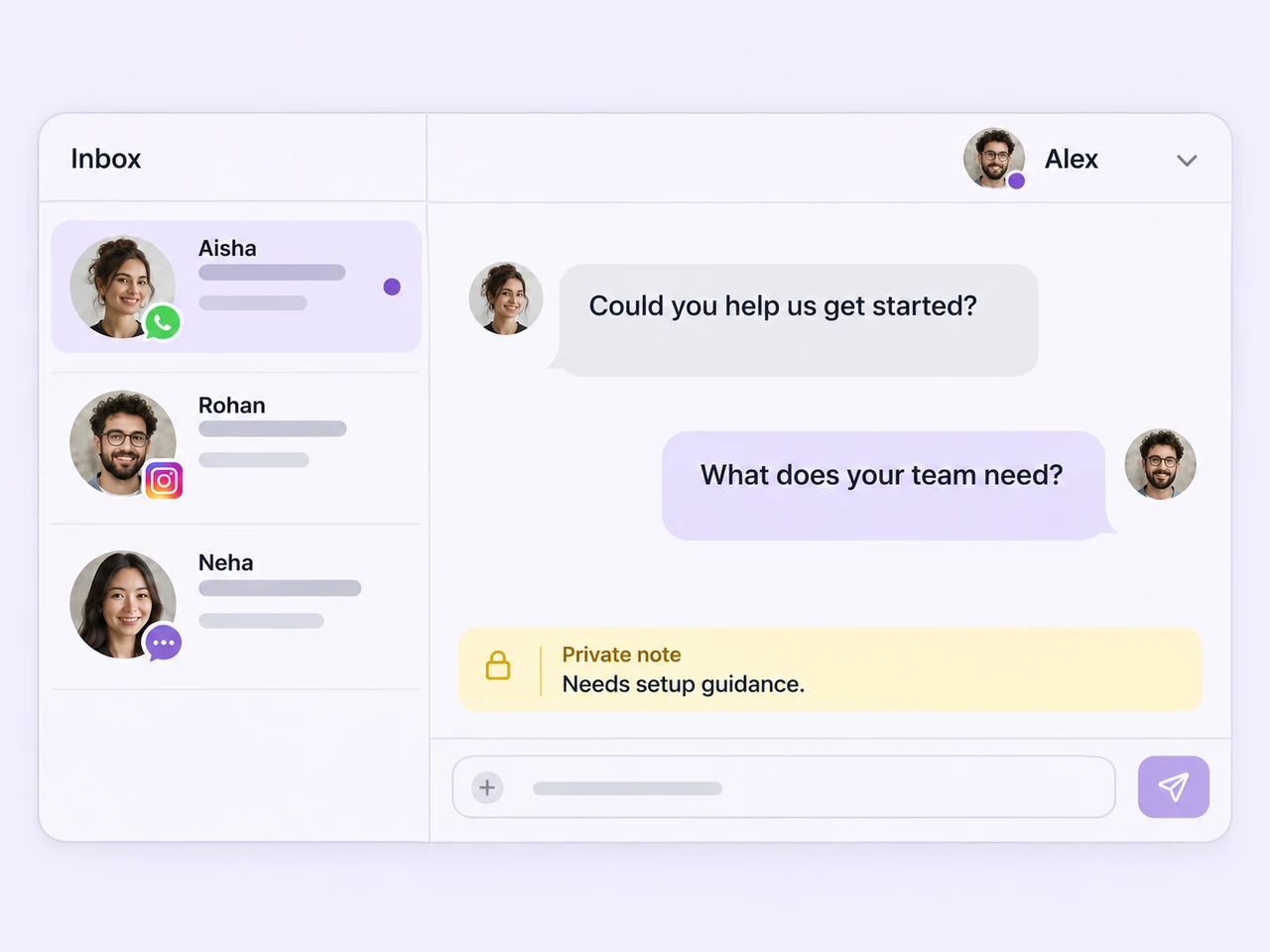
Keep the team in the conversation
Keep connected enquiries in a team workflow that makes it clear who should reply and what the customer has already shared.
Give a conversation a responsible teammate or team, then organize the work through assignment and saved inbox views.
Let the next person read the thread and private notes so they can understand the request before replying.
Bring customer details and AI assistance into the reply process, with room for a teammate to review and add a personal answer.
The tools around every reply
Keep the people, customer details, and follow-up controls close to the conversation.
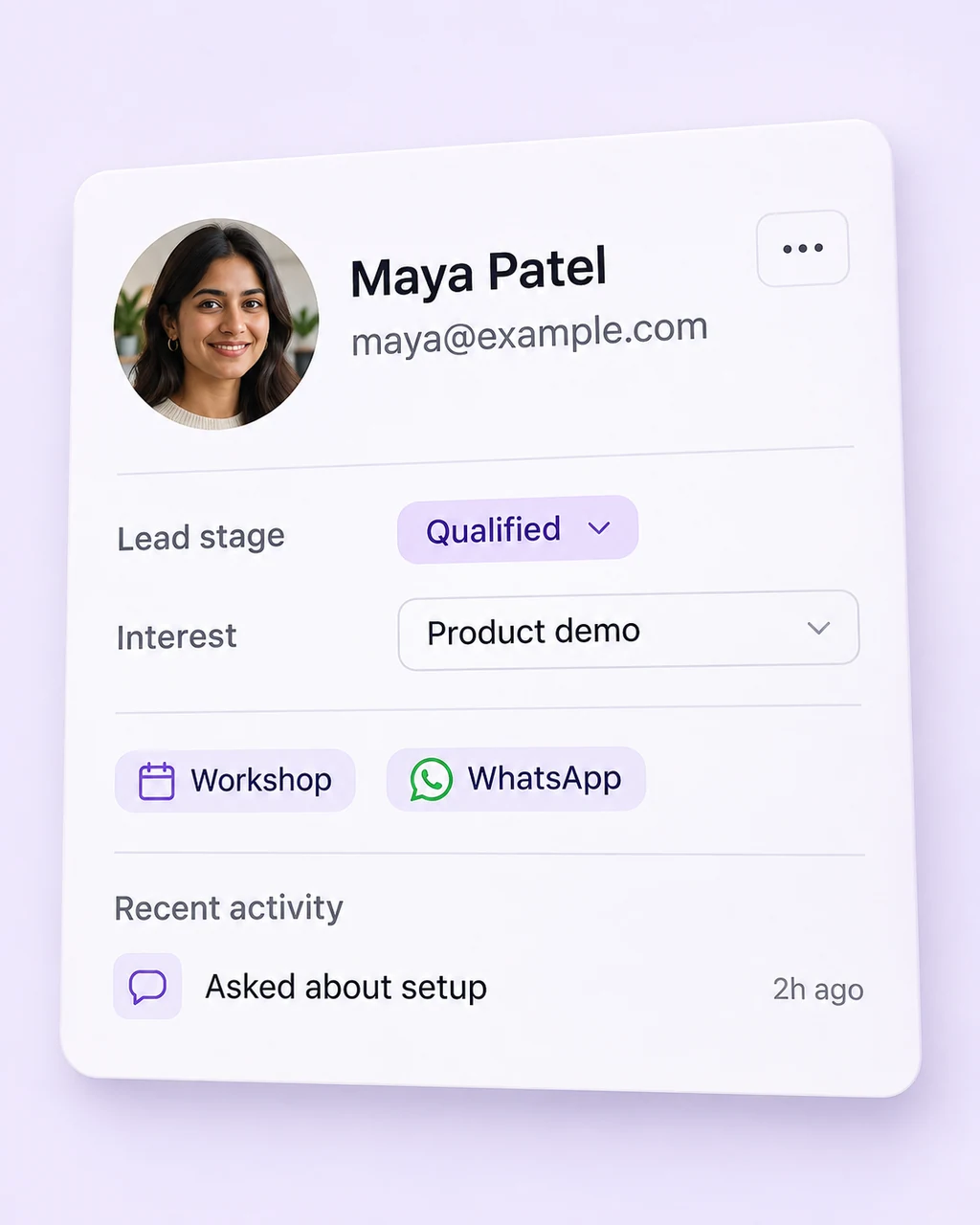
Open the contact profile to see useful details, labels, and custom attributes while your team handles the conversation.
Explore contact profiles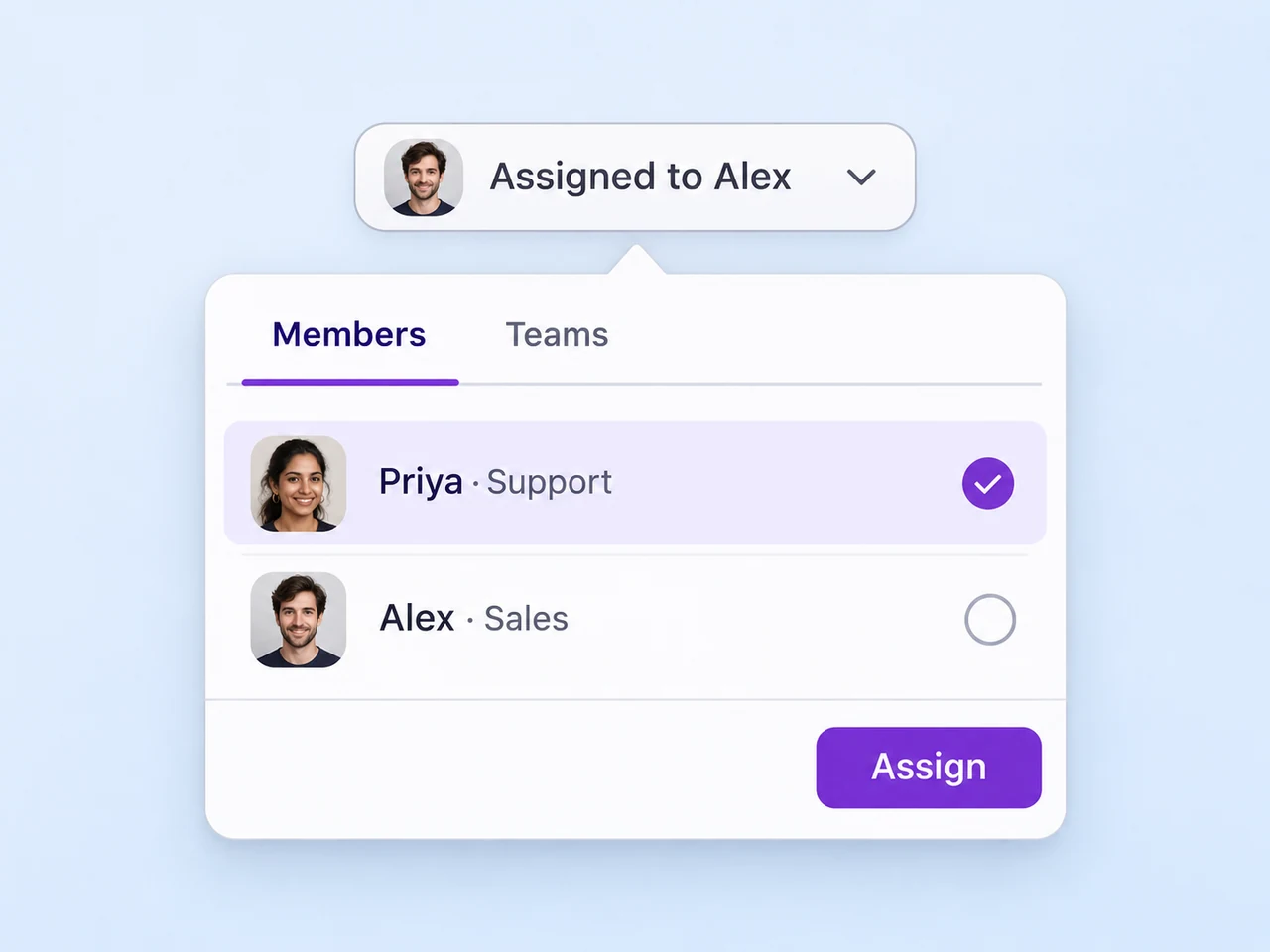
Route the enquiry to a person or team that can move it forward, with the customer history available through the handoff.
Explore conversation routing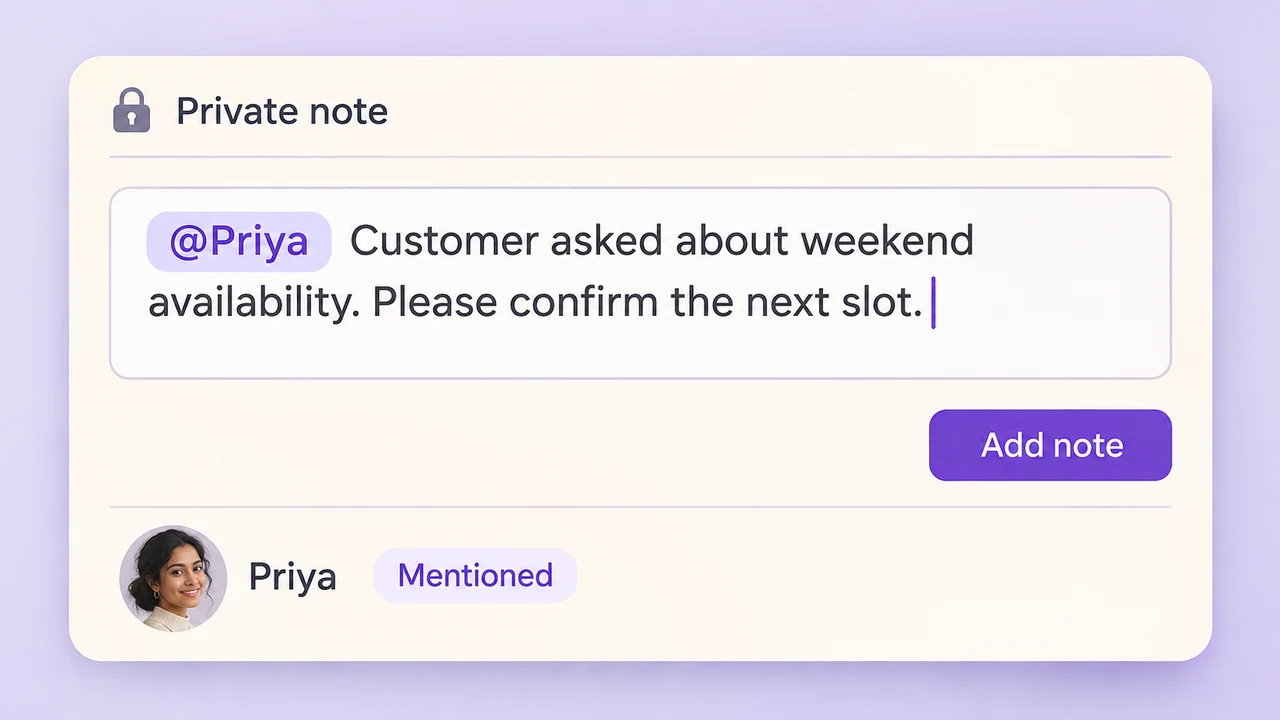
Keep background details in an internal note and mention the colleague whose input you need inside the thread.
Explore team collaboration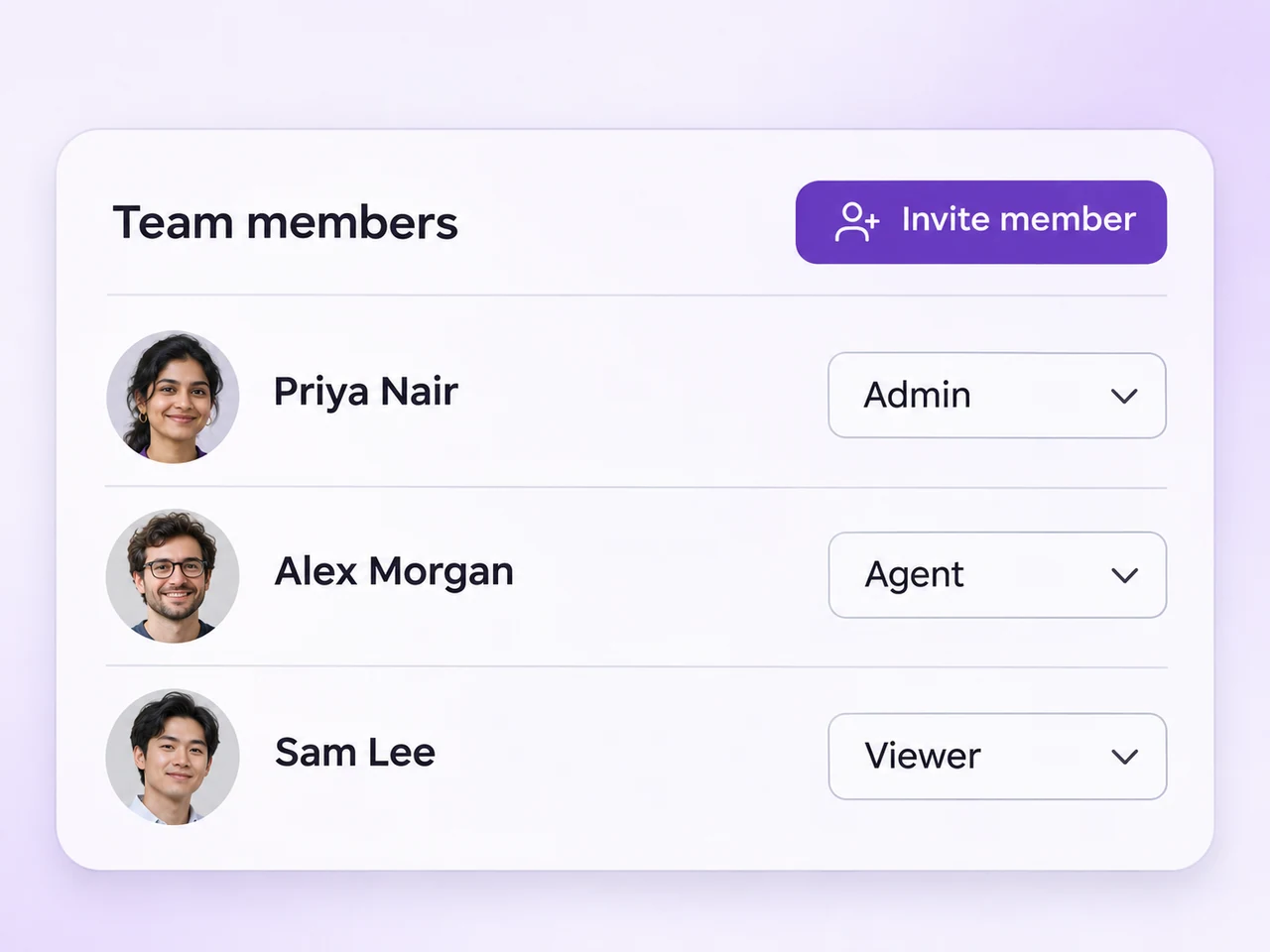
Invite teammates with their own accounts and choose roles that suit the customer conversations and settings they work with.
Explore team access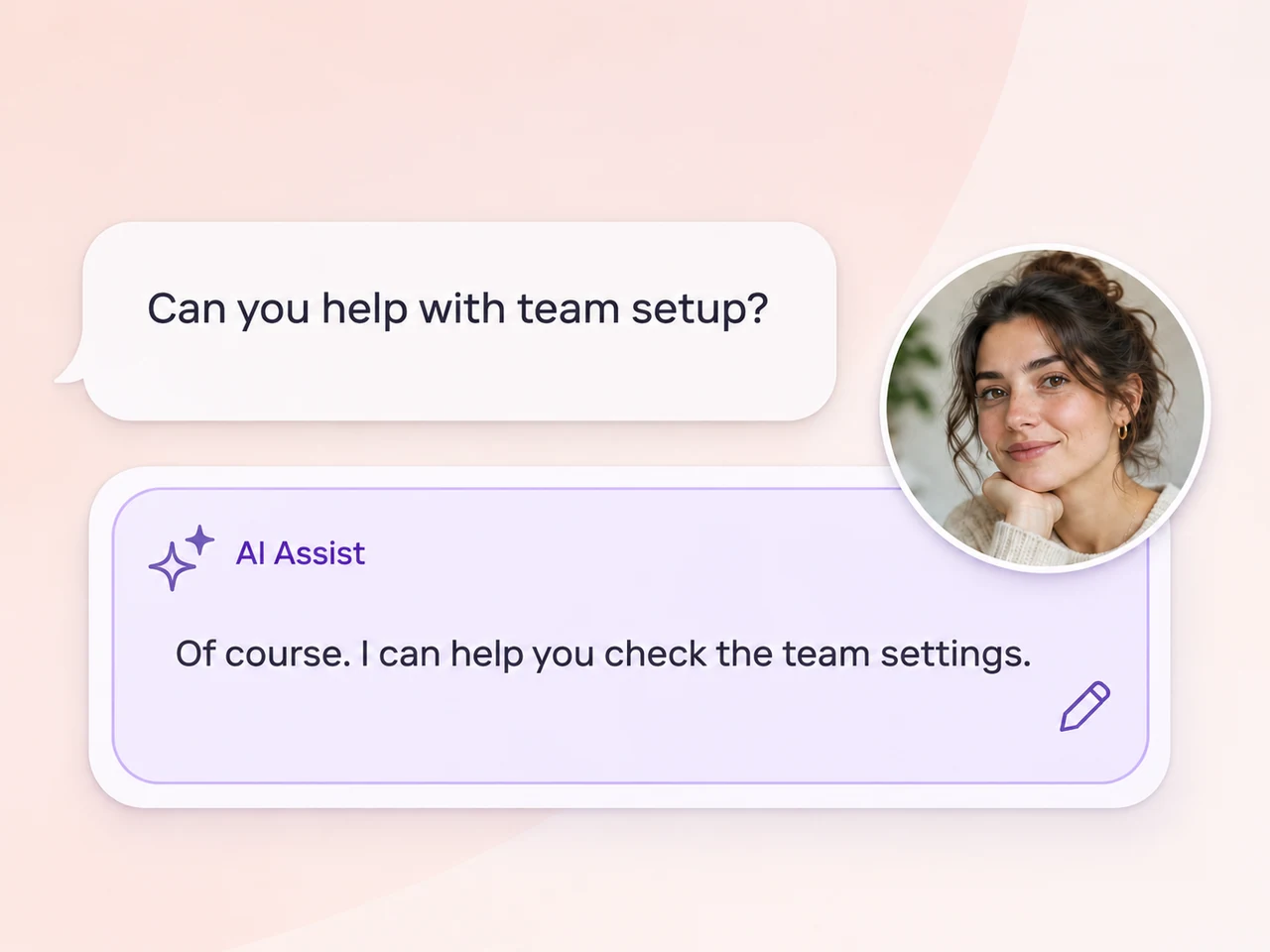
Use reply suggestions and summaries to help a teammate understand the conversation and prepare a response they can review.
Explore AI Assist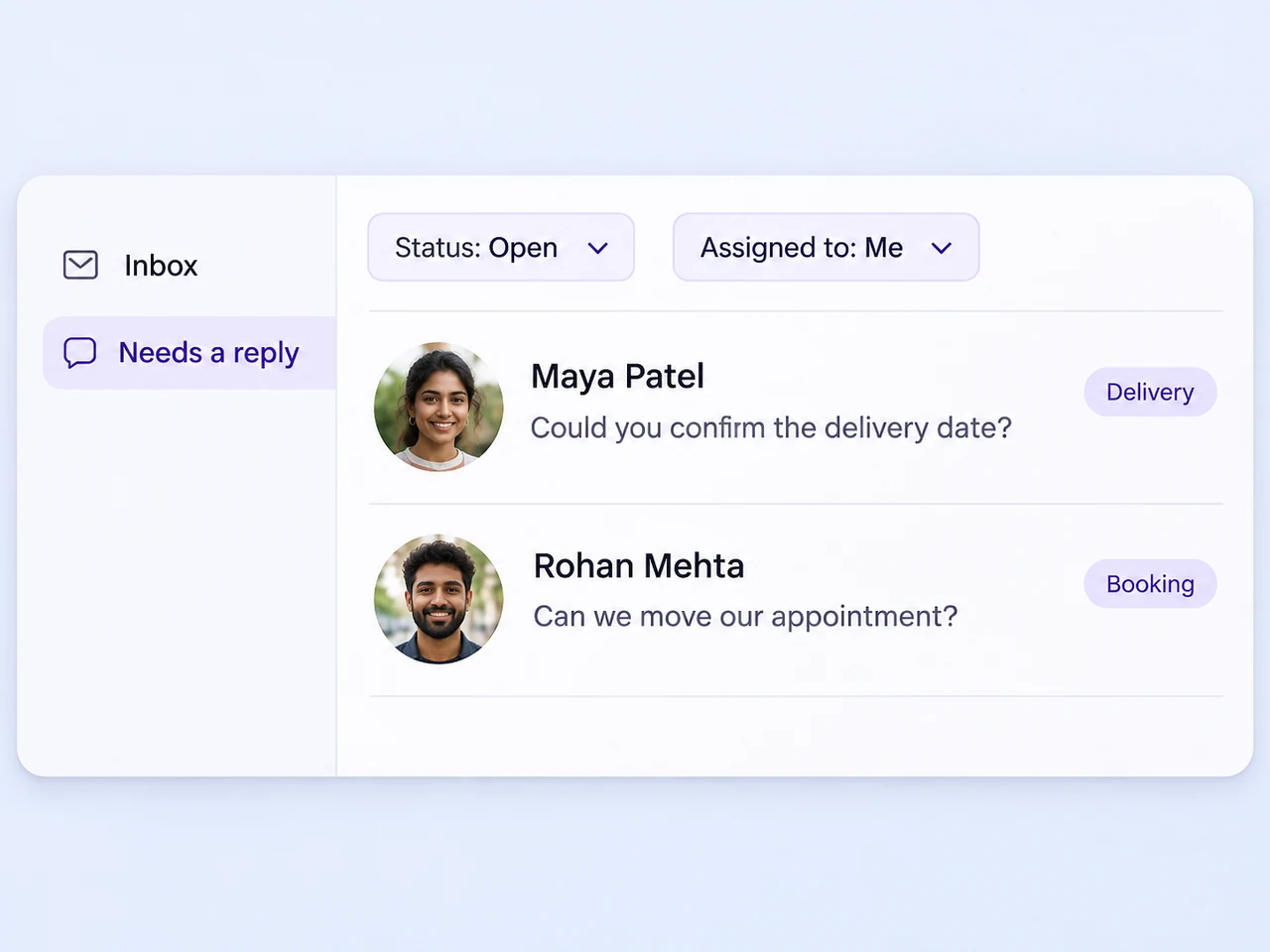
Create saved inbox views around assignment, labels, channel, and conversation status. Snooze an enquiry when it needs a later response.
Explore inbox viewsWork together inside the conversation
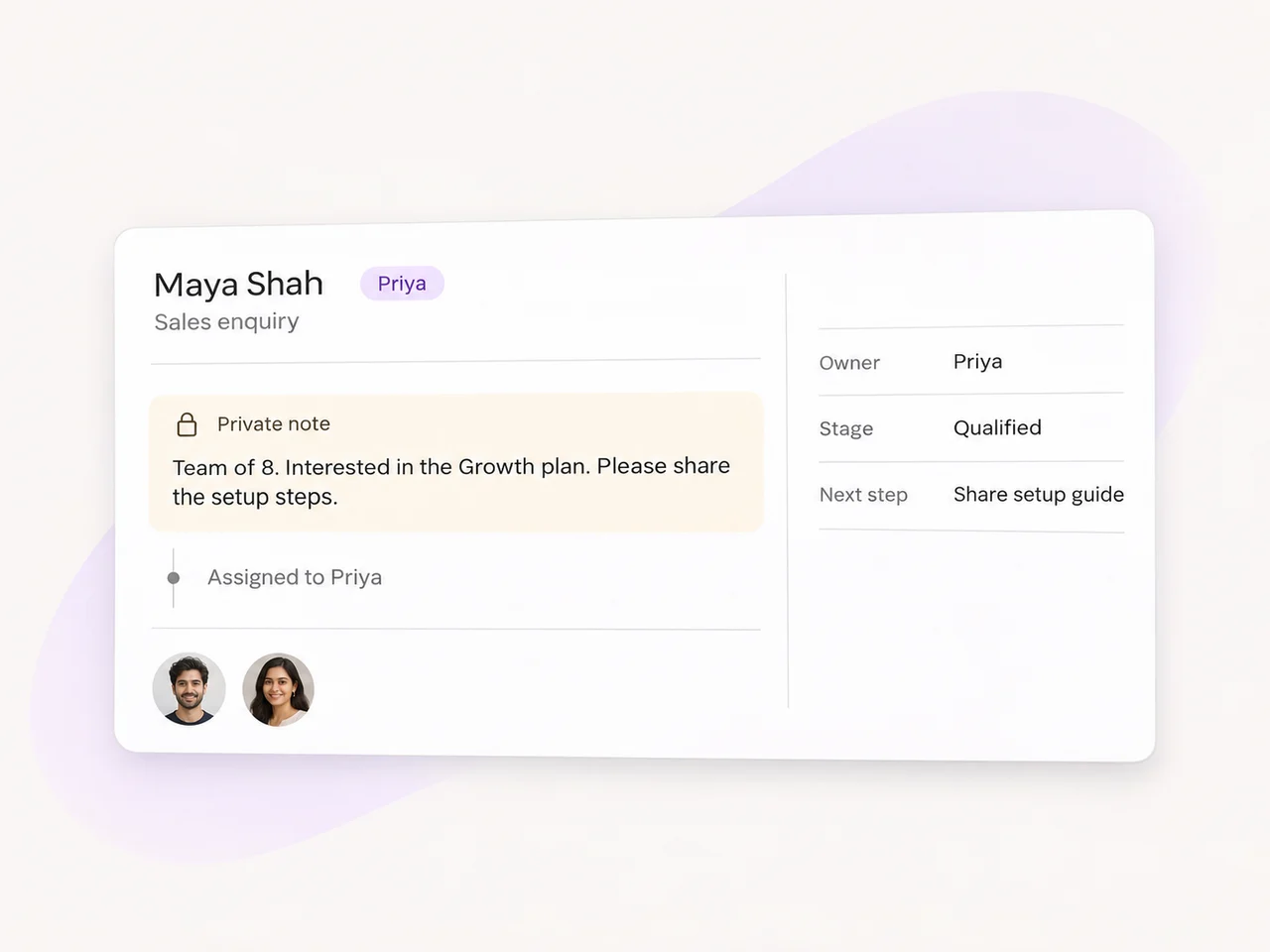
A conversation can involve sales, support, and another teammate with the answer. Leave the relevant details in a private note and bring the right person into the discussion with a mention.
Assign the conversation to the next owner when it is time for them to respond. The history, notes, and customer details help that teammate understand the request and continue the conversation.
Meet customers on their channels
Choose the channels your customers use and set up how the team handles the enquiries that arrive.

Manage customer messages with assignment and conversation context.

Give direct-message enquiries a place in the team's reply process.

Facebook Messenger
Connect Page messages to the people who handle your enquiries.

Organize customer emails alongside the team's connected channels.

TikTok
Pick up business messages with an owner and a follow-up plan.

Telegram
Bring Telegram enquiries into a shared process for customer replies.
AxoDesk's integration catalogue includes WhatsApp, Instagram, Facebook Messenger, email, TikTok, Telegram, and other customer channels. Connect the accounts your business uses and decide how each type of enquiry reaches your team. The shared inbox brings connected conversations into a process for assignment, replies, and follow-up.
Assign the conversation to a teammate or team from the inbox. You can also configure assignment rules around the workflow your team follows. Use saved views to organize conversations by assignee, label, channel, or status so teammates can return to the enquiries they are responsible for.
Use internal notes to keep handoff details and questions inside the team workspace. Mention a colleague when you need their attention or input. Assign the conversation to the person or team responsible for the next customer response, keeping the internal discussion and ownership clear.
AI Assist supports reply suggestions, conversation summaries, tone adjustments, and translation features that you enable for your workspace. Teammates can use the conversation context to prepare a response, review the suggestion, and edit the reply before sending. A summary can help someone catch up when taking over a longer thread.
Invite teammates with individual accounts and choose the role appropriate to their work. AxoDesk's team setup includes Owner, Admin, Agent, and Viewer roles. Create teams for functions such as sales and support, then organize assignment and routing around the people who handle those enquiries.
When your team identifies duplicate conversations for the same customer, you can merge the relevant threads and preserve the history. Check the contact details before combining records, then keep the labels, assignment, and next action clear for the teammate who continues the conversation.
Bring your channels into AxoDesk, invite the people who handle enquiries, and build a shared process for every conversation.