1. Click-to-WhatsApp Ads: The Lead Response Latency Challenge
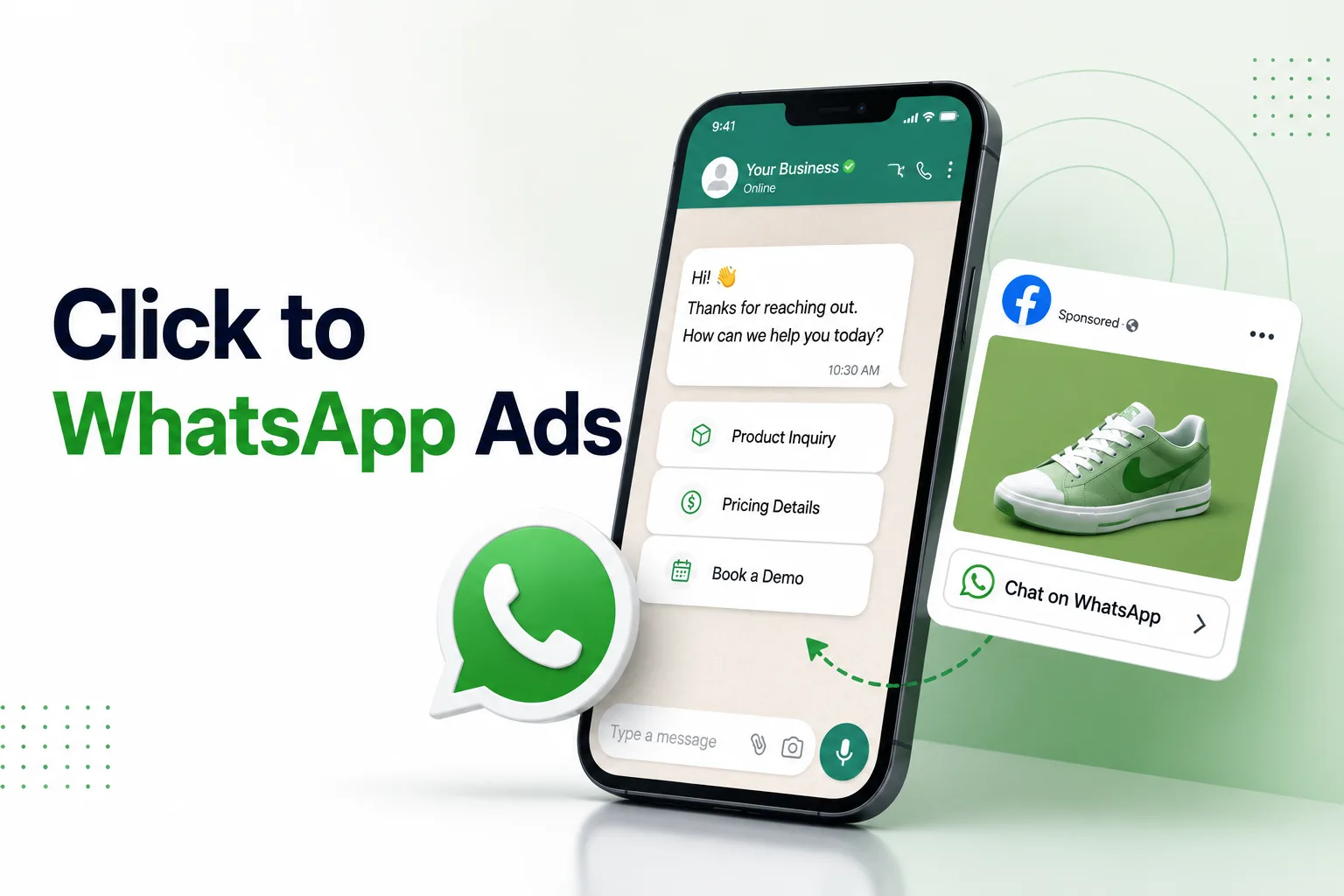
Click-to-WhatsApp (CTWA) ads on Meta platforms bypass standard landing pages and lead forms, directing users into a WhatsApp conversation with your business. While this setup reduces friction and increases initial lead volumes, it presents a challenge for sales teams. If a buyer initiates a chat from an ad and experiences a response delay of more than 5 minutes, their conversion likelihood drops by 80%. When sales reps must manually qualify every inbound message, response latency increases, and budgets are spent on unqualified leads.
AxoDesk addresses this bottleneck with automated lead qualification pipelines. When a lead initiates a conversation from an ad, the system triggers a visual qualification workflow. The bot captures contact details, confirms purchase intent, verifies budget ranges, and maps custom attributes. This data syncs with your CRM, and qualified leads are routed to active sales reps in seconds.
| Qualification Stage | Trigger Action | Data Captured | CRM Sync Target |
|---|---|---|---|
| 1. Greeting & Consent | Ad template payload trigger. | Opt-in confirmation, lead source. | lead_source, consent_status |
| 2. Intent Capture | Interactive button selection. | Use case selection, buyer interest. | buyer_intent, product_category |
| 3. Budget Verification | Dropdown list menu selection. | Budget range choice. | budget_tier, qualification_score |
| 4. Contact Validation | Text prompt with regex validation. | Business email address, phone number. | email, company_name |
| 5. Sales Allocation | Score calculation check. | Agent assignment, slack notifications. | lead_owner_id, deal_stage |
2. The Lead Scoring and Routing Model
A qualification workflow uses a scoring model to determine lead value and route threads to the correct queue:
High-Score Leads (Score >= 80)
Leads that confirm intent, budget, and verify their contact details are classified as high-priority. The workflow routes these threads to the sales queue, assigns a rep via round-robin, and triggers a slack notification to the sales channel.
Nurturing Leads (Score < 80)
Leads that do not meet your budget thresholds or are in early research stages are assigned a lower score. The workflow routes these contacts to automated nurturing sequences, sending educational content on WhatsApp and email to build trust over time.
3. Setup Checklist: Building Lead Qualification Pipelines
Follow these steps to connect your Meta ads and build a lead qualification workflow inside the visual builder:
- Step 1: Link Meta Ad Accounts: In Settings > Integrations, authorize your Meta Business Account and select your active ad accounts.
- Step 2: Create WhatsApp Ad Templates: Build templates for your CTWA campaigns. Include pre-filled quick-reply buttons (e.g. 'View Catalog', 'Talk to Sales') to start the conversation.
- Step 3: Define Custom CRM Fields: In your CRM settings, add custom properties: 'WhatsApp Budget Tier', 'Qualification Status', 'Ad Campaign Source'.
- Step 4: Design the Qualification Flow: In the workflow builder, add a welcome node triggered by your ad campaign. Follow this with interactive questions to segment inputs.
- Step 5: Implement Input Regex Checks: For contact fields (like email or company website), add validation nodes to verify inputs before updating records.
- Step 6: Map Lead Scoring Rules: Add calculation nodes that assign points for positive qualification inputs.
- Step 7: Configure Round-Robin Routing: Create an assignment node that distributes qualified leads to sales reps based on active availability.
- Step 8: Connect Bidirectional CRM Sync: Set up actions that update Salesforce or HubSpot contacts with captured lead details in real time.
- Step 9: Run Simulation Tests: Test the ad flow in sandbox, verifying that contact profiles update, scoring logic calculates, and assignments trigger.
- Step 10: Launch Ads and Monitor Metrics: Publish your ads. Track ad click-through rates, qualification deflection rates, agent response latencies, and conversion outcomes.
4. Step-by-Step Configuration: Lead Routing Script
This script shows how to evaluate qualification scores and assign leads to sales representatives:
// Script to process lead qualification scores and assign representatives
async function processLeadQualification(leadId, scoreCard) {
  const score = calculateLeadScore(scoreCard);

  // Update CRM profile with score details
  await updateCrmContact(leadId, { qualification_score: score });

  if (score >= 80) {
    // High-priority lead: Assign active sales rep via round-robin
    const rep = await getNextAvailableRep("Sales_Rep_Queue");

    if (rep) {
      await assignTicketOwner(leadId, rep.id);
      await sendCrmNotification(rep.id, "New qualified lead assigned: " + scoreCard.name);
      await triggerSlackAlert("#sales-alerts", "Lead qualified! Score: " + score + ". Assigned: " + rep.name);
    } else {
      // Fallback: Assign to general sales queue
      await assignTicketToQueue(leadId, "High_Priority_Sales_Queue");
    }
  } else {
    // Low-priority lead: Route to nurturing sequence
    await updateCrmContact(leadId, { lead_status: "nurture" });
    await startNurturingSequence(leadId, "WhatsApp_Nurture_Campaign_1");
  }
}
5. Case Study: B2B Lead Generation and Qualification
A B2B logistics company deployed an AxoDesk qualification workflow for their Click-to-WhatsApp ad campaigns. Inbound leads were greeted by a qualification bot that collected business email addresses, verified shipping lane requirements, and checked monthly shipping volumes. The bot qualified 40% of leads, routing them to sales reps in under 3 minutes, which reduced manual sorting efforts by 60% and increased demo bookings by 22%.
6. Diagnostic FAQ: Lead Qualification Workflows
Can we run qualification workflows outside of Facebook and Instagram ad campaigns?
Yes. You can trigger qualification workflows from QR codes, website widgets, email links, and SMS campaigns by mapping unique triggers to each entry point.
How does round-robin routing prevent queue congestion?
The routing engine checks active agent statuses. It distributes leads sequentially only to users marked as 'available' in their dashboards, preventing queue bottlenecks.
Can we update Salesforce or HubSpot contacts from WhatsApp replies?
Yes. AxoDesk supports bidirectional CRM syncing. Custom attributes captured during qualification write directly to HubSpot or Salesforce timelines.
How do we handle contacts who stop interacting mid-flow?
You can set session timeouts. If a lead doesn't respond to a qualification prompt within 10 minutes, the bot sends a gentle reminder. If they remain inactive, the session closes.
Are we charged for every lead that enters the qualification flow?
You are billed based on Meta's conversation rates and your plan's message limits. Unqualified leads who do not complete the flow are still subject to standard messaging fees.
Founder of Axora Infotech at AxoDesk
Writes about conversational commerce, AI automation, and customer communication strategy.