1. The Economics of Recovering Abandoned Shopping Carts: WhatsApp vs. Email
Shopping cart abandonment represents one of the largest revenue leaks in digital retail, with averages hovering around 70% across most platforms. For a business processing $100,000 in monthly sales, this means over $230,000 in potential transactions are lost before checkout is completed. Traditional recovery efforts have relied almost exclusively on email sequences. However, email open rates have declined to 15-20%, with click-through rates sitting below 3%. Factors such as promotions tabs, spam filters, and inbox fatigue prevent recovery emails from ever being seen by buyers.
WhatsApp, by comparison, provides a direct communication channel with open rates exceeding 90% and read times averaging under 5 minutes. By shifting your recovery sequences to the WhatsApp Business Platform, you place your checkout reminder alongside personal conversations. Because the interaction is conversational, you can resolve the buyer's hesitations (e.g. shipping fees, payment issues, sizing doubts) in real time. This recovery playbook details how to plan, build, and optimize these sequences to recover up to 25% of lost shopping carts.
| Performance Metric | Recovery Email Campaign | WhatsApp Recovery Campaign |
|---|---|---|
| Open Rate | 15% to 20% (subject to spam filters). | 90% to 98% (direct push notifications). |
| Average Read Latency | 2 to 6 hours. | Under 5 minutes. |
| Click-Through Rate (CTR) | 1.5% to 3.0%. | 15% to 25% (utilizing quick-reply buttons). |
| Average Conversion Rate | 2% to 5% of recovered carts. | 15% to 28% of recovered carts. |
| Key Friction Points | Promotions tab placement, broken layouts, slow response. | Opt-in collection, template category markups. |
2. The 3-Step WhatsApp Recovery Sequence Framework
A successful recovery campaign requires a careful approach to timing and message copy. Blasting customers with generic discounts immediately after abandonment damages your brand and erodes profit margins. Instead, structure your campaign as a three-part sequence:
Message 1: The Support-Led Checklist (Send 30 Minutes After Abandonment)
The first notification should focus on customer service. The objective is to determine if the customer experienced a checkout issue or had a question about the product. Keep the tone helpful and include a link back to their cart.
Message 2: The Social Proof and Guarantee (Send 4 Hours After Abandonment)
If the first message does not generate a response, follow up with trust-building content. Share a testimonial from a recent customer or highlight your return policy and satisfaction guarantees to address buyer hesitation.
Message 3: The Limited discount (Send 24 Hours After Abandonment)
Use incentives only as a final follow-up. Provide a discount code that expires in 2 hours to encourage the customer to complete their purchase.
3. Technical Checklist: Connecting Webhooks and Tracking Cart Events
Follow this checklist to connect your e-commerce platform and trigger recovery workflows based on cart activity:
- Step 1: Map Abandoned Checkout Webhooks: In Shopify, go to Settings > Notifications > Webhooks and register an webhook for the 'Checkout Abandonment' event pointing to your AxoDesk webhook endpoint.
- Step 2: Collect Phone Numbers at Checkout: Update your e-commerce checkout settings to require a phone number. Ensure you include a checkbox to capture opt-in consent for WhatsApp updates.
- Step 3: Define Delay Intervals: In your visual builder, add a delay node of 30 minutes following the abandonment trigger. This ensures you do not message customers who are still completing their purchases.
- Step 4: Register Approved Meta Templates: Submit your recovery templates to Meta. Select the 'Utility' category for the initial service-led reminder, and the 'Marketing' category for templates containing discount codes.
- Step 5: Configure Suppression Rules: Add a check node to verify if the contact completed the purchase or has an active support ticket before dispatching each message. If true, suppress the send.
- Step 6: Map Dynamic Checkout URLs: Configure your database connectors to generate personalized checkout links that preserve discount code inputs and cart contents.
- Step 7: Add Unsubscribe Tags: Ensure every marketing template contains a clear opt-out path. Configure your routing rules to tag contacts who reply 'STOP' and exclude them from future sends.
- Step 8: Set Up Campaign Attribution: Append UTM parameters to checkout links to track clicks, recoveries, and revenue inside your analytics dashboard.
4. Payload Integration: JSON Structure for Shopify Abandoned Checkouts
This payload structures abandonment events, providing the customer and product variables needed to personalize recovery templates:
{
  "id": 893475209384,
  "token": "a1b2c3d4e5f6g7h8i9j0",
  "cart_token": "z1y2x3w4v5u6t7s8r9q0",
  "checkout_url": "https://brand.com/checkouts/ac/893475209384/recover",
  "completed_at": null,
  "created_at": "2026-06-11T23:15:00+05:30",
  "total_price": "85.00",
  "currency": "USD",
  "customer": {
    "first_name": "Jay",
    "last_name": "Kanani",
    "phone": "+919876543210",
    "email": "jay@example.com"
  },
  "line_items": [
    {
      "id": 5049382019,
      "title": "Marathon Runner Pro",
      "price": "85.00",
      "quantity": 1,
      "variant_title": "Wide / 10 / Red",
      "sku": "MR-PRO-10-W-RED"
    }
  ]
}
5. Diagnostic FAQ: Cart Recovery Campaigns
Do we pay utility or marketing rates for recovery templates?
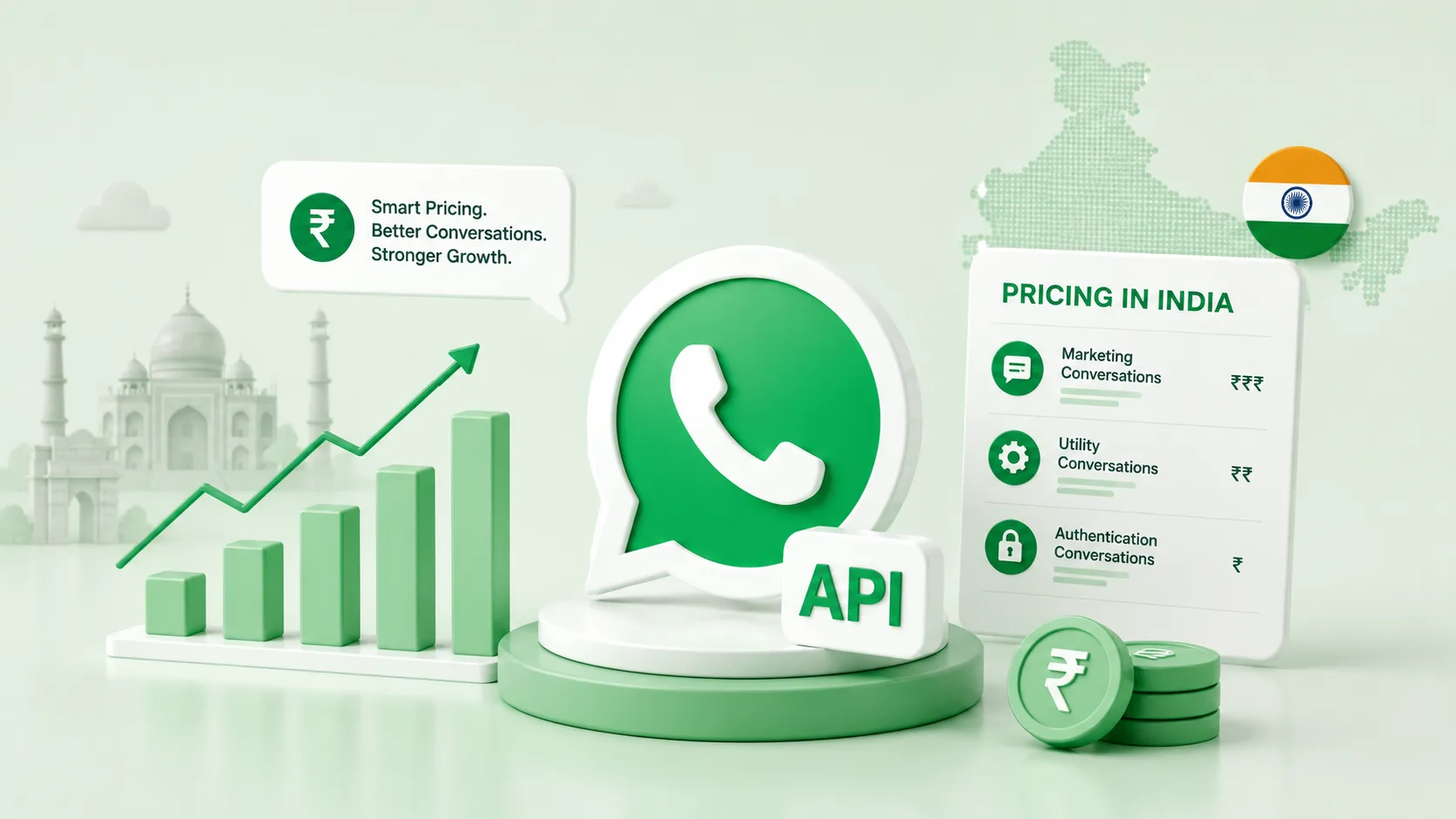
If the message contains coupon codes, sales wording, or incentives, Meta classifies it under marketing rates. If the message focuses on customer service (e.g. resolving payment issues) without discounts, it may be categorized under utility rates, which are cheaper.
How does the system prevent sending recovery messages to customers who have already completed their purchase?
Before sending a message in the sequence, the workflow queries your e-commerce store's order API using the cart token. If an order matches the token, the contact is marked as recovered, and all pending recovery messages are canceled.
Can we customize the recovery sequence for VIP or high-value shopping carts?
Yes. You can add a condition node that splits the workflow based on cart value. For high-value carts, you can route the thread directly to a sales representative to send a personalized WhatsApp voice note instead of an automated template.
How do we handle opt-in verification for customers who abandon their carts?
You should capture opt-in consent during the checkout flow using a phone number field and a checkbox. If a customer bypasses the checkout page without providing consent, they must be excluded from automated recovery campaigns.
Can we sync recovery performance metrics with Google Analytics?
Yes. By appending standard UTM variables to your recovery links, you can track visits, conversions, bounce rates, and revenue generated by your campaigns inside Google Analytics.
Founder of Axora Infotech at AxoDesk
Writes about conversational commerce, AI automation, and customer communication strategy.