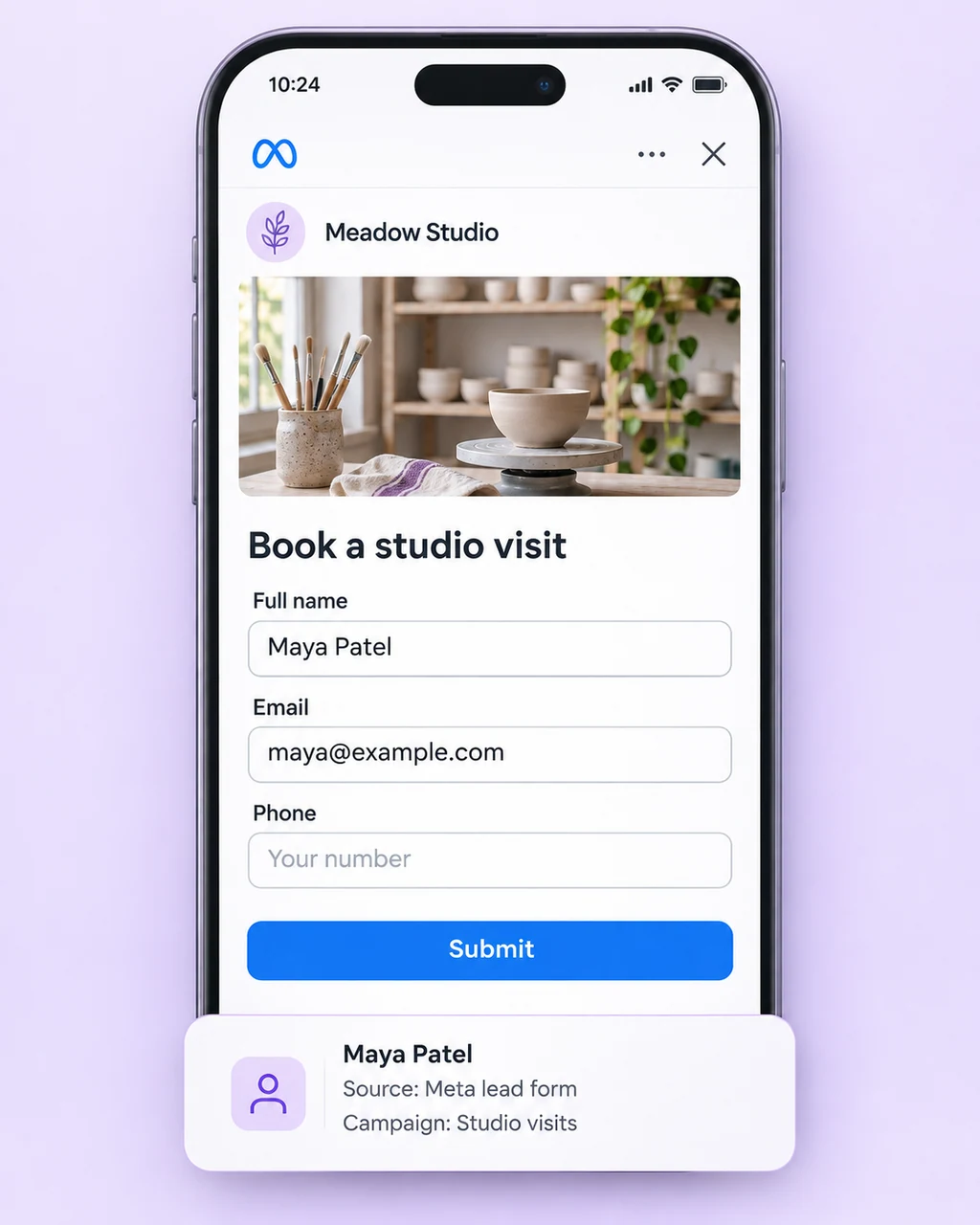
Facebook and Instagram lead forms
Bring submitted contact details into AxoDesk with the available campaign and form context. Start a follow-up workflow and give the new enquiry an owner.
Explore lead captureCapture leads from ads
Connect Meta lead forms and messaging ads to AxoDesk. Collect the details, qualify enquiries with AI, and give your sales team a clear next step.
See how lead capture works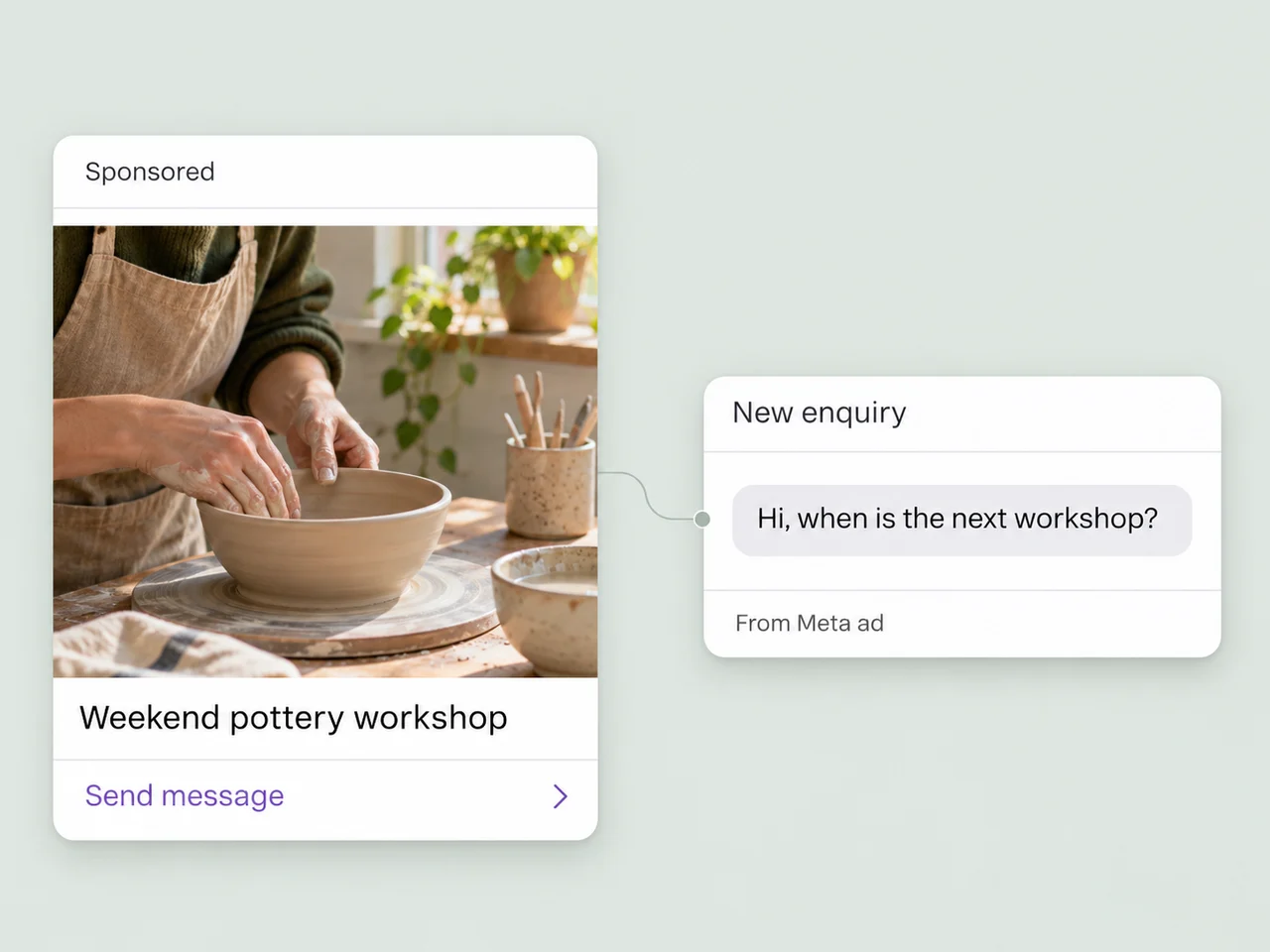
Your ad sources
A form submission and a new chat need different first steps. Bring both into a lead workflow your team can follow.
Bring submitted contact details into AxoDesk with the available campaign and form context. Start a follow-up workflow and give the new enquiry an owner.
Explore lead capture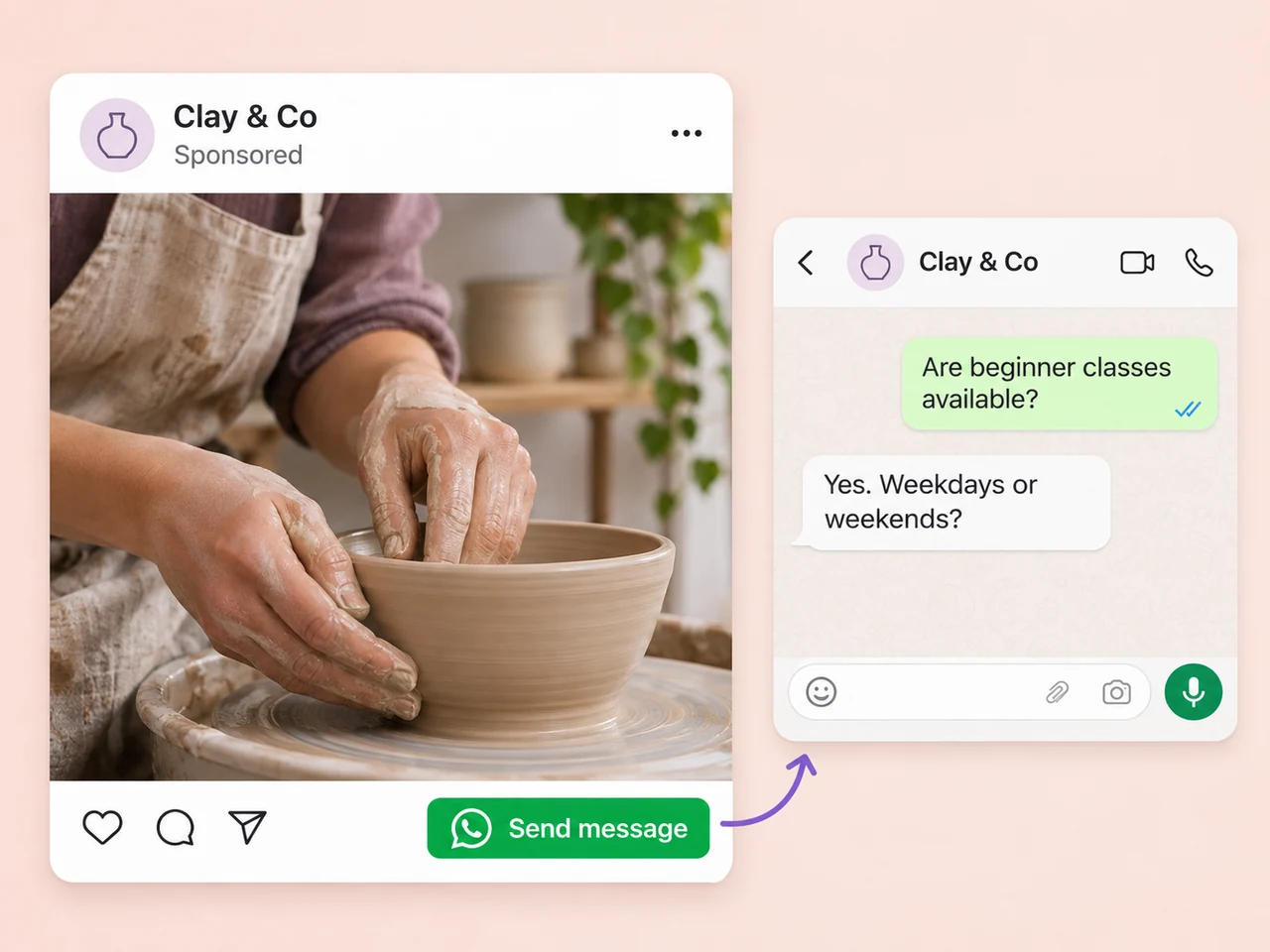
Let an ad open a conversation on WhatsApp, Instagram, or Messenger. Handle the reply in the shared inbox, collect useful details, and move the enquiry forward.
Explore messaging channels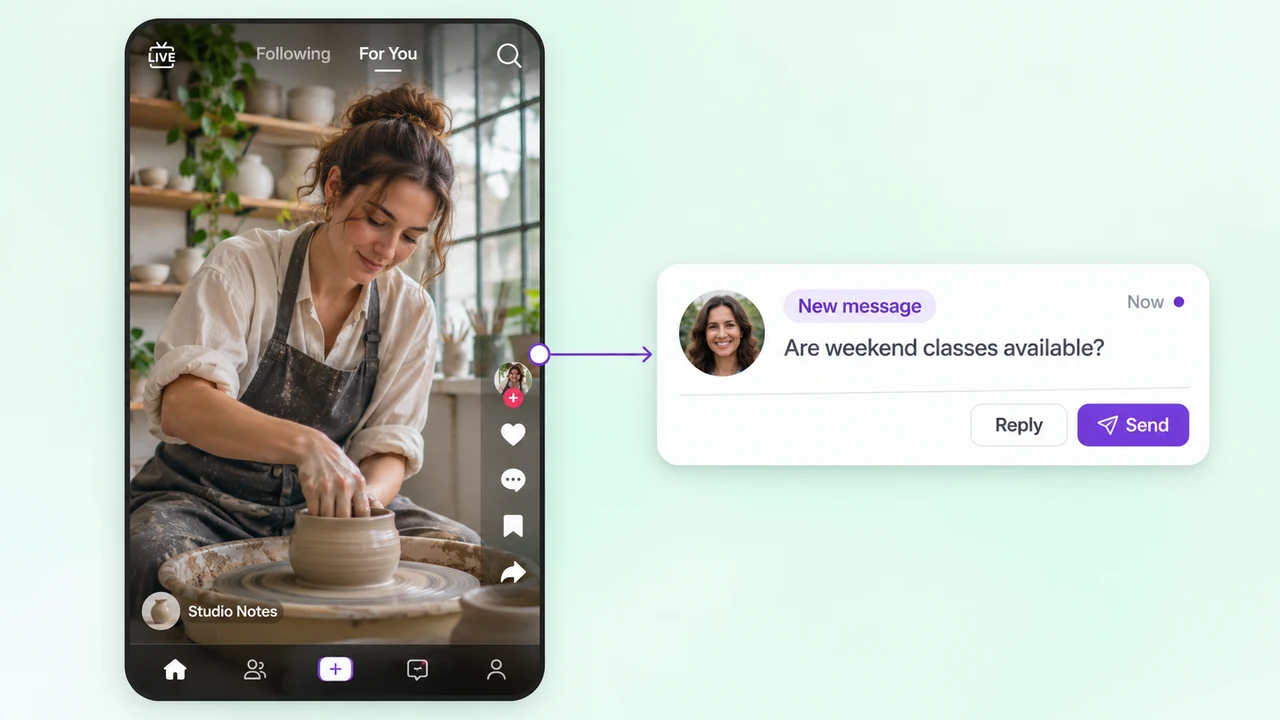
Give enquiries from TikTok campaigns a place in your team's follow-up process. Answer the initial question and guide interested people toward the next action.
Explore TikTok messagingHow it works
Build the journey around your sales process, from the first message to a conversation your team can act on. Keep lead details, ownership, and progress in the same workspace.
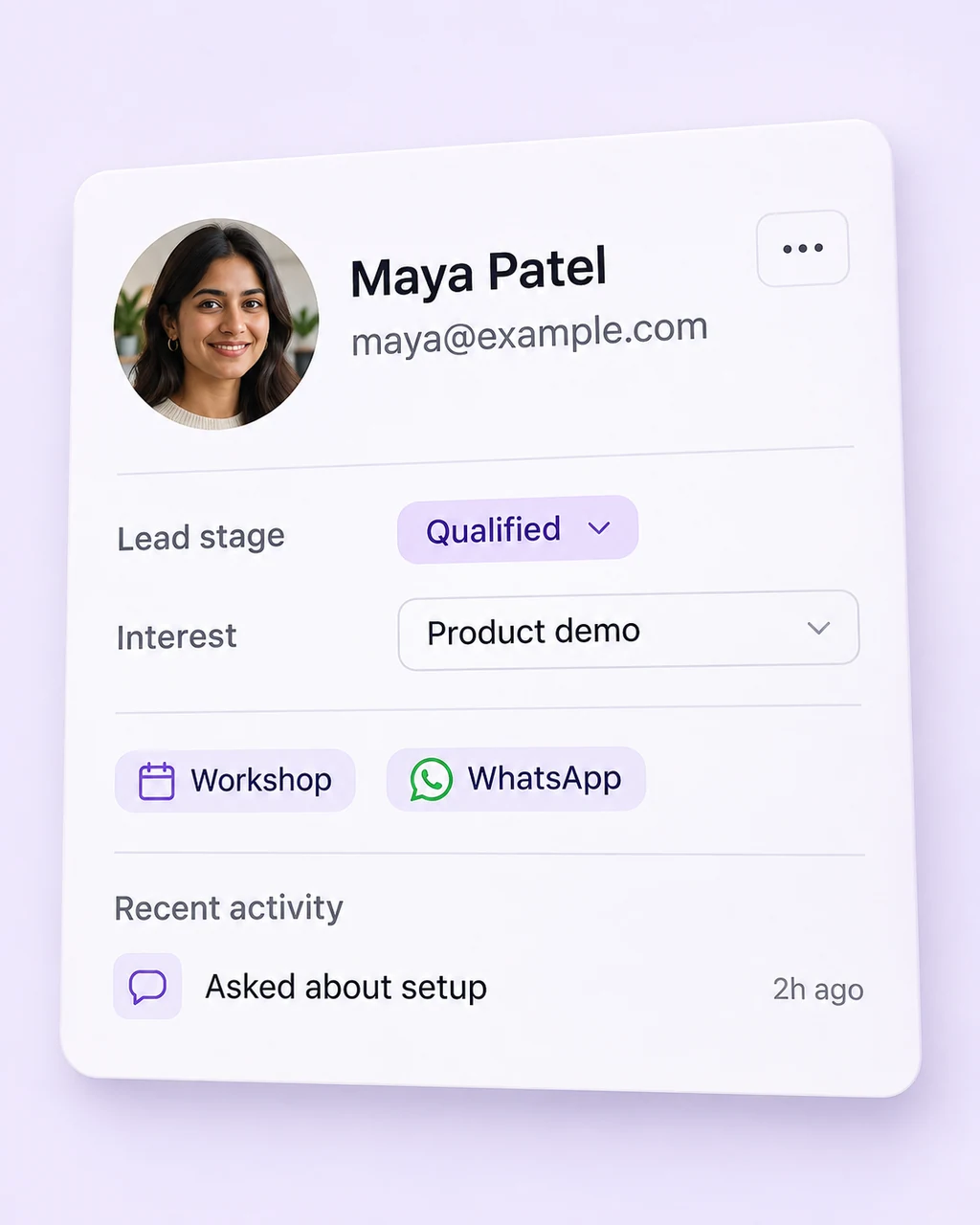
Capture the submitted details or open the incoming chat. Keep the available source context attached to the customer record so the team understands how the conversation started.
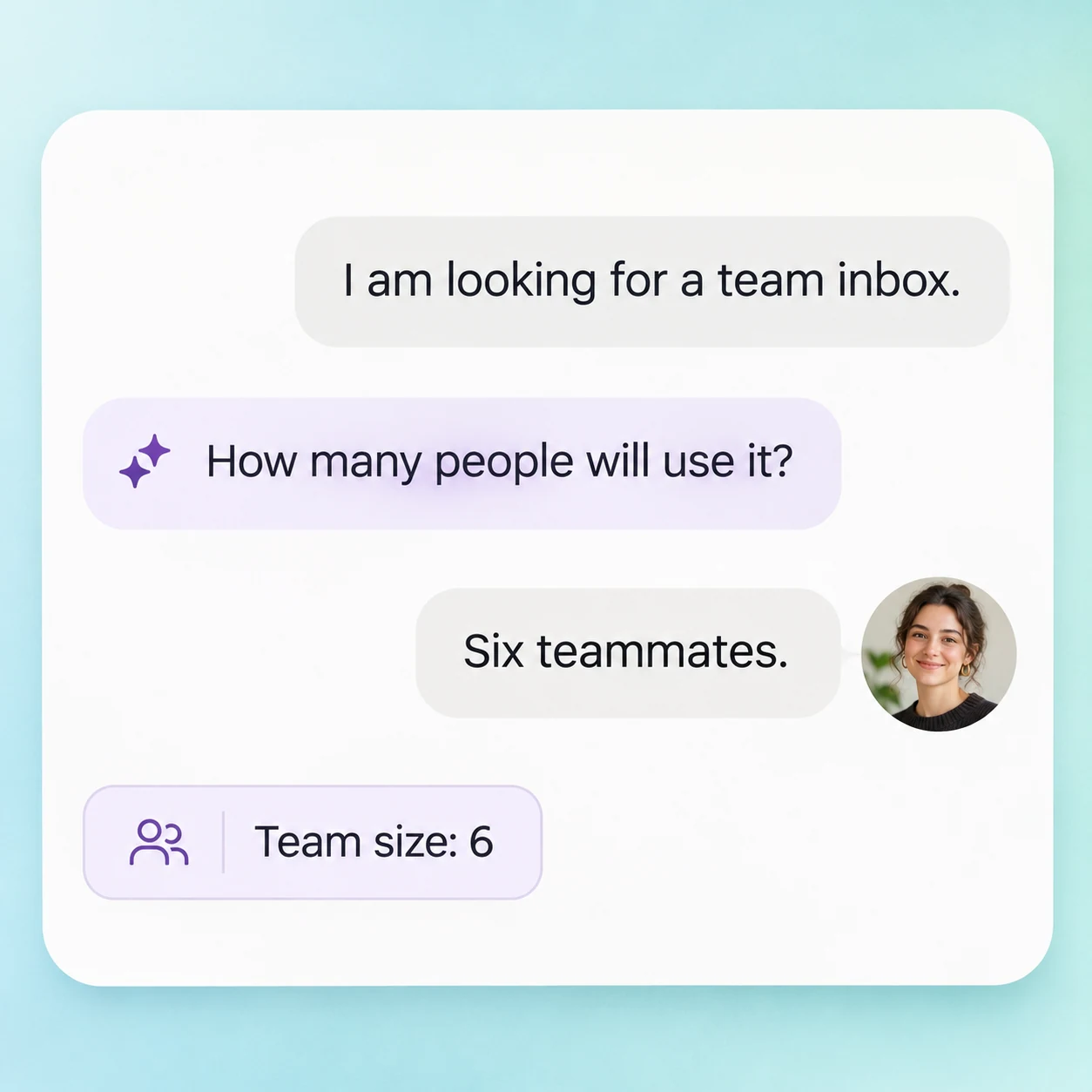
Let AI handle initial questions and collect the details that matter to your business, such as the product, service, or appointment the person is asking about.
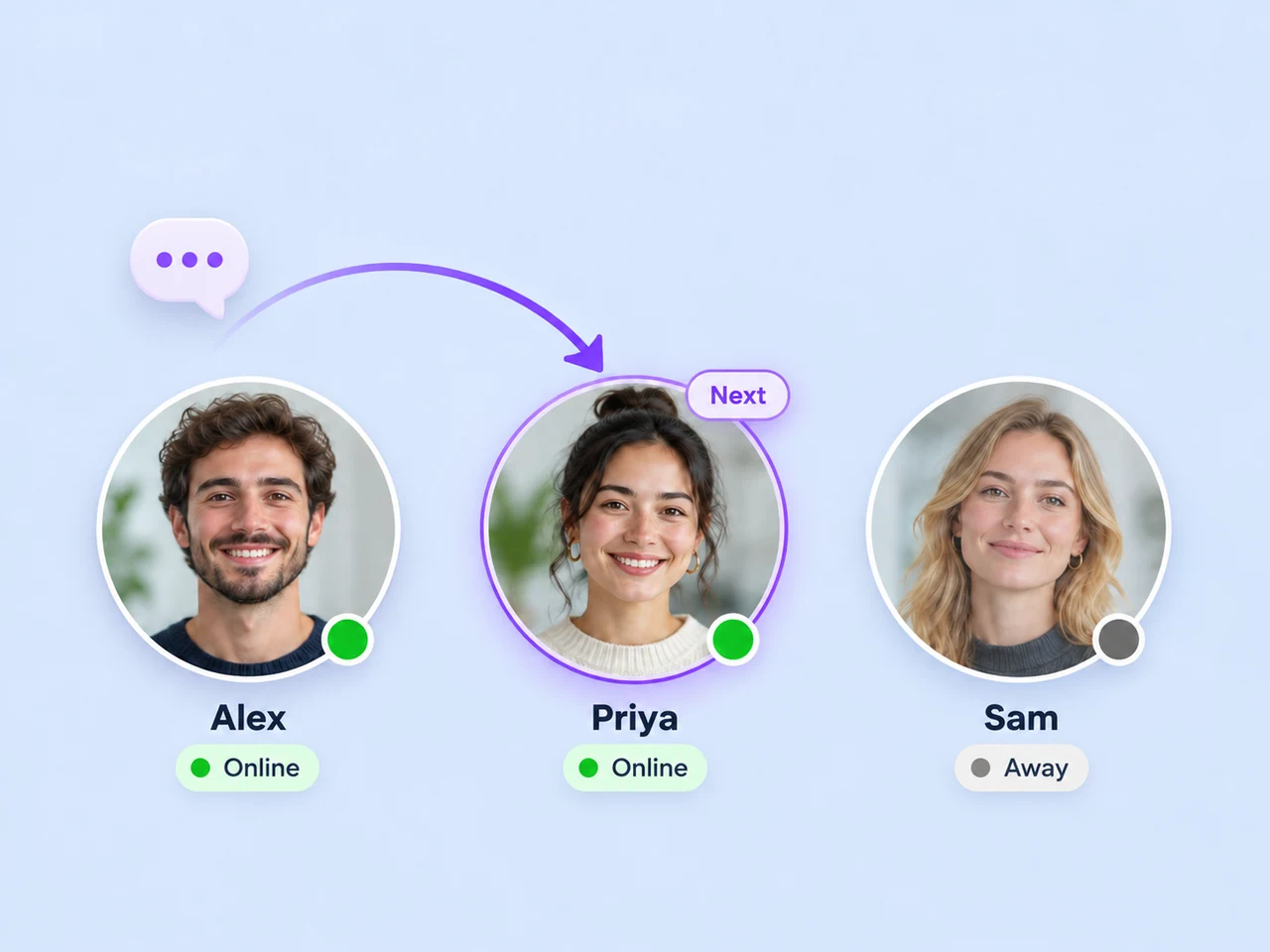
Route the enquiry to the appropriate person or queue. Give them the conversation history and a clear view of the lead's current status.
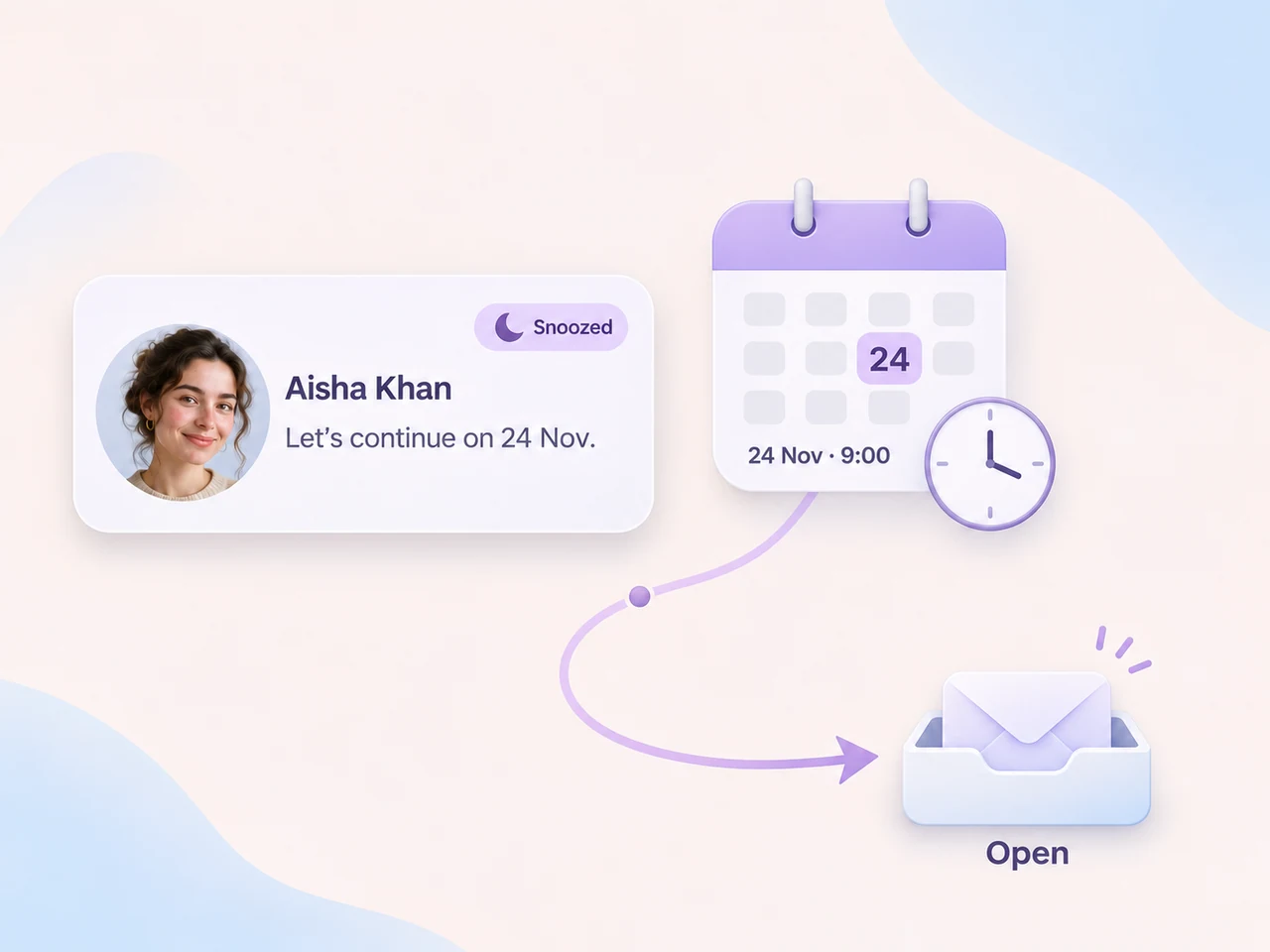
Set the next action when a lead needs more time. Use tags, reminders, and automated messages to help your team continue the conversation.
Lead follow-up automation
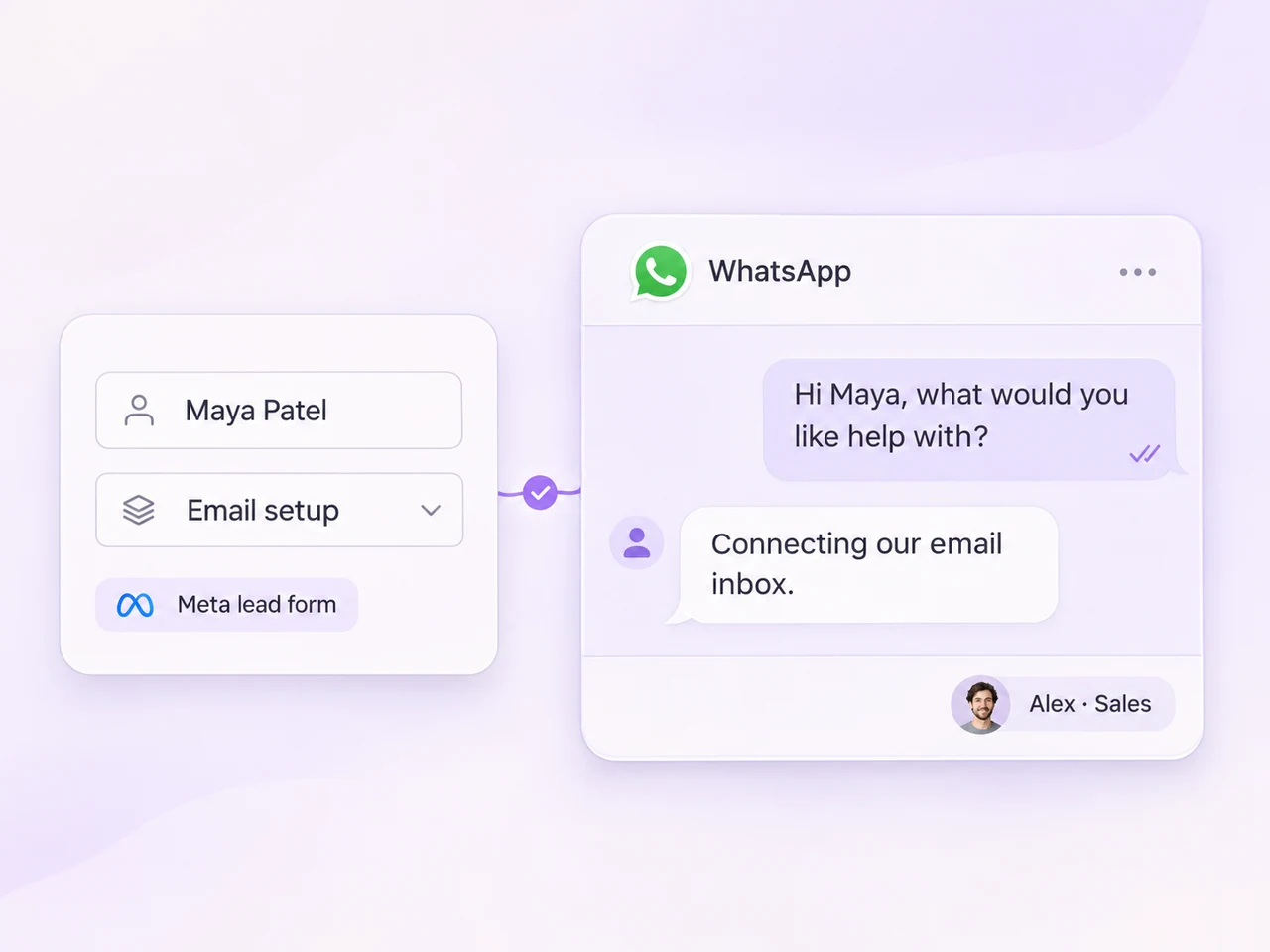
A submitted form needs a first message. A new chat needs a useful reply. Build a workflow around the way the lead arrived, with the customer details your team needs to continue the conversation.
Use AI to answer initial questions and collect relevant information, then hand the conversation to a teammate when it is time for a personal response. Keep the history and private notes with the enquiry so the customer can move forward with the next person.
Connect conversations to outcomes
The first enquiry is only the start. Track what happens as your team qualifies the lead, follows up, and records the outcome. Keep source information with the customer record so you can understand where an enquiry began.
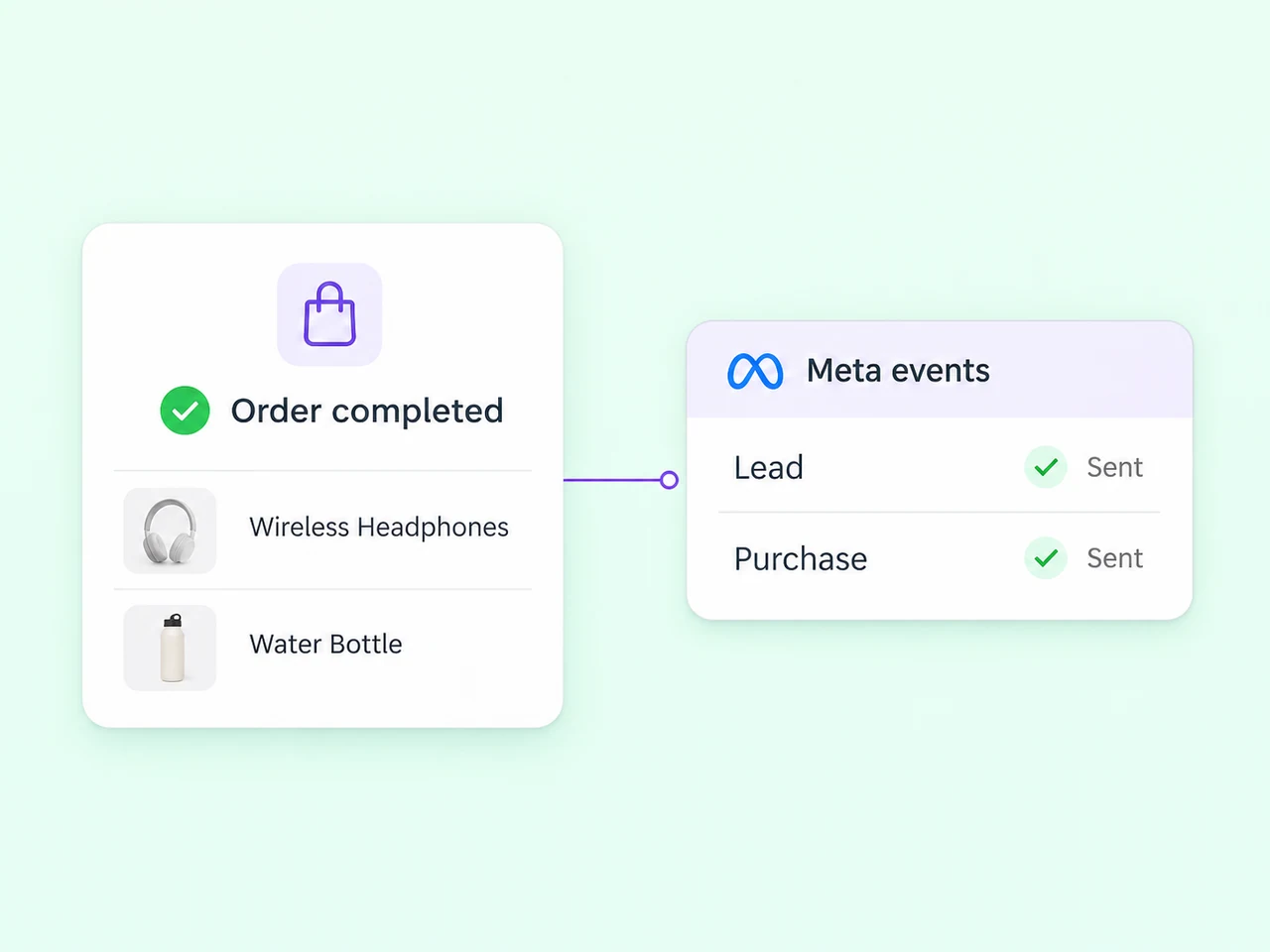
Send selected lead and purchase events to Meta through its Conversions API. If your business uses Shopify, bring cart and order context alongside the conversation and connect store activity to your Meta reporting.
Explore the tools your team can use after a campaign starts bringing in enquiries.
AxoDesk supports lead capture from Facebook and Instagram lead forms, along with conversations started by messaging ads. You can also organize enquiries from TikTok messaging campaigns. A form creates a lead with submitted details, while a messaging ad starts a conversation in the connected channel. Configure the first response around the source you use.
Yes. You can set up a workflow that starts after a Meta lead form is submitted, sends an approved WhatsApp template, and assigns the conversation to a teammate or queue. Configure the message around the information the customer provided and the contact permissions for that campaign, then test the complete flow before launching.
AI agents can handle initial customer questions and collect qualification details in the conversation. Your team decides what information is useful, how leads should be tagged, and when a teammate should take over. The shared inbox gives that teammate the history needed to continue the discussion.
Captured Meta leads can include source context such as the platform, campaign, ad, and form. Keep that information with the lead's contact details and conversation so your team can tailor its reply and review the lead's progress. The available details depend on the source and connection you configure.
Yes. AxoDesk can send configured lead and purchase events to Meta through its Conversions API. Choose the business event that should trigger a signal and test the event mapping as part of your setup. If you use Shopify, its customer and order context can support the workflow. Campaign performance depends on your audience, offer, event quality, and follow-up.
AxoDesk's integration catalogue includes CRM tools, Shopify, automation platforms, and webhooks. Choose the connection that fits the customer records or order information your team needs. Start with one lead source and one follow-up workflow, check the handoff with your team, and add the next connection as your process grows.
Connect your lead source, define the first response, and bring your team into the conversation with AxoDesk.