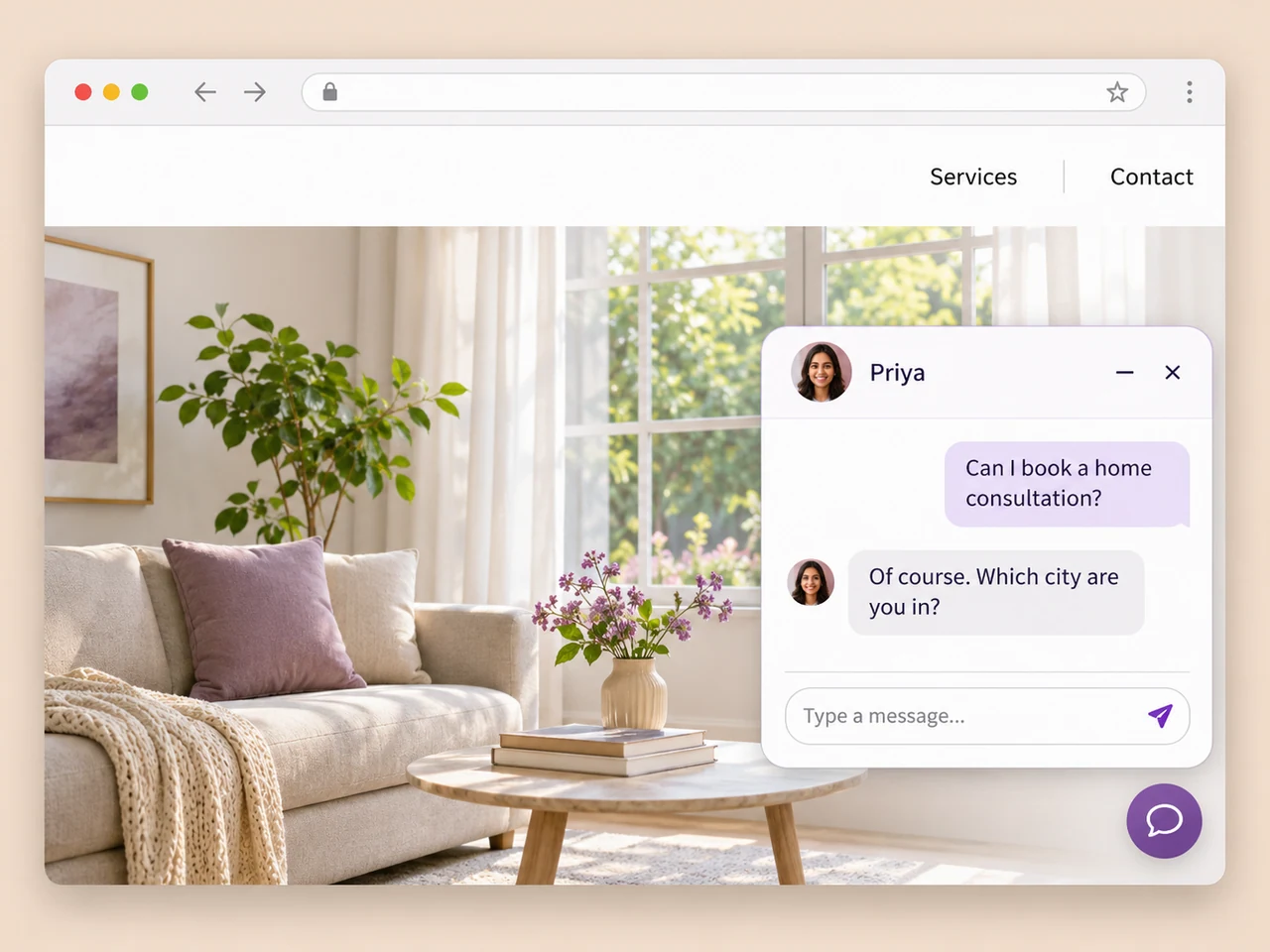
A chat option while they browse
Give visitors a way to ask about your product or service from the website. Configure the chat entry point and the channels your team should receive enquiries through.
Explore website chatCapture website leads
Make it easy to ask a question, leave contact details, or continue on WhatsApp. Bring the enquiry into AxoDesk so your team can qualify it and follow up.
Explore website capture options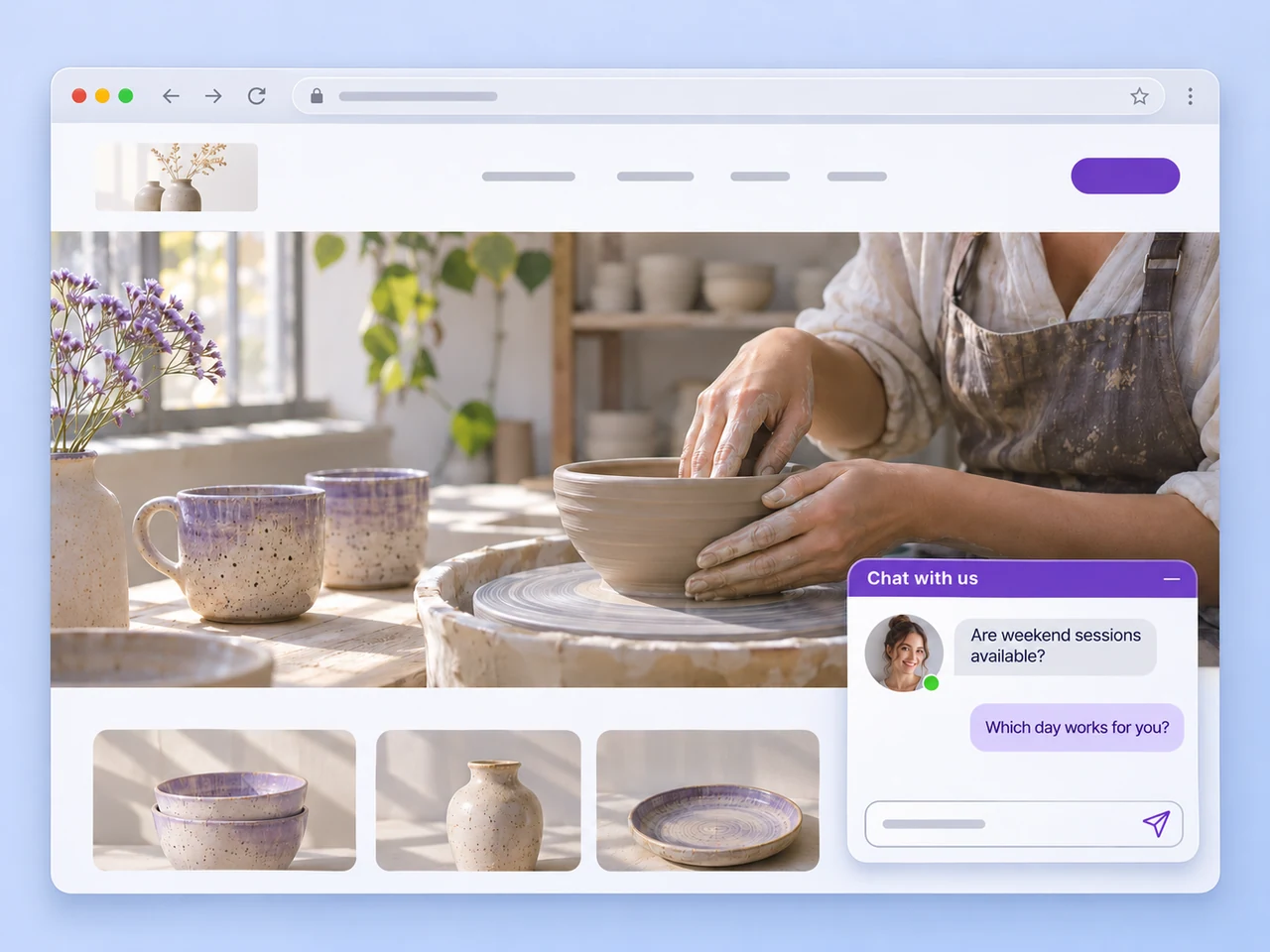
Ways to start an enquiry
A quick question, a demo request, and a resource download need different entry points. Choose the one that suits the visitor and connect it to your team's follow-up.
Give visitors a way to ask about your product or service from the website. Configure the chat entry point and the channels your team should receive enquiries through.
Explore website chat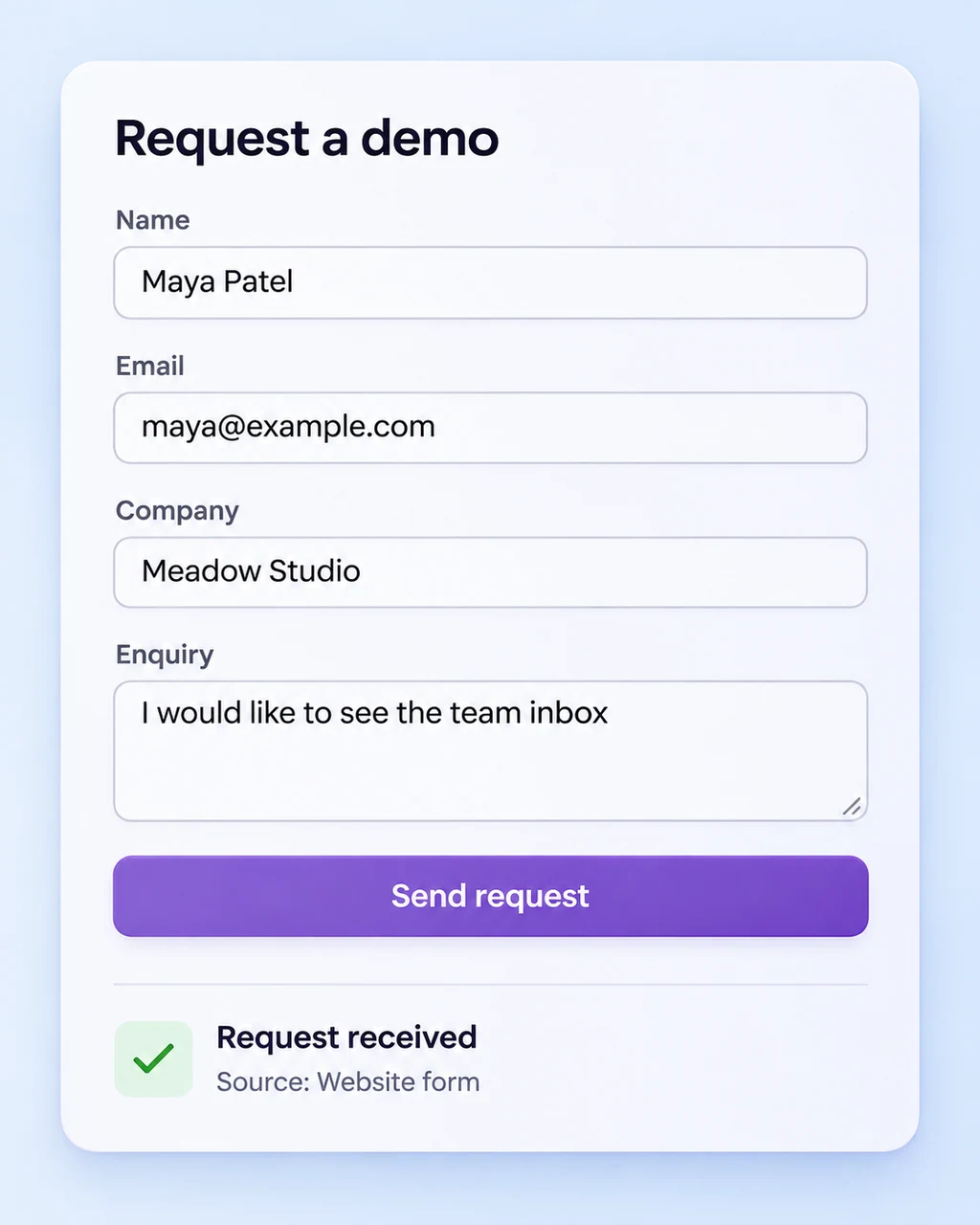
Keep your existing form and connect its submissions to your lead workflow. Map the contact details and the request so the person replying knows what the visitor needs.
Explore form connections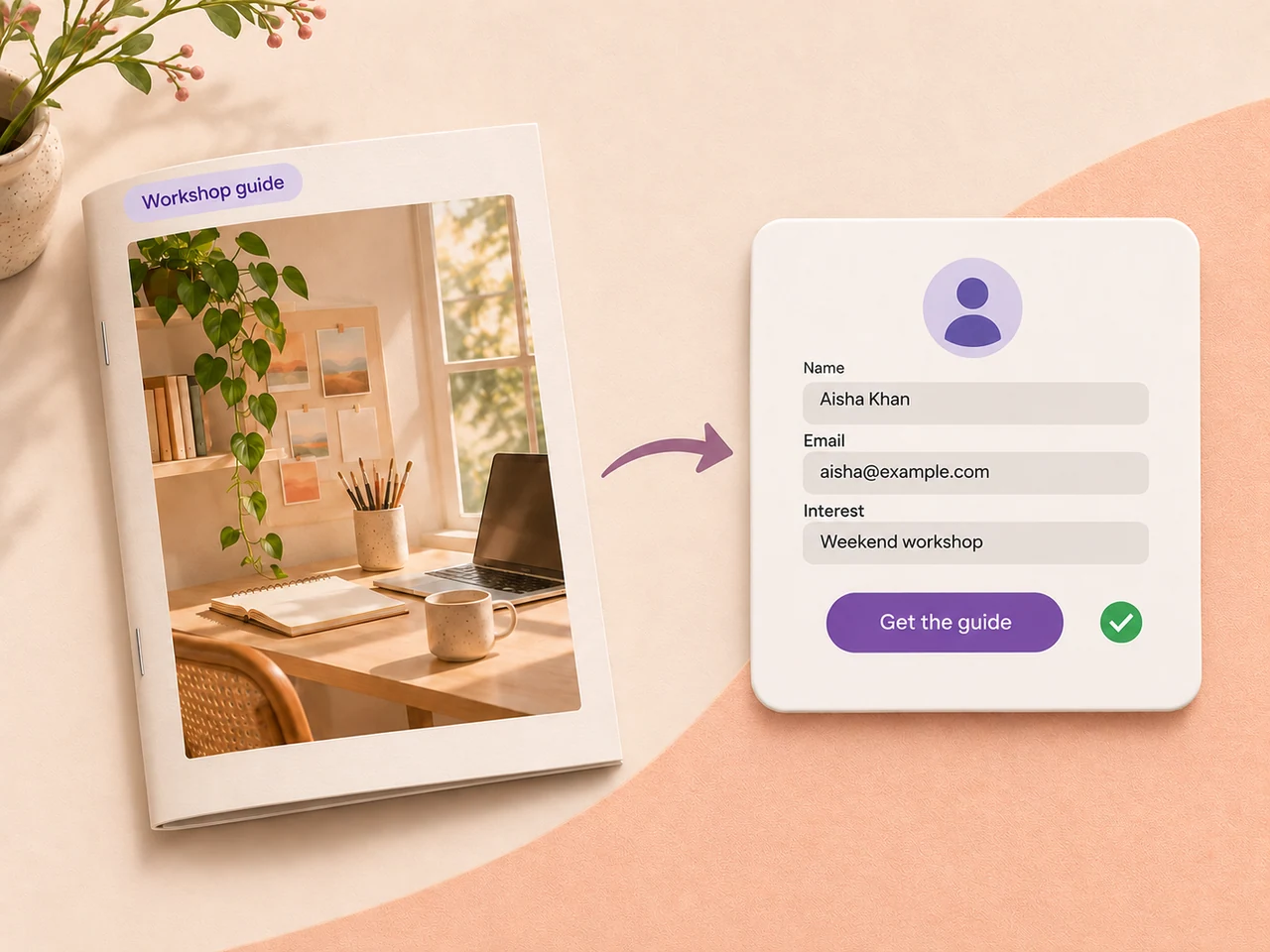
Offer a guide or checklist that helps your visitor make a decision. Use your sign-up form and a connected workflow to capture the request and plan the next conversation.
Explore connected workflows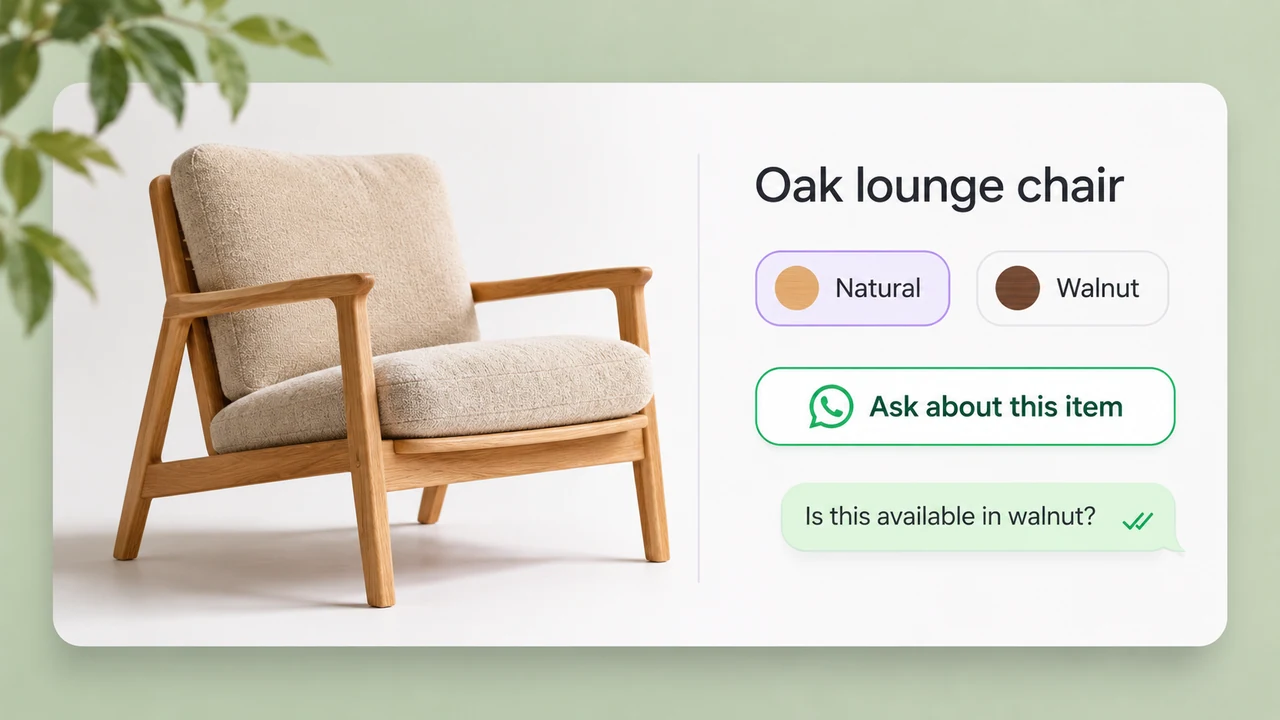
Put a direct WhatsApp link beside a product, service, or pricing question. Give people a clear way to reach the team from the page they are already reading.
Create a WhatsApp linkAfter the visitor reaches out
Bring the question into a shared conversation, collect the details, and give someone responsibility for moving it forward.
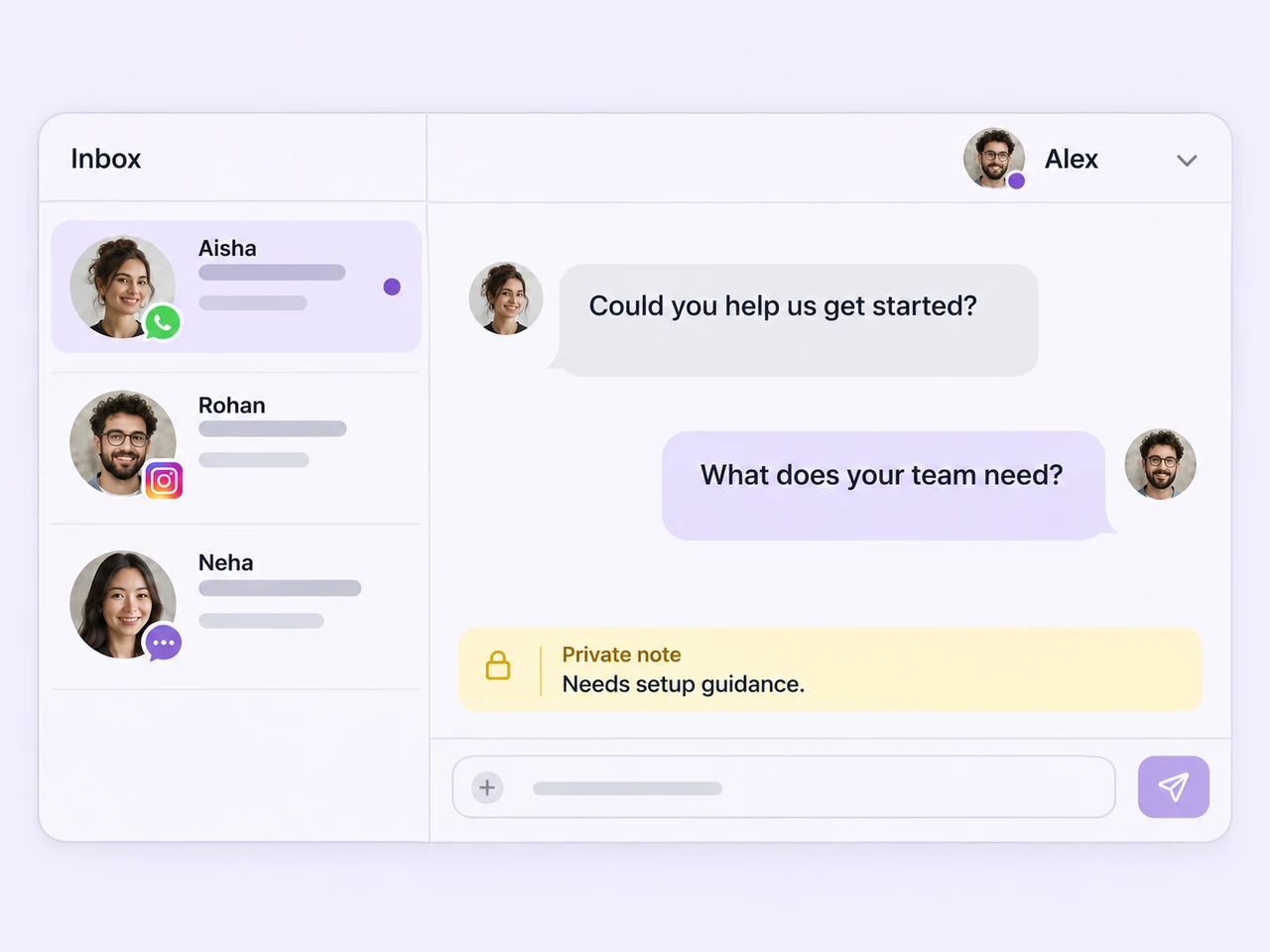
Give your team a shared inbox for connected customer conversations, with the history available through every handoff.
Shared team inbox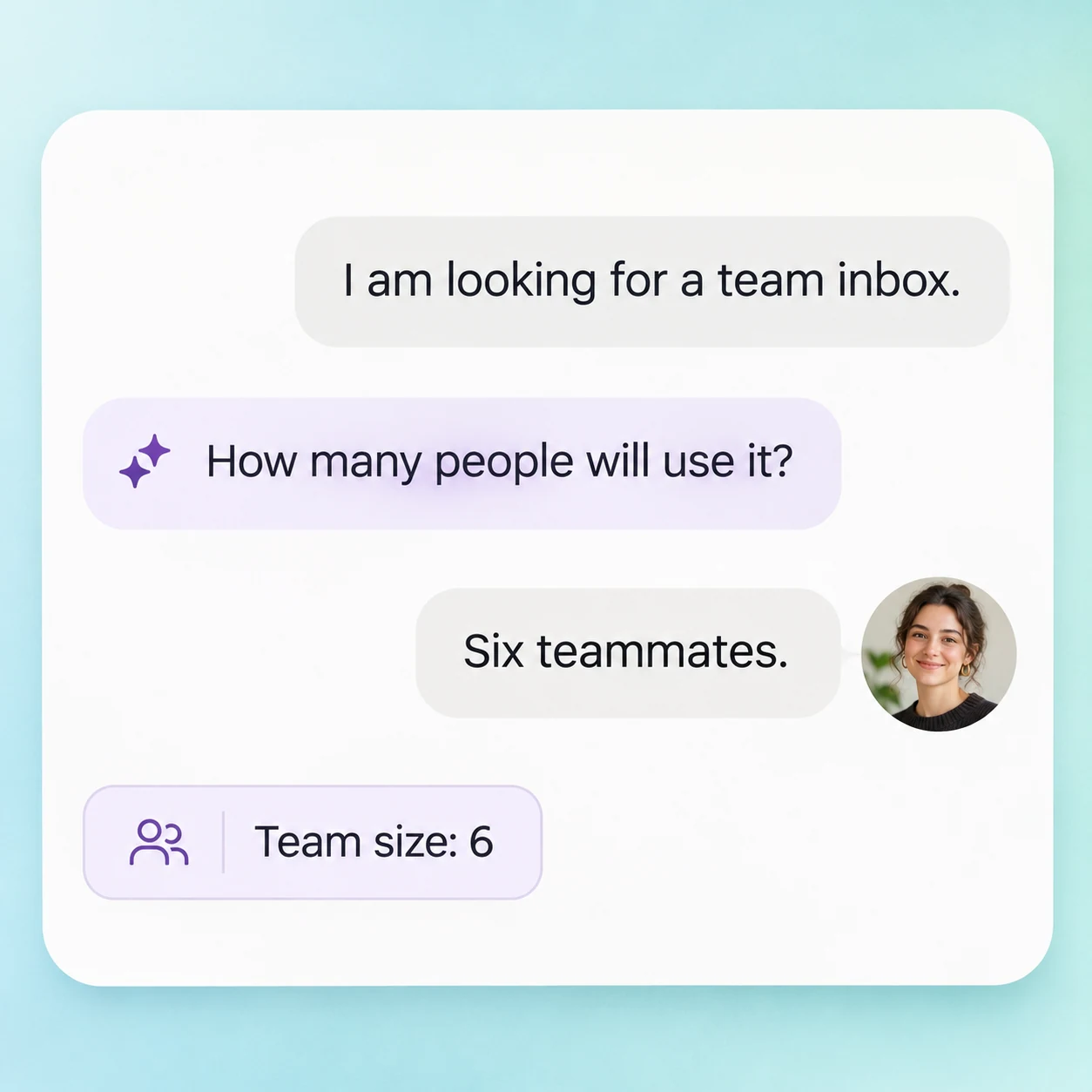
Help visitors get answers and collect qualification details before the enquiry moves to the teammate who can take it further.
AI agents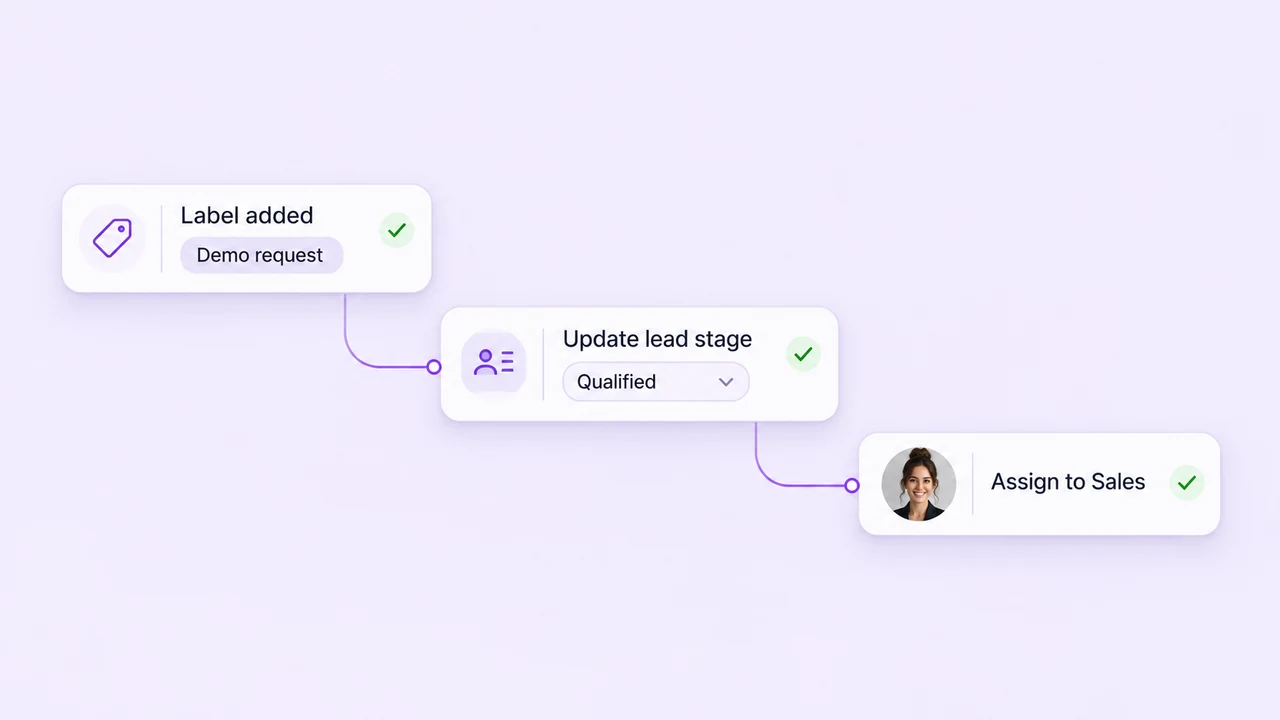
Route enquiries, update tags, and use automation for the repeatable steps that follow a new customer message.
Follow-up automation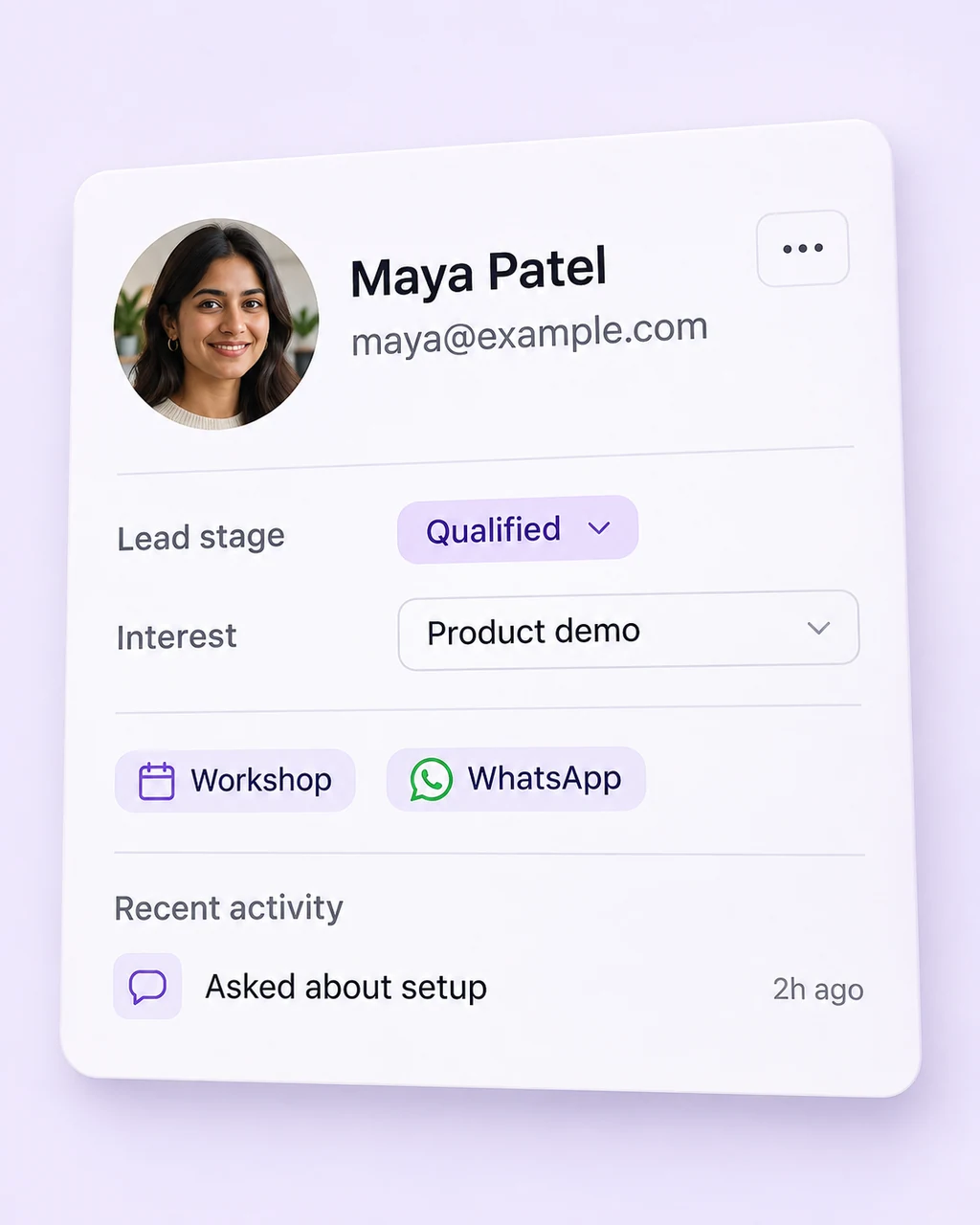
Keep the name, contact information, and lead status with the enquiry so the next reply starts with context.
Lead management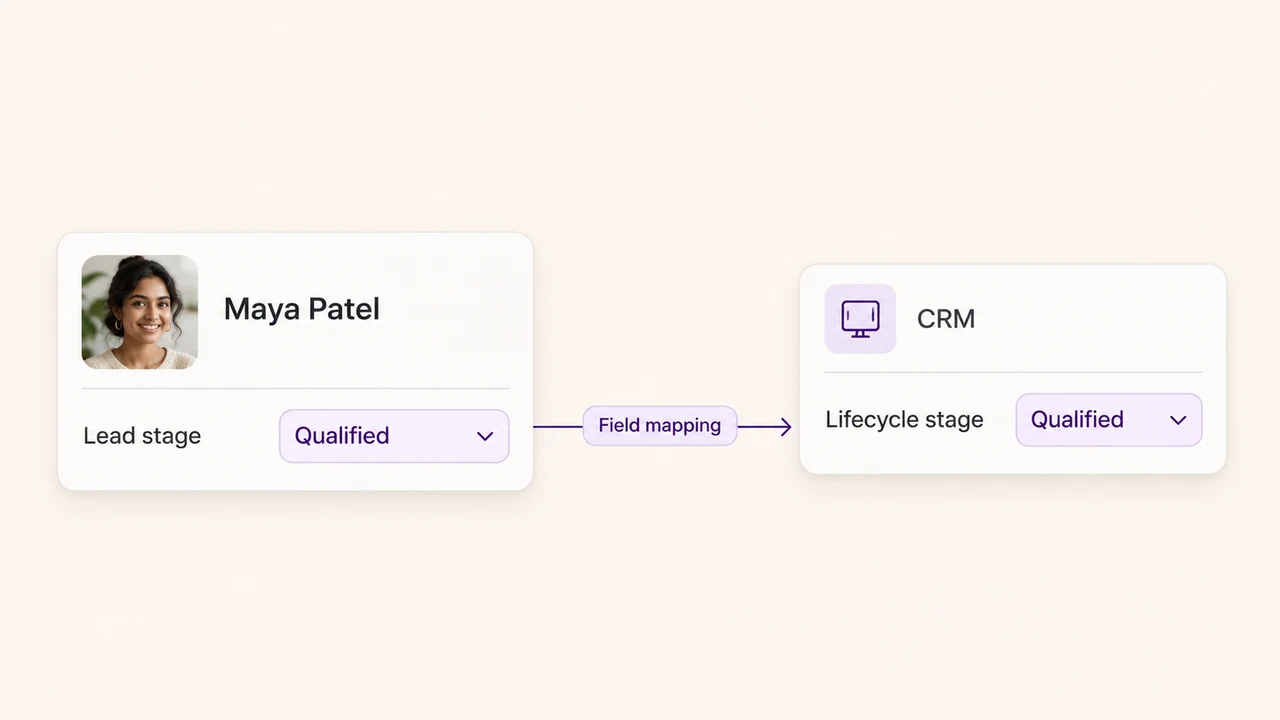
Choose the CRM, form, or automation connection your process needs when customer details have to move between systems.
Browse integrations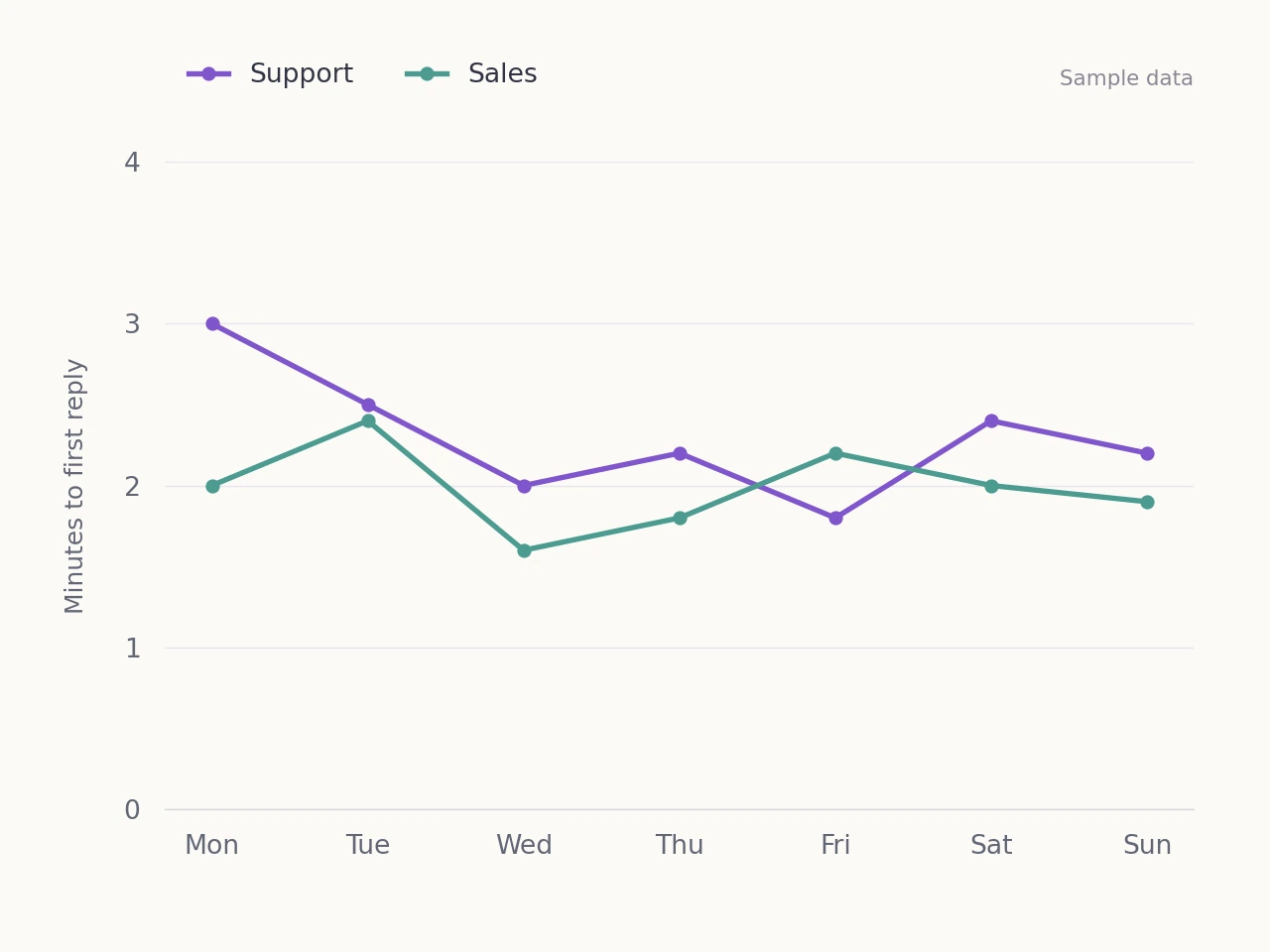
Review response times and conversation activity to understand how your team handles new enquiries.
Conversation analyticsFrom visitor to ongoing conversation
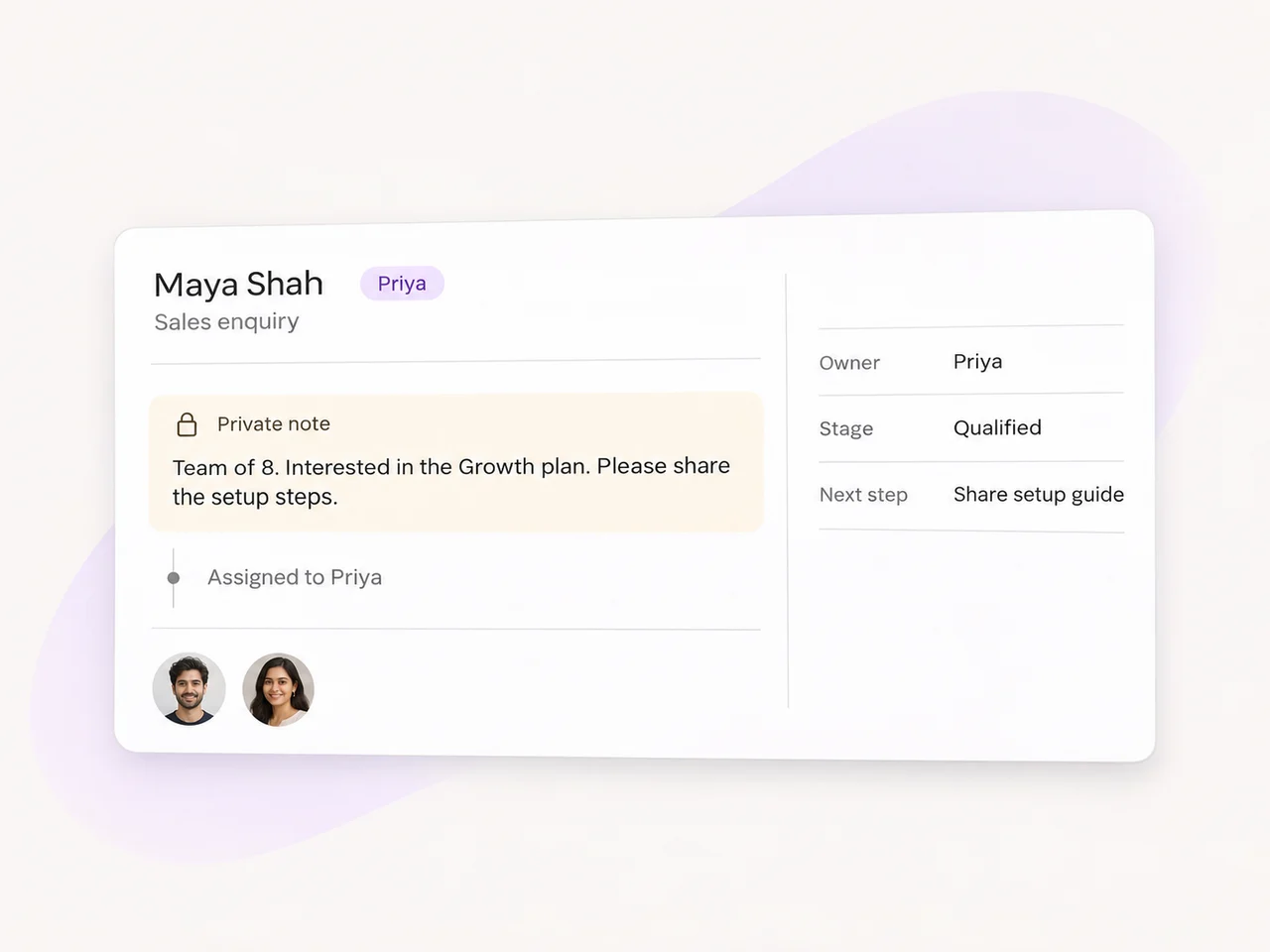
The customer has already explained what they need. Keep their message, contact details, and the team's private notes together when you hand the enquiry to someone else.
Use lead tags and status to organize the next response. A sales question can go to the person who handles demos, while an existing customer's request can reach support. The conversation history helps that teammate pick up the enquiry with context.
Give visitors an entry point such as a website chat widget, a WhatsApp link, or a connected contact form. Once an enquiry reaches your team, use AxoDesk to collect useful details, organize the conversation, and assign the next response. Start with the pages where visitors already ask questions about pricing, services, or getting started.
Yes. You can offer a WhatsApp contact option through your website chat setup or use a direct chat link on a page. Choose the connected business number that should receive the enquiry and set up how your team handles the reply. The WhatsApp link generator helps you create the visitor-facing link.
Use the form tool your website already runs and review the integration that connects it to your lead process. Map the submitted name, contact details, and enquiry to the information your team needs. The connection and workflow depend on your form provider, so test a complete submission and handoff as part of the setup.
A useful guide, checklist, or other resource can give visitors a reason to share their details. Use your sign-up form and a connected workflow to pass that request into your lead process. Record which resource the person asked for, explain what follow-up they can expect, and assign the next response to your team.
AI agents can help answer initial questions and collect qualification details in connected customer conversations. Set up the information that matters to your business and decide when the enquiry should move to a teammate. Keep the history available so a personal response can continue from the details already collected.
Start with the places where a question can hold up the next step, such as pricing, service, product, and booking pages. Choose a contact option that fits the question and decide who should handle the reply. Check the experience on both desktop and mobile, including the first message and the team handoff.
Choose your website entry point, connect it to AxoDesk, and give every new enquiry a clear next step.