
Facebook enquiries
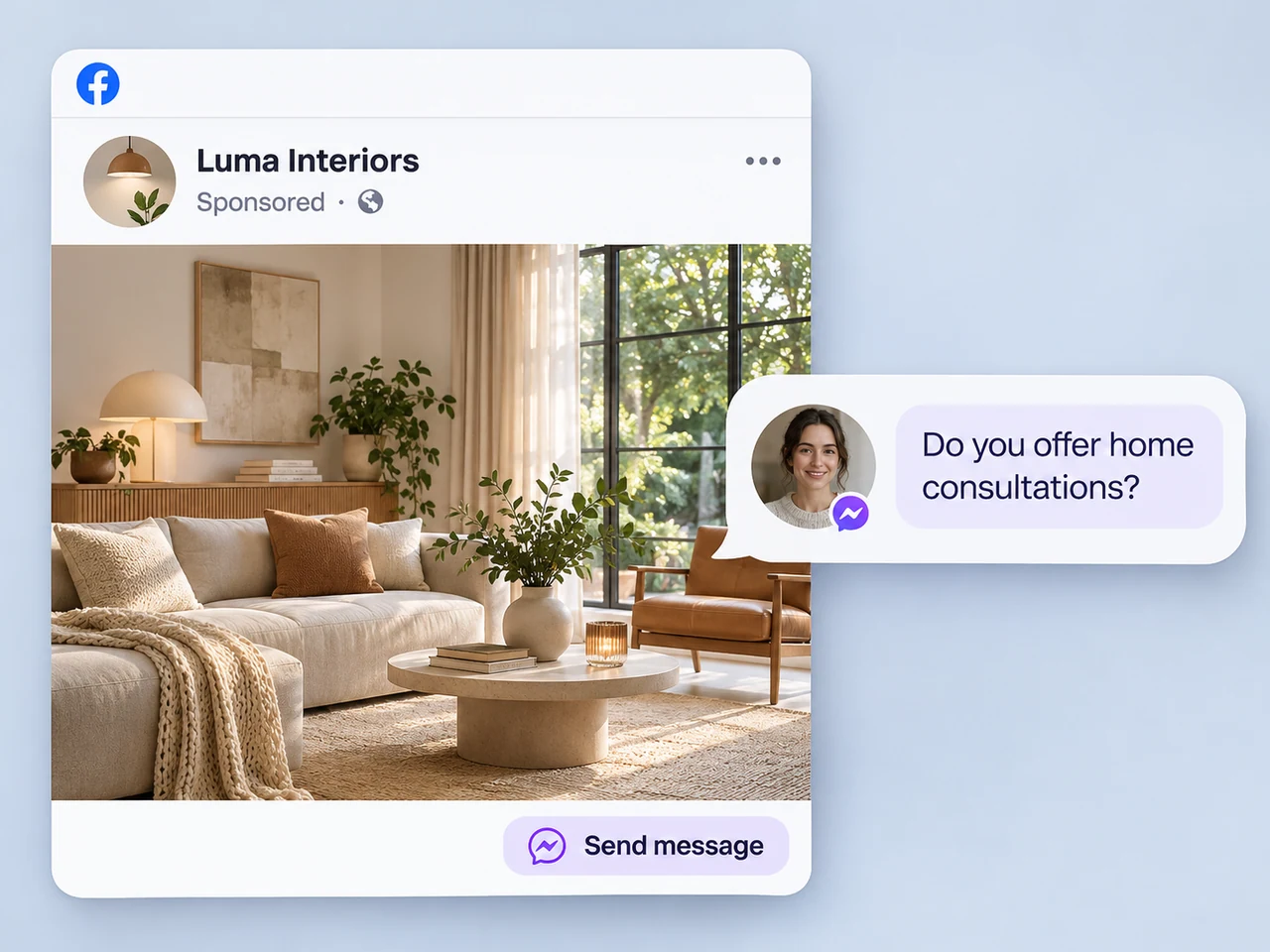
Make Page messages part of your team's lead process. Answer the initial question, collect the details, and assign a person to continue the conversation.
Explore Facebook messagingCapture leads
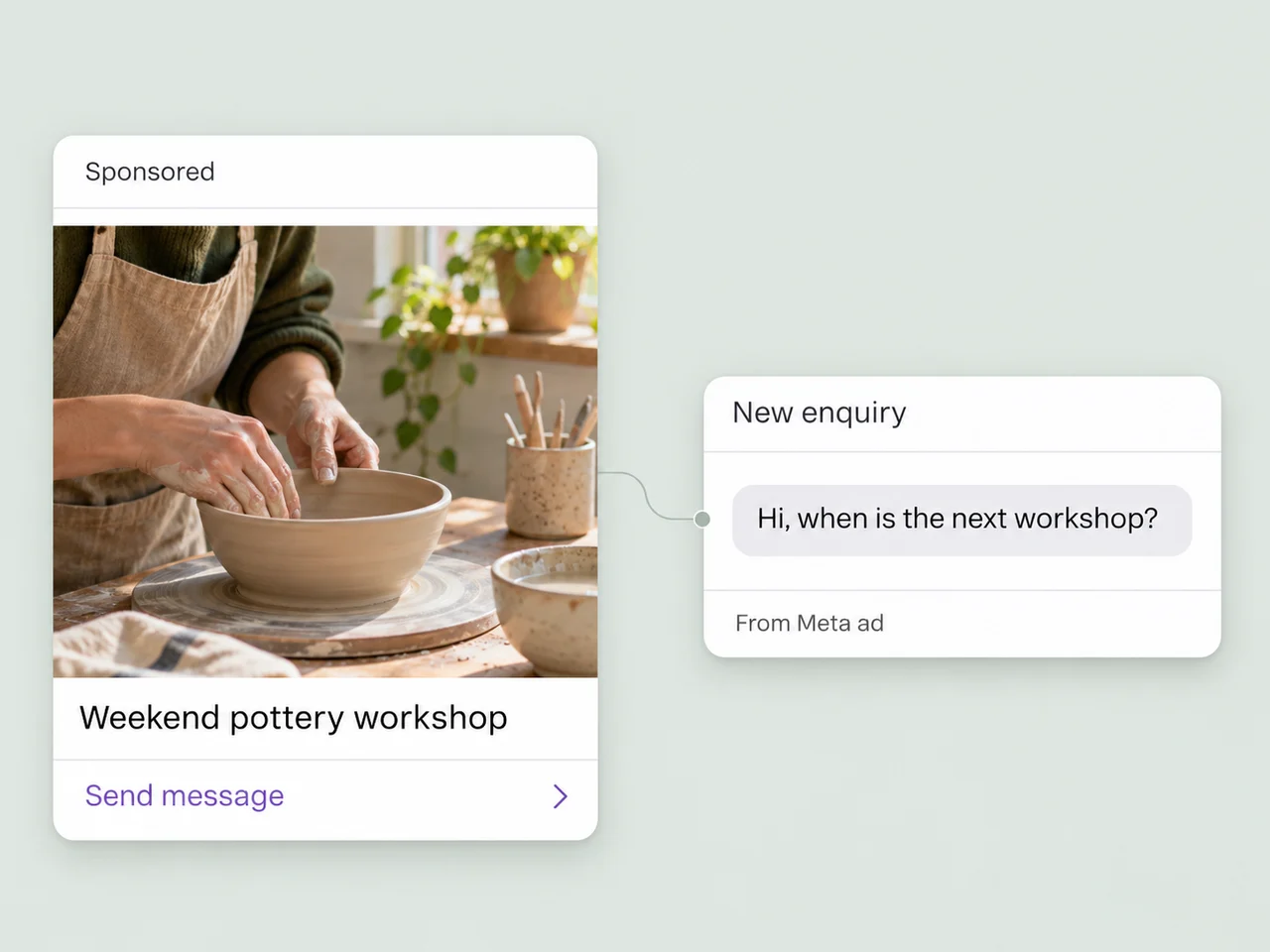
Bring messages from Facebook, Instagram, TikTok, your ads, and website into AxoDesk. Give every new enquiry a contact record, an owner, and a useful first response.
Explore lead capture channels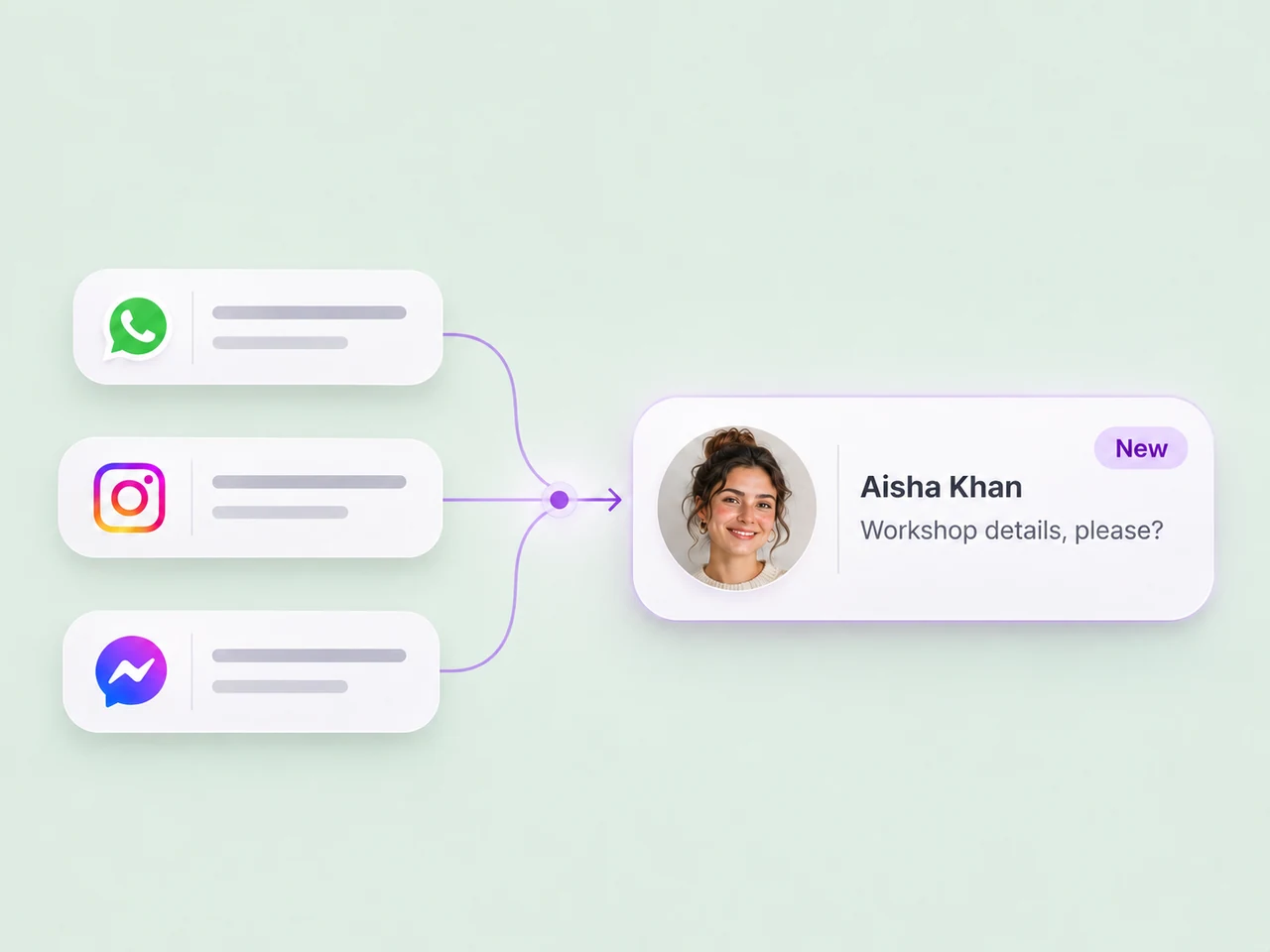
Start with social conversations
Someone who discovers your business should have a straightforward way to ask a question. Bring the reply into a workspace your team can follow through from.
Make Page messages part of your team's lead process. Answer the initial question, collect the details, and assign a person to continue the conversation.
Explore Facebook messaging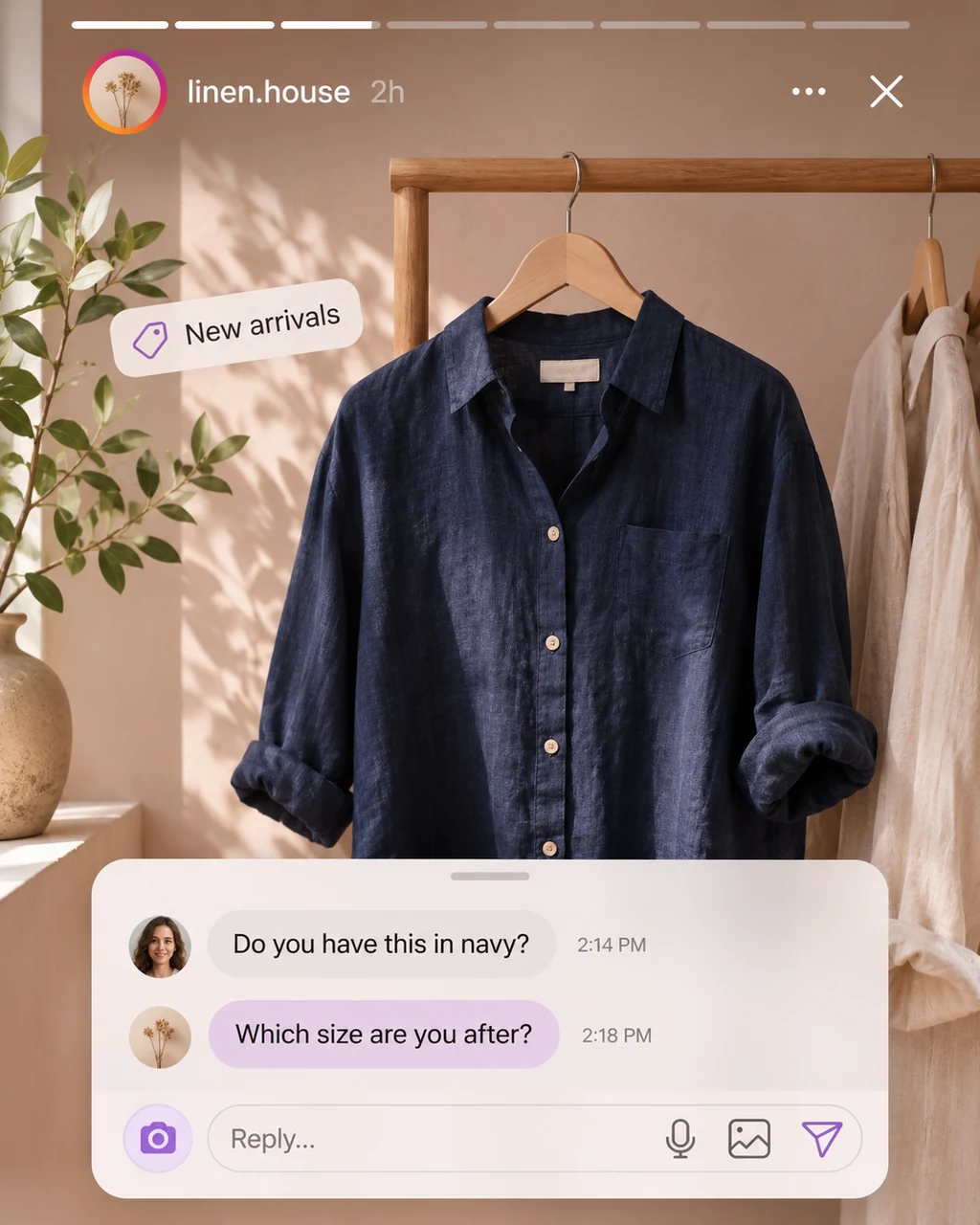

Give Instagram DMs a clear path to a helpful response. Keep the enquiry with the customer details and lead status as your team follows up.
Explore Instagram messaging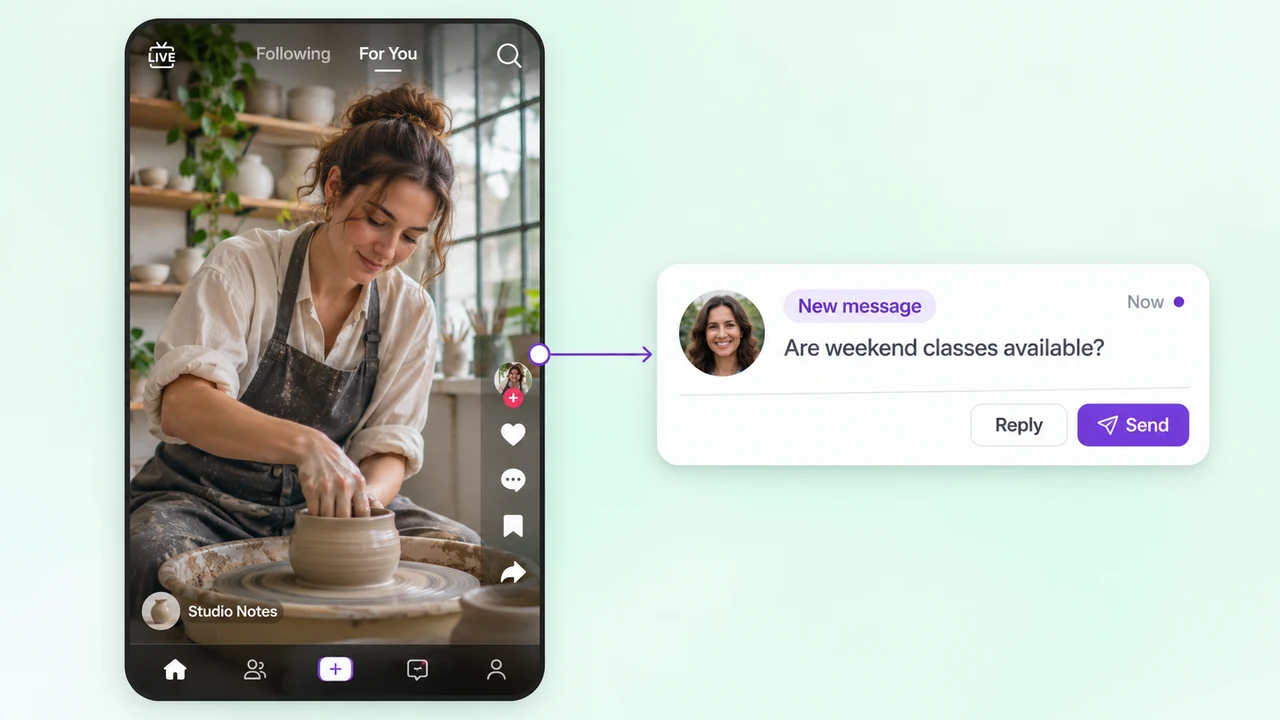

Pick up the questions people send after discovering your business on TikTok. Give the enquiry an owner and help interested customers choose their next step.
Explore TikTok messagingThe work after the first message
Build a lead process your team can use across channels, with room for AI, automation, and a personal response.
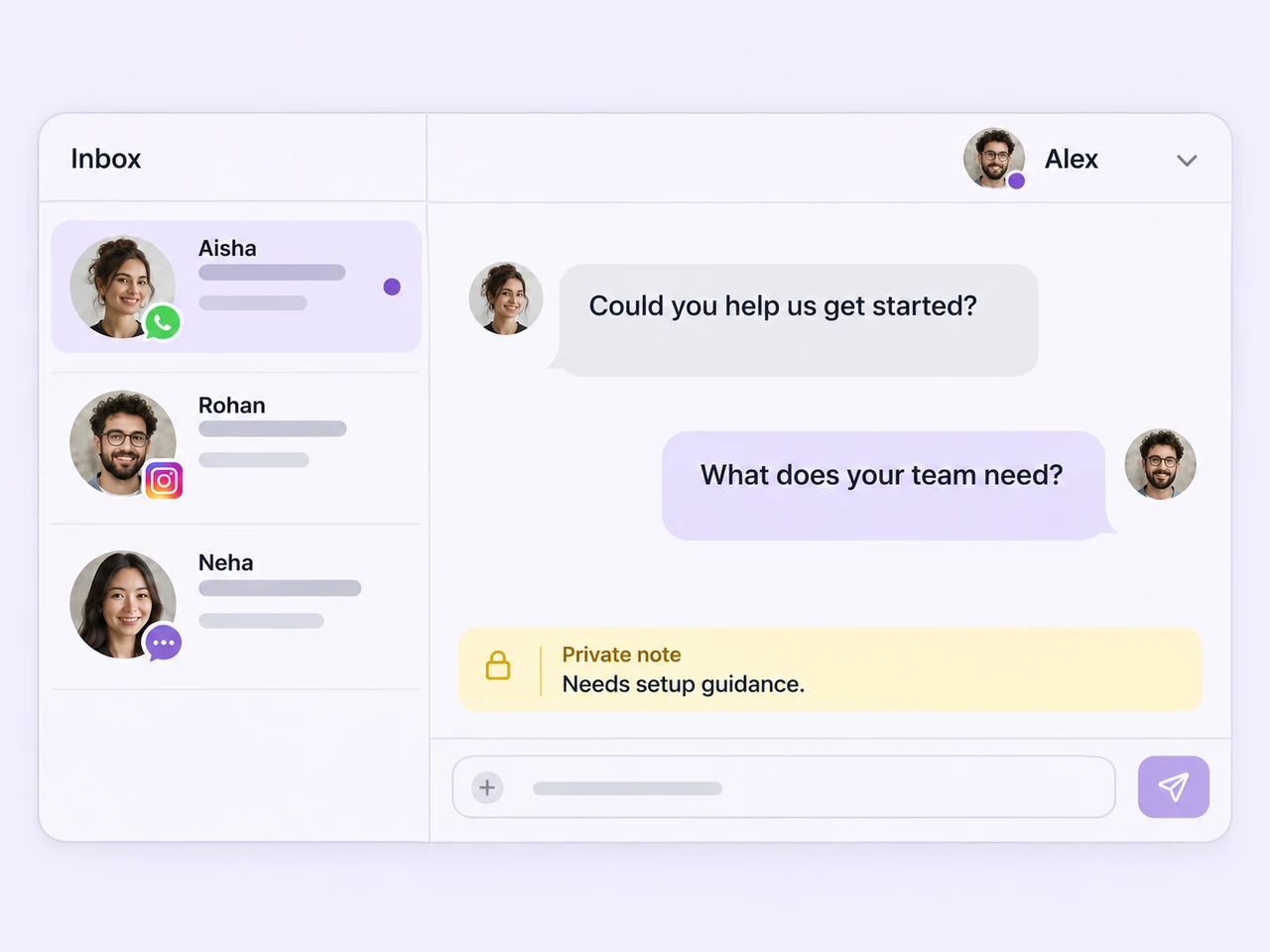
Handle connected channels in the team inbox. Keep the conversation history available when someone else picks up the enquiry.
Shared team inbox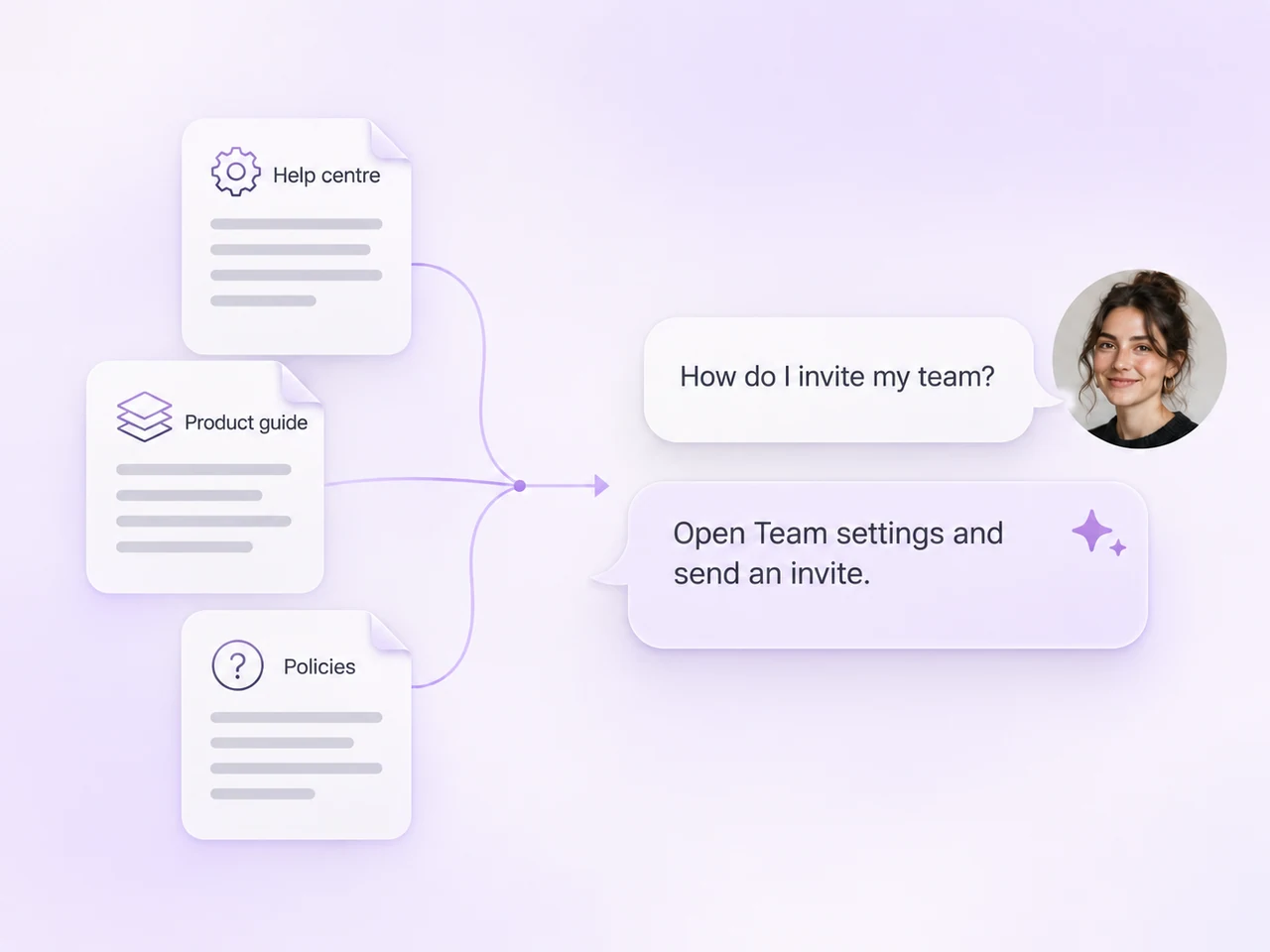
Answer recurring questions and collect qualification details before the conversation moves to the right teammate.
AI agents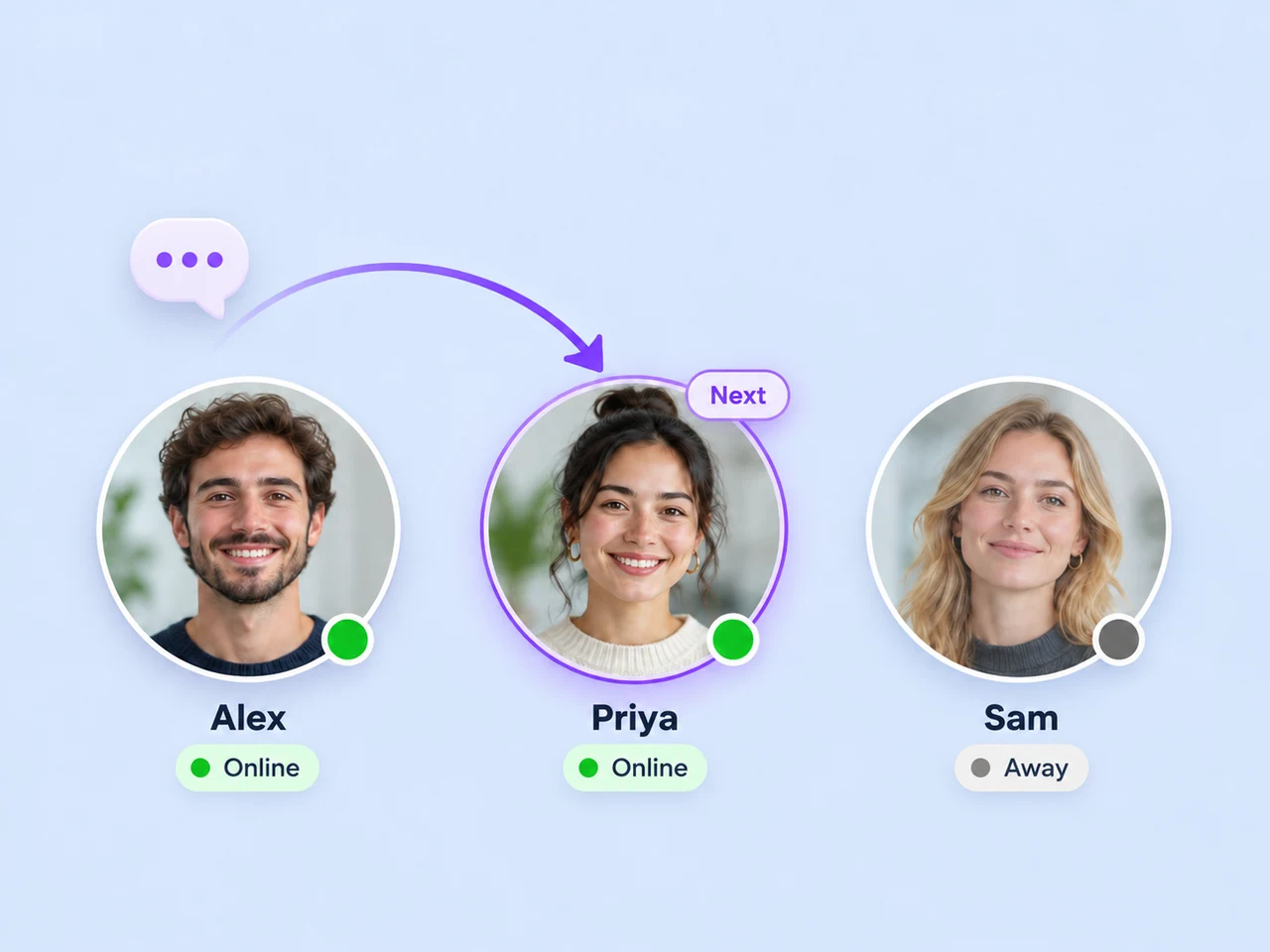
Route conversations, set the next action, and use automation for the repeatable parts of your lead follow-up.
Follow-up automation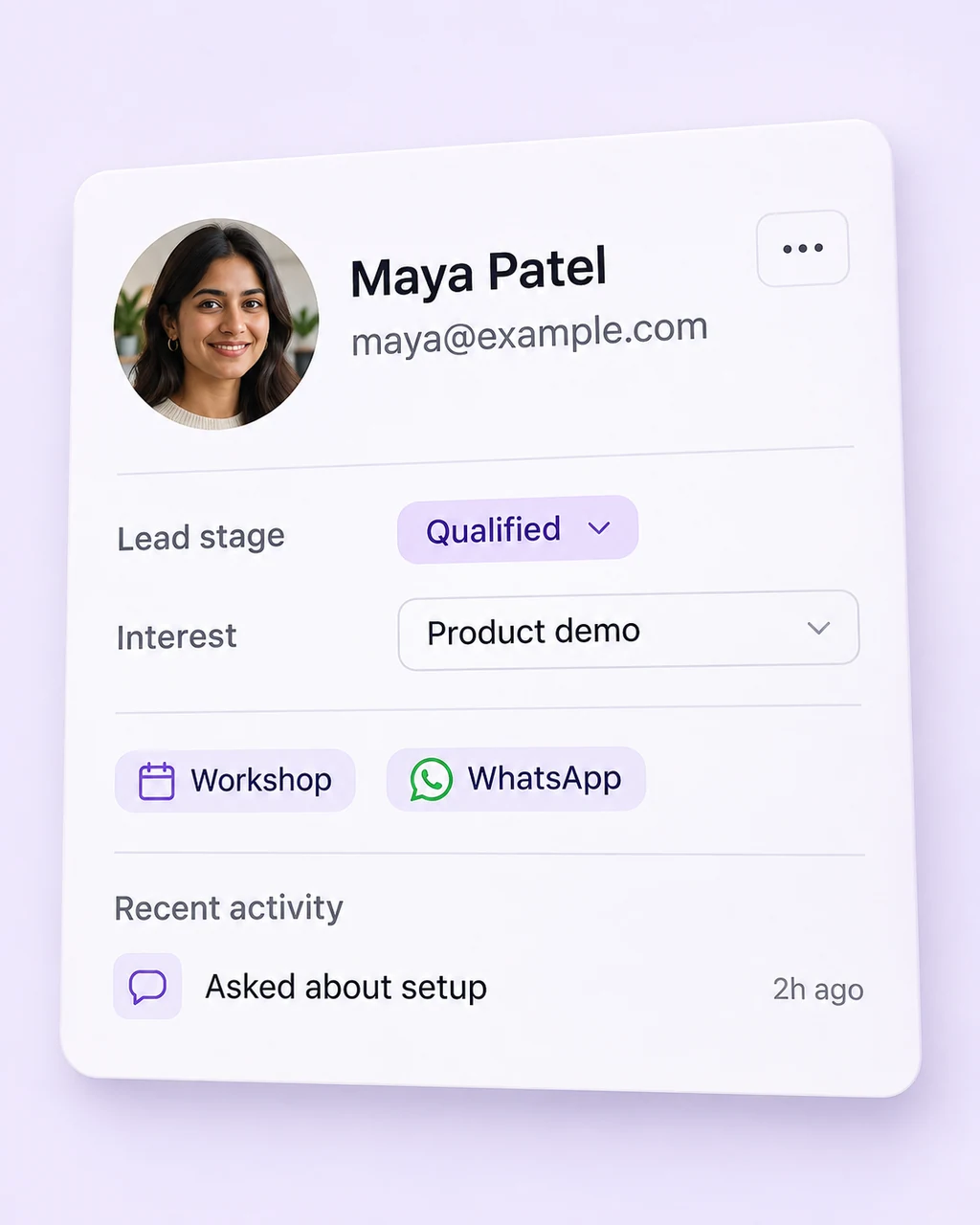
Keep contact details, tags, and lead status with the conversation so the next reply starts with useful context.
Lead management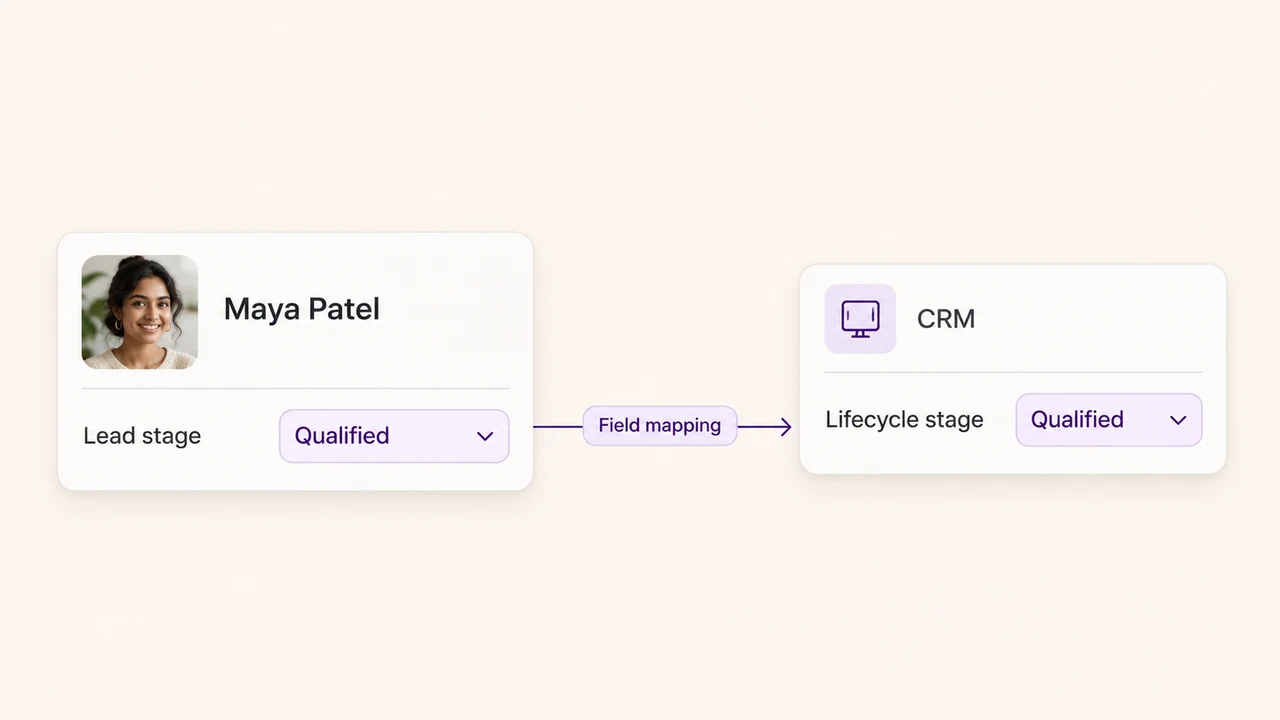
Link your lead process to CRM, store, and automation tools when customer information needs to move between systems.
Browse integrations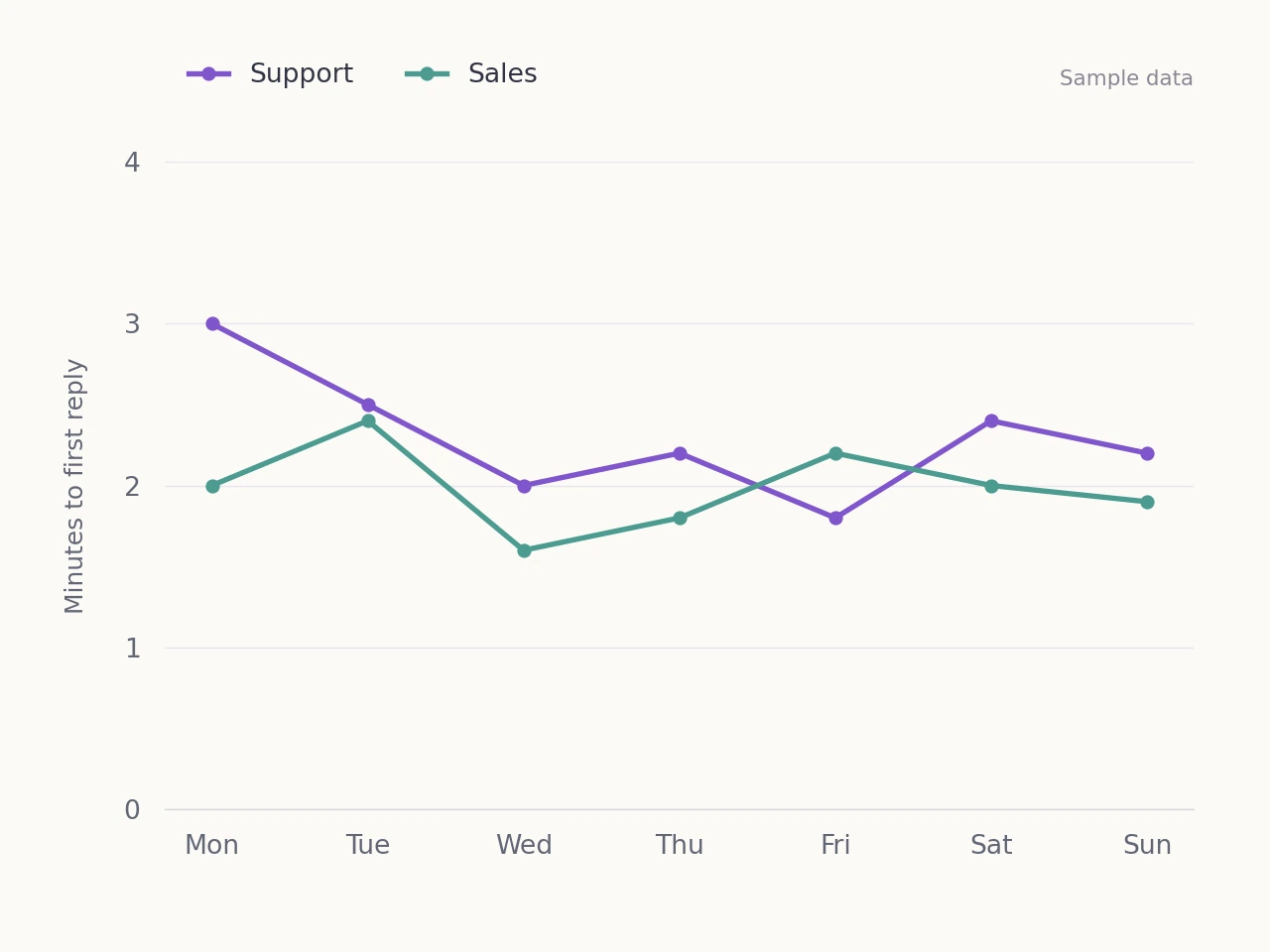
Review response times and conversation volume to understand how your team handles enquiries across its channels.
Conversation analyticsKeep the next step moving
A first message can be a product question, a booking enquiry, or a request for more information. Collect the details your team needs and record the lead's status as the conversation develops.
Build the follow-up around the customer and their channel. Let automation handle the repeatable steps, then assign a teammate when the enquiry needs a personal response. Keep the conversation history and private notes available through the handoff.
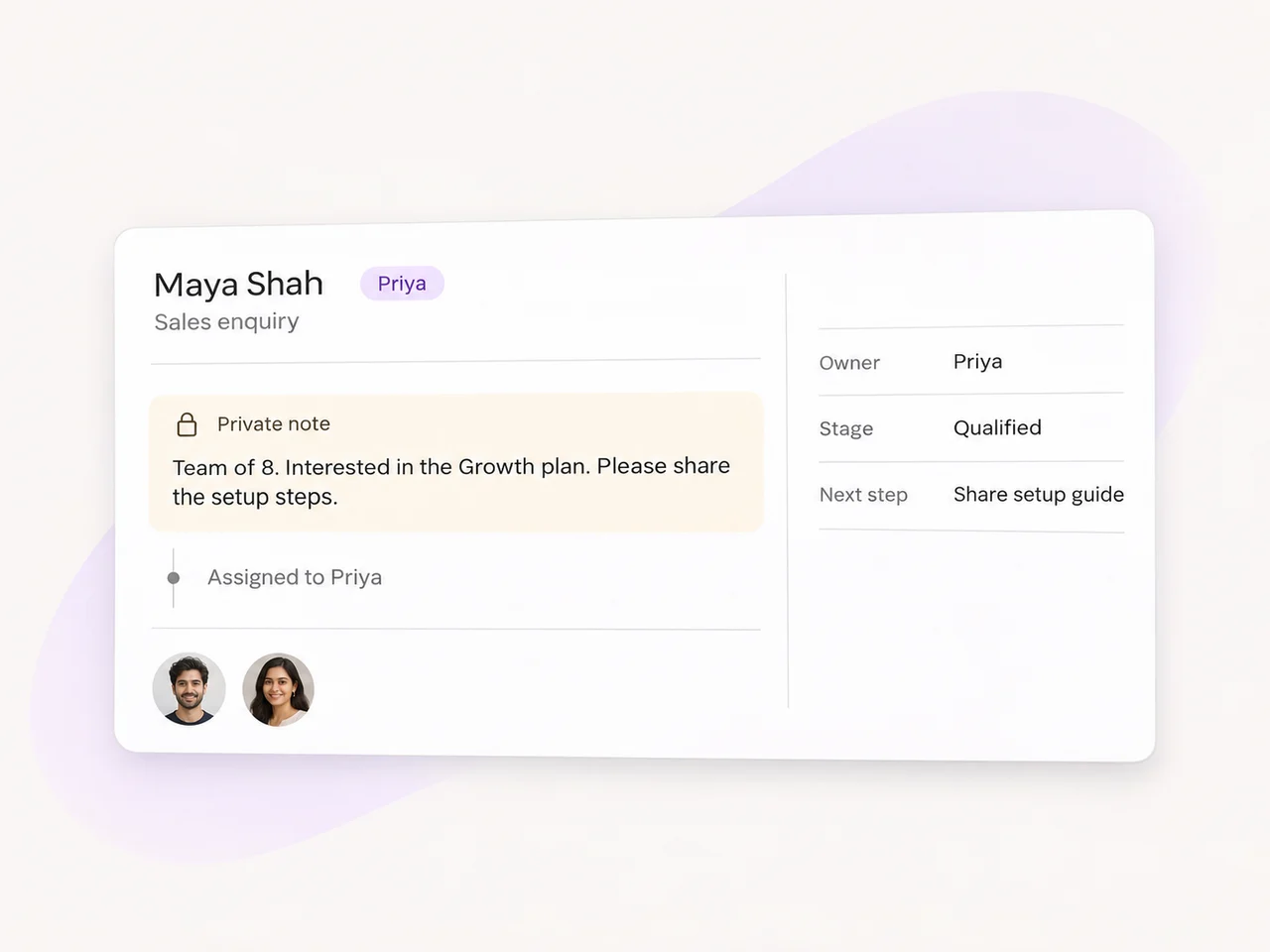
You can bring enquiries from connected messaging channels, Meta lead forms, messaging ads, and website chat into AxoDesk. Facebook Messenger, Instagram, TikTok, and WhatsApp give people different ways to start a conversation. Choose the sources your customers use and connect each one to the reply and follow-up process your team needs.
The enquiry enters your team's conversation workflow. Collect useful customer details, add tags or a lead status, and assign the conversation to a teammate or queue. AI agents can help with initial questions and qualification. Your team can then continue the discussion with the conversation history available.
Yes. Set up AI agents around the questions and details relevant to your business. They can help answer initial enquiries and collect information such as what the person is interested in. Define when the conversation should move to a teammate so the next response has the right context.
Yes. Social messages and ad enquiries can feed into the same lead-management process. Meta lead forms can create a record from the submitted details, while messaging ads start a chat in the connected channel. Keep the source information that is available and choose the first response for each entry point.
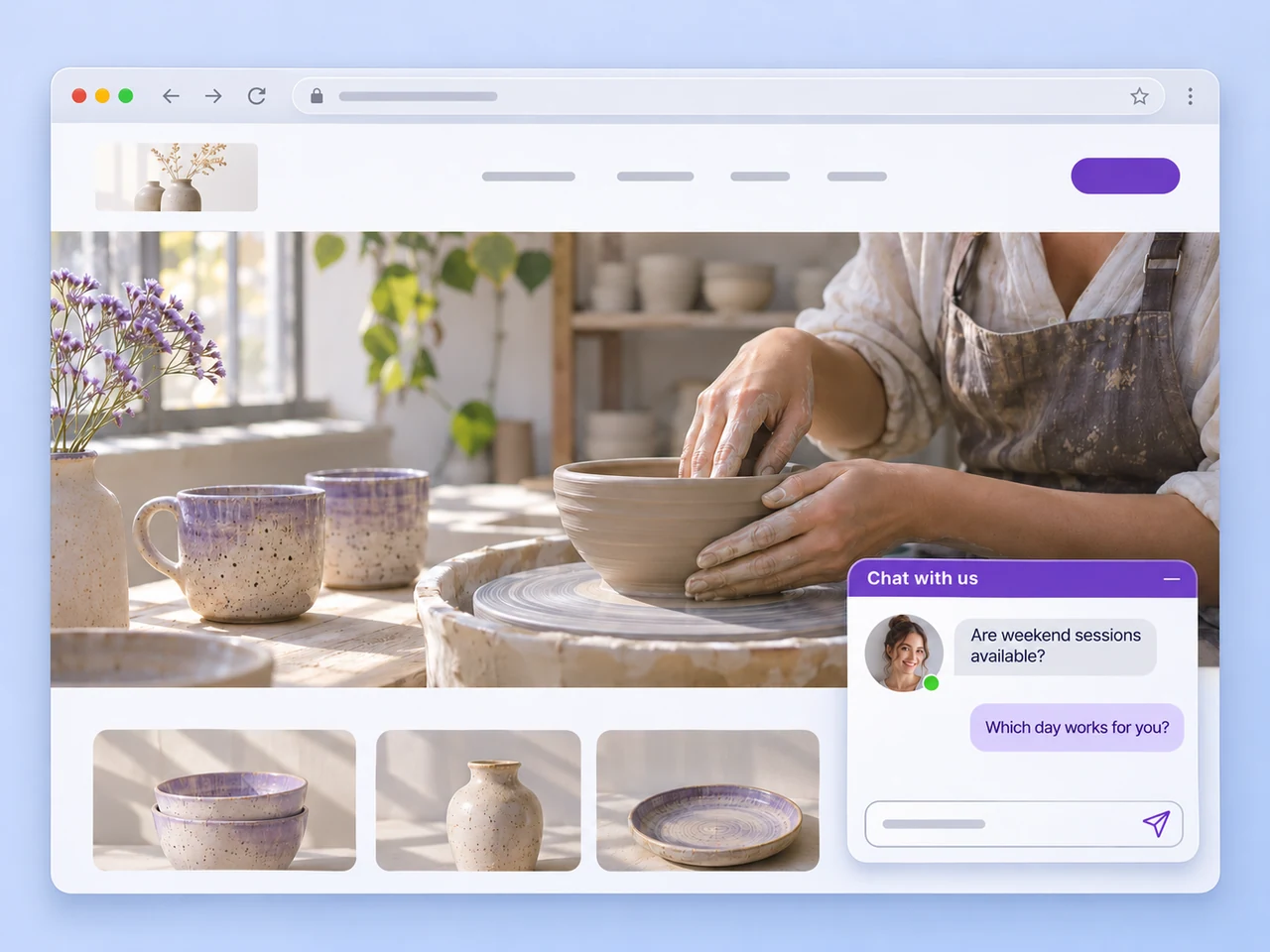
Add an AxoDesk chat entry point to your website so visitors can ask a question as they browse. Configure the channel or contact option they should use, decide who handles the enquiry, and test the experience from a visitor's device. The website chat page covers this part of the setup.
Connect the channels your customers use, collect the details that matter, and give your team a clear way to follow through.