The person has reached out or submitted their details. Give the enquiry an owner and start the conversation.
Next action — make the first response.
Track lead status
Keep each lead's stage, owner, and conversation history together. See who needs a reply, what is waiting, and where your team should follow up next.
Explore the lead stages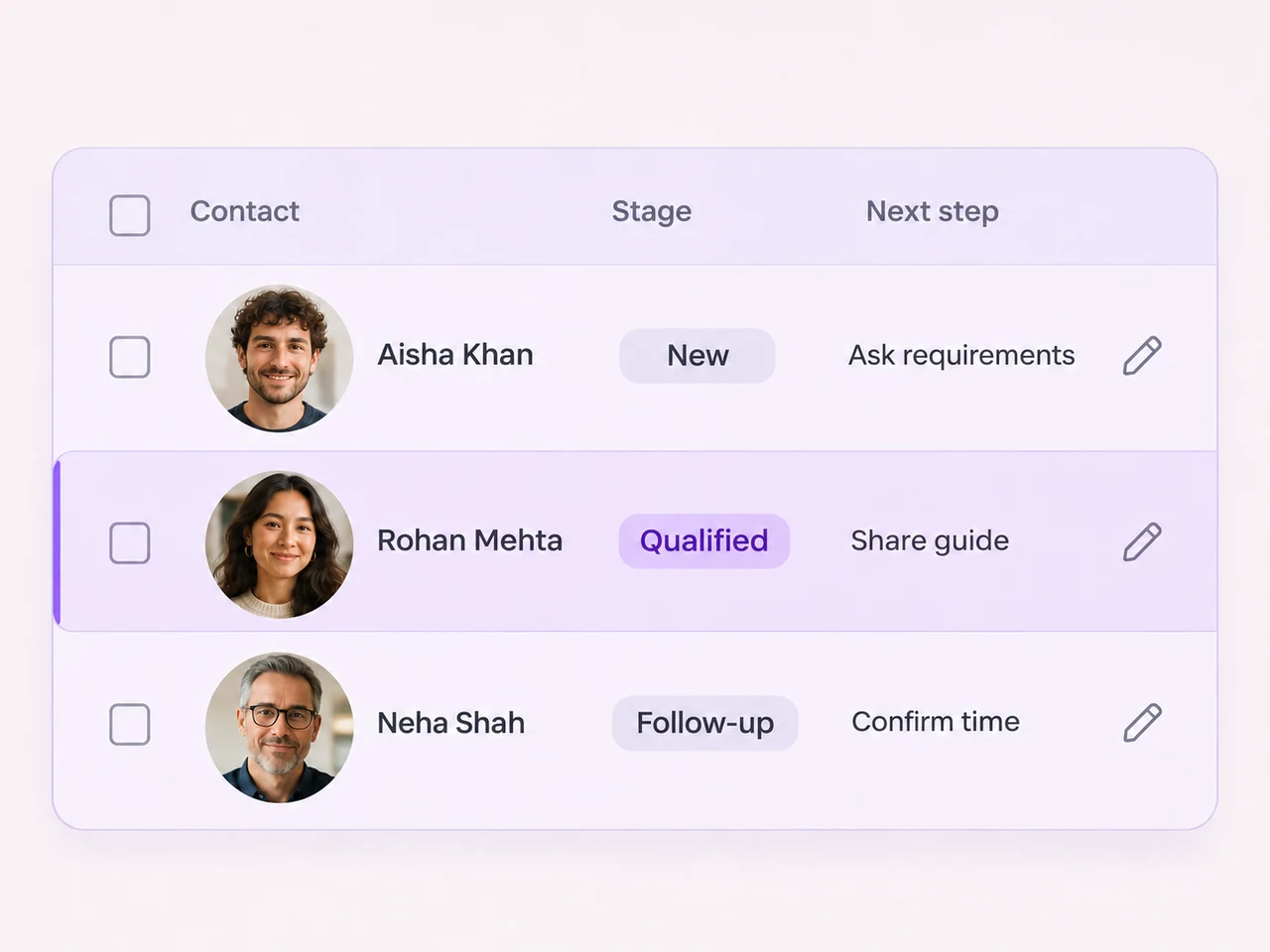
Your stages, your process
Choose status values that reflect how an enquiry moves through your business. Define the information and next action that belong with each one.
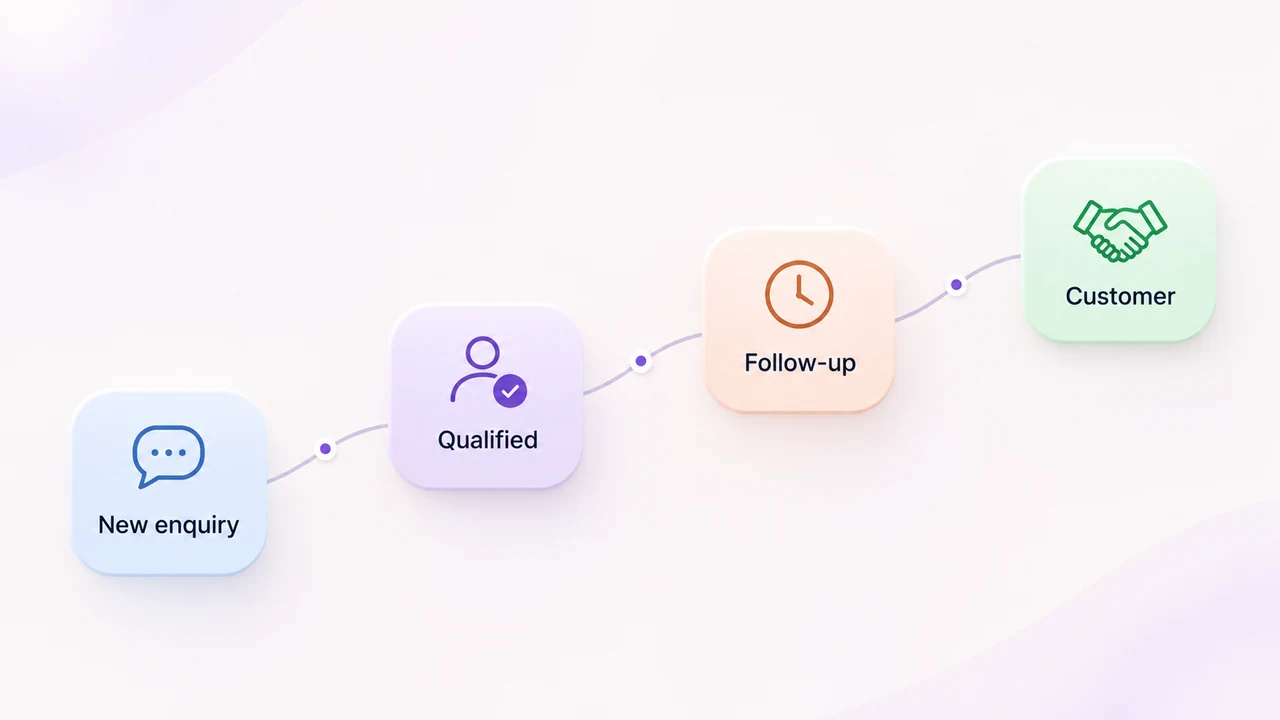
The person has reached out or submitted their details. Give the enquiry an owner and start the conversation.
Next action — make the first response.
Your team understands the request and has the details needed to choose an appropriate next step.
Next action — arrange a demo, quote, or appointment.
The lead needs more time, information, or a response from the team. Keep the open action visible.
Next action — record who will follow up and why.
The enquiry has reached the outcome your team defines as a customer. Pass the relevant context to the next owner.
Next action — begin the agreed customer handoff.
Keep progress visible
Connect the stage to the details, ownership, and conversation your team needs for the next response.
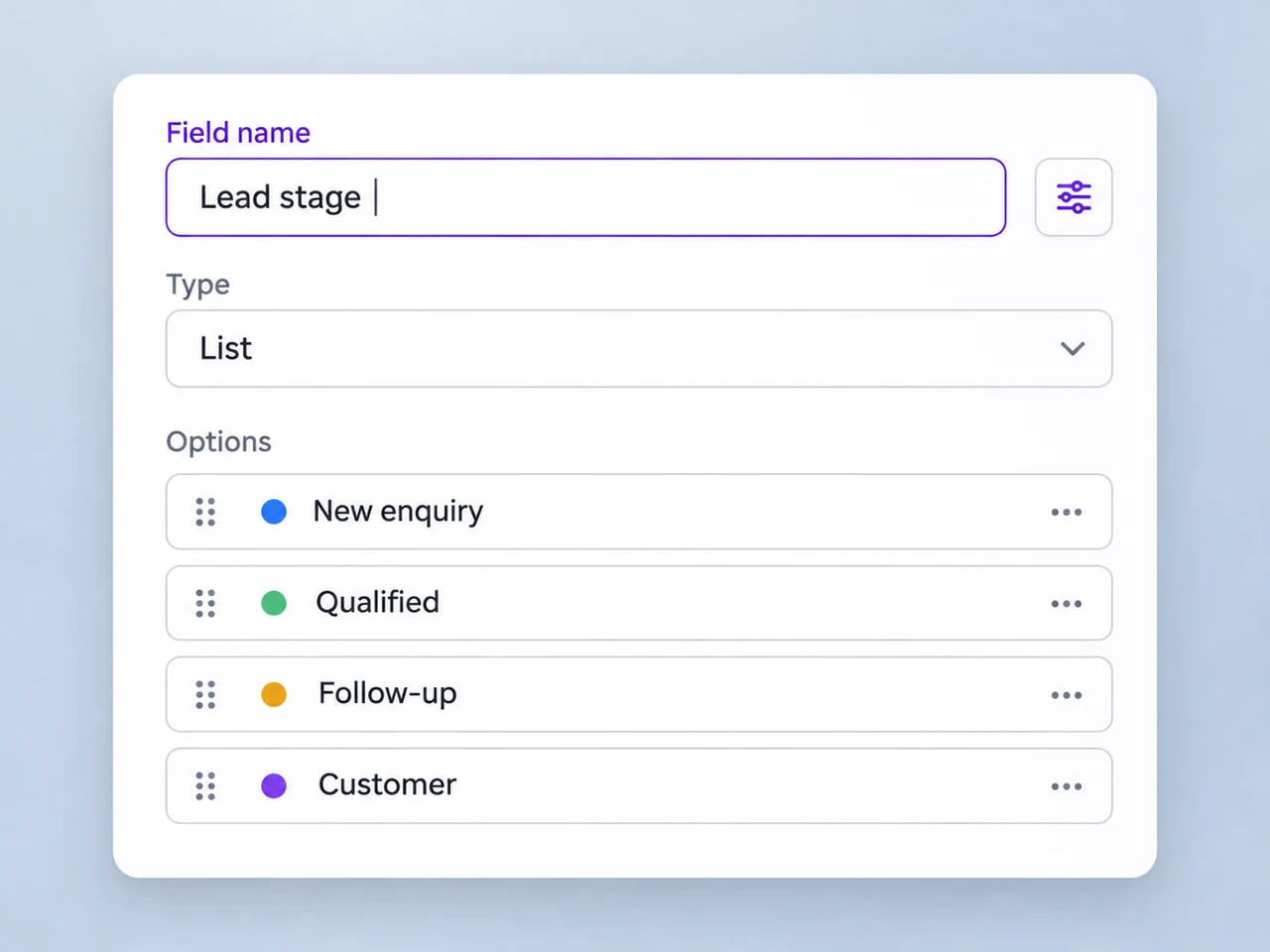
Use consistent contact attributes and stage values so the team has a common way to describe where an enquiry stands.
Explore contact fields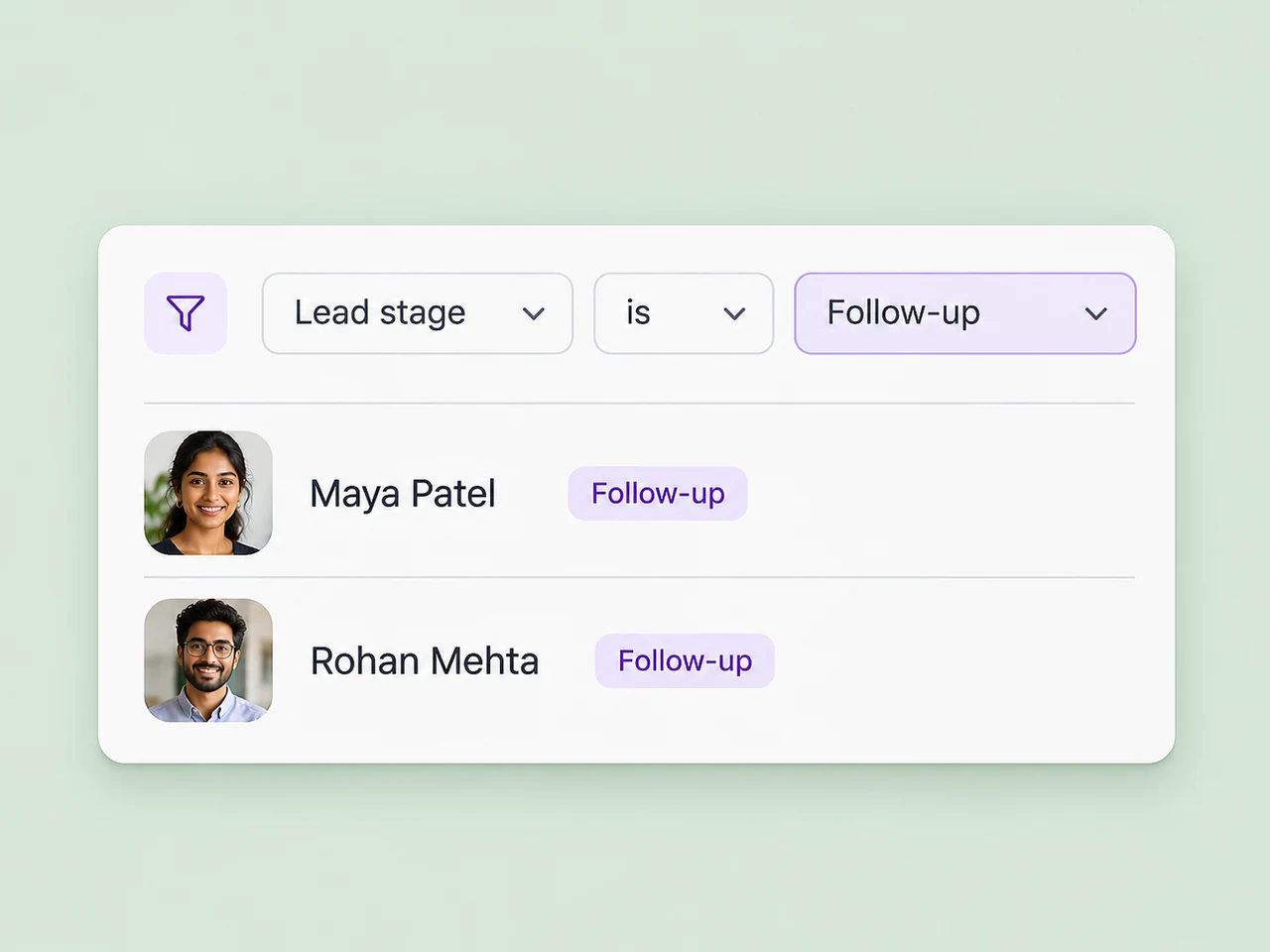
Build segments from status values, tags, and contact criteria to return to the enquiries your team needs to review.
Explore contact segments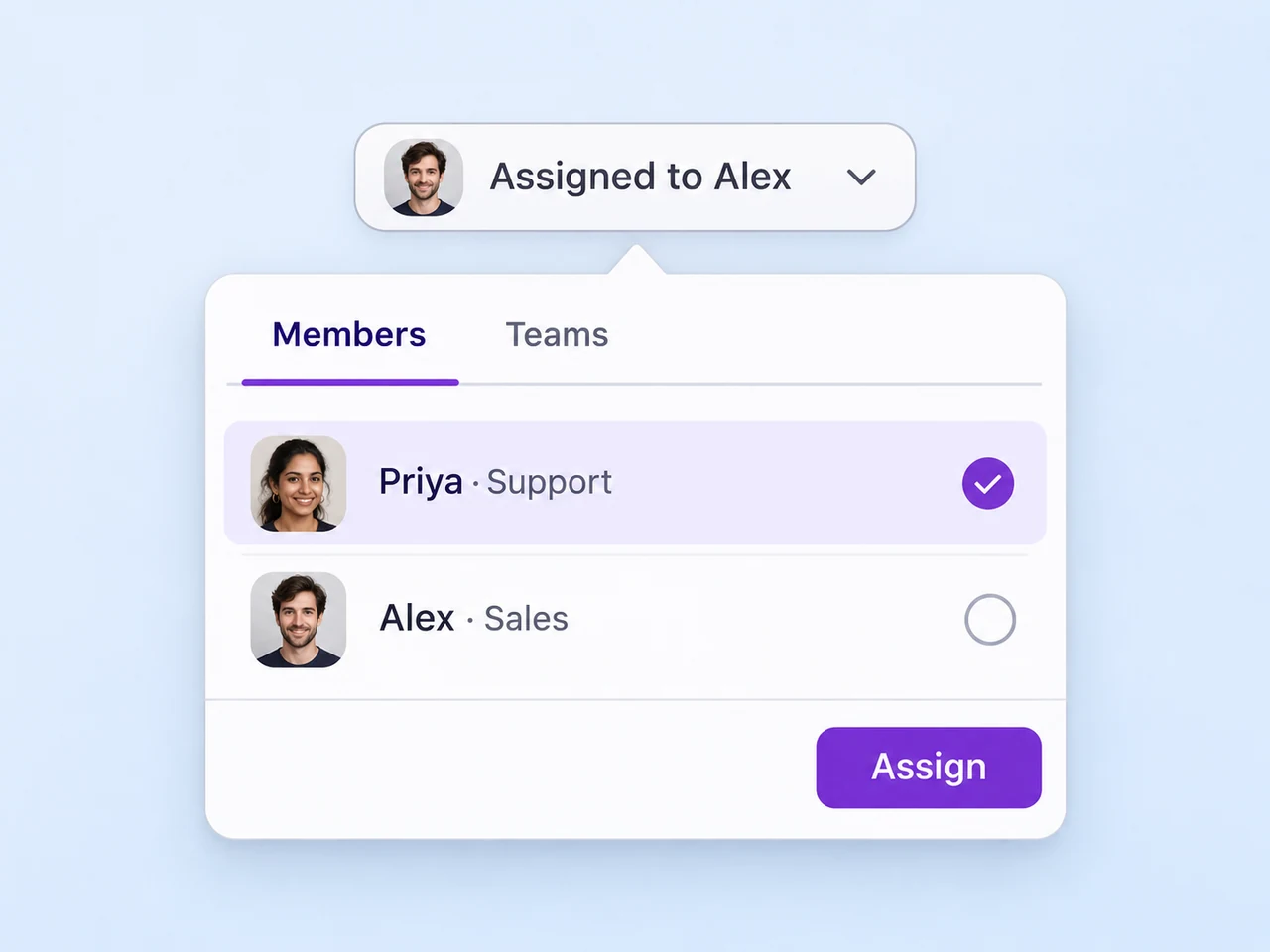
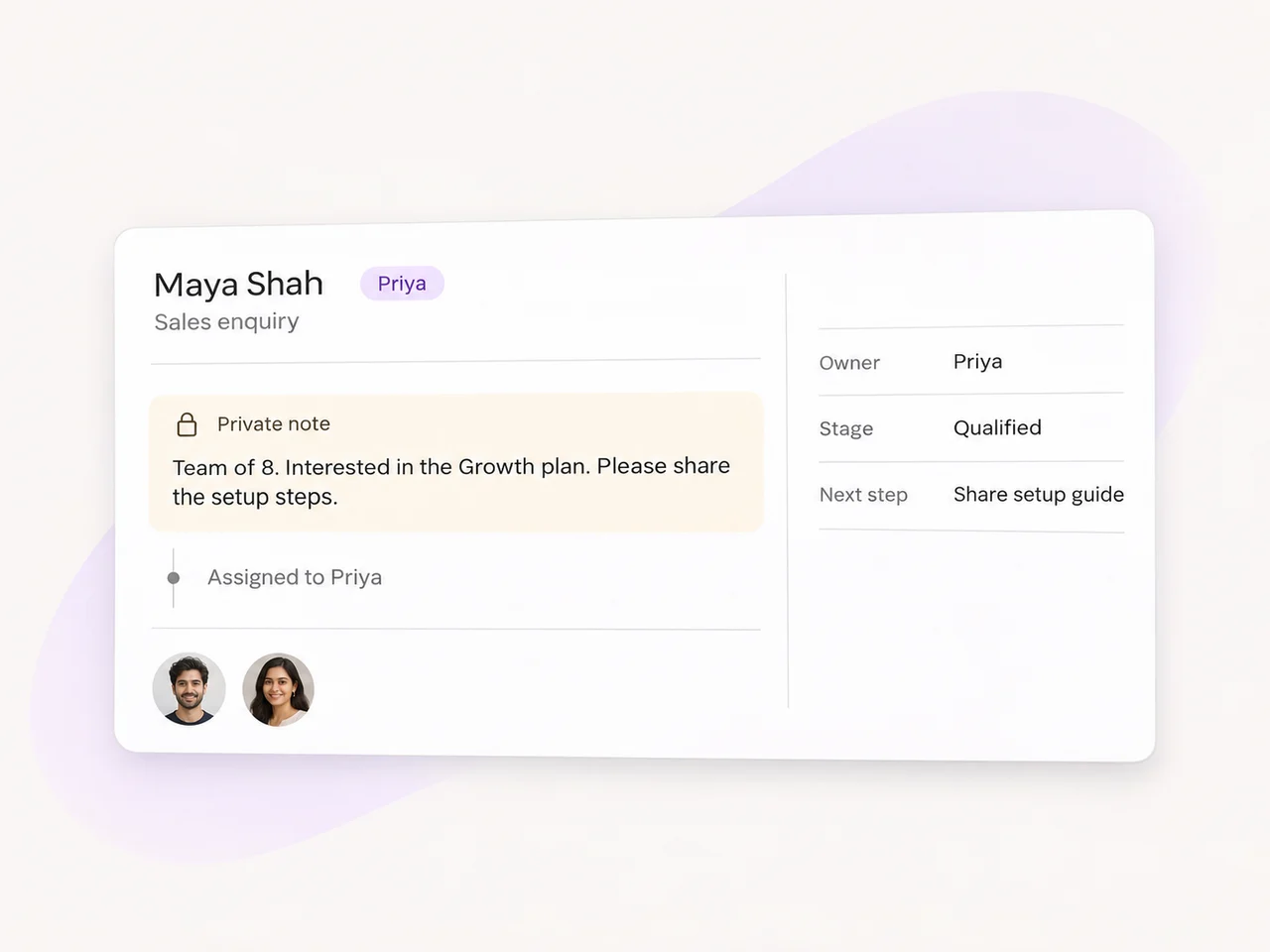
Assign the enquiry to a person or queue so the stage has someone responsible for the conversation that follows.
Explore lead routing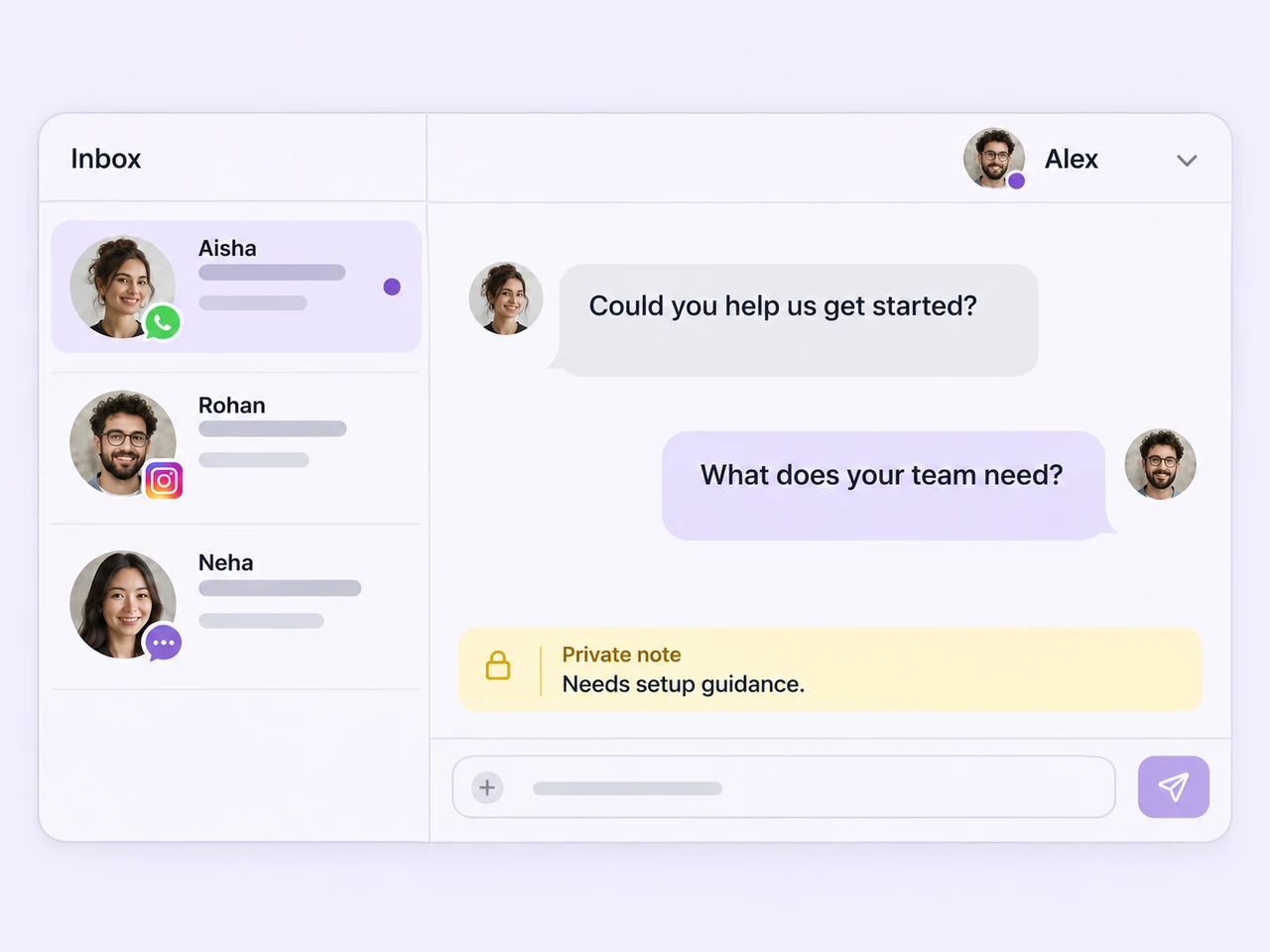
Use the chat history and private notes to understand what the customer has already asked and what your team has agreed.
Explore the team inbox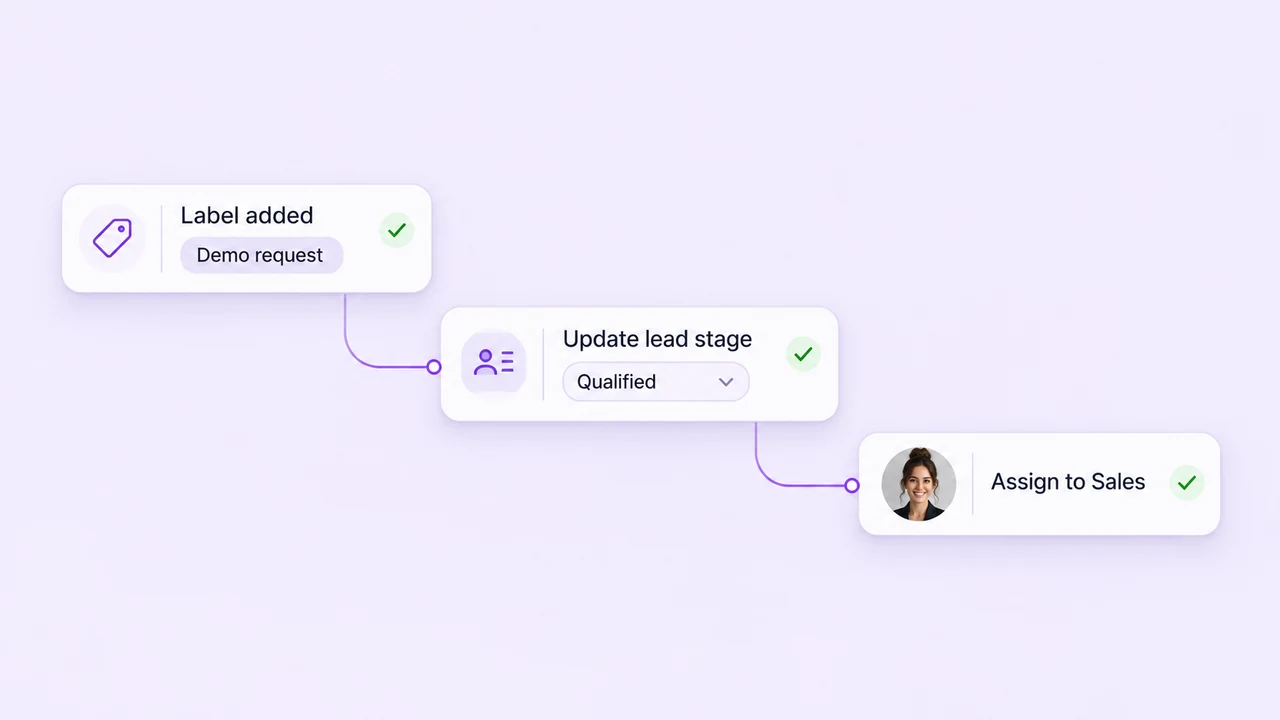
Use the contact, label, and assignment actions available in your workflow to support a consistent follow-up process.
Explore follow-up automation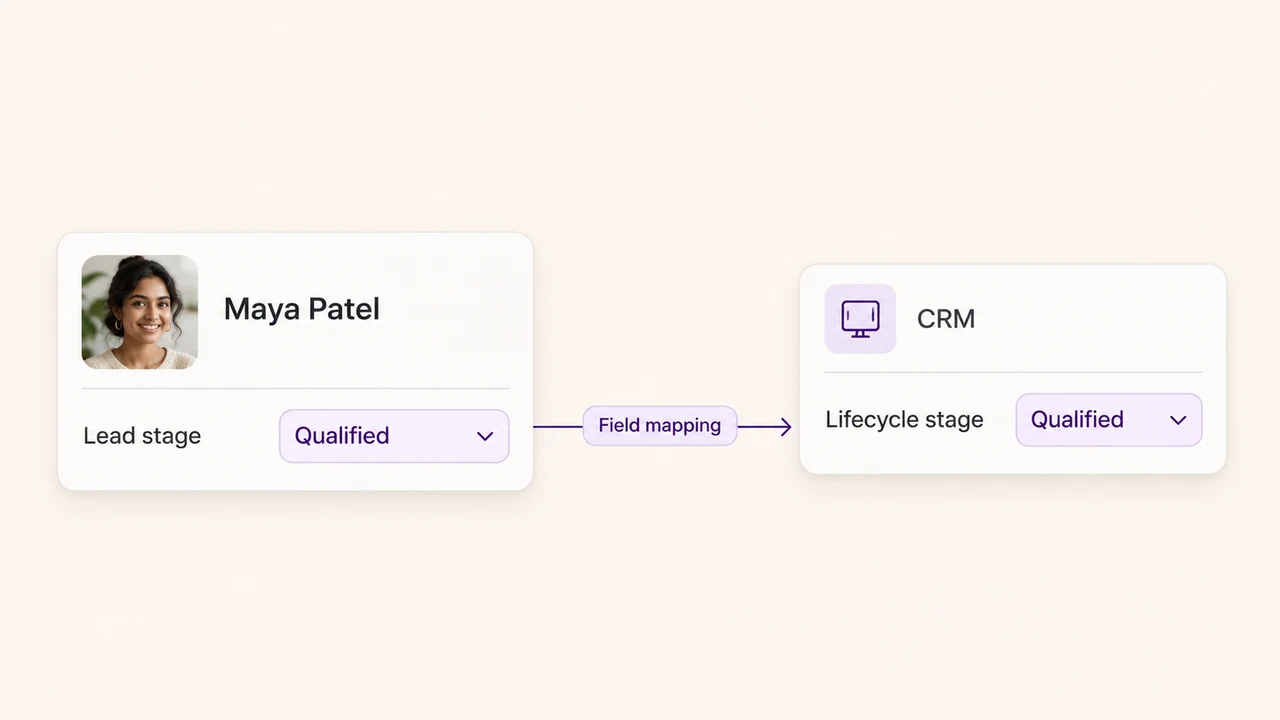
Choose the fields and sync direction for the CRM connection your team uses to keep customer records aligned.
Explore CRM connectionsKeep the record in step with the conversation
A lead's status should reflect what the team has learned. Collect qualification details in the conversation, record the current stage, and assign the next response to the appropriate person.
Use workflow conditions and actions to organize contact updates, labels, and assignments around the events your team follows. Decide what should trigger a change, test the workflow, and keep the next action clear when someone takes over the enquiry.
Yes. Use a contact field with a list of values that fits your sales process, alongside the labels and tags your team needs. You might start with New enquiry, Qualified, Follow-up, and Customer, then include an outcome for enquiries that close without a sale. Agree what each value means so teammates apply the stages consistently.
Review the contact record as qualification details and customer decisions become available. Update the stage and assign the next response. You can also configure workflow actions around contact updates, labels, and assignments where those actions are enabled for your workspace. Test which events should change a field before applying the workflow to live enquiries.
Use contact segments built from the status field, tags, and the other criteria your team uses. Saved inbox views can organize conversations by assignee, label, channel, or conversation status. Together, these help your team return to the relevant contacts and see which person is responsible for the next response.
Use consistent stage values and qualification criteria for the contact records your team manages across connected channels. Keep available source details with each enquiry and use assignment and views to organize the replies. The conversation history helps a teammate understand what has already been discussed before updating the lead's progress.
Review the CRM integration you use and map the lifecycle or status field your team needs to exchange. Decide which system owns the value and confirm the supported sync direction. This keeps updates deliberate when both your conversation team and sales team work on the same customer records.
Choose your lead stages, agree who owns each enquiry, and bring the next follow-up into the conversation with AxoDesk.