Move the conversation to the person who can help.
Alex has collected the setup details. Priya takes responsibility for helping Maya finish connecting her email.
Hand off conversations
Move a conversation to the teammate who can help next. Keep the earlier messages, add a private note, and make the next owner clear in AxoDesk.
Explore conversation handoffs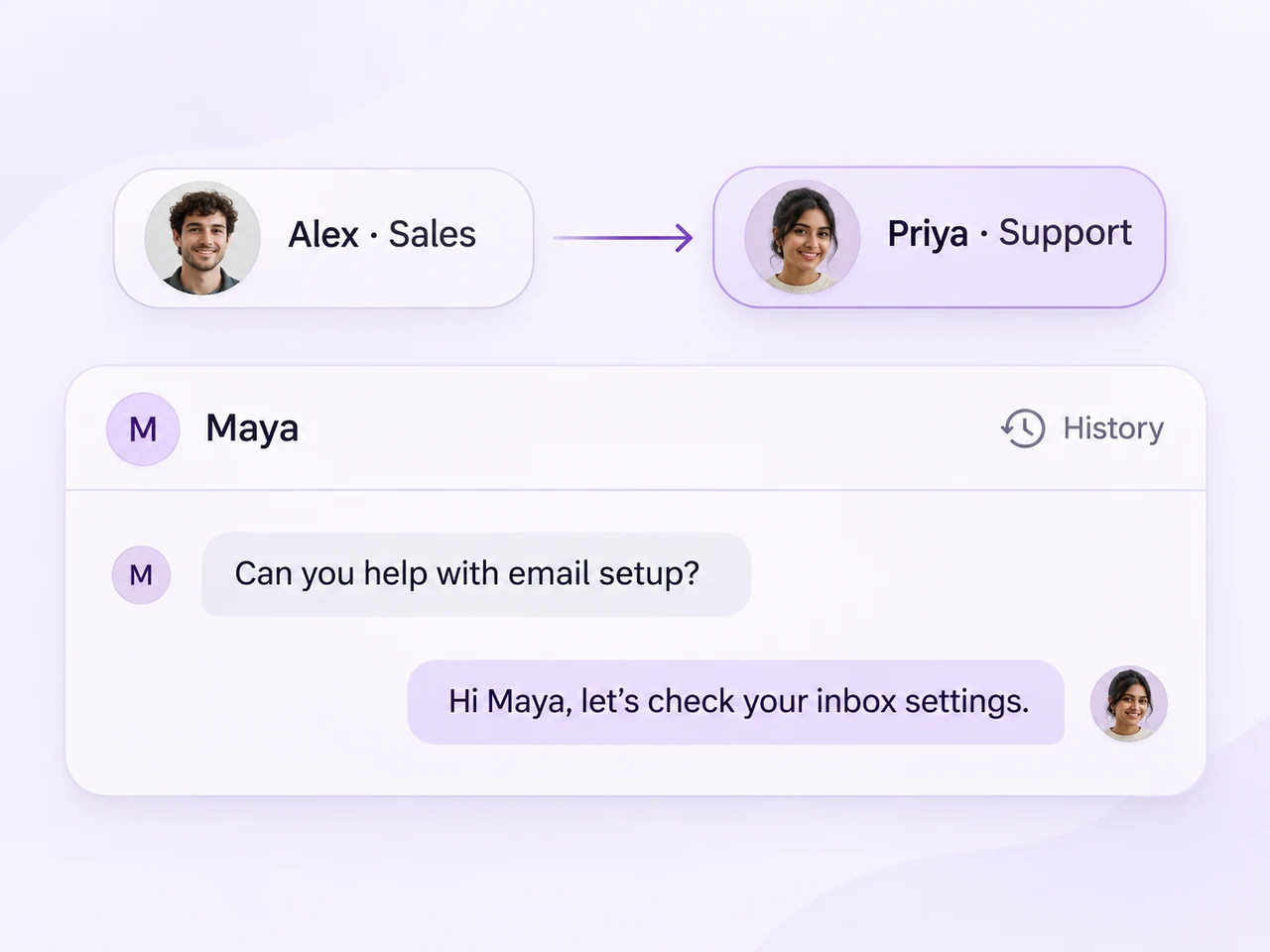
A new owner. The same conversation.
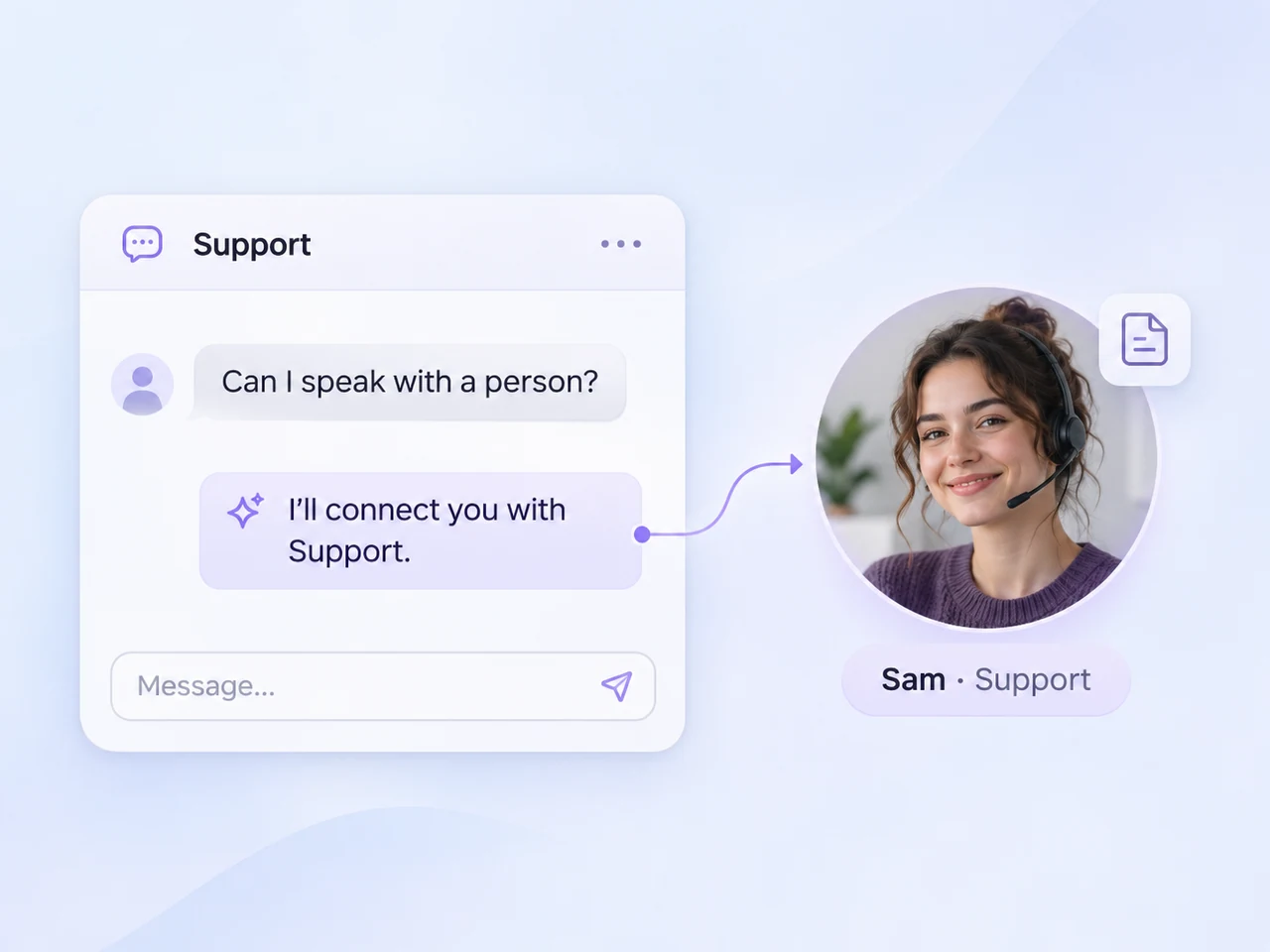
Move between teammates, bring a person into an AI conversation, or involve a different team while keeping the useful context available.
Alex has collected the setup details. Priya takes responsibility for helping Maya finish connecting her email.
Configure when an AI agent should escalate, what it tells the customer, and which teammate or team should receive the conversation.
A setup conversation can become a question for Sales. Leave the reason for the move and give the next reply a new owner.
Make the transfer useful
A handoff works when the next teammate can see what happened, why the conversation moved, and what needs attention.
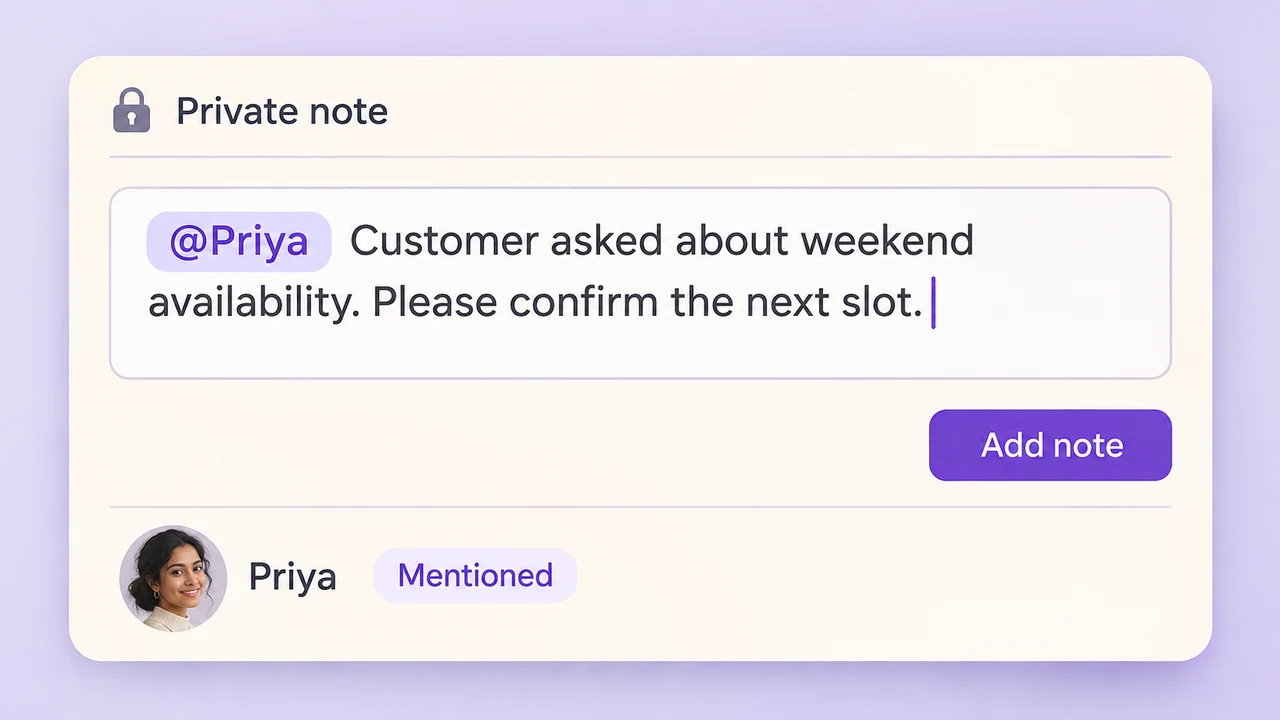
Keep the useful details beside the conversation. Mention a teammate when you need their attention, and write down the next action.
Explore private notes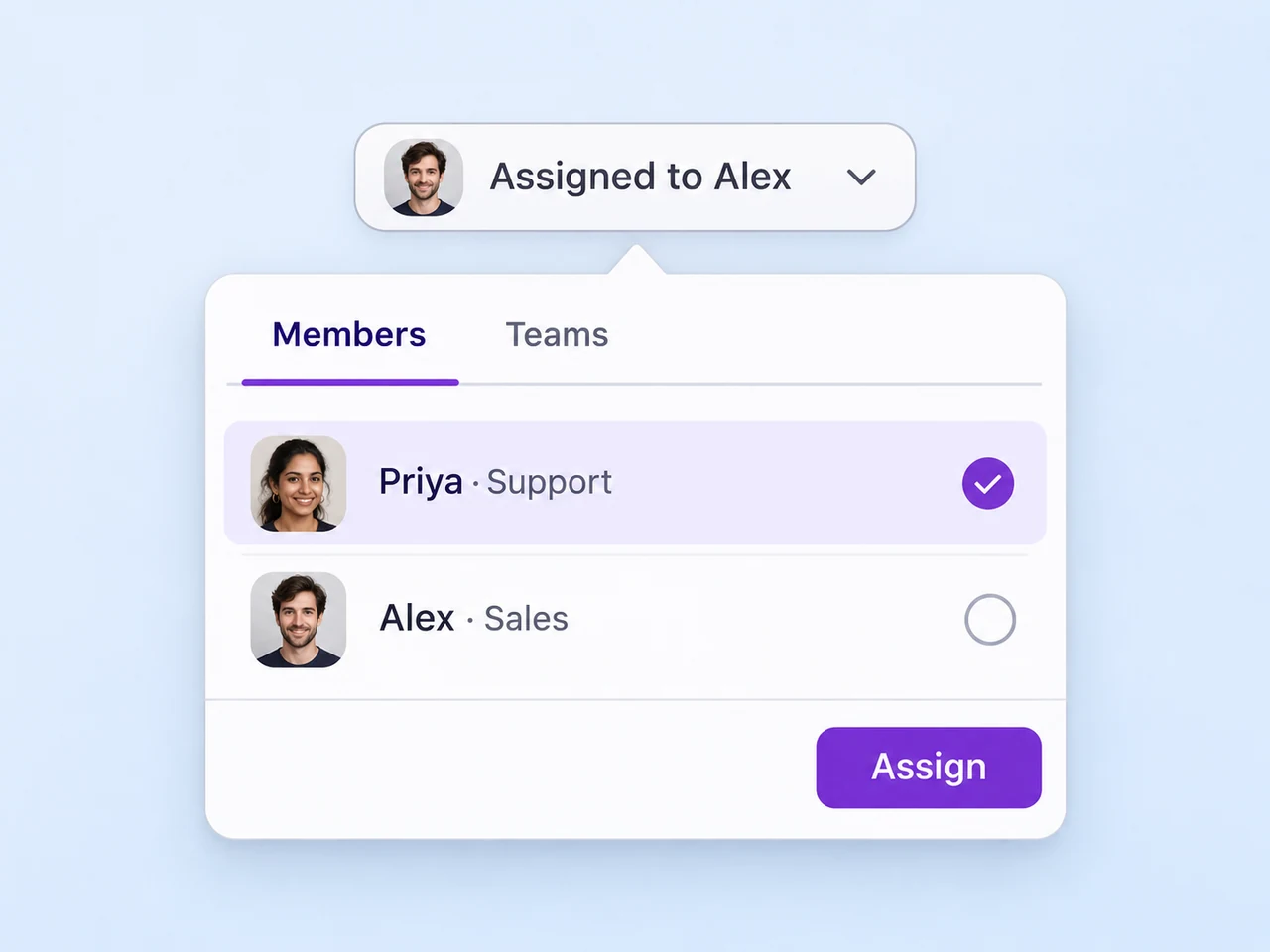
Use the assignment control to choose the next member or team. An @mention sends a notification; assignment changes who is responsible.
Explore assignment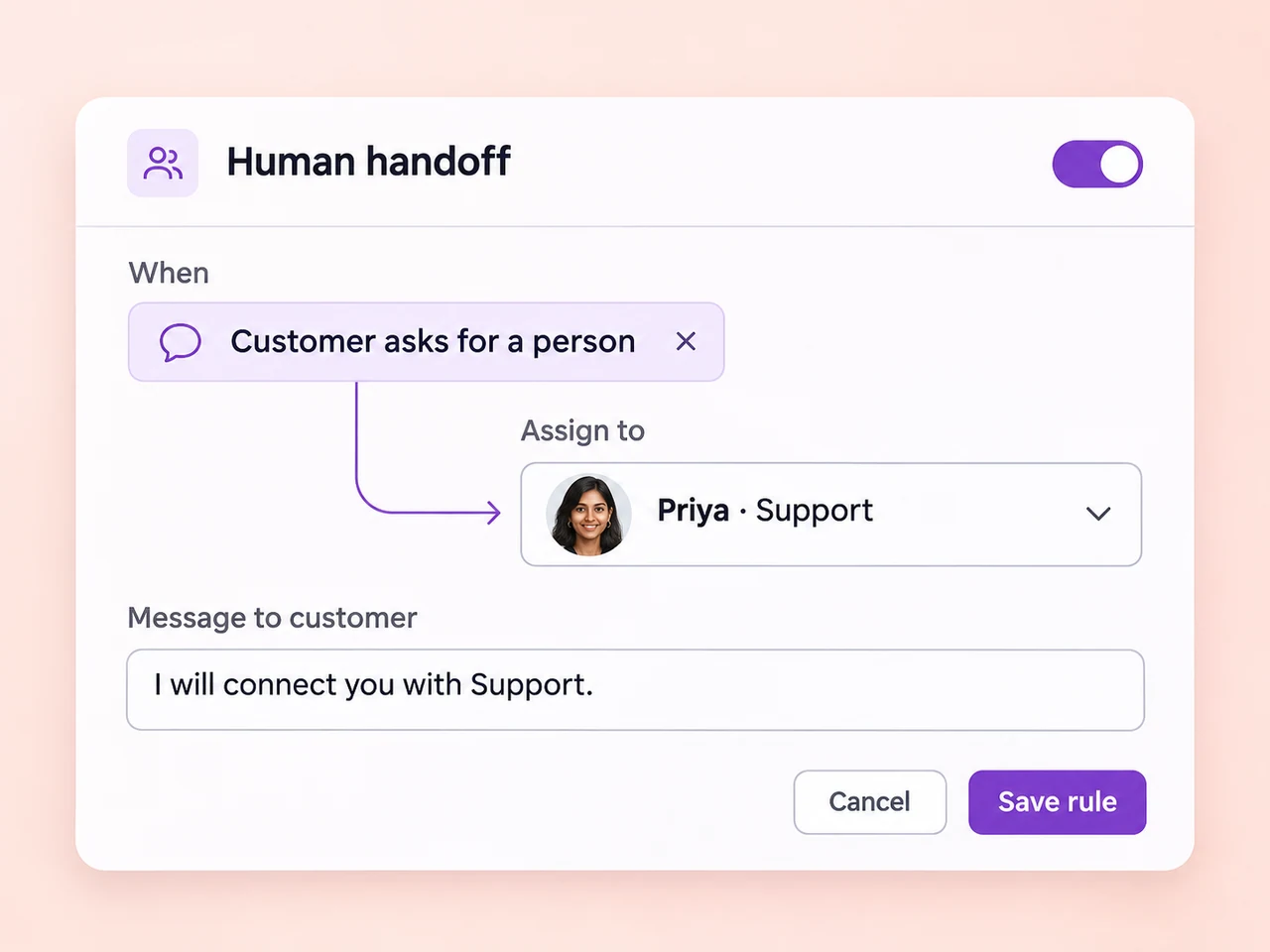
Set escalation triggers, a customer-facing fallback message, and a destination team or agent. Test the path before it handles customer conversations.
Explore AI escalation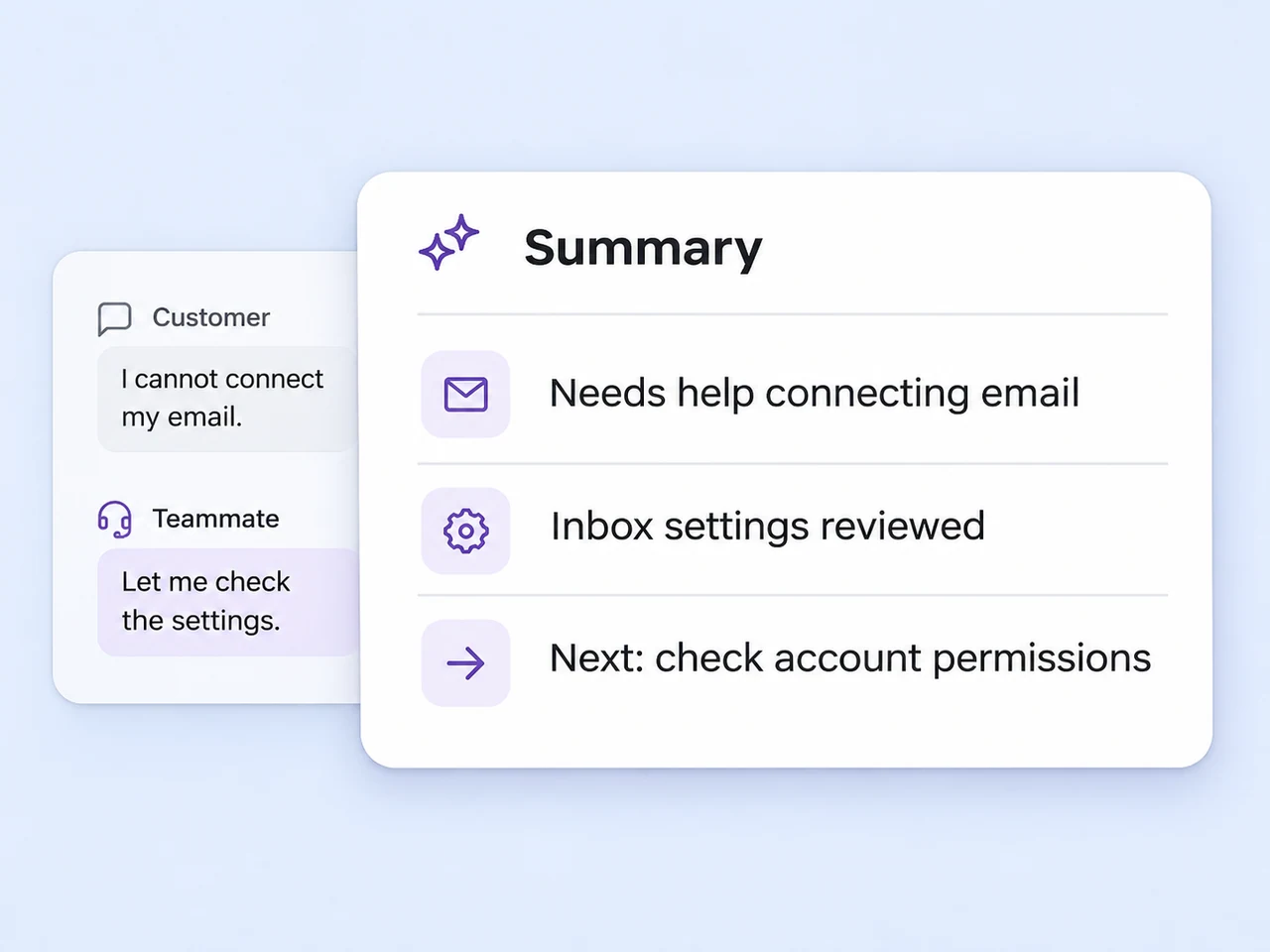
Use AI Assist to generate a summary when a thread needs a closer look. Check it against the messages, then add any details needed for the next step.
Explore conversation summariesBefore the next owner takes over
Agree on a simple process for the conversations that move between your people and teams.
Review the customer's goal and the messages already exchanged. Check which details the team has collected.
Leave a private note with what has been tried, what remains open, and the next action you need.
Choose the member or team responsible for the next reply. Use a mention when you also need to draw their attention.
The next teammate reviews the history and picks up the conversation with a clear understanding of what comes next.
Keep your people, connected channels, and conversations in one workspace.
Explore Team InboxMove from understanding a customer question to a useful answer and resolution.
Explore customer assistanceRoute incoming enquiries using teams, assignment rules, and online availability.
Explore lead distributionGive an agent the knowledge, boundaries, and escalation path for initial enquiries.
Explore AI AgentsOpen the conversation and use the assignment control to choose the member or team that should respond next. Add a private note with the customer's goal, the details already collected, and the next action. The new owner can read the earlier messages and continue from the same conversation.
Yes. In the AI agent's settings, configure escalation triggers and choose the destination team or agent. Triggers can include specific phrases, unanswered questions, or a limit on AI turns. Set the fallback message the customer should receive, then test the handoff before enabling the agent.
The earlier messages and private notes remain available in the conversation when its assignment changes. The next teammate can review what the customer asked and what the team has already tried. For longer threads, use AI Assist to generate a summary and check the details against the conversation.
An @mention in a private note notifies the colleague, but it does not change the conversation's assignment. Use a mention to ask for input or draw attention to a detail. When the colleague should take responsibility for the next reply, change the assigned member or team as well.
Include the customer's goal, useful account details, any checks or actions already completed, and what the next teammate should do. Keep the note brief and specific. Private notes are for the team; write a separate customer-facing message when you need to explain who will help next.
Yes. Assign a conversation to the team responsible for its next step, such as Sales or Support. Your workspace can also use assignment rules to direct conversations to a team. Agree on the destination and the details to include in a note so teammates know why the conversation has reached them.
Keep the messages, share the useful details, and help your team continue the conversation in AxoDesk.