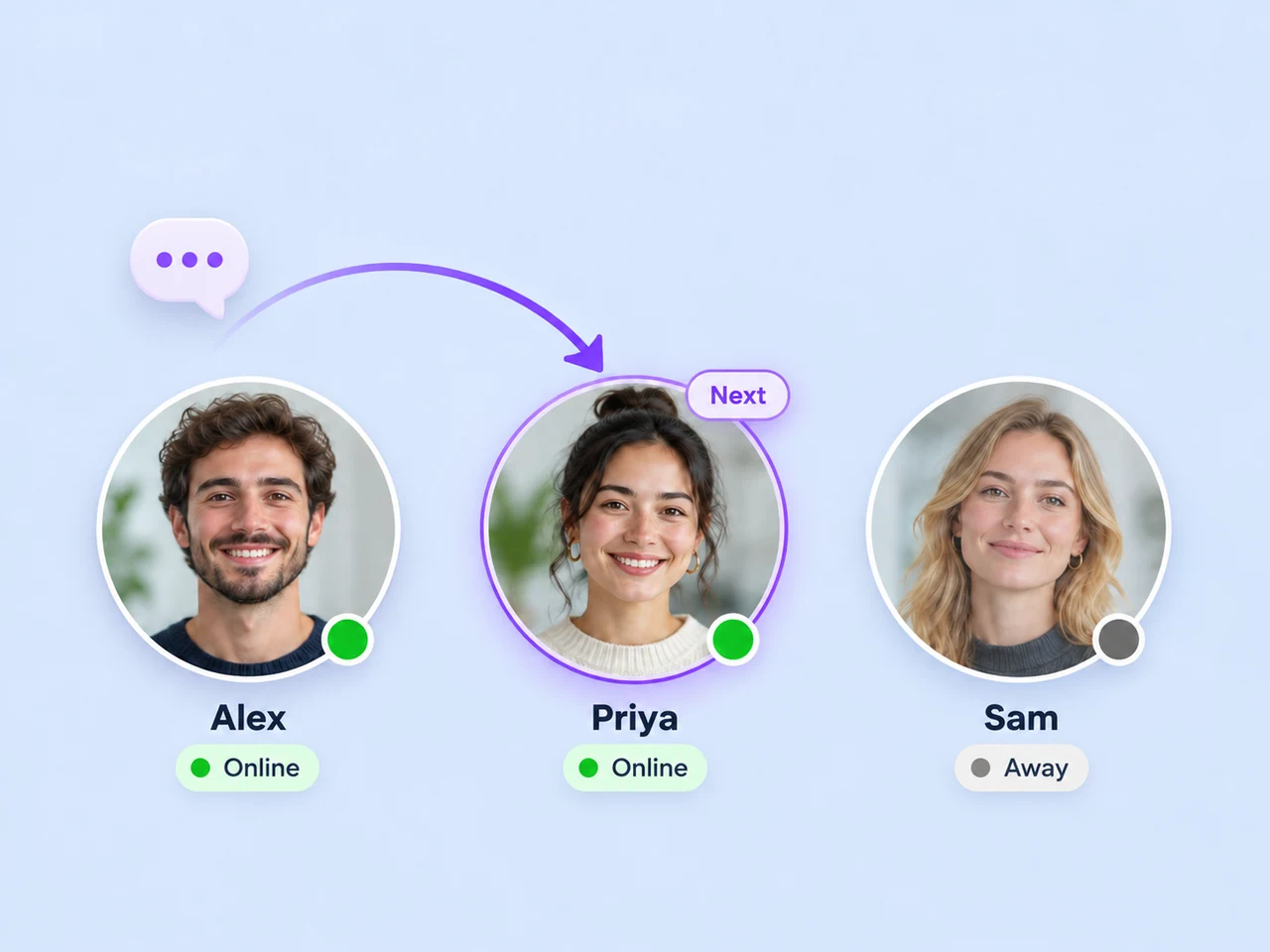
Share new leads in rotation
Use round robin to distribute new assignments among online teammates. Give your team a repeatable assignment process as enquiries arrive.
Lead distribution
Give new enquiries a responsible teammate through assignment rules, online availability, and round robin. Keep the conversation history with the handoff so the next person can get straight to the customer's question.
Explore assignment options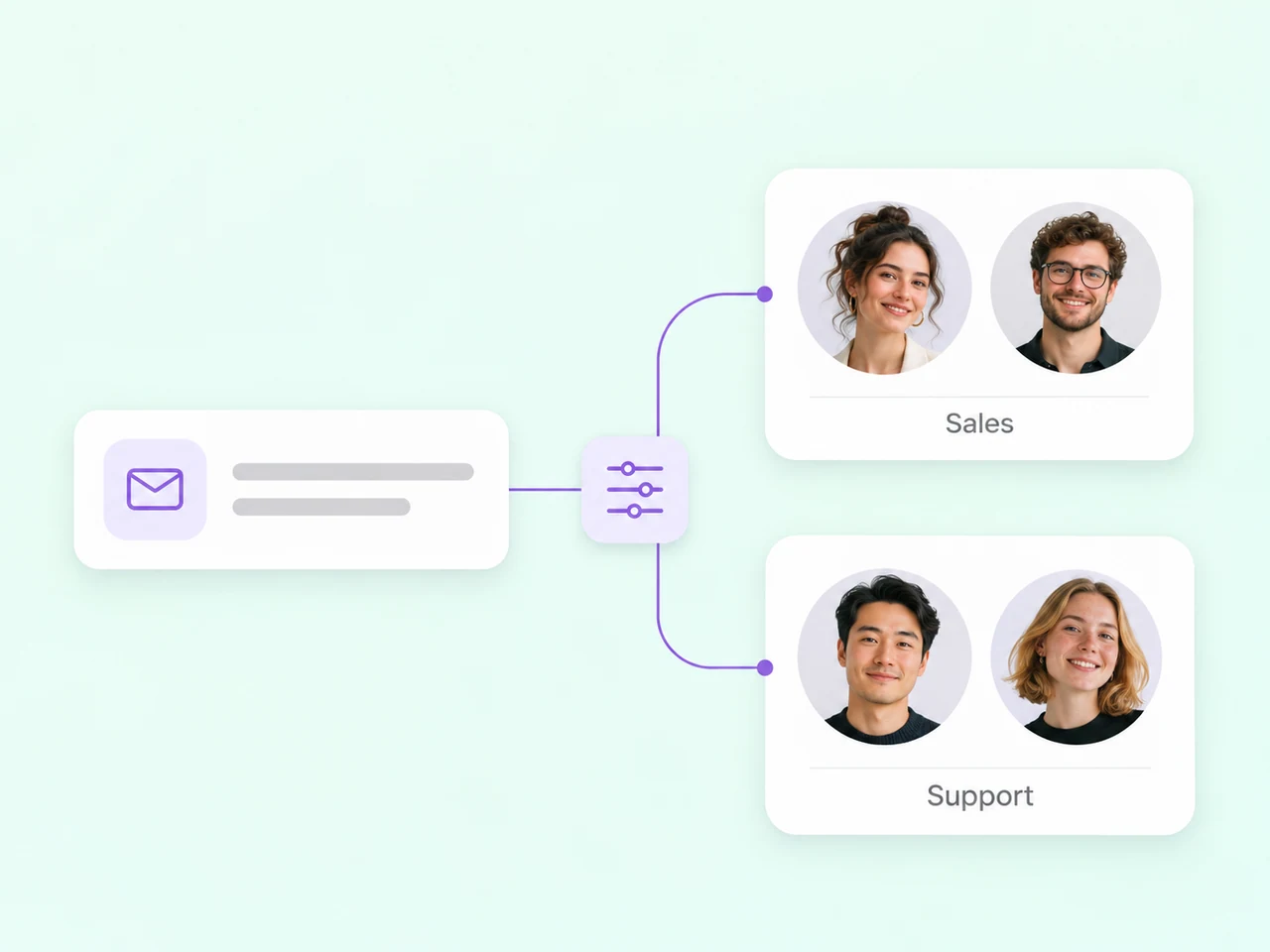
Make the assignment fit the enquiry
Start with the people who should respond, then choose how new conversations reach them.
Use round robin to distribute new assignments among online teammates. Give your team a repeatable assignment process as enquiries arrive.
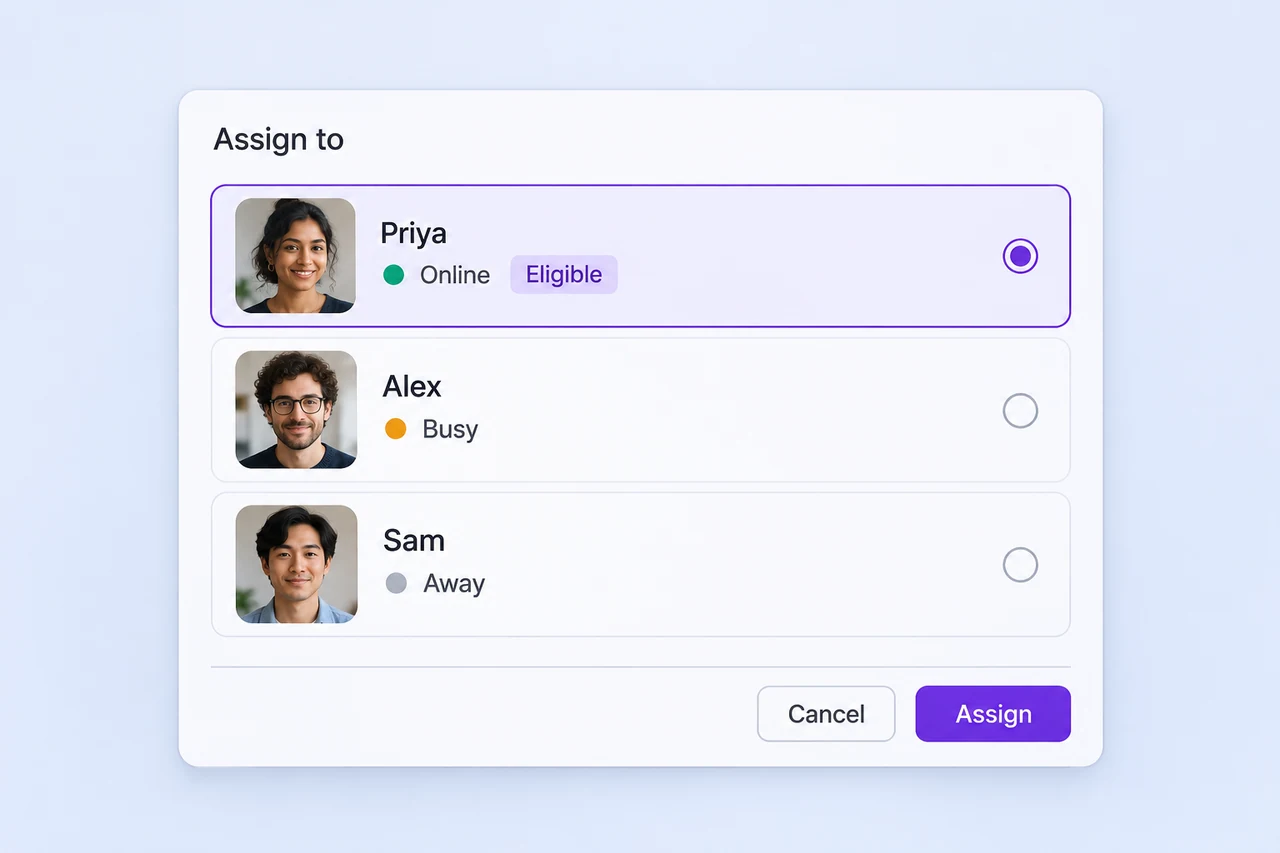
Let Online, Busy, and Away status guide eligibility when round robin is enabled. Keep teammates' status current as they start work or step away.
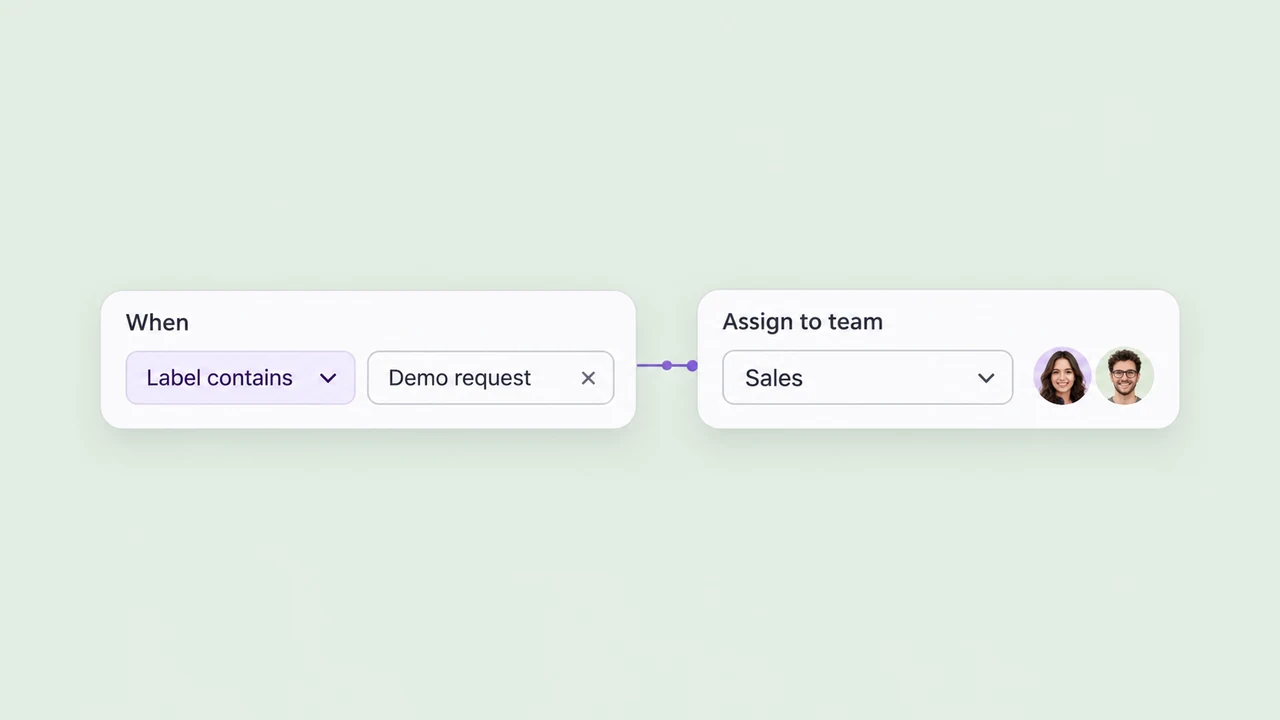
Create teams around sales, support, a service, or a branch. Use message content or labels in a workflow to send relevant enquiries to the people who handle them.
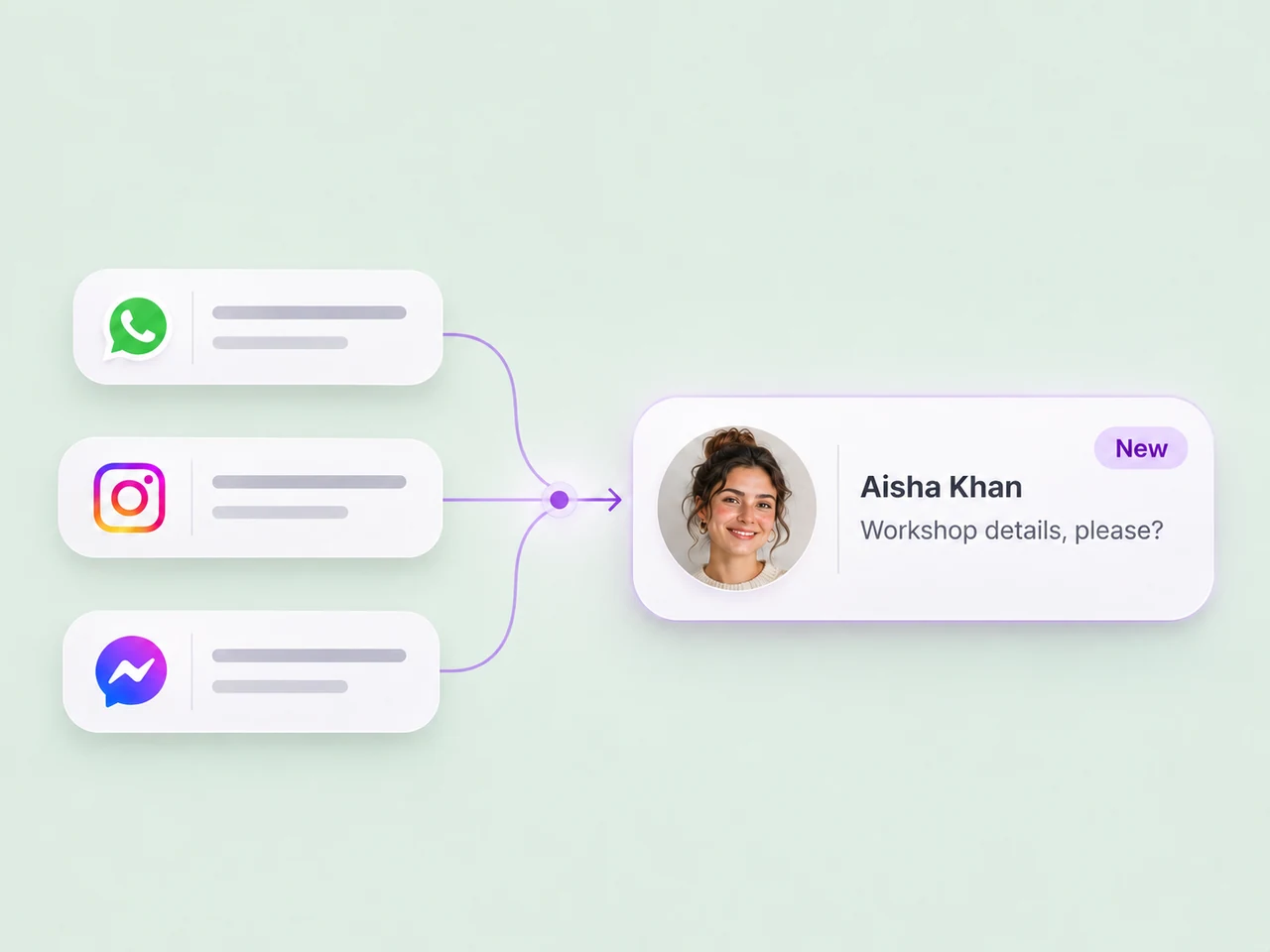
Choose a destination for enquiries from a connected account or channel. Bring those conversations into the same process for ownership, replies, and follow-up.
Follow an example enquiry
Match the enquiry to a team, share work among available teammates, and define what happens outside working hours.
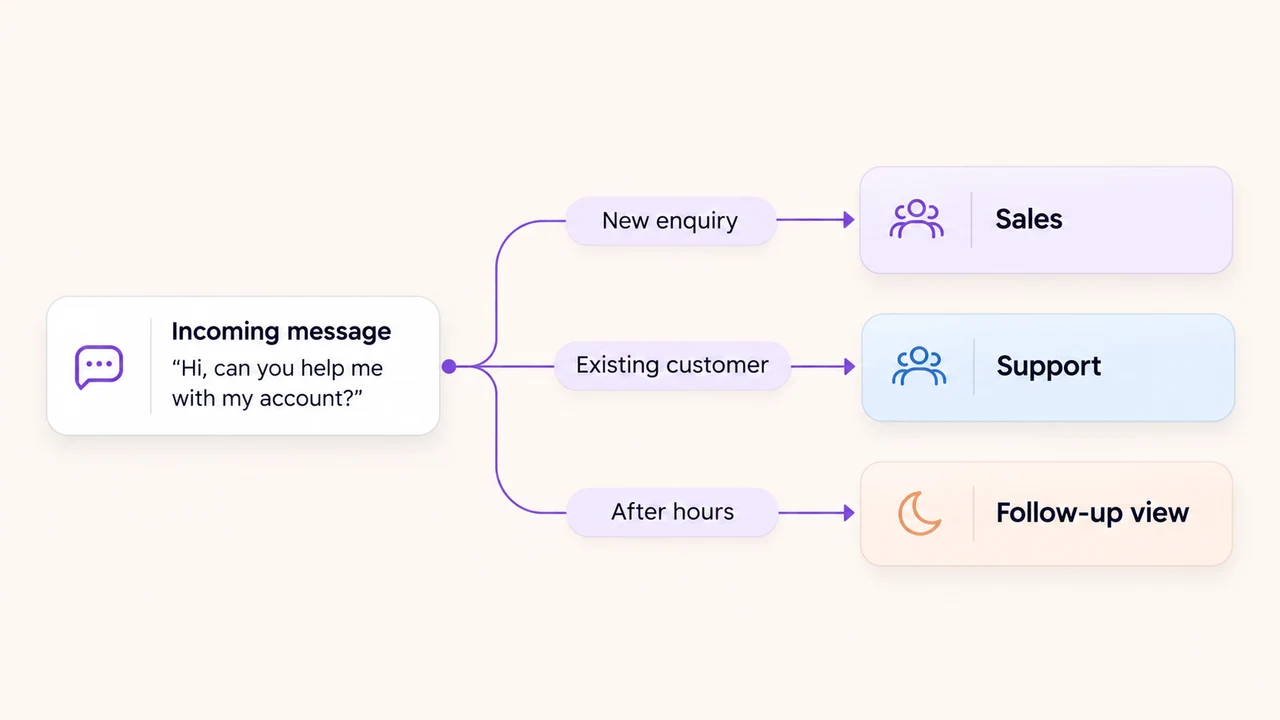
Assign to the Sales team and rotate among online teammates. Alex receives the next assignment in this example.
Send the enquiry to Support, with the customer's message and conversation history available to the next owner.
Send the configured away reply and keep the enquiry visible for the team's next working period.
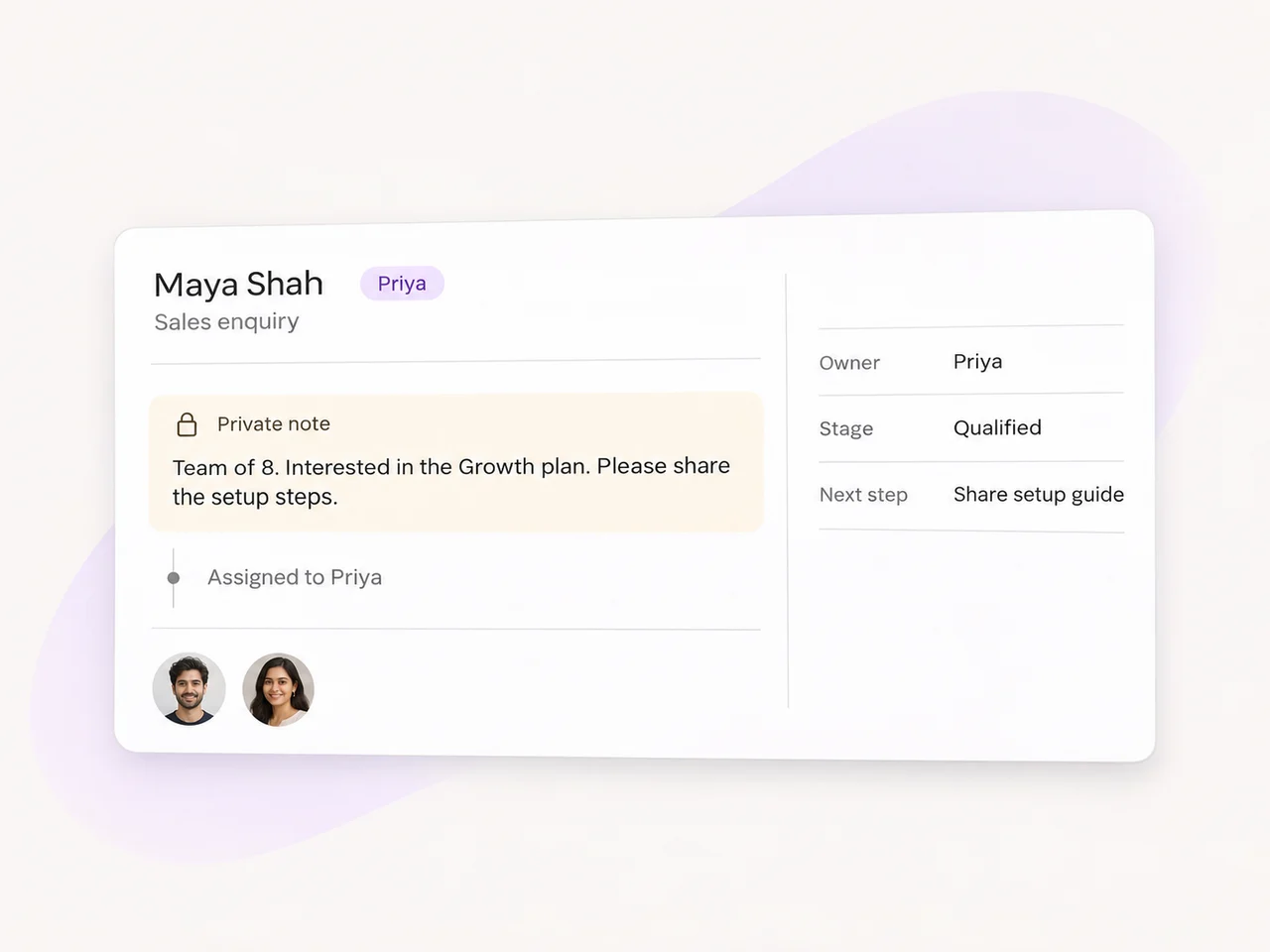
The owner changes. The context stays.
The assignment is one part of a useful handoff. Keep the customer's request, conversation history, and internal notes together so the next person can continue the discussion.
Build a process your team can follow
Define the destination, the matching rule, and what happens when a conversation needs a different path.
Create the teams that handle each type of enquiry. Add the right teammates and agree how they maintain availability.
Start with a channel, message keyword, or label. Set the assignment action and check where the rule could overlap another.
Plan for working hours and enquiries that do not match the main rule. Keep the follow-up process visible to your team.
Try realistic enquiries, busy and away states, and after-hours messages before enabling the workflow.
Answer the initial question and collect useful details before a teammate joins the conversation.
Explore AI AgentsKeep the lead's status visible as the conversation moves from first enquiry to follow-up.
Explore lead statusConnect the accounts your customers use and choose how each type of enquiry reaches the team.
Explore integrationsLead distribution is the process of deciding who should handle a new customer enquiry. In AxoDesk, you can assign a conversation to a teammate or team and configure automatic assignment rules around your workflow. Use the channel, message content, or conversation labels to decide which enquiries reach each team, then keep the history available for the person who replies.
Round robin shares new assignments in rotation among eligible teammates. AxoDesk's team setup lets agents mark themselves Online, Busy, or Away, and automatic round-robin assignment goes to Online agents. Set up team membership and availability before enabling a rule. Sharing assignments in rotation does not mean every conversation will take the same amount of work.
Yes. Create the teams that handle each kind of enquiry and define conditions for the relevant conversations. For example, you can build a workflow around a message keyword, connected channel, or conversation label, then assign the conversation to Sales or Support. Test overlapping conditions so a request reaches the intended team.
Configure your workspace's working hours and away message, and decide how your team will review enquiries that arrive while it is unavailable. Use assignment and saved inbox views to keep those conversations visible for follow-up. Test your after-hours process with the correct timezone and make the customer's next step clear in the away reply.
An AI agent can answer initial questions and collect qualification details using the business knowledge you provide. Define when it should hand off, choose the team or teammate that receives the conversation, and set the message sent before escalation. Your team can then continue from the history and details already collected.
Yes. A teammate can use the conversation's assignment control to select another person or team. Add a private note with the useful handoff details so the next owner understands the request. An @mention can notify a colleague, but mentioning someone does not transfer ownership of the conversation. Use assignment to make responsibility clear.
Bring your channels and teams into AxoDesk, set the assignment rules, and build a handoff process your team can rely on.