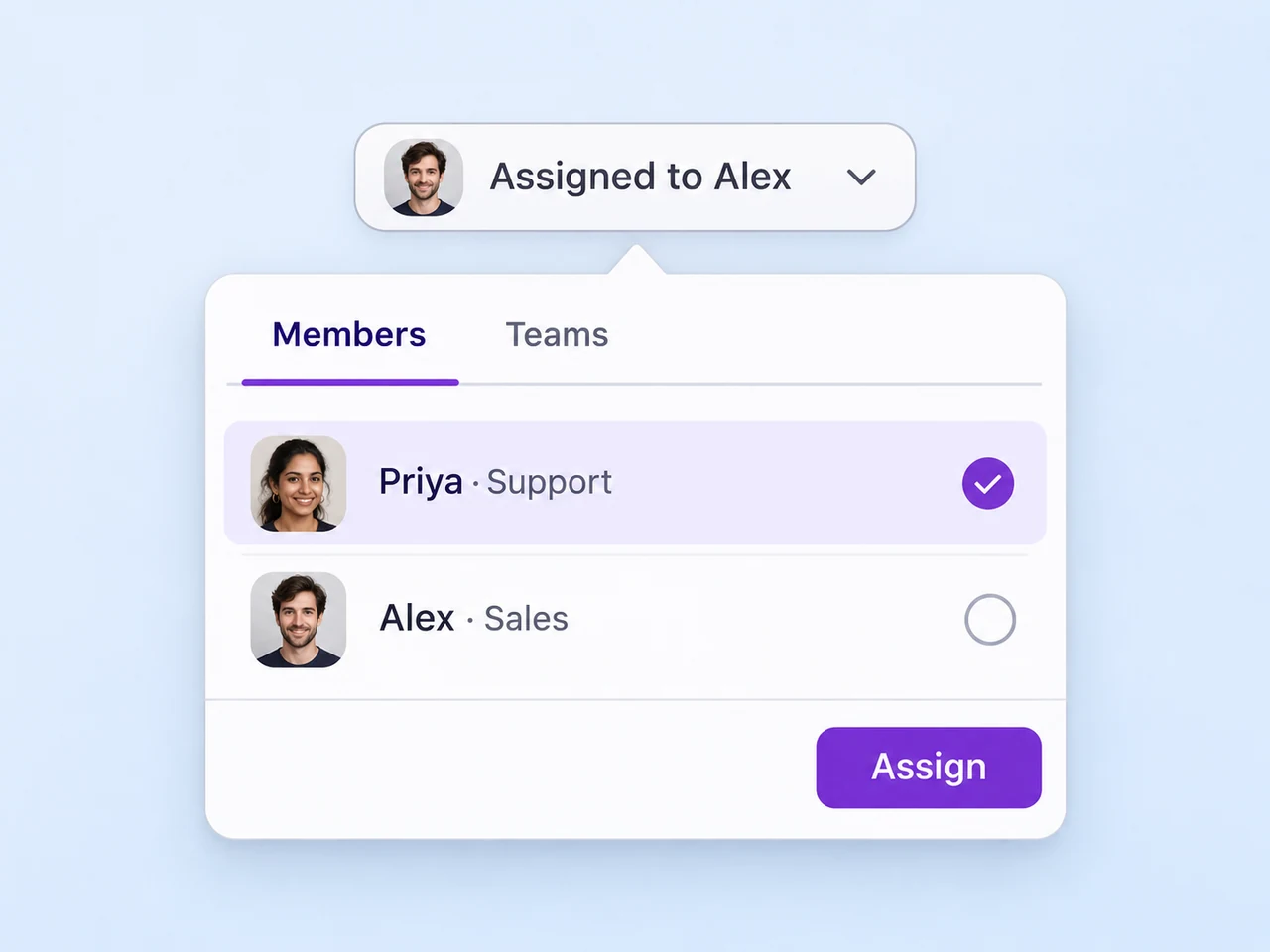
Make ownership visible
Assign a customer question to a teammate or team. Keep responsibility clear when another person needs to take over.
Explore assignmentResolve customer questions
Bring customer questions from your connected channels into AxoDesk. Give each conversation an owner, share useful details with the team, and help the customer reach an answer.
Explore the support workflow
From the first question to the answer
Understand the request, give the next reply an owner, and keep the useful context with the conversation.
Read the question and ask for the details that will help the team answer it.
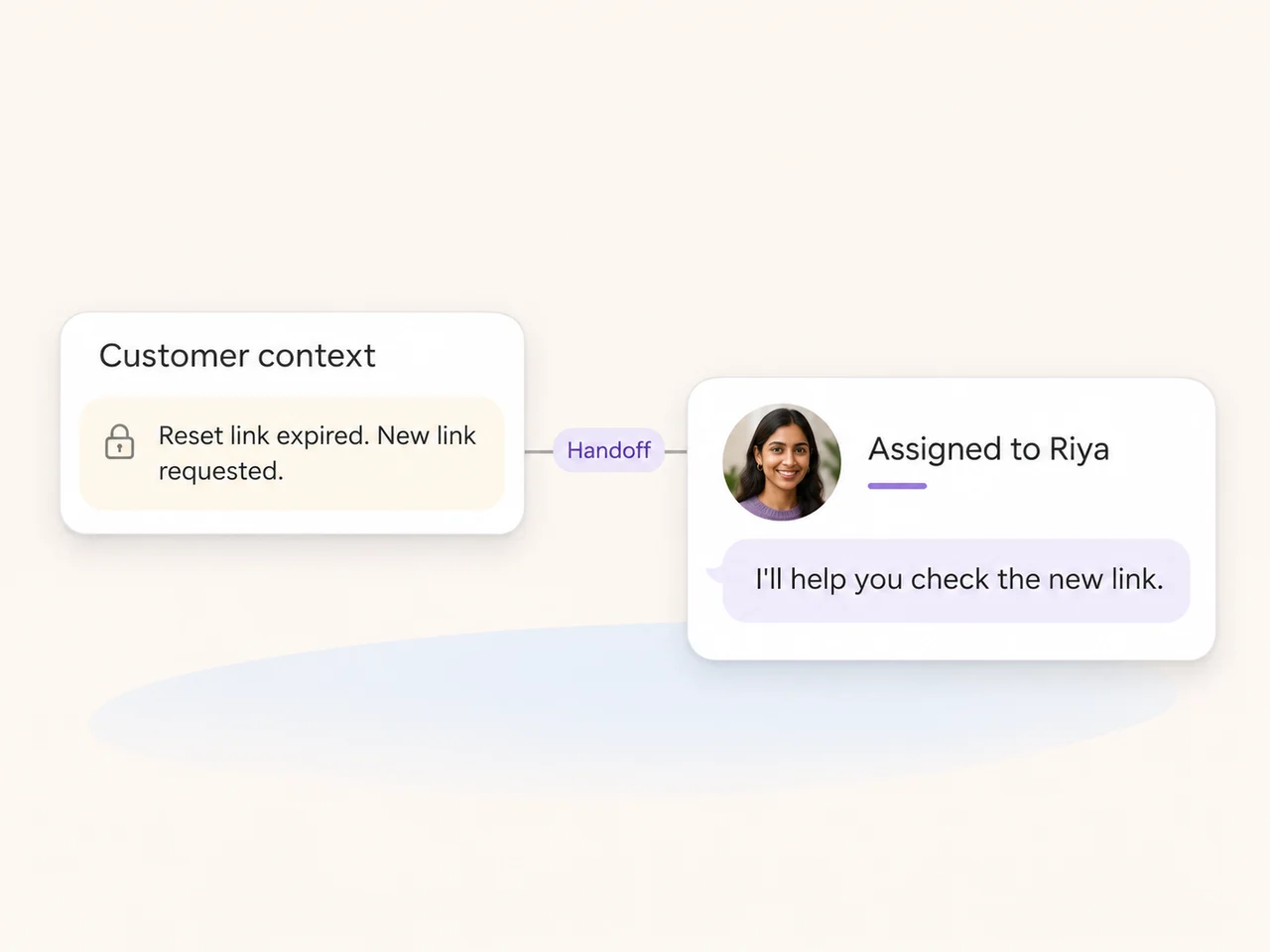
Transfer ownership and leave a private note so the next person can continue from the useful details.
Help the customer with the next step and mark the conversation resolved when the question has been handled.
Tools for the person answering
Bring ownership, internal context, and the next action into the same support workflow.
Assign a customer question to a teammate or team. Keep responsibility clear when another person needs to take over.
Explore assignment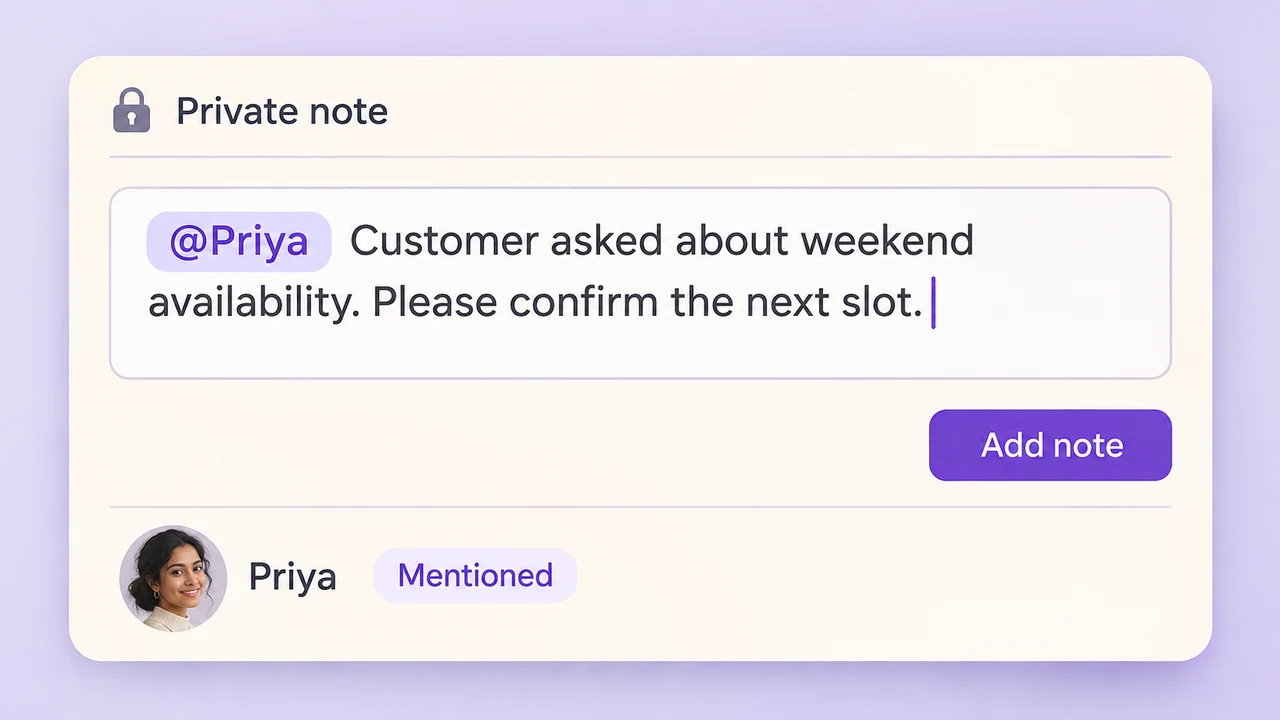
Add the details another teammate needs without sending the internal discussion to the customer. Use mentions to ask for input.
Explore conversation notes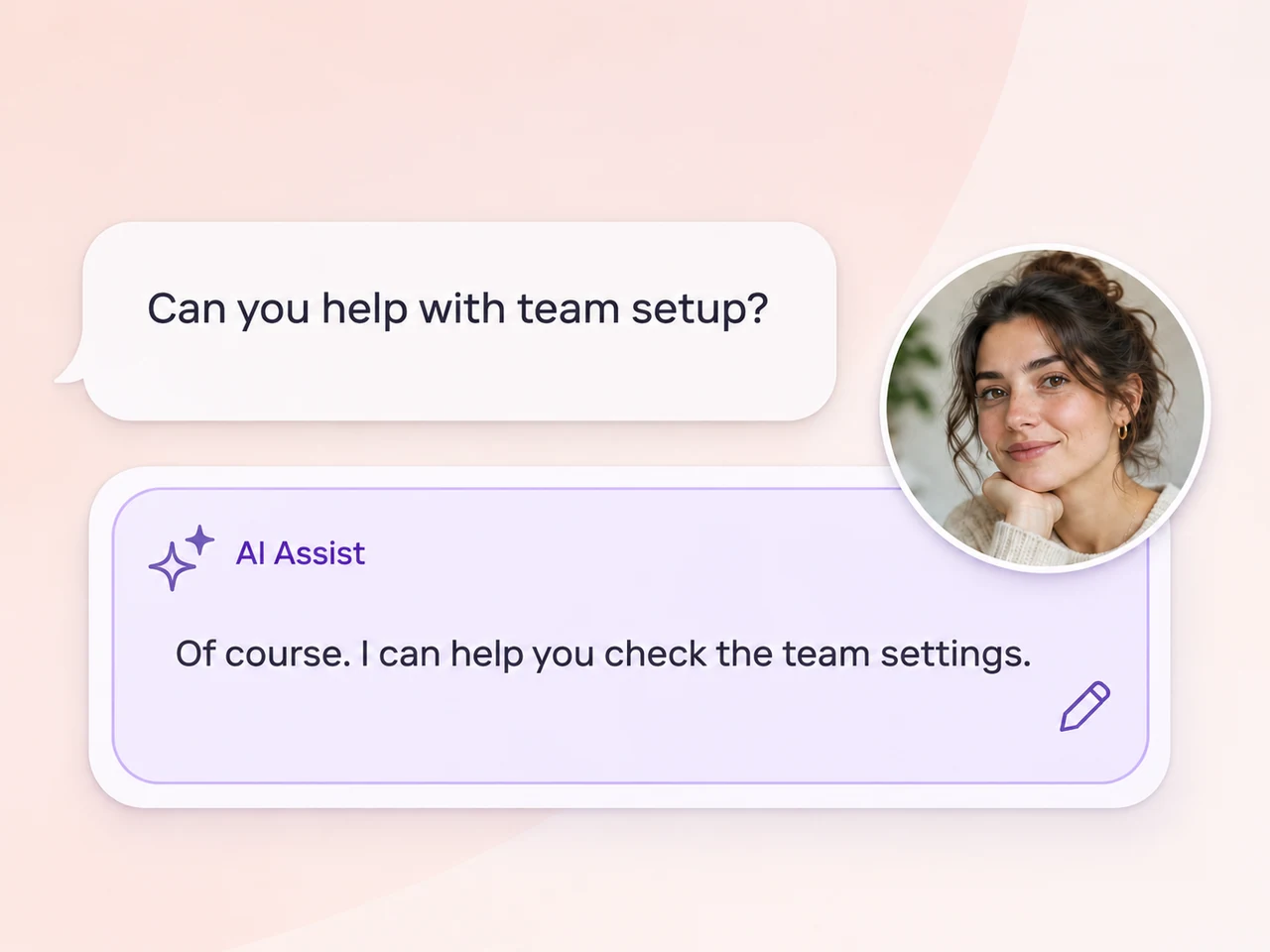
Use AI Assist for contextual reply suggestions, summaries, and tone adjustments. Let the teammate review and edit the reply before sending.
Explore AI Assist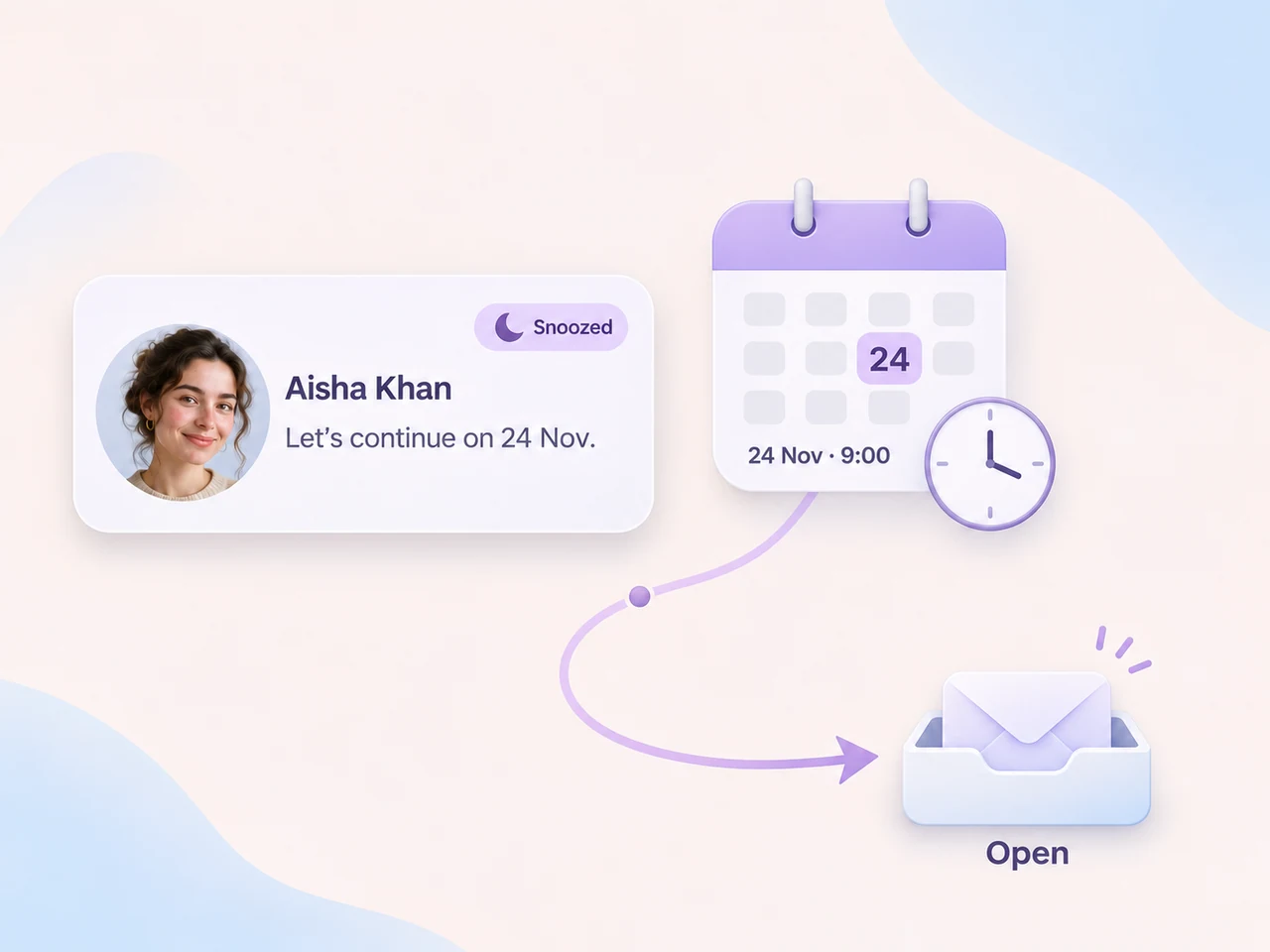
Snooze a conversation until a chosen time while the team gathers information or waits for the next step.
Explore snoozing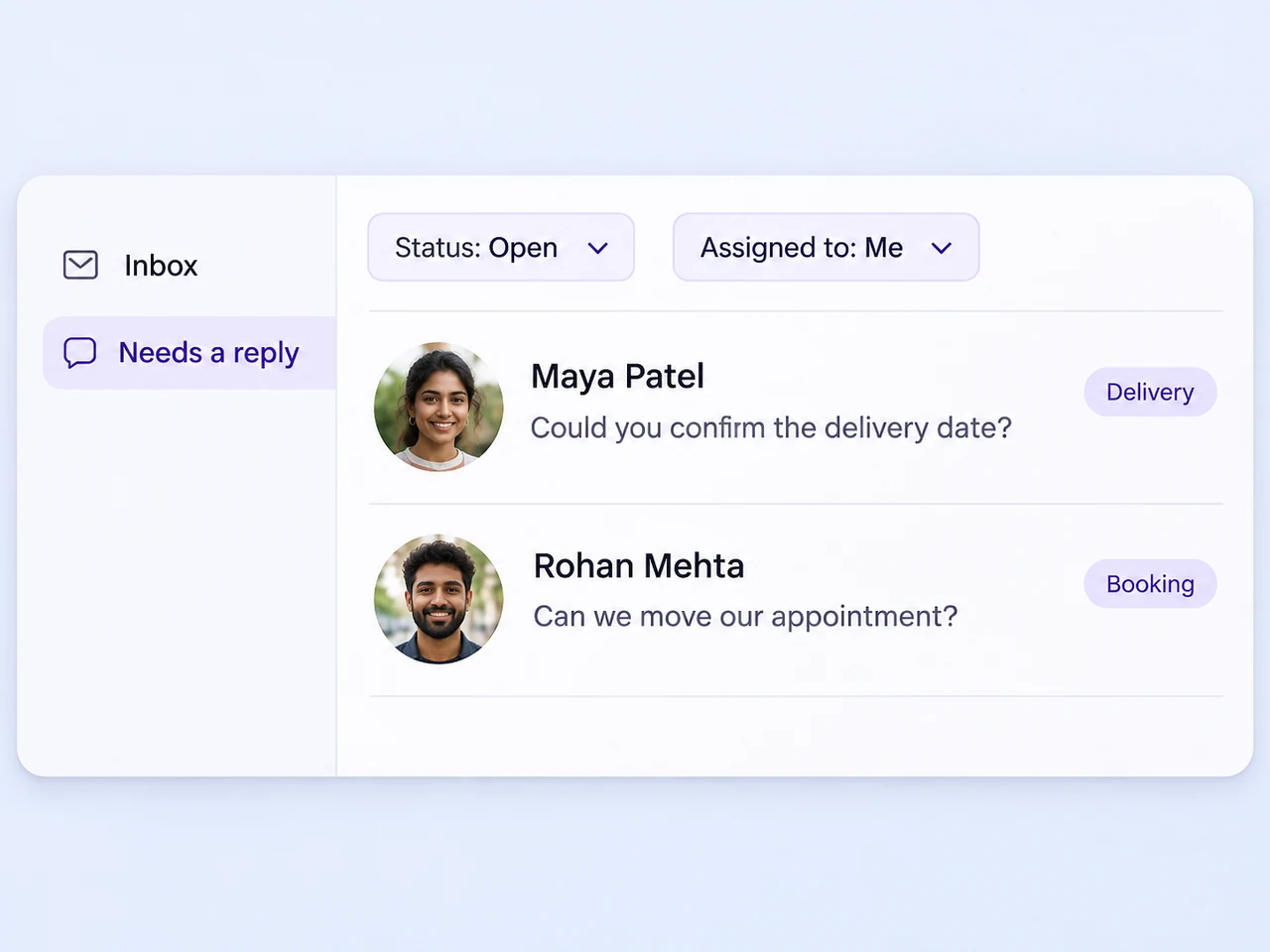
Create saved views around assignment, labels, channels, or status. Give the team a way to return to the work it is responsible for.
Explore inbox views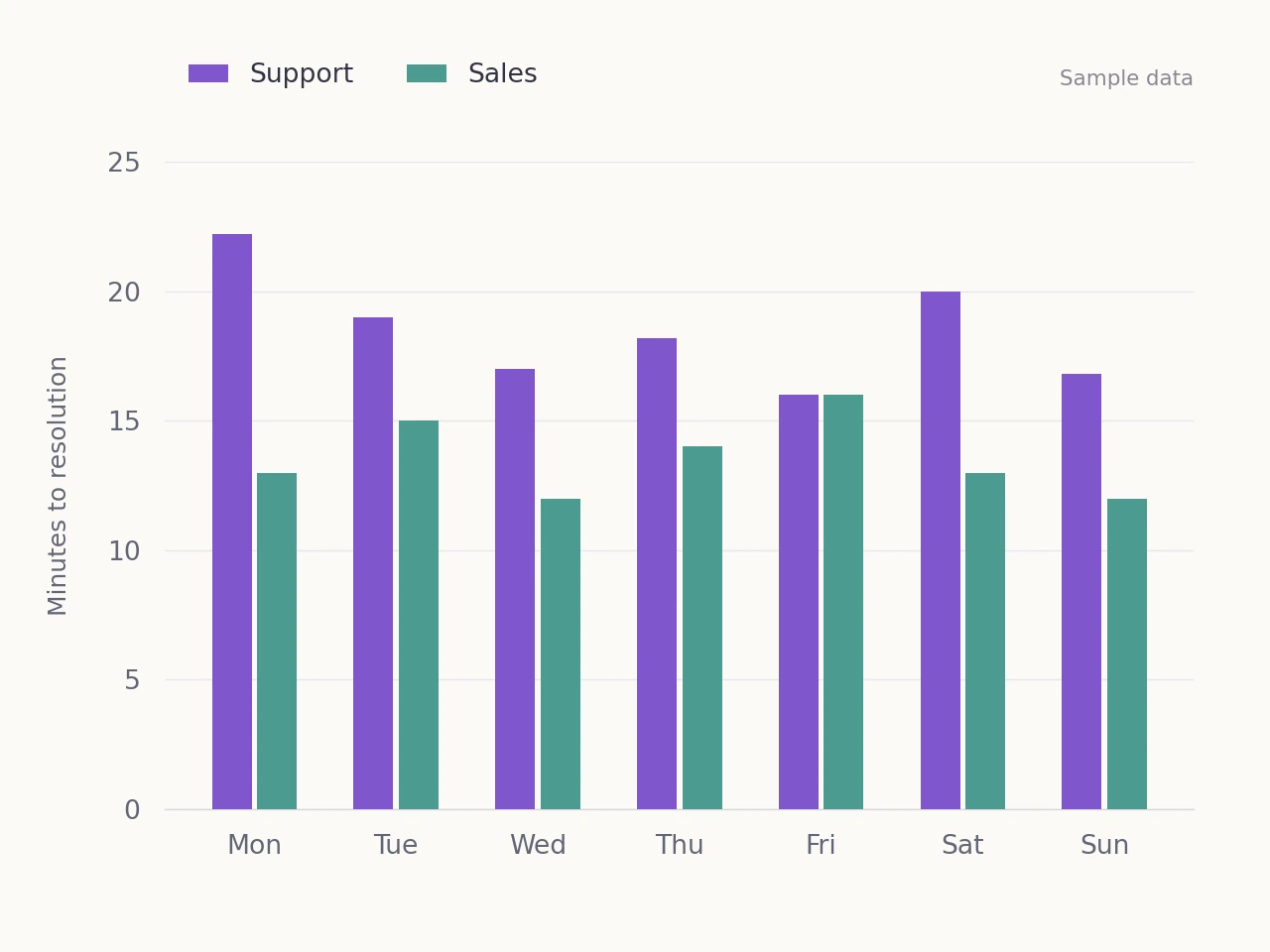
Use response and resolution metrics to review the team's process, with customer feedback where enabled.
Explore reportingBuild a process around the team
Start with the questions your team receives regularly and agree how each one should move toward an answer.
Choose the customer accounts your support team handles and confirm where new enquiries arrive.
Create teams, assignment rules, and saved views so the responsible people can find their conversations.
Decide what belongs in private notes and when the conversation should move from AI or a teammate to another person.
Resolve completed conversations and review response times, follow-up, and customer feedback where enabled.
Give teammates the conversation history, notes, and customer context when someone else takes over.
Explore Team InboxGive an AI agent the business knowledge and handoff rules for the enquiries it should handle.
Explore AI AgentsUse assignment rules and online availability to direct the next conversation to the responsible people.
Explore lead distributionConnect the customer channels your business uses and handle the enquiries in AxoDesk's shared inbox. The integration catalogue includes WhatsApp, Instagram, Facebook Messenger, email, TikTok, Telegram, and other channels. Choose how each type of question reaches the team and who should take responsibility for the next reply.
Assign the conversation to the person or team that should respond next, then add a private note with the useful context. Mention a colleague when you need their attention or input. A mention can notify the colleague, but it does not transfer ownership. Use the assignment control to make the new responsibility clear.
An AI agent can handle common questions using the business knowledge and boundaries you configure, with a handoff path to your team. AI Assist supports teammates with reply suggestions, conversation summaries, tone adjustments, and translation features that you enable. Teammates can review and edit suggested replies before sending them.
Keep the responsible teammate and the next action clear. You can snooze a conversation until a chosen time, then return to it when it reappears in the Open view. Use labels and saved inbox views to organize questions that need follow-up, additional information, or input from another team.
Review the contact details to identify conversations that belong to the same customer. Your team can merge duplicate conversations and preserve the history so the next response has the relevant context. Check the records before combining them, and keep the assignment and next action clear for the person continuing the conversation.
Mark the conversation as resolved when the team has finished handling it. The history stays available, and a new customer reply reopens the conversation. Use reporting to review response and resolution times, and customer feedback where enabled, so the team can identify which parts of the support process need attention.
Bring your channels into AxoDesk, make ownership clear, and keep the conversation context available until the customer has an answer.
 WhatsApp
 Instagram
 Messenger
 Email
 TikTok
 Telegram