Incoming WhatsApp calls
Let customers reach your business on WhatsApp and answer with their conversation history close by.
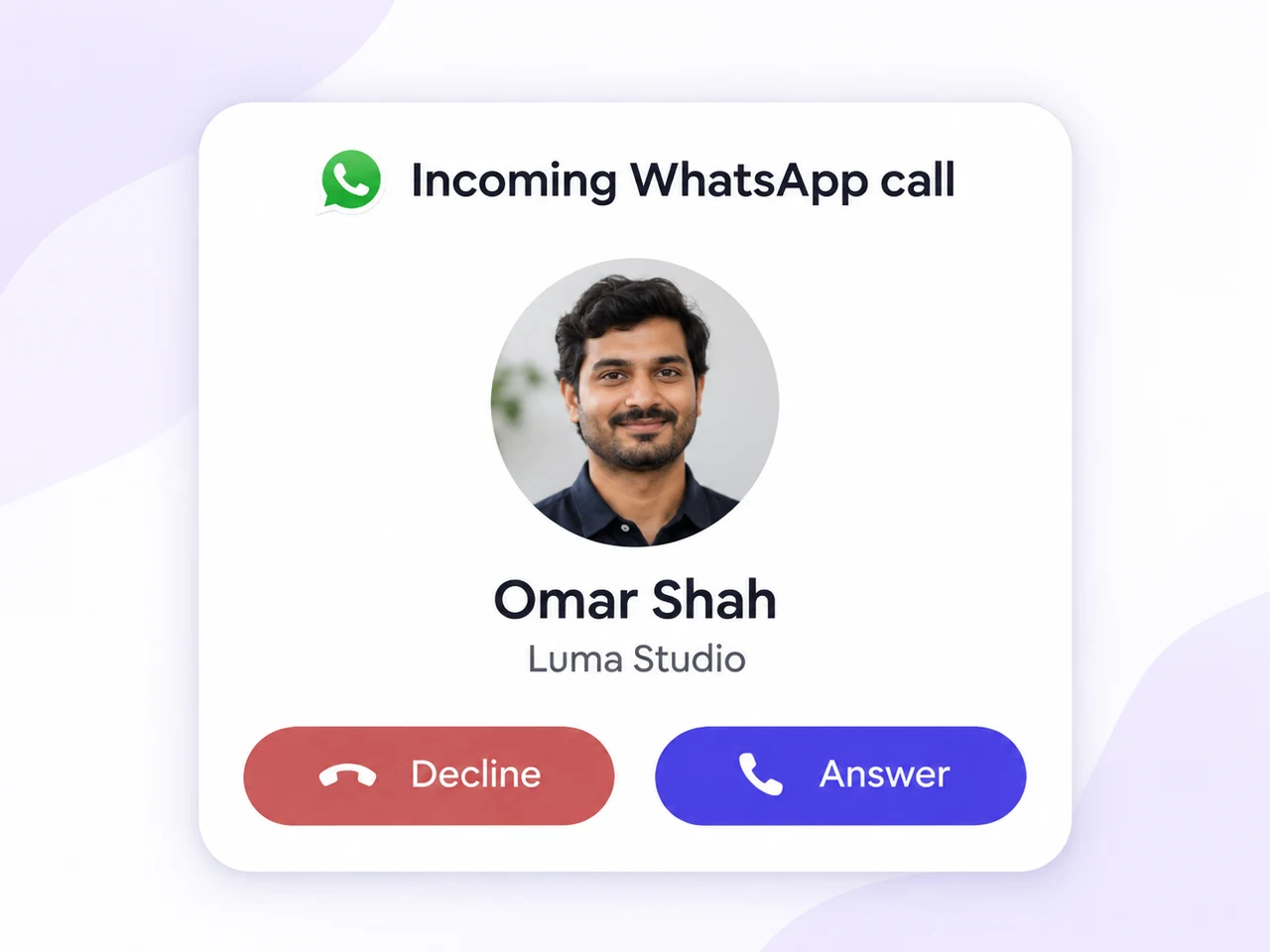
 WhatsApp Business Calling API
Move from a message to a real conversation. Make and receive WhatsApp calls in AxoDesk, with the customer context your team needs to keep things moving.
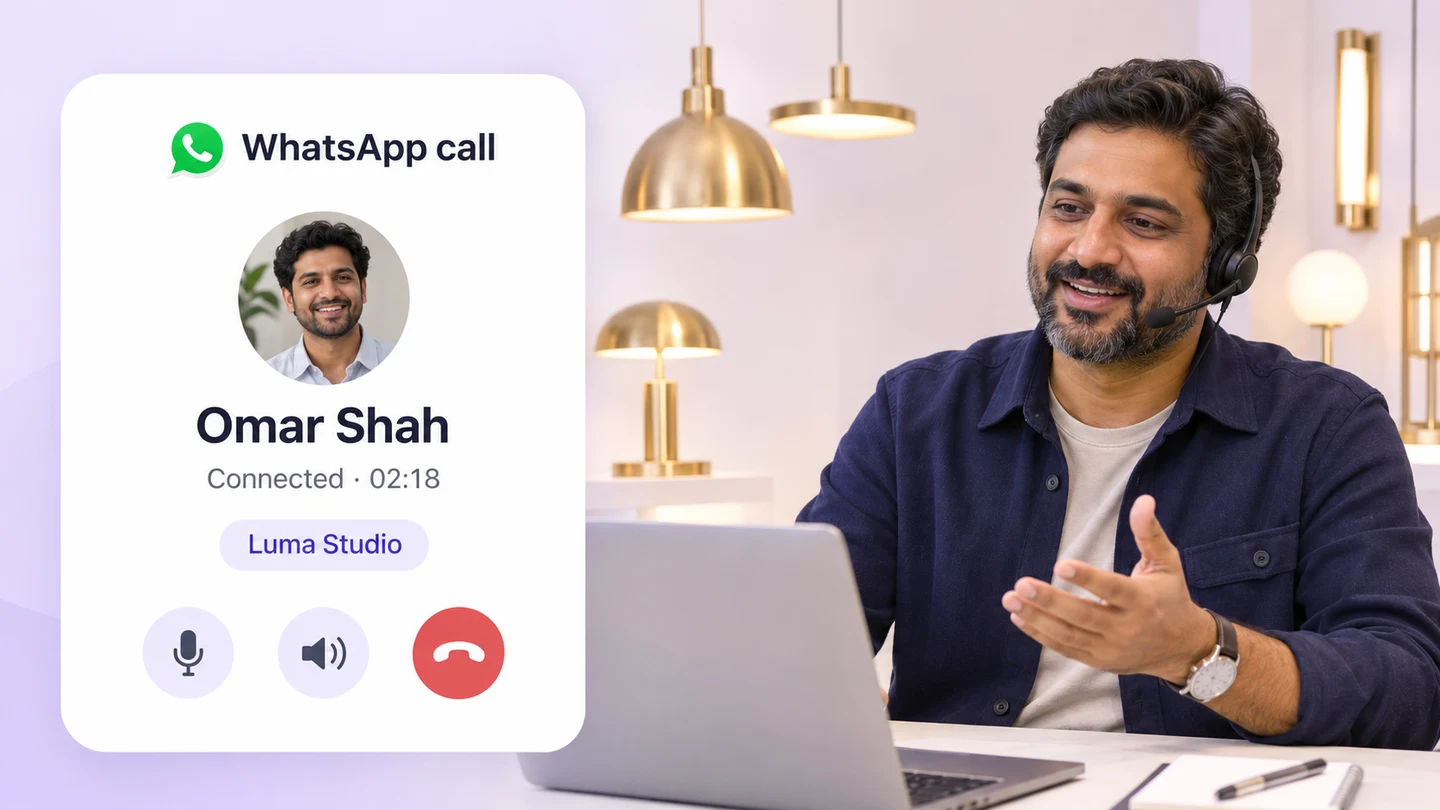
From chat to a call
It connects WhatsApp voice calls to business software using internet calling. AxoDesk brings those calls alongside customer messages, so your team can move between a chat, a call and the next follow-up.
Explore the shared inboxCustomers can message and call the same WhatsApp business profile.
See the customer’s messages and details before answering.
Keep a teammate responsible for the follow-up.
Calling features
Answer a customer, continue an enquiry or follow up after a useful conversation.
Let customers reach your business on WhatsApp and answer with their conversation history close by.
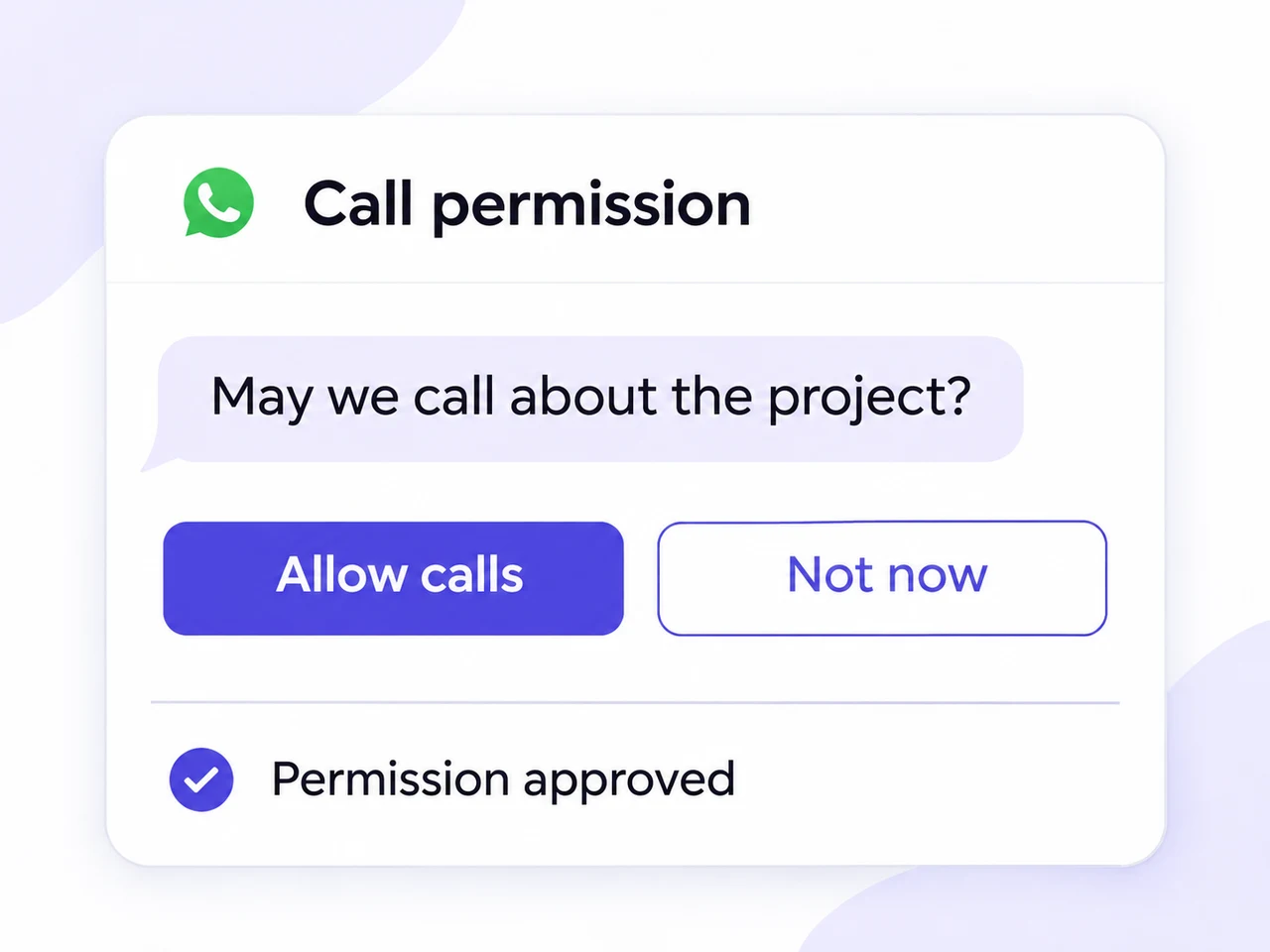
Follow the calling-permission flow available for your account, then speak with the customer from the conversation.
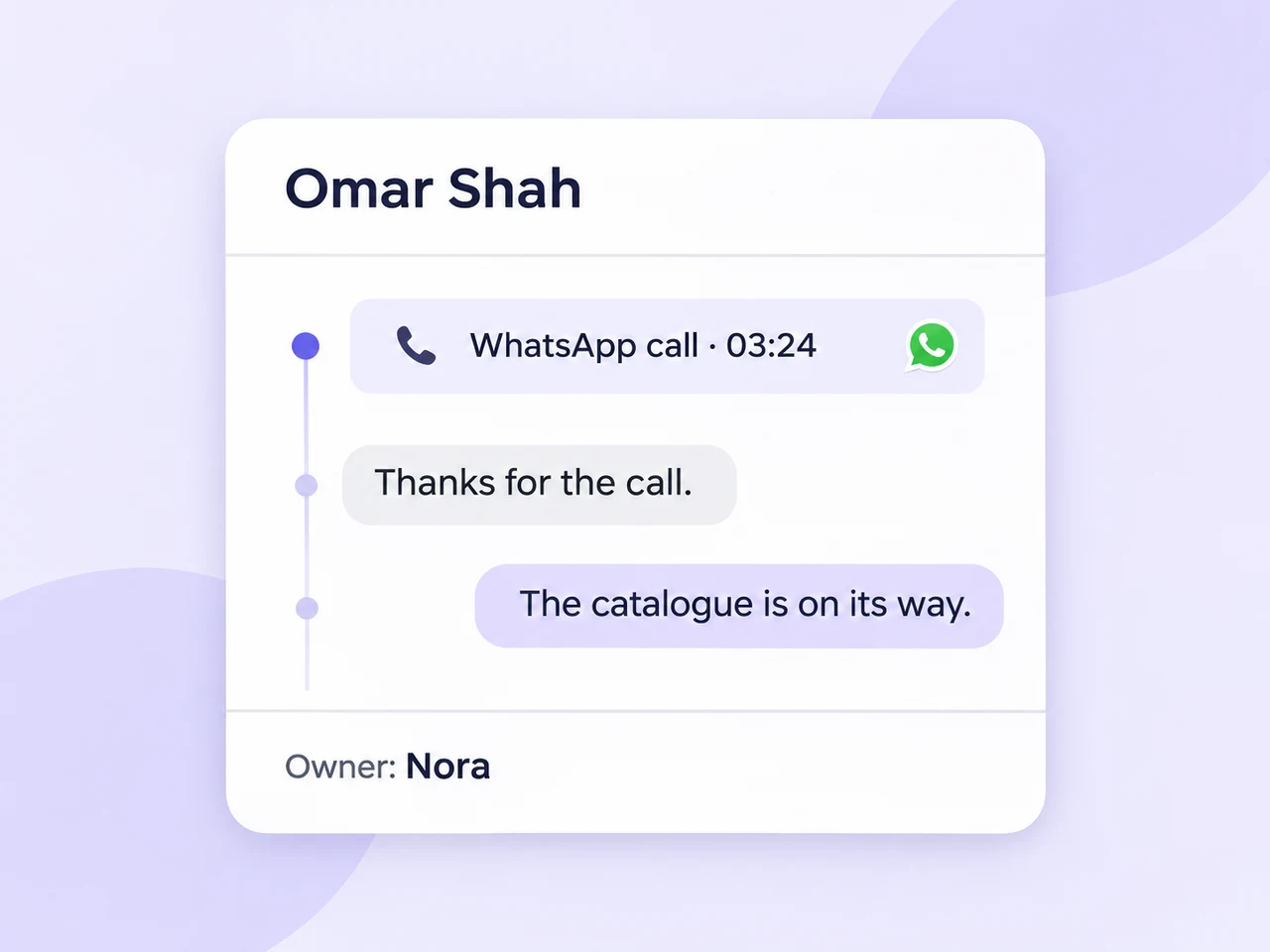
Keep the call event and the next message together so a conversation can continue after the call ends.
Keep relevant contact details and supported CRM data close to the team handling the call.
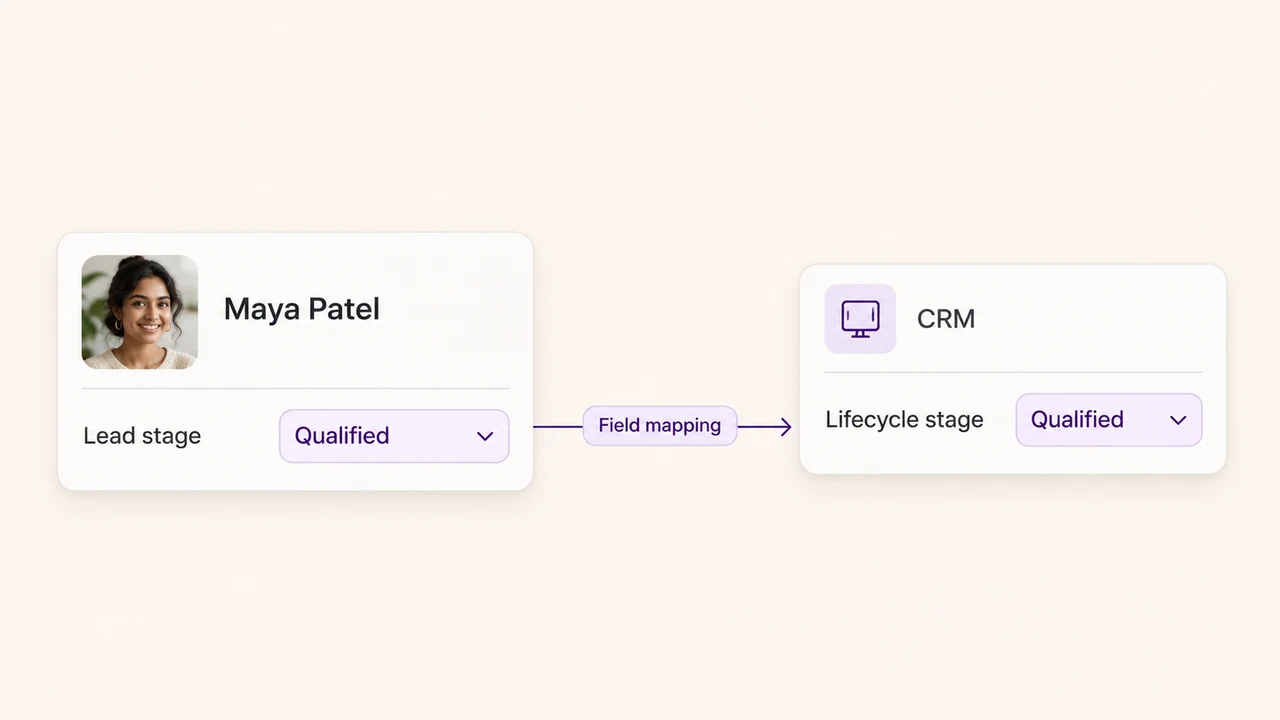
Give each enquiry an owner and use private notes to coordinate what needs to happen next.
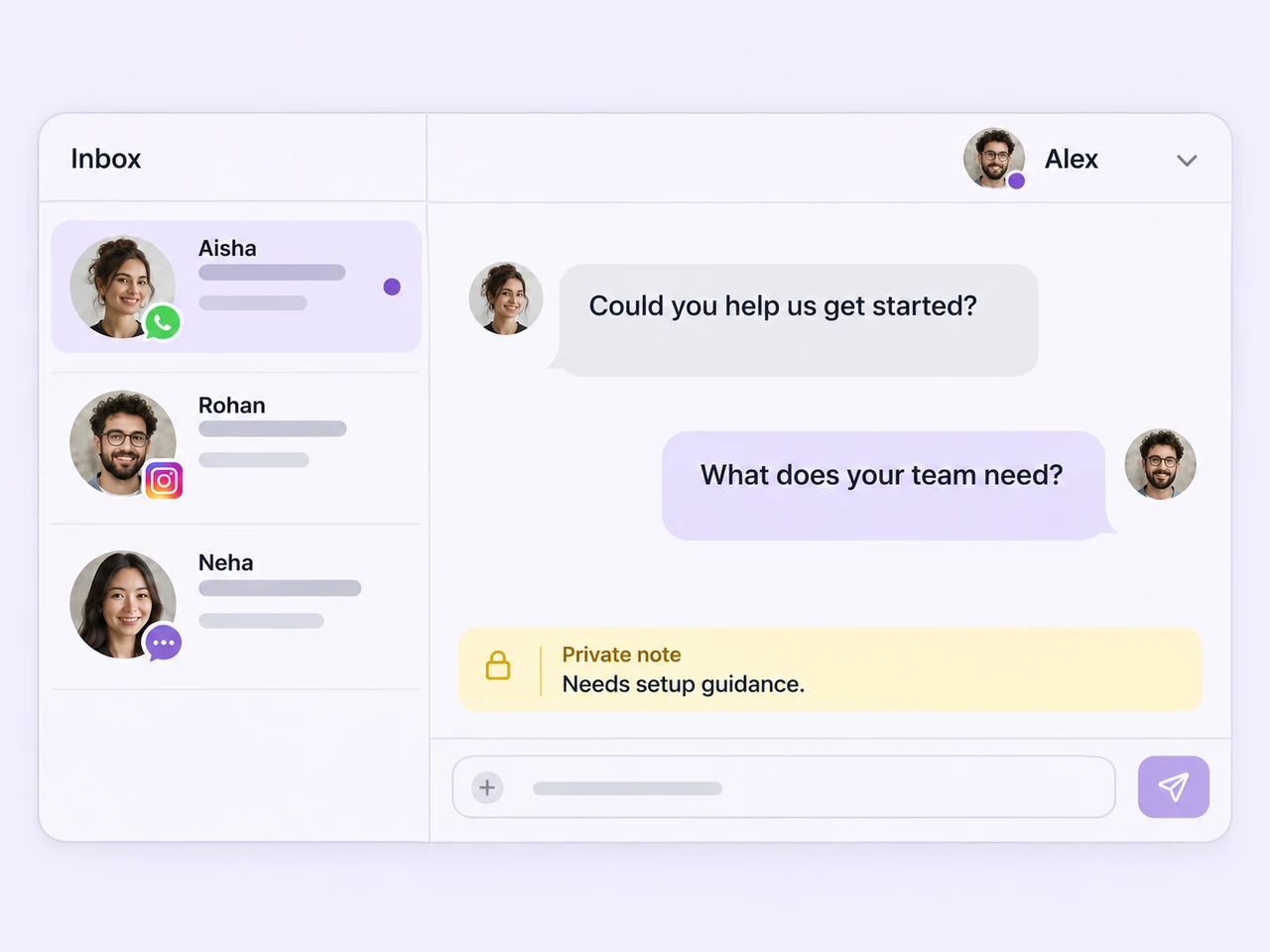
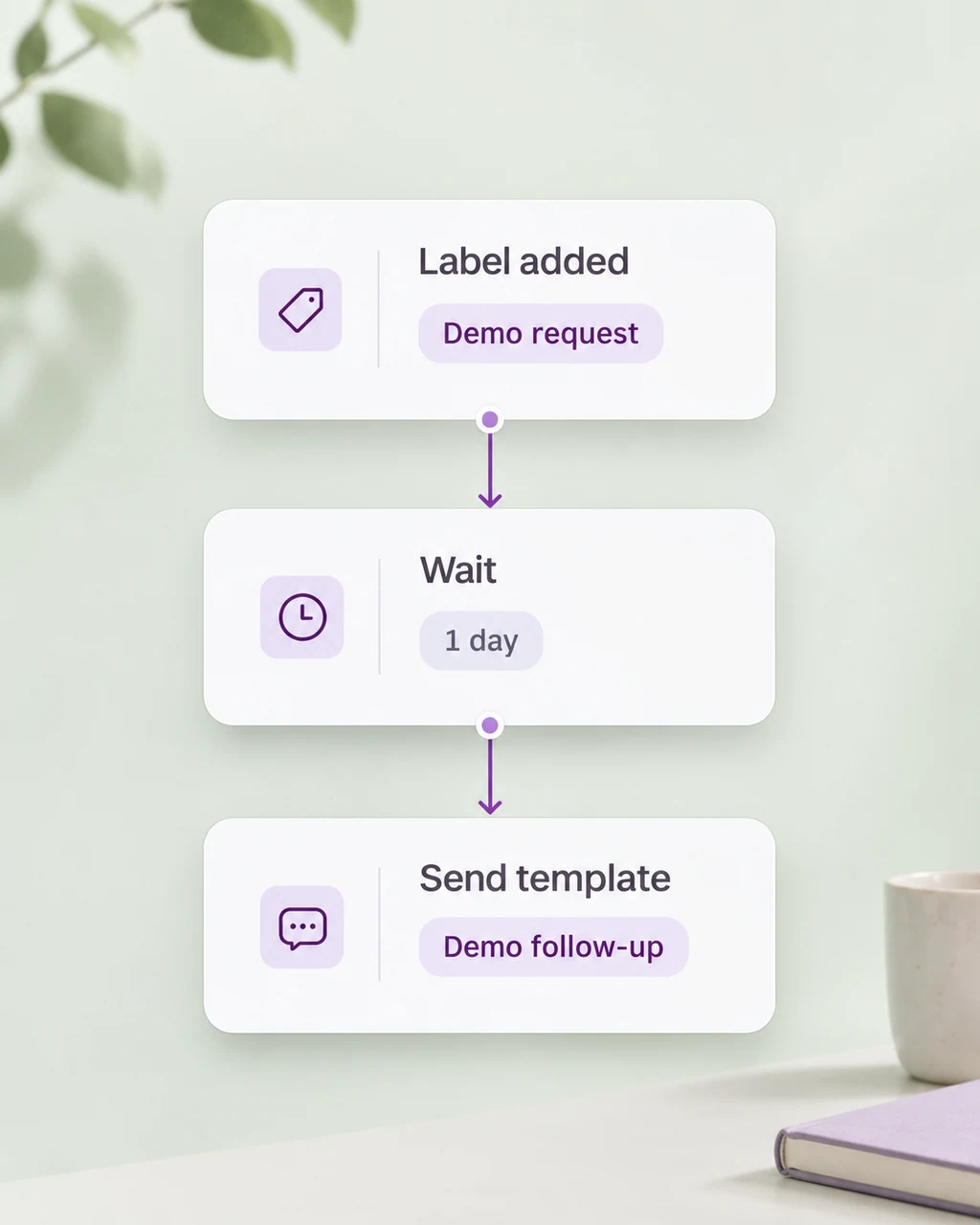
Use your team’s workflow to send relevant details, arrange the next conversation and keep open enquiries moving.
Costs and permissions
Incoming and outgoing calls have different billing and permission rules. Choose a direction to see the essentials.
Customers call your WhatsApp business number. Your team answers and continues with the context already in the inbox.
Read Meta’s calling pricingPermission-based calling needs the customer’s approval. Some eligible accounts use Meta’s quality-based model; the available flow depends on the business number and market.
Read Meta’s permission rulesCalling availability can differ for incoming and outgoing calls. Review the country of your business number and the account’s current calling model before launch.
Check Meta’s current availabilityOutgoing rates are set by Meta. Check the current rate card and your AxoDesk plan for the complete cost.
View AxoDesk plans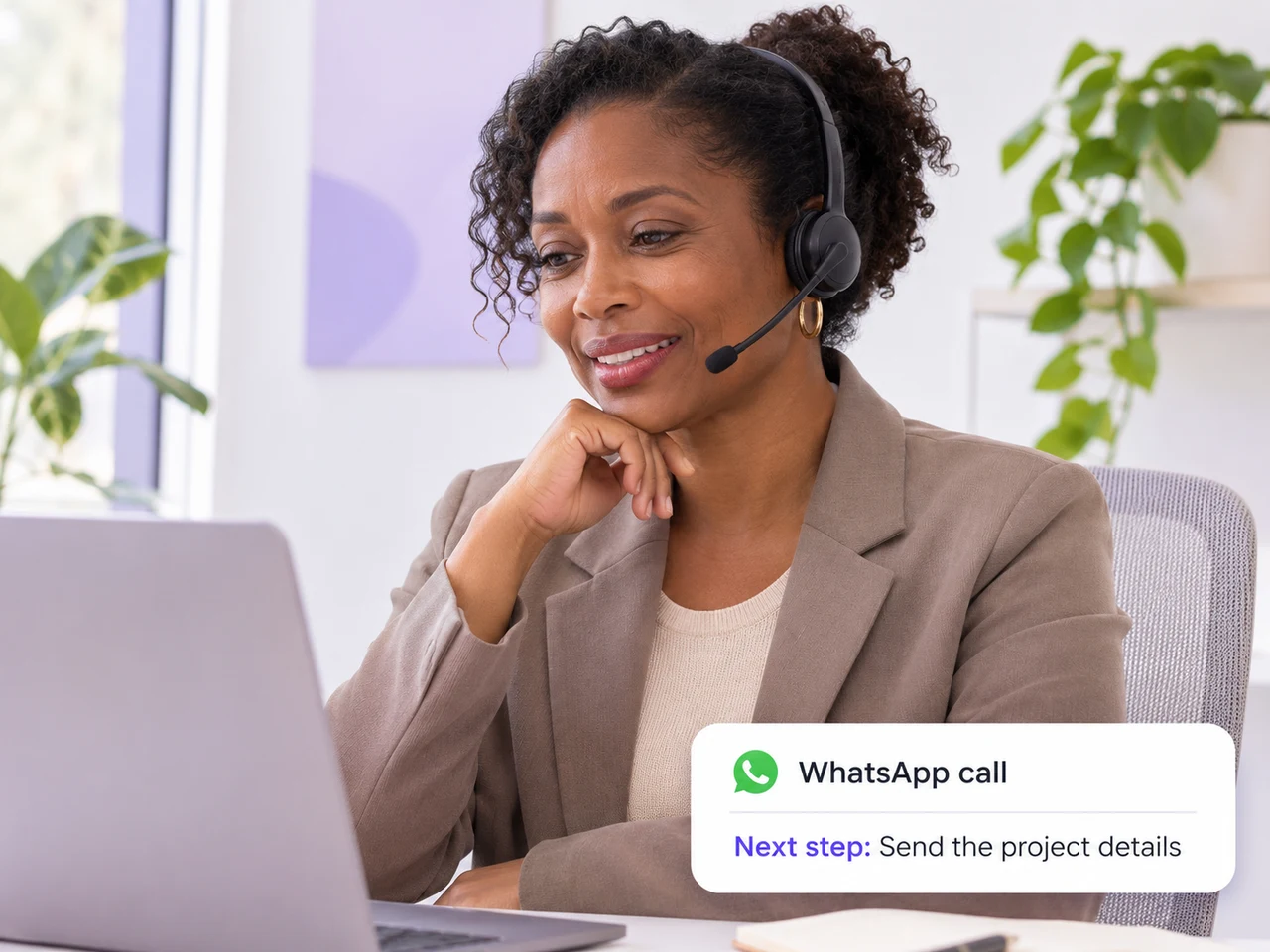
A voice when it helps
Use a call when a customer needs a clearer explanation, a more personal conversation or a quick decision about the next step.
Talk through requirements or a quote, then share the relevant details in the chat.
Clarify a complicated question together and keep a record of the next action.
Coordinate a suitable time with the customer, then confirm the arrangement by message.
Calling, by industry
Explore how a WhatsApp call can help your team answer the right questions and agree on a clear next step.
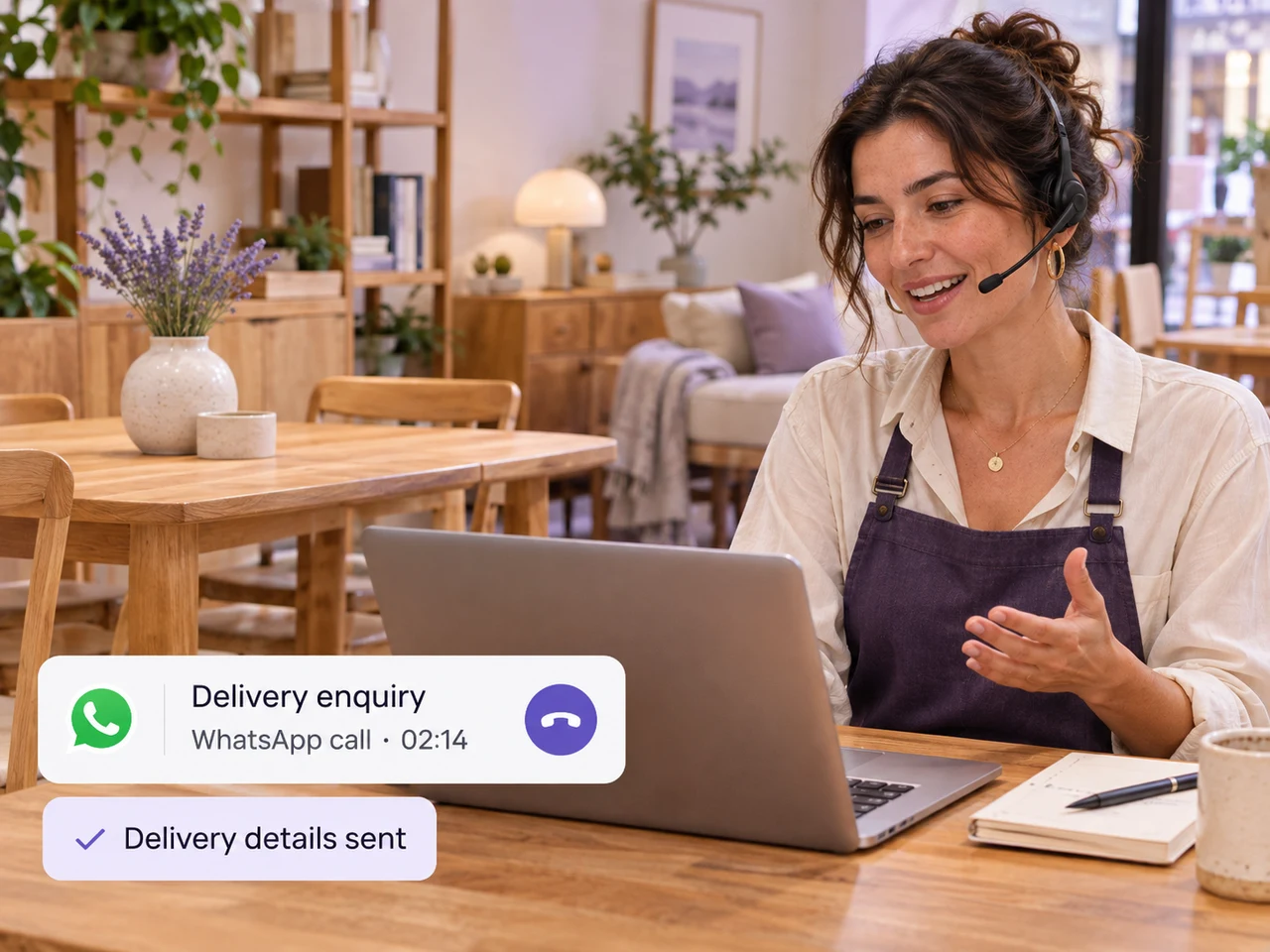
A quick conversation can help a customer choose between products or understand delivery arrangements before they decide.
Good reasons to call
Then, back in the chat
Share the product or delivery details in the same WhatsApp chat.
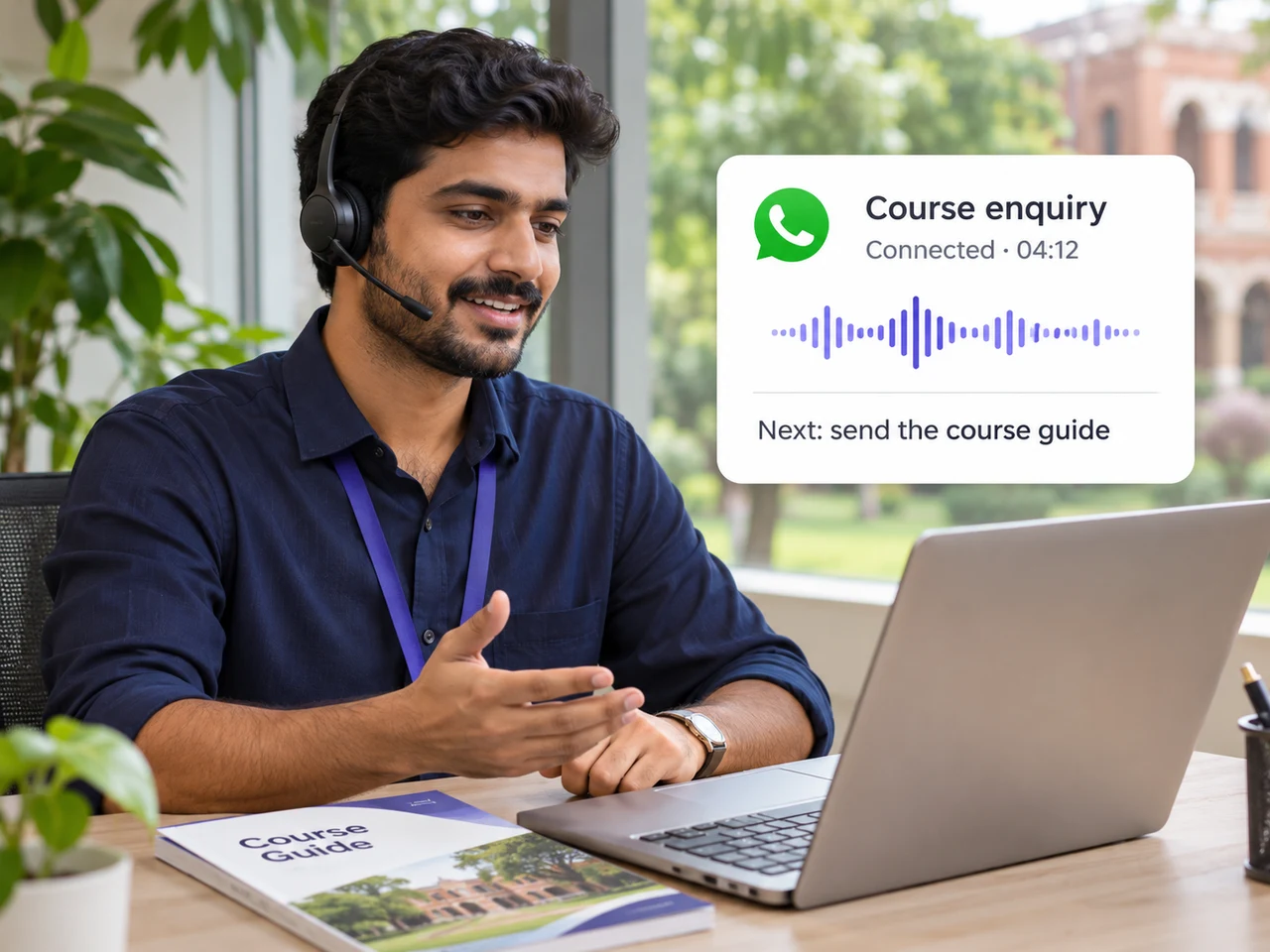
Give prospective students space to ask about course options, study formats and the application process with an admissions adviser.
Good reasons to call
Then, back in the chat
Send the relevant course guide and application information after the call.
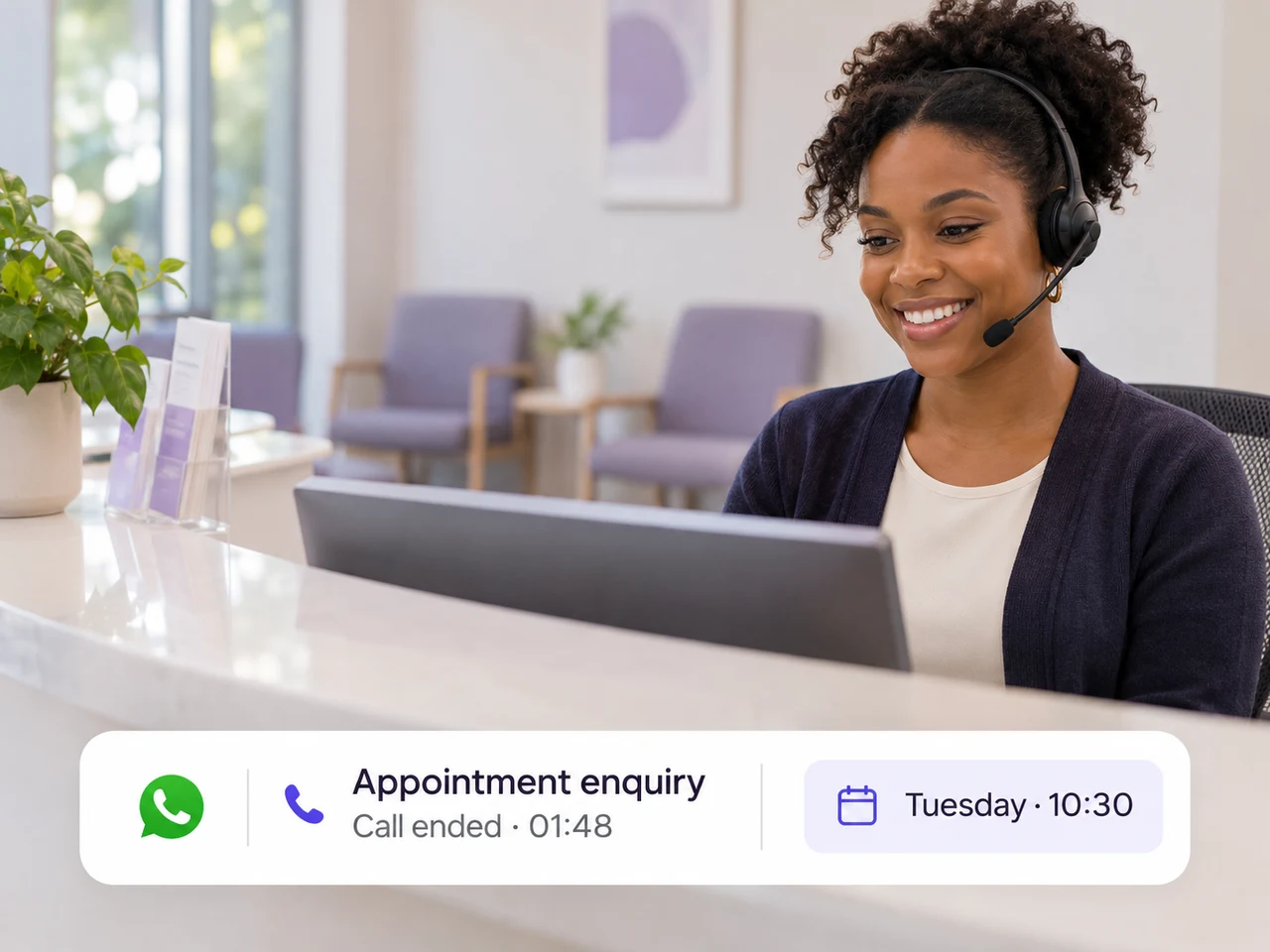
Let your reception team talk through appointment availability, rescheduling and practical visit information with the customer.
Good reasons to call
Then, back in the chat
Confirm the agreed appointment details and directions by message.
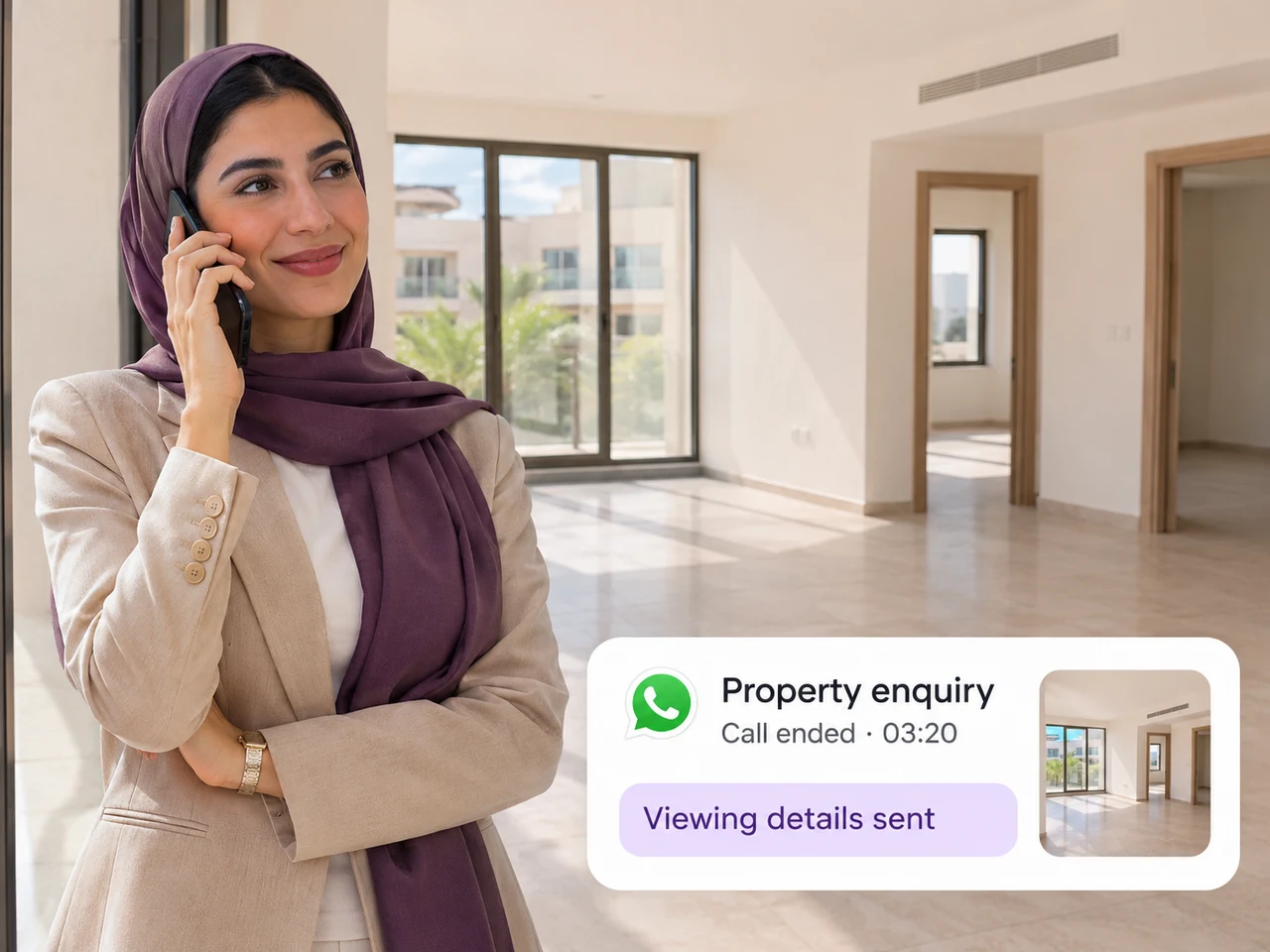
Understand what a buyer or tenant is looking for, explain a suitable property and discuss a convenient time to visit.
Good reasons to call
Then, back in the chat
Share the property shortlist, address or viewing details in the chat.
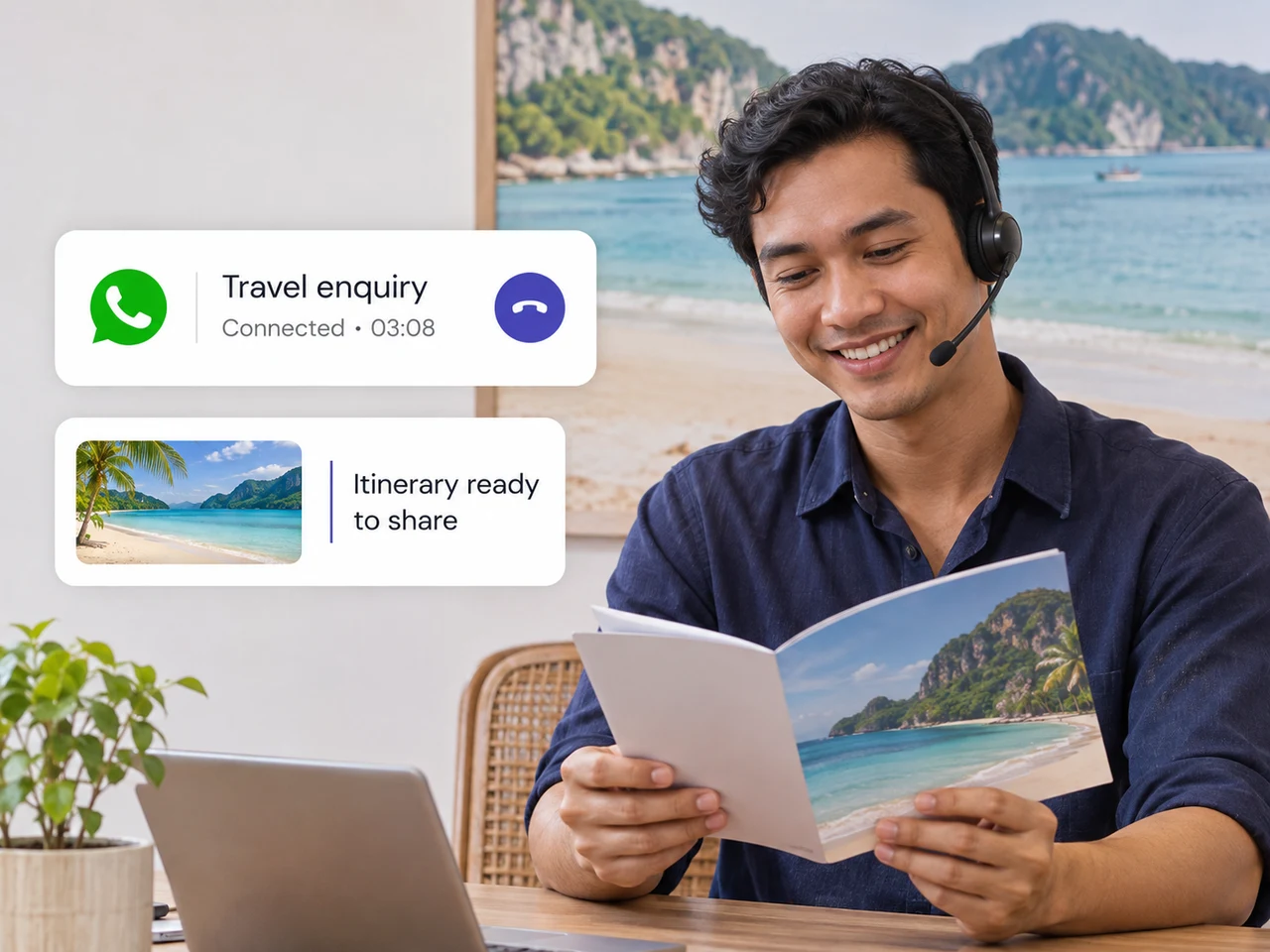
Talk through travel preferences, explain itinerary options or clarify a booking change before sending the updated information.
Good reasons to call
Then, back in the chat
Send the itinerary or agreed booking information for the customer to review.
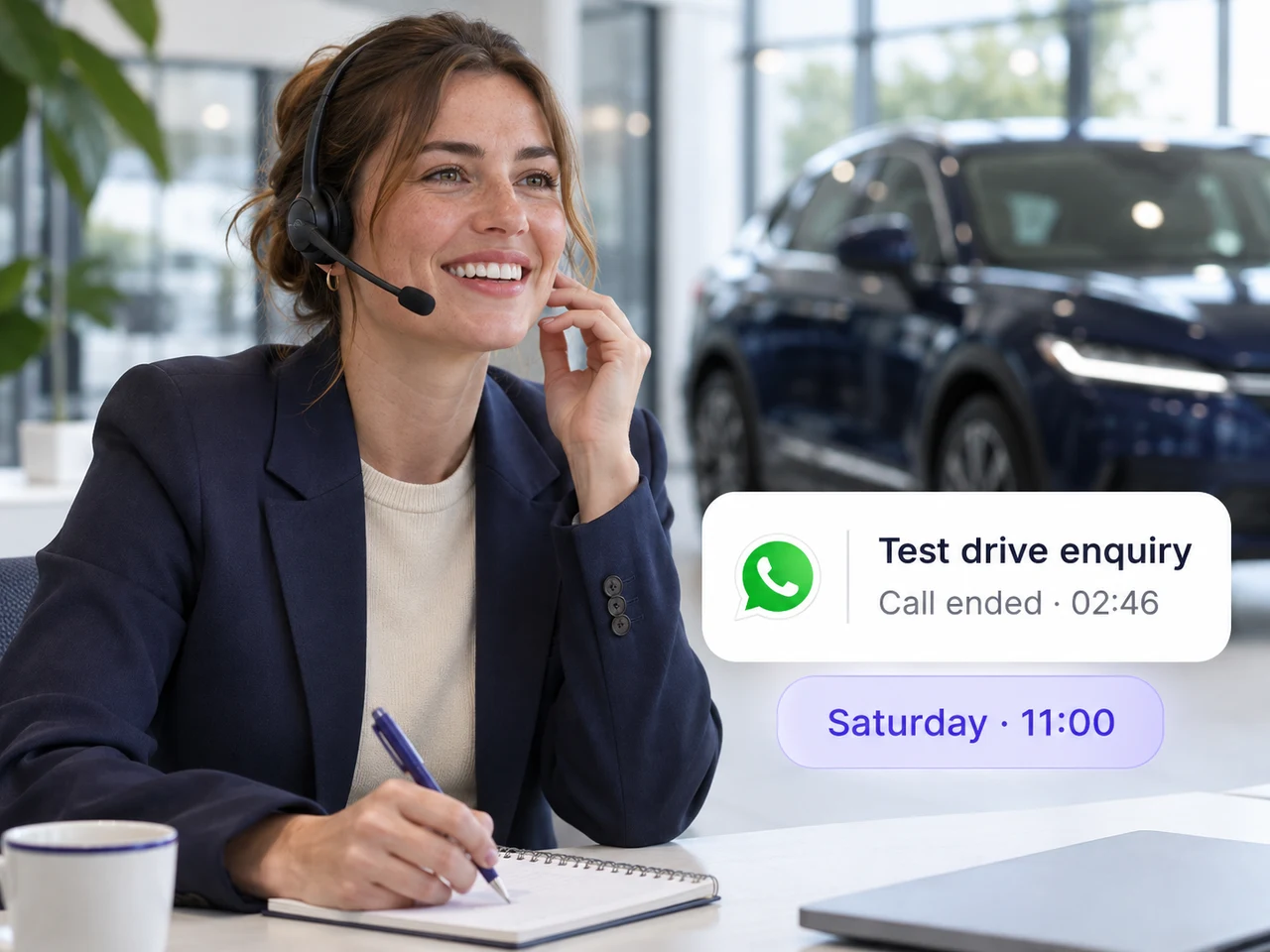
Answer questions about a vehicle, discuss a test drive or coordinate a service visit with the customer in a real conversation.
Good reasons to call
Then, back in the chat
Confirm the time, location and relevant vehicle details in the chat.
Get started
Start with account eligibility, then configure the calling workflow your team will use.
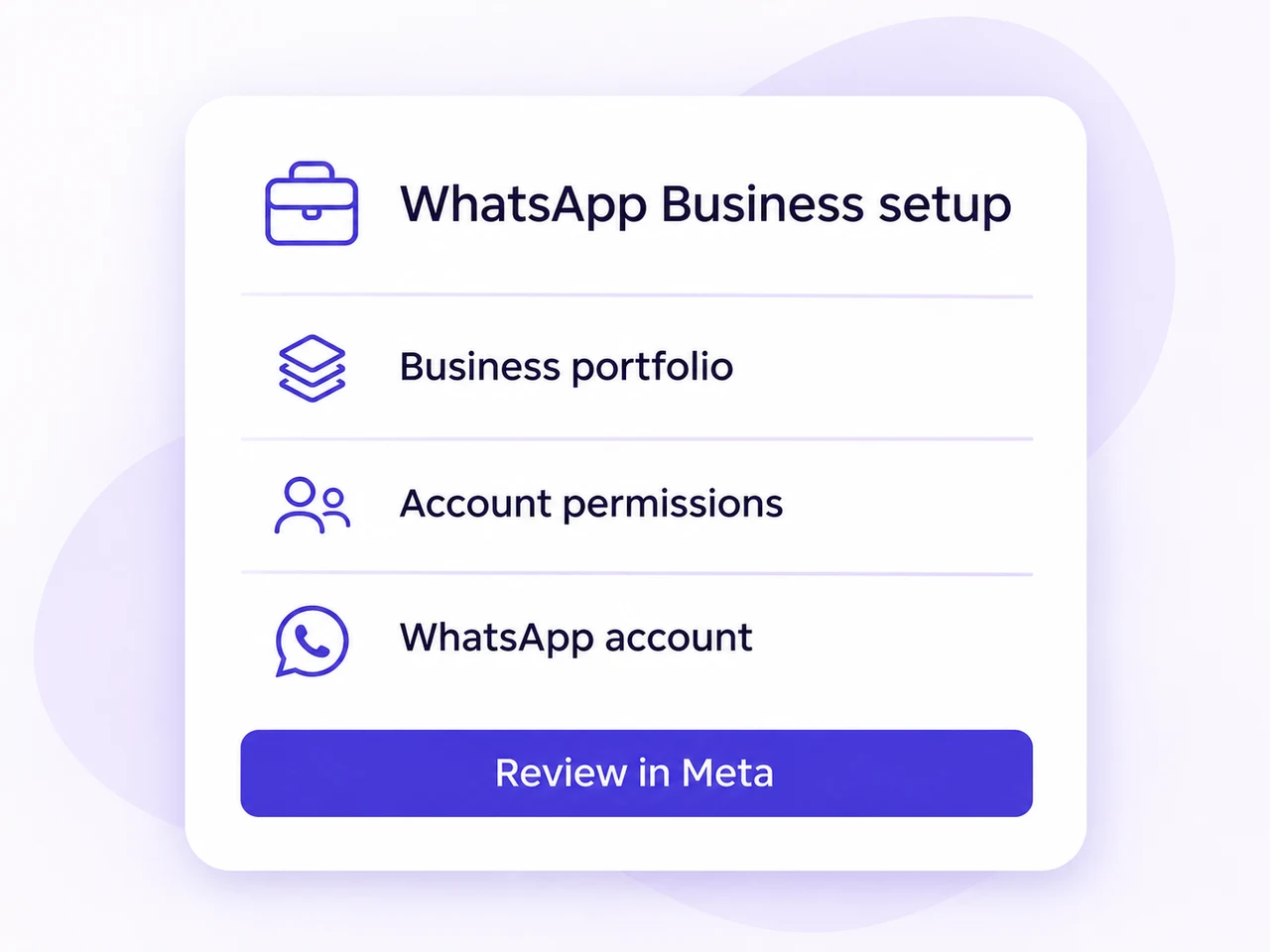
Confirm an eligible Cloud API business number and Meta’s production requirements, including the required messaging tier.
Review number availability, calling settings, team ownership and the appropriate outgoing-call permission flow.
Test an incoming call, the available outgoing-call flow and the next customer message with your team.
Meta currently requires a messaging tier of at least 2,000 unique recipients for production Calling API access. Sandbox testing has different requirements.
Useful answers
It lets business software make and receive internet voice calls with WhatsApp users. AxoDesk brings calling and messaging together so your team can continue the customer conversation in one workspace.
The Business App is used directly on supported devices. The Calling API connects calling to business software, where a platform such as AxoDesk can combine the conversation with team ownership and connected customer context.
Meta does not charge for user-initiated calls. Your AxoDesk subscription and any applicable provider charges still need to be considered when reviewing the full setup.
Meta’s rates depend on the destination, connected call duration and monthly volume tier. Duration is billed in six-second pulses, rounded up. Check the current calling rate card and your AxoDesk plan.
Permission-based calling requires customer approval, which the customer can revoke. Eligible numbers in some markets use Meta’s quality-based calling model instead. Confirm the flow available for your business number before enabling outgoing calls.
WhatsApp Business Calling connects to WhatsApp users. It is not a service for dialing ordinary telephone or landline numbers through the traditional phone network.
An eligible WhatsApp Cloud API number can handle both messages and calls. The connection and calling availability must be reviewed for that number and account.
Prepare access to your Meta business assets, an eligible Cloud API number and the team workflow you want to test. Review production eligibility, regional availability and outgoing-call permissions with the team.
Availability differs by call direction and the country code of the business number. Use Meta’s current calling documentation to check the supported markets and the calling model available for your account.
Bring your WhatsApp calls, customer messages and next steps together with AxoDesk.