Promotions
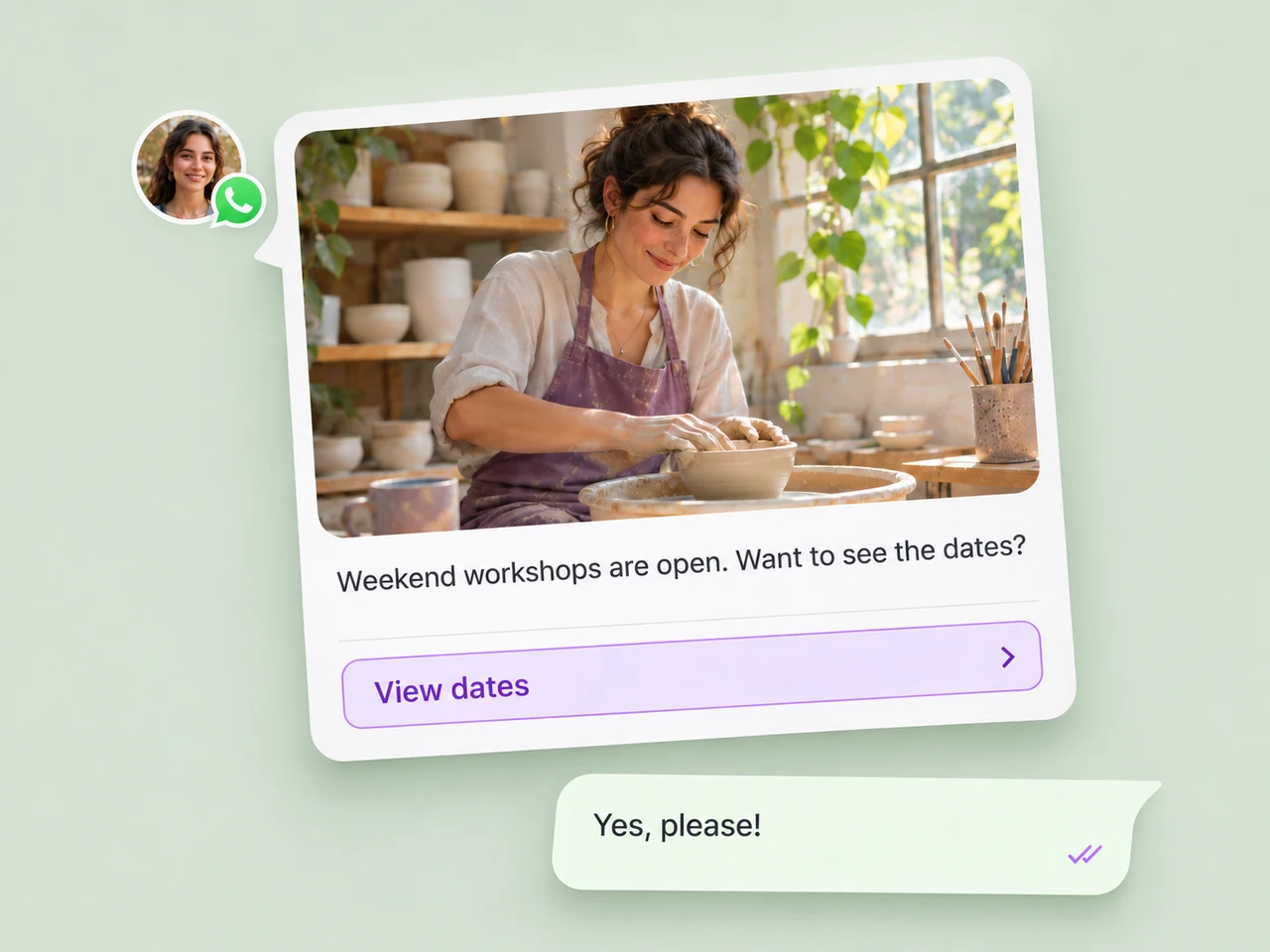
Share an offer, event invitation, or new service with a relevant group of customers. Keep the message focused on one useful next step.
Broadcast campaigns
Create broadcast campaigns that give customers a reason to respond. Use WhatsApp to share promotions, product updates, and renewal reminders with a relevant saved audience.
Explore campaign types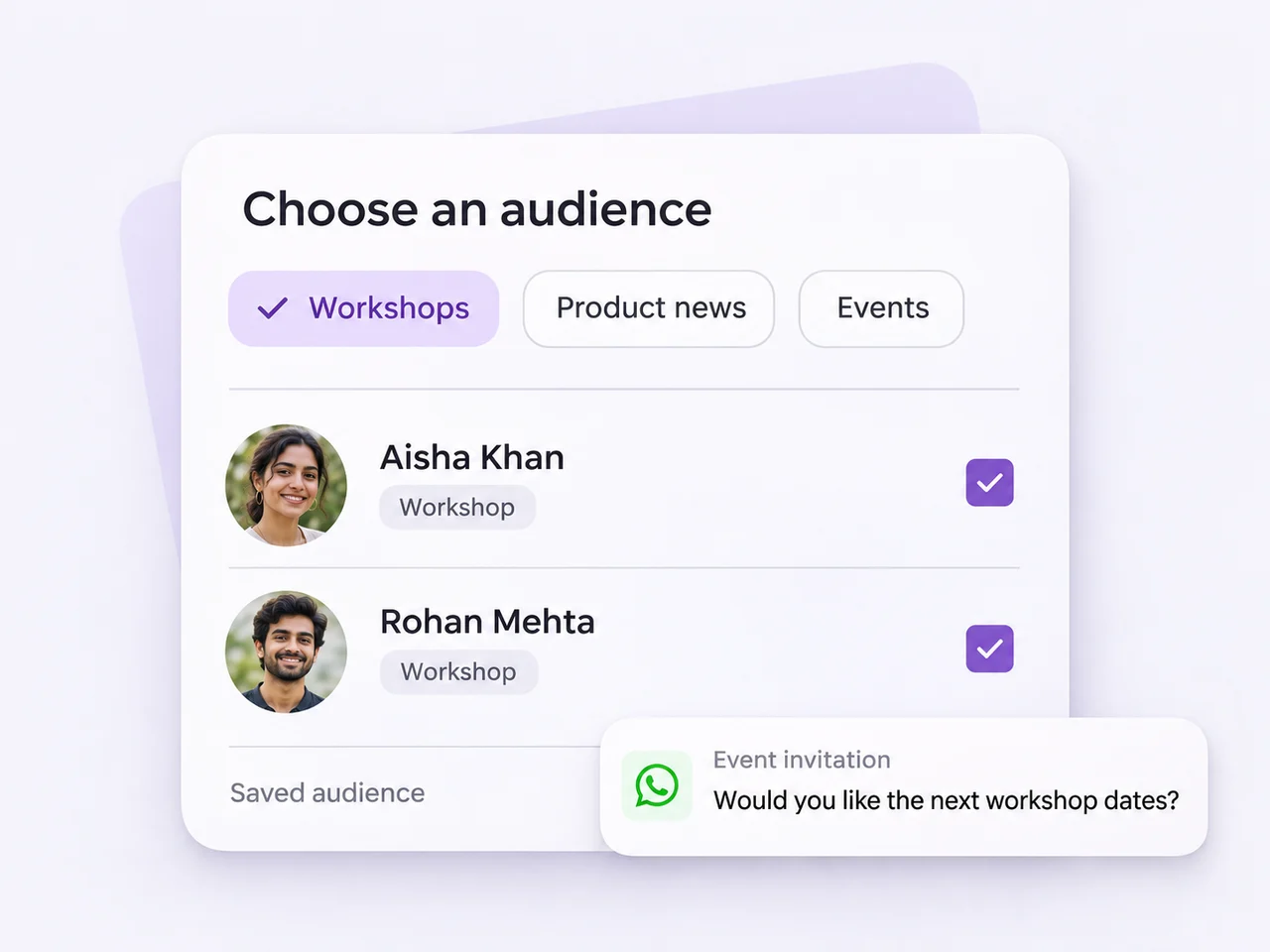
A message for the right moment
Give each campaign a clear purpose and an audience that has a reason to receive it.
Share an offer, event invitation, or new service with a relevant group of customers. Keep the message focused on one useful next step.
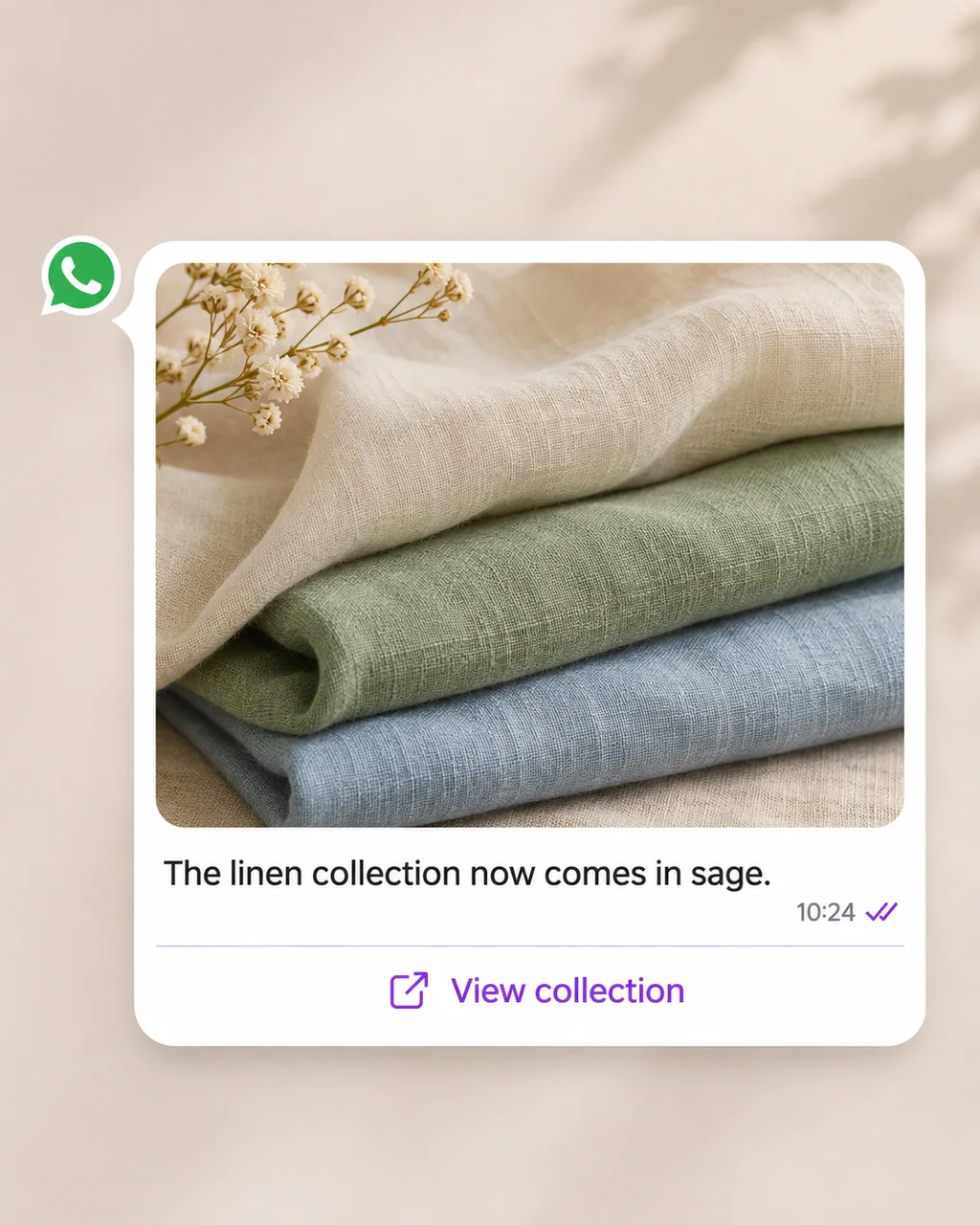
Share a release, new collection, or helpful announcement with customers interested in that part of your business.
Renewal reminders
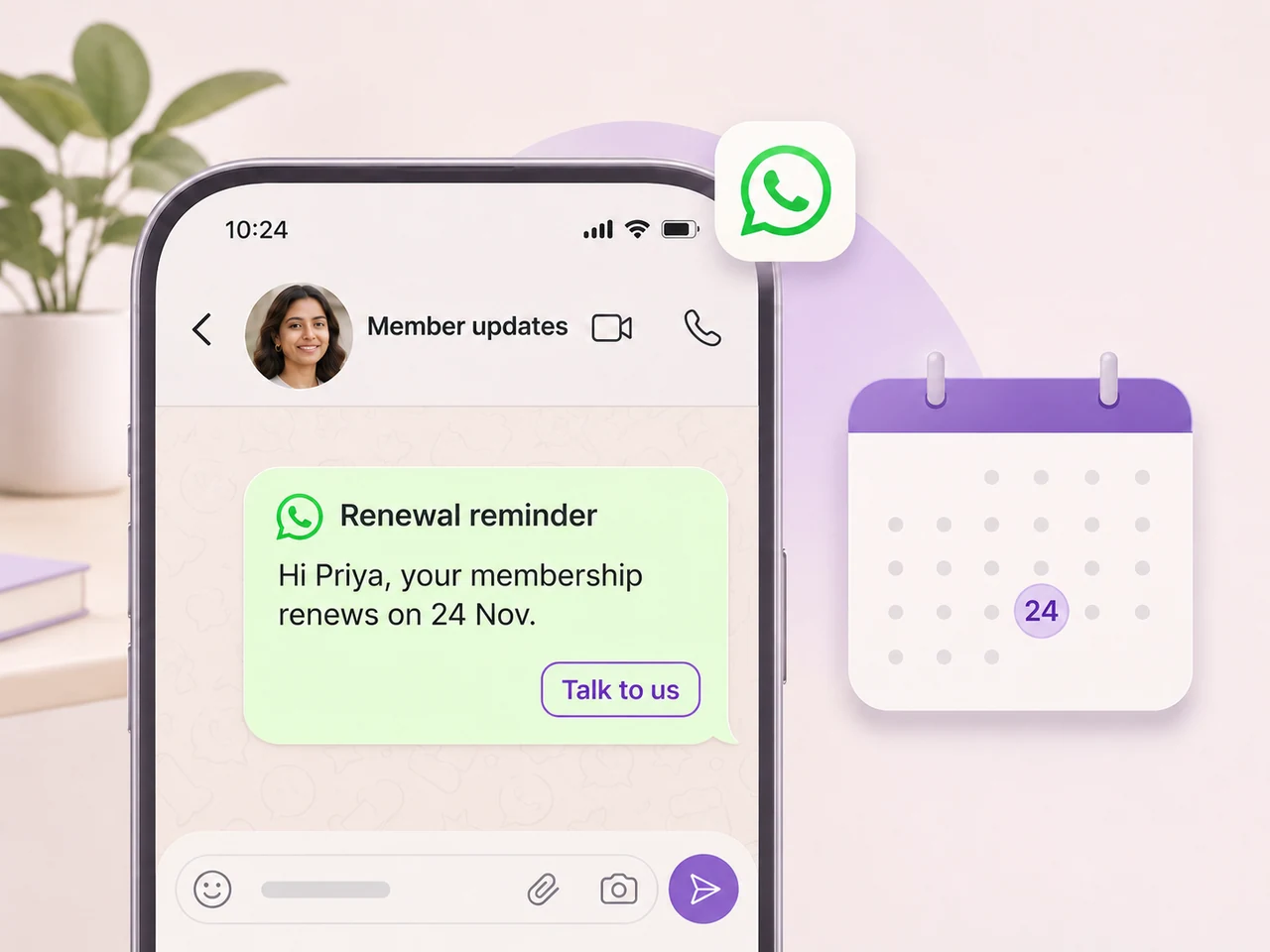
Prepare a timely reminder for customers with an upcoming membership or service renewal, using current audience information.
Use a saved segment for customers with an upcoming membership or service renewal. Keep the information in that segment current before preparing the campaign.
Choose the approved reminder template, review its variables, and schedule the message for the right time. Give customers a clear way to reply when they need help.
Prepare the details before sending
Review the people, message, and send time before the campaign reaches customers.
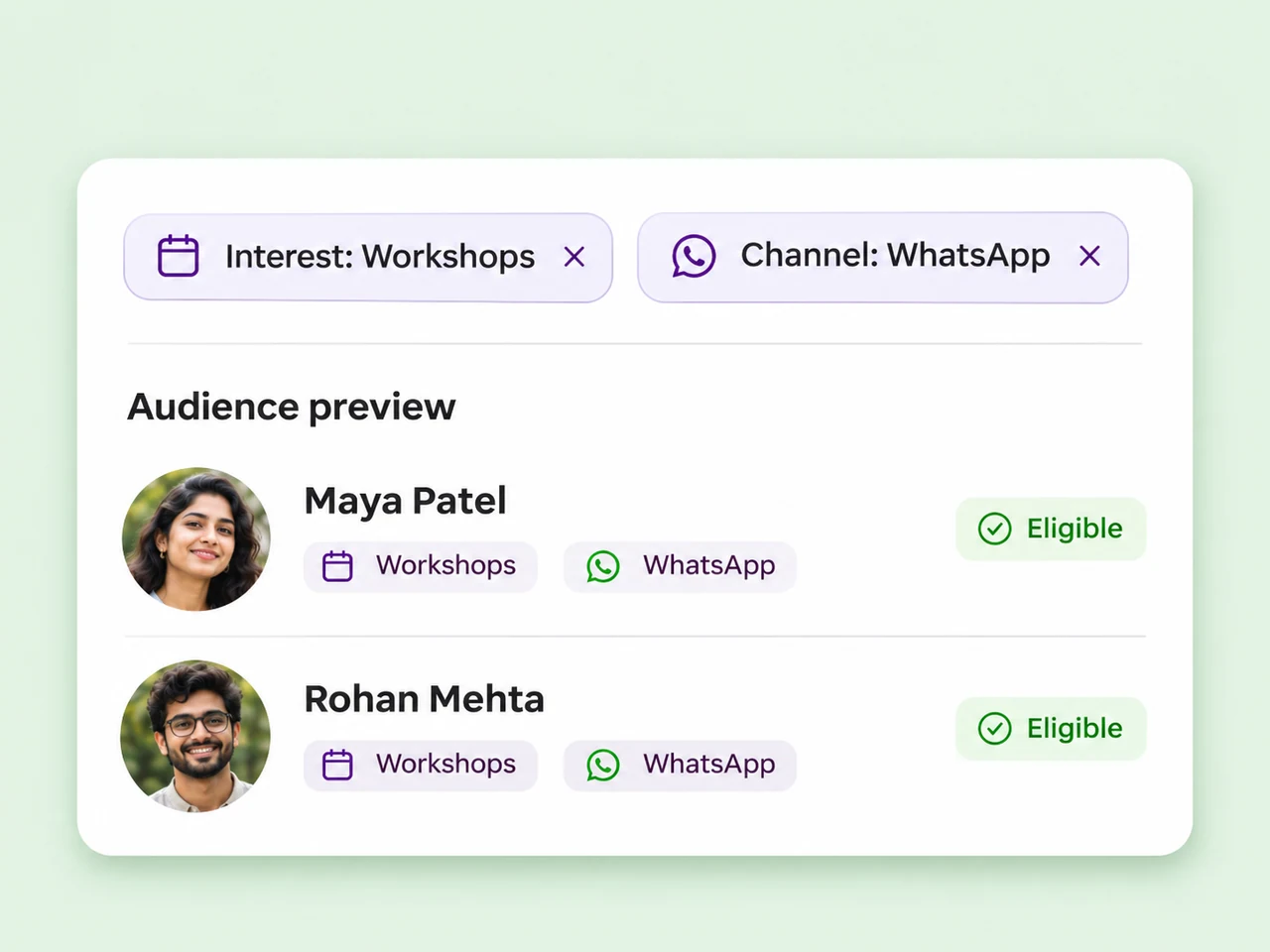
Choose a relevant saved segment and preview the contacts it can reach. Review WhatsApp eligibility and marketing opt-out exclusions before confirming the audience.
Explore audience segments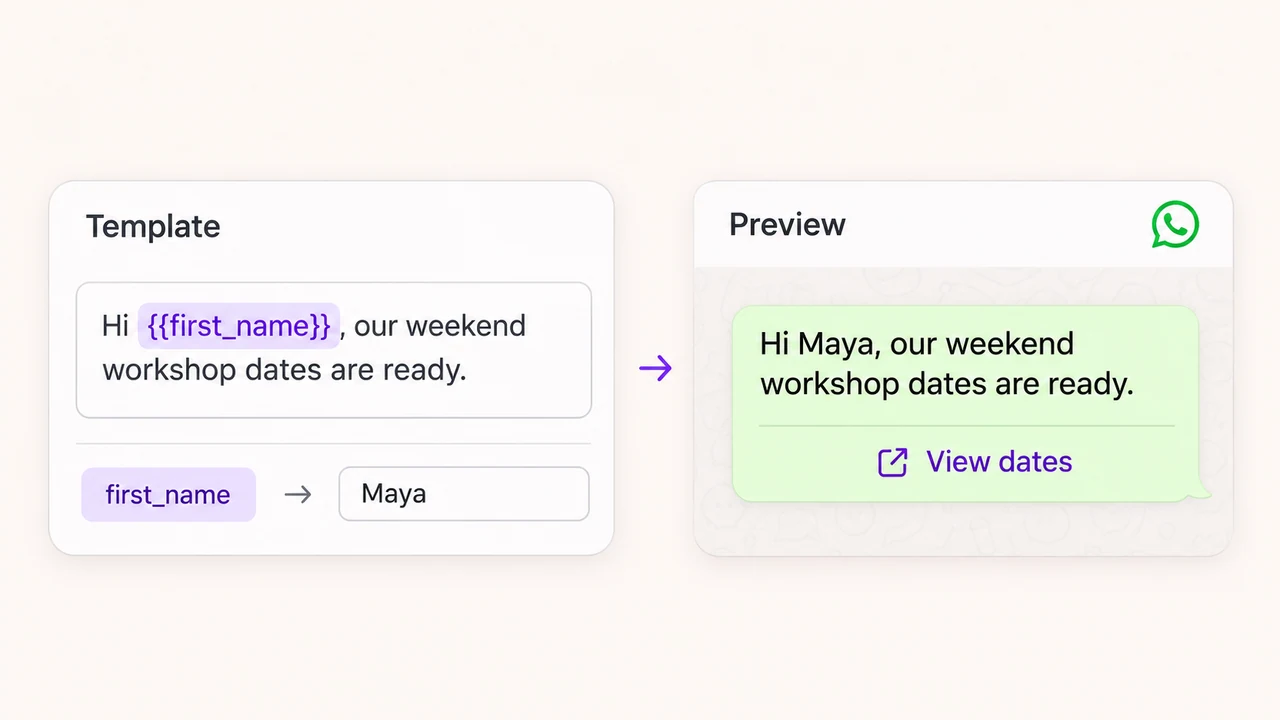
Use an approved WhatsApp template, fill its required variables, and review the message as the customer will see it. Send a test to a single contact when you want to check the details.
Explore WhatsApp templates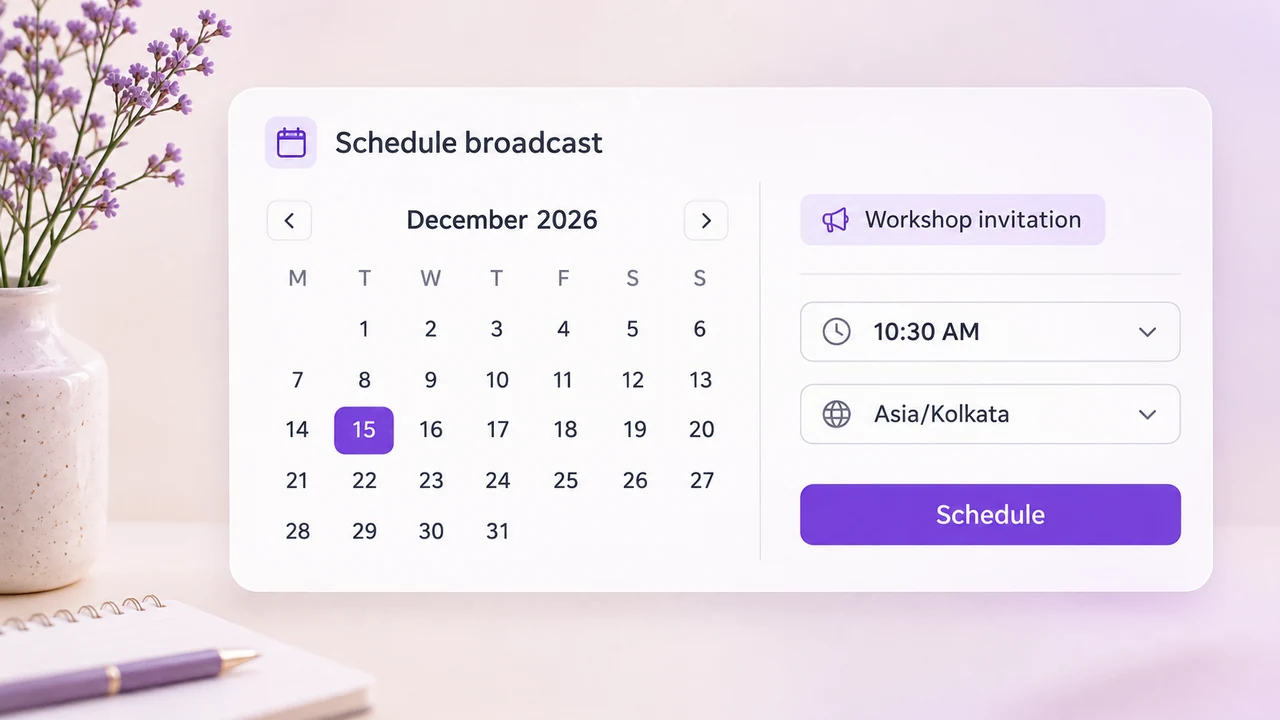
Send immediately or schedule a future time. Check the workspace timezone, audience, and provider capacity before confirming.
Explore broadcast scheduling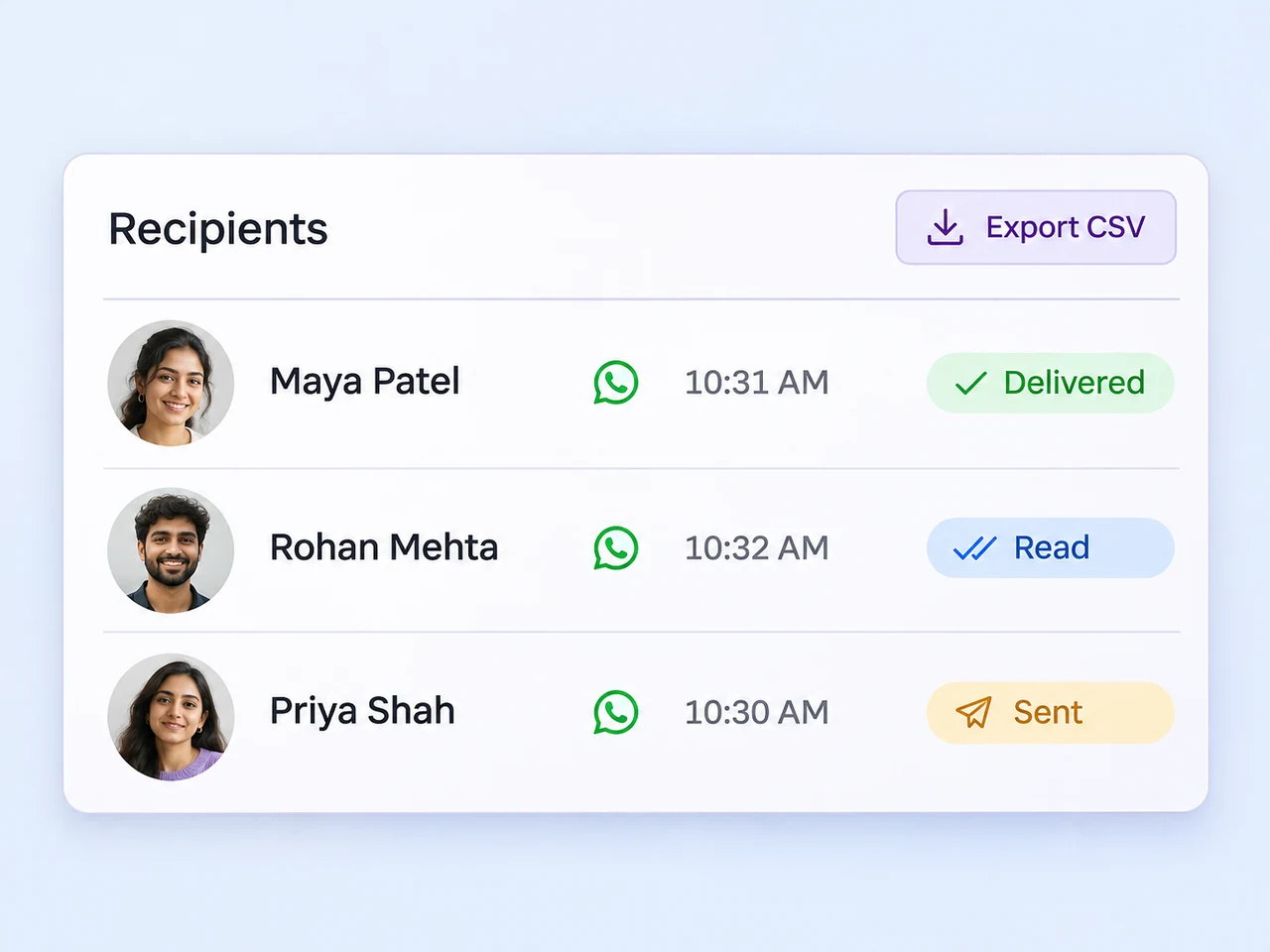
Review the broadcast details and available recipient-level delivery events. Investigate messages that need attention and export a CSV for your team's review.
Explore delivery reportingFrom campaign draft to delivery review
Decide what the audience needs, prepare the message, and leave time for the team to review the details.
Give the campaign a recognizable name and choose the connected WhatsApp channel it will send from.
Choose an approved template and fill the required variables. Keep the message focused on one useful next step.
Choose a segment and review matching contacts, WhatsApp eligibility, and marketing opt-out exclusions.
Choose immediate sending or a future schedule. After sending, return to the details to review the available delivery results.
Keep connected customer conversations and their owners in a shared workspace.
Explore Team InboxShare the useful details when another teammate takes over a conversation.
Explore conversation handoffGive customer questions a clear owner and a path to a useful answer.
Explore customer assistanceReview how quickly the team responds and how conversations reach resolution.
Explore response timesBroadcast campaigns currently send through a connected WhatsApp Business channel. Choose an approved message template and a saved audience, review the eligible recipients, and confirm the message and timing before sending.
Choose a saved contact segment when creating the broadcast. Segments can use contact fields, labels, channels, and other available conditions. Preview the audience before sending and review WhatsApp eligibility and opt-out settings. A contact in a saved segment may still be excluded from the final audience.
Choose an approved WhatsApp template and fill its required variables with the appropriate values. Review the rendered message and check any fallback values before continuing. Use the test-send option with a single contact to confirm that the template and its variables appear as intended.
Yes. You can send a broadcast immediately or choose a future date and time. Check the workspace timezone, WhatsApp sender, audience, and approved template before confirming. Delivery remains subject to provider availability and sending limits.
Open the broadcast details to review the audience, send status, and available recipient-level delivery events. Investigate messages that need attention and export the report as CSV. Delivery and read information depend on the events supplied by the messaging provider.
Use the message and audience previews before confirming a campaign. WhatsApp campaigns also have a test-send option for a single contact so you can check the template and variables. Full-segment sending depends on your workspace plan; trial mode supports the WhatsApp test-send path rather than a full broadcast.
Choose the audience, prepare the message, and plan your next broadcast campaign in AxoDesk.