Questions spread across channels
Teammates move between separate inboxes to find the message and piece together the conversation.
AxoDesk for customer support teams
Give your support team a shared place to understand each question, find a useful answer, and keep responsibility clear—from the first reply to resolution.
Explore the support workflow
Where support gets harder
A clear support process helps the team see what needs attention, who is handling it, and what the customer has already explained.
Teammates move between separate inboxes to find the message and piece together the conversation.
A question is visible to several people, but the next response waits because no one has a clear assignment.
Routine questions take time away from the conversations that need investigation or a personal response.
An enquiry needs more information or another team's help, and the agreed follow-up becomes hard to track.
A shared way to help
Bring people, business knowledge, and conversation history together so the customer can continue from where they left off.
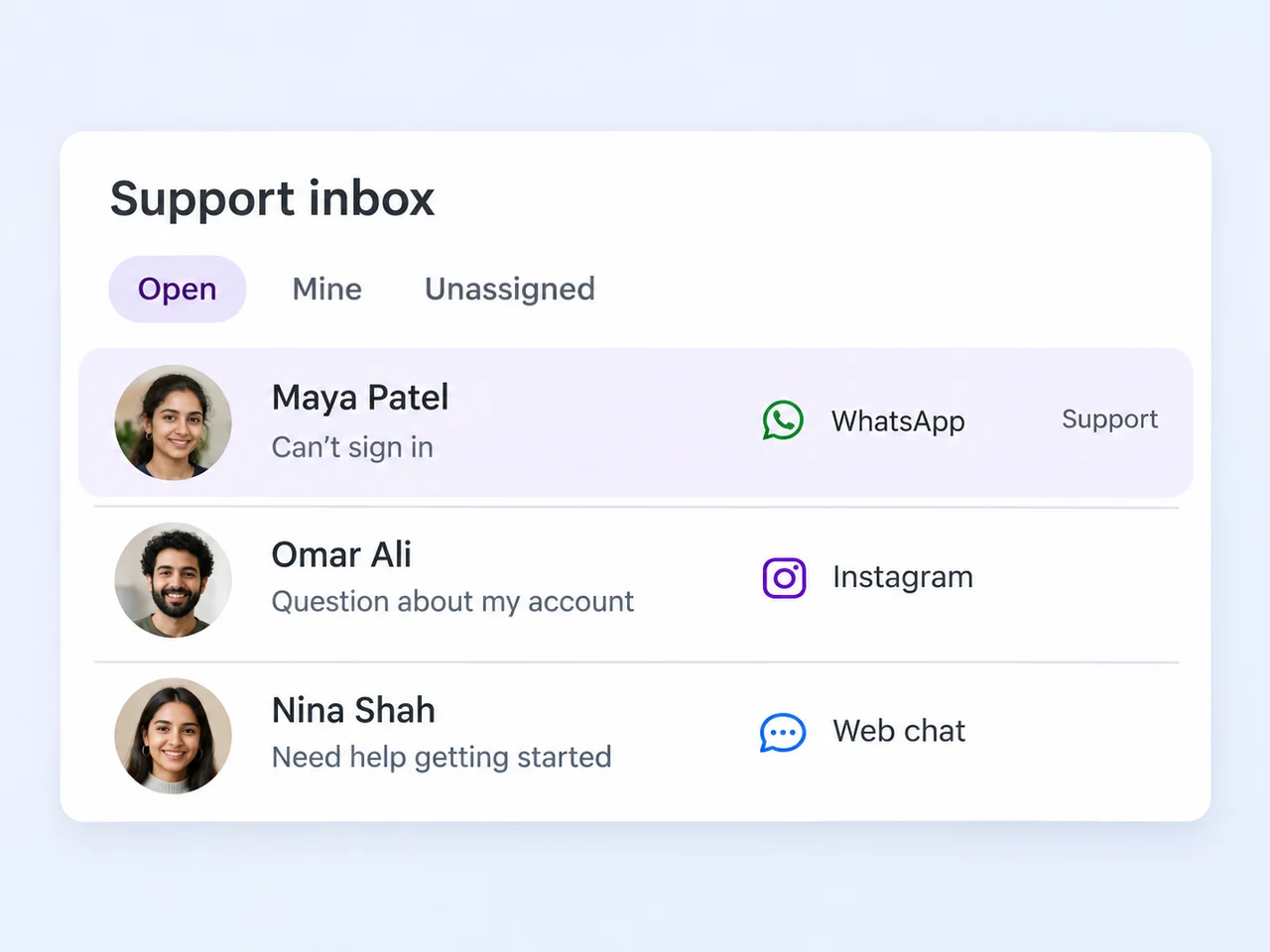
01 / Give the team a shared view
Bring conversations from connected channels into the team inbox. Teammates can read the history, check the contact details, and understand the question before replying.
Use assignments, labels, and saved views to organize the day's work. A view for unassigned conversations helps the team spot enquiries that need an owner, while channel or label filters make relevant work easier to find.
02 / Put business knowledge to work
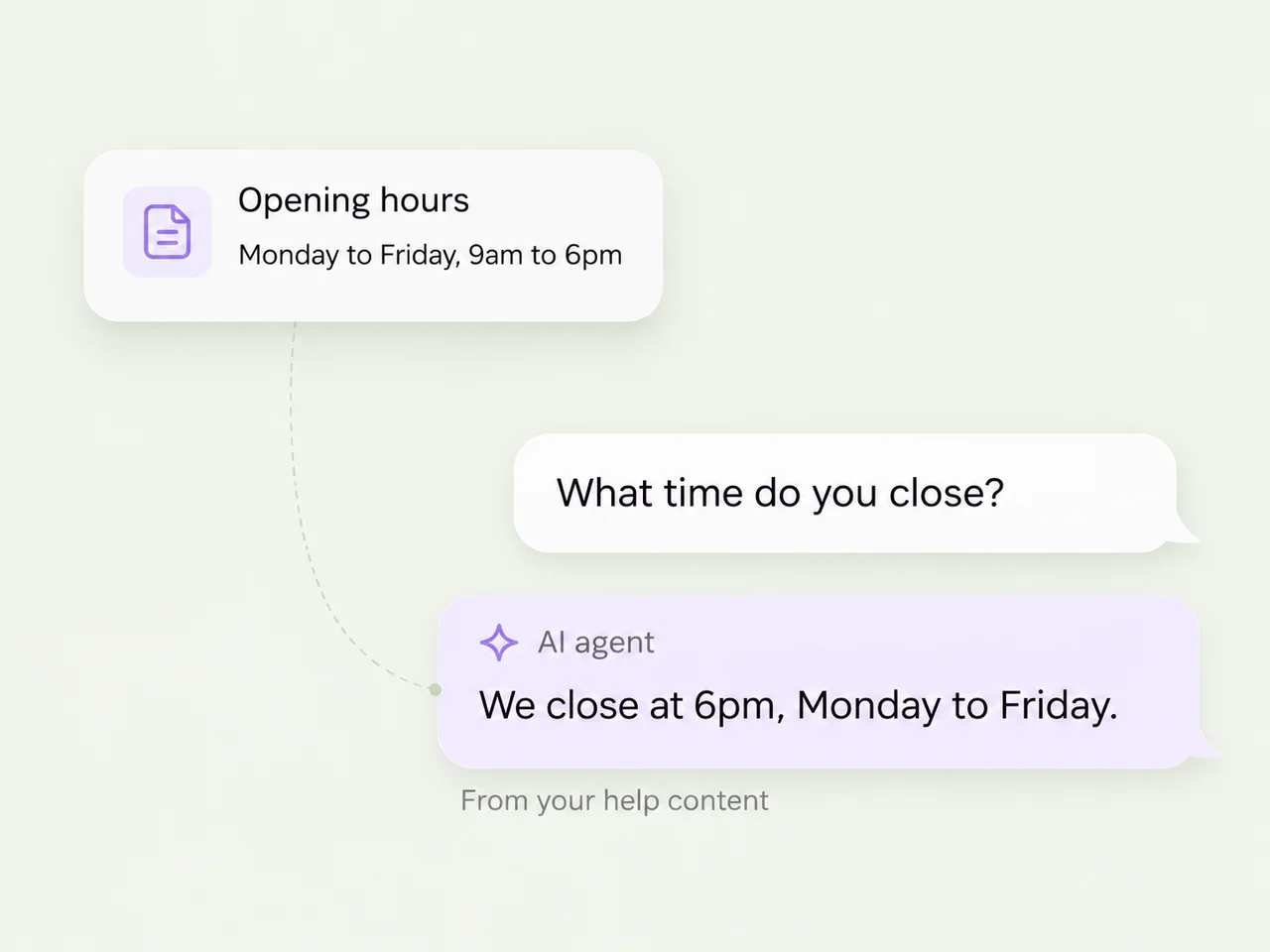
Configure an AI agent with your help content, documents, and public information. Choose the connected channels it should monitor and define the topics it can handle.
Set boundaries and escalation conditions for questions that need a teammate. Test common questions and the fallback path before enabling the agent, then keep the knowledge it uses current as your business changes.
03 / Keep the context when someone takes over
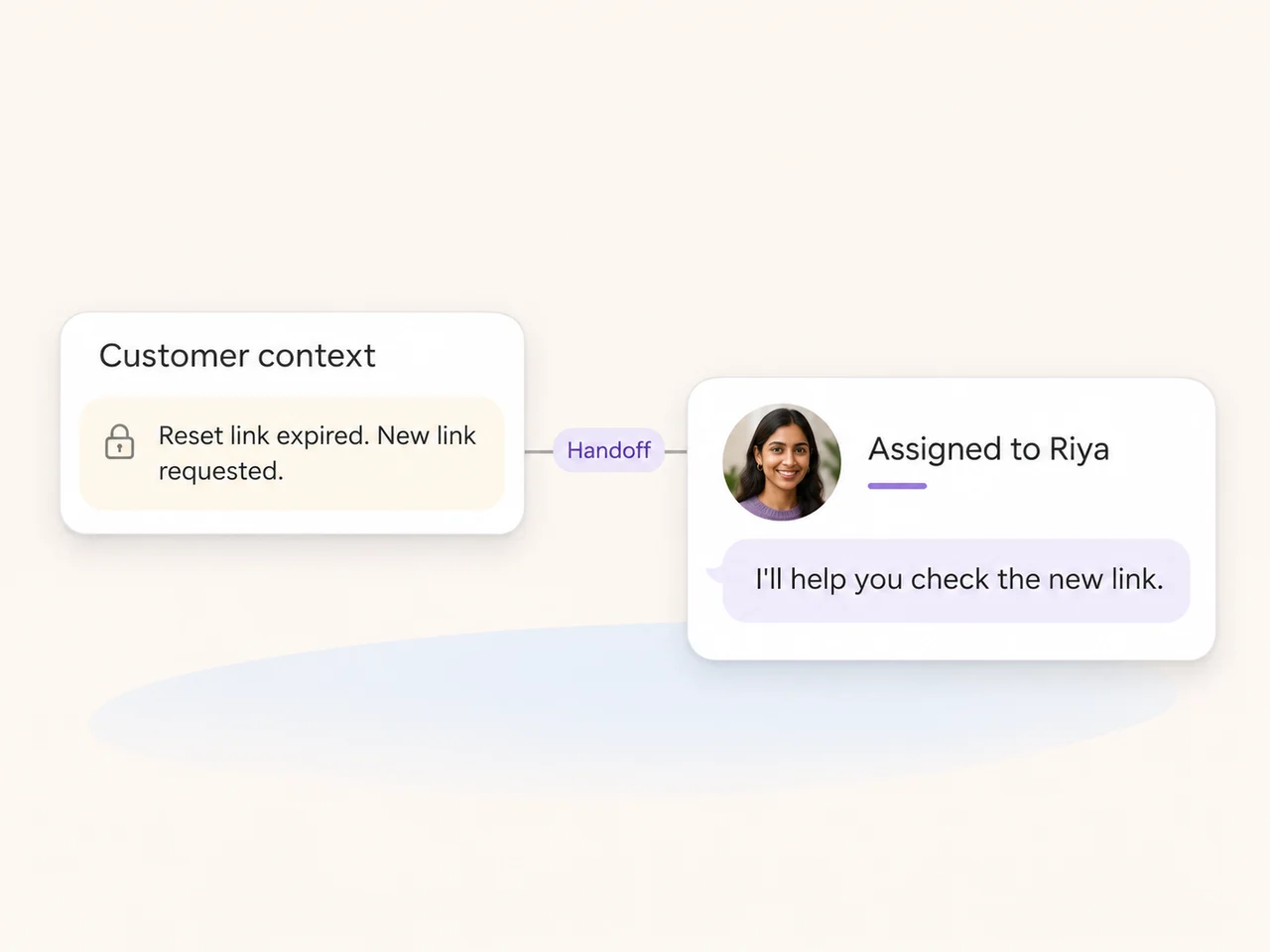
When a question needs another teammate, assign the conversation and add a private note with the customer's goal, what has been tried, and the next action. The new owner can review the history before sending a reply.
For a longer thread, a teammate can request an AI Assist summary and check it against the conversation. Keep the customer's explanation and the team's internal discussion together, while keeping private notes separate from customer messages.
From a reply to resolution
Some enquiries need information from the customer or another team. Make the owner and next action easy to understand while the conversation is waiting.
Record what you are waiting for in a private note and keep a clear owner. Snooze the conversation until the agreed time when it should return to attention.
When the question is handled, keep a useful note about the outcome and resolve the conversation. The history stays available if the customer comes back.
Use conversation volume, first-response, and resolution reports to understand the team's activity. Filter by channel, team, or agent to decide where the process needs attention.
Support the way your team works
Use contact profiles, labels, and relevant custom fields to keep useful customer information alongside the conversation.
Use AI Assist suggestions or a conversation summary when enabled. Teammates can review and edit the result before using it.
Use available workflow triggers, conditions, and assignment actions to direct relevant enquiries. Test the rules before activating the flow.
Move a conversation to the next person with its history and a private note about what still needs to happen.
Review first-response times and conversation activity over a selected period, with channel, team, and agent filters.
Give customer questions a clear owner, useful context, and a recorded outcome as they move through the team's daily workflow.
Set labels, views, notifications, and working hours around your team's process.
Review assignment, snoozing, resolution, and reopening.
Understand the available conversation and team activity reports.
The shared inbox brings together conversations from the channels connected to your workspace. These can include WhatsApp, Instagram, Facebook Messenger, and website chat. Configure the channels and views your support team uses, and check the actions available for each channel.
An AI agent can use your business knowledge to answer routine questions and collect useful details in a conversation. Configure its monitored channels, topics, boundaries, and escalation conditions. Test both the answer and the fallback destination before enabling it, and keep the underlying information current.
Assign the conversation to the next teammate or team. Add a private note with the customer's goal, what has already been tried, and the next action. The new owner can read the shared history. An @mention can notify a colleague, but it does not transfer the assignment.
Keep a clear owner and record the information or action you are waiting for. Snooze the conversation until it needs attention again; it returns to Open at the scheduled time. A label or saved view can also help the team review enquiries that need follow-up.
Resolving a conversation marks it as handled without deleting the history. It moves to the Resolved view, where the team can refer back to the messages. A new customer reply reopens the conversation so the team can continue with the existing context.
Use reports for conversation volume, first-response times, resolution activity, and customer satisfaction where enabled. Select the relevant date range and filter by channel, team, or agent. Review the measures together with the conversations behind them, and export the available reports when needed.
Bring your support team, business knowledge, and customer context together in AxoDesk.